


Contributor Leaderboard
-
.jpg.cdd7f8371d17e2f2f2e2a0e21e02f727.jpg) 1Points3,645Posts
1Points3,645Posts -
1Points6,970Posts
-
Bedlingtonian
Members1Points191Posts
.thumb.jpg.7493ddab4a696108cf2b849323d3c155.jpg)


Popular Content
Showing content with the highest reputation on 10/10/20 in Posts
-
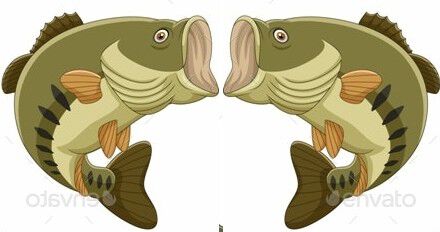
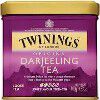
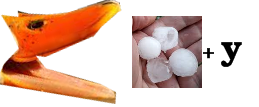
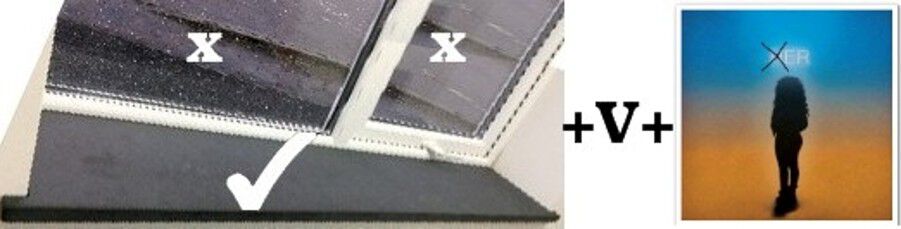
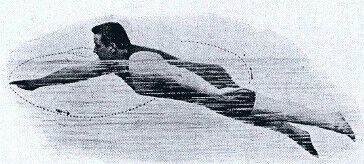
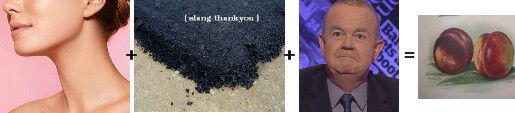
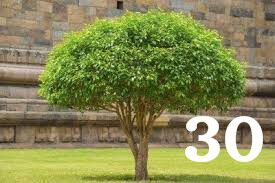
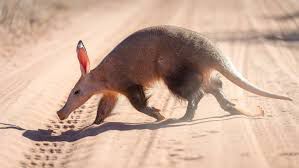
1. Which is the largest instrument in the string section of an orchestra? Answer = 2. Which tea is known as ‘the champagne of teas’? Answer = 3. Who had a hit single in 1955 with Rock Around the Clock? Answer = 4. Which metal is the best conductor of heat and electricity? Answer = 5. In which sport would you use a trudgen? Answer = 6. John Rivers and Lord Napier are types of what? Answer = 7. In a game of tenpin bowling, if a person starts by throwing 12 consecutive strikes, what would their score be? Answer = it’s the same as the time an Irishman leaves the pub in the afternoon 8. What colour is a giraffe’s tongue? Answer = 9. In which book of the Bible are the Ten Commandments set out for the first time? Answer = 10. What tree can be green, black, white or blue? Answer = 11. What is the first animal listed in an English dictionary? Answer = 12. Who was the first Conservative prime minister? Answer = I’ll bet you didn’t know …. King Zog of Albania smoked more than 100 cigarettes a day. Answer = I didn’t --- it was Zog who did



 1 point
 -
1 pointYou can check the number of cases by ward on the Northumberland County Council website. It was last updated on Wednesday 7th October. https://www.northumberland.gov.uk/COVID-19-in-Northumberland.aspx1 point
-
1 pointStill nothing showing on my laptop, where I am always logged in! However, It shows on both my tablet and my mobile, where I am never logged in.1 point