Contributor Leaderboard
-
James
Members1Points213Posts

Popular Content
Showing content with the highest reputation on 31/01/23 in all areas
-
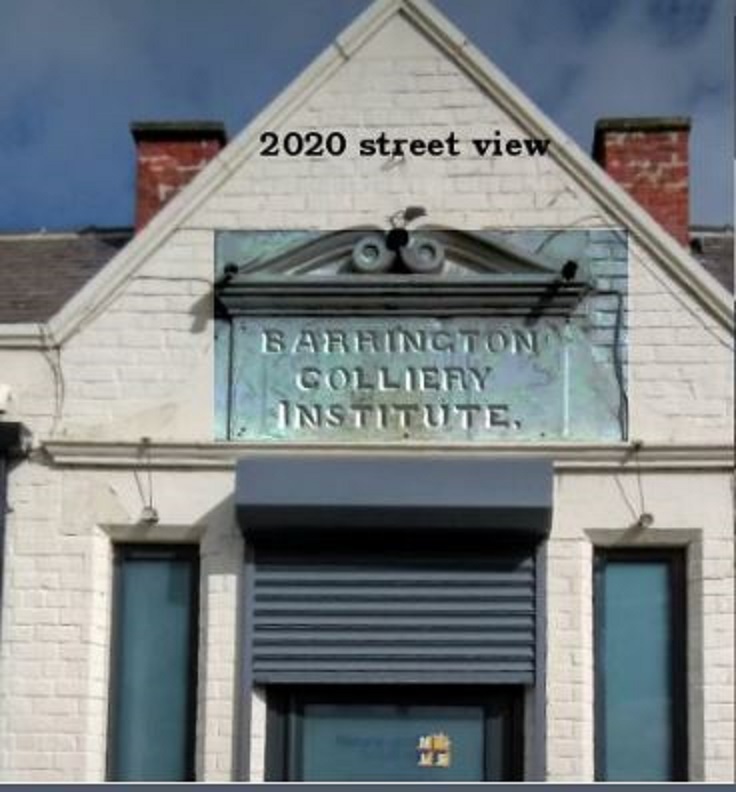
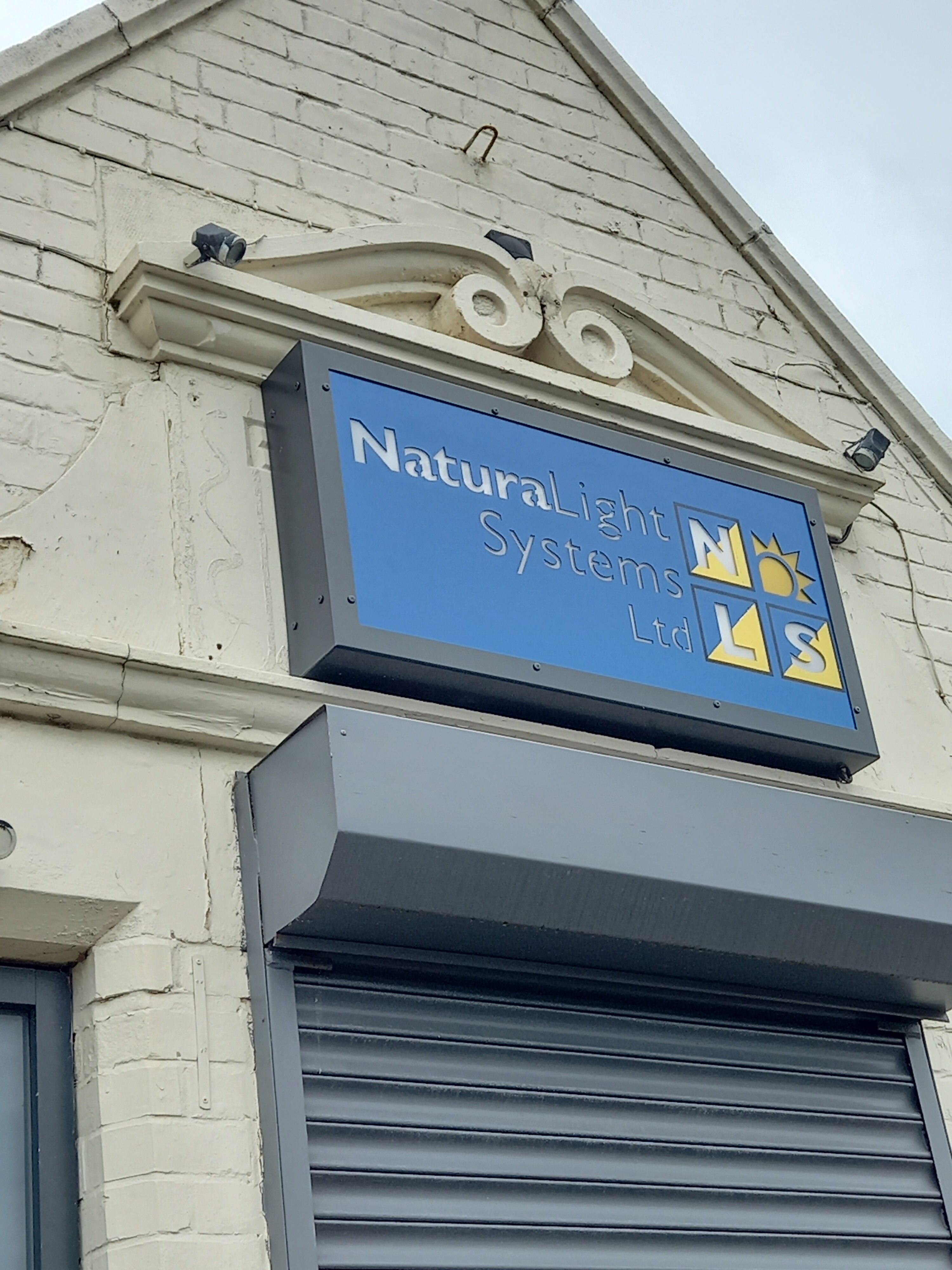
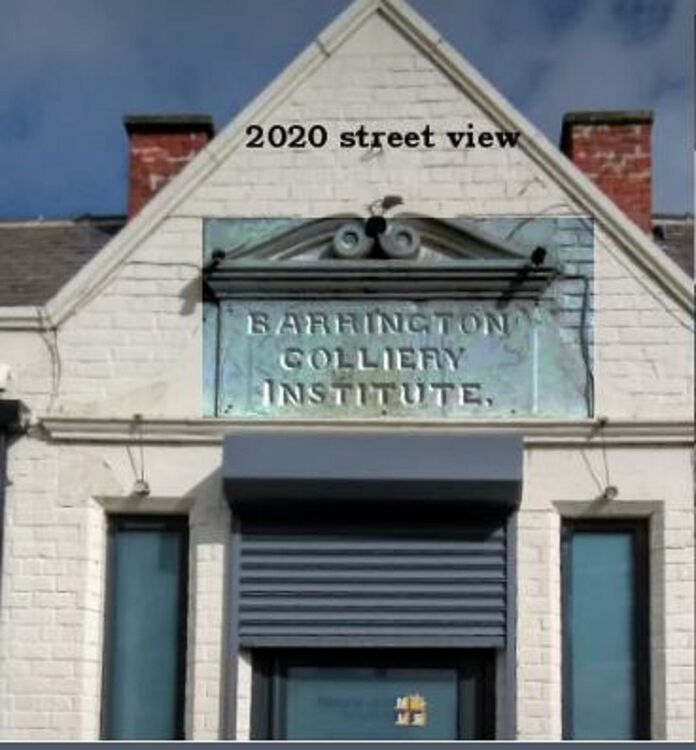
Barrington was a thriving community of around 800 residents not too long ago and its history is described in detail in Stephen Martin’s booklet “Barrington”. We are left with only one remaining record of the colliery and this is the inscribed tablet above the entrance to what was the Barrington Colliery Institute shown in the photo below. I drove past the old institute recently and stopped to read the inscription and was disappointed to see the company using the property had placed their company’s logo over the inscribed tablet as can be seen in the second photo. The tablet was put there about 130 years ago and is a small but important part of the history of Barrington and could even be included in the Bedlington Heritage Trail. Perhaps the council should consider asking the company to remove the sign and repair any damages to the tablet caused when erecting the board.
 1 point