Skip to content
View in the app

A better way to browse. Learn more.

Bedlington.uk

A full-screen app on your home screen with push notifications, badges and more.

To install this app on iOS and iPadOS
  1. Tap the Share icon in Safari
  2. Scroll the menu and tap Add to Home Screen.
  3. Tap Add in the top-right corner.
To install this app on Android
  1. Tap the 3-dot menu (⋮) in the top-right corner of the browser.
  2. Tap Add to Home screen or Install app.
  3. Confirm by tapping Install.

Contributor Leaderboard

Popular Content

Showing content with the highest reputation on 21/11/24 in all areas

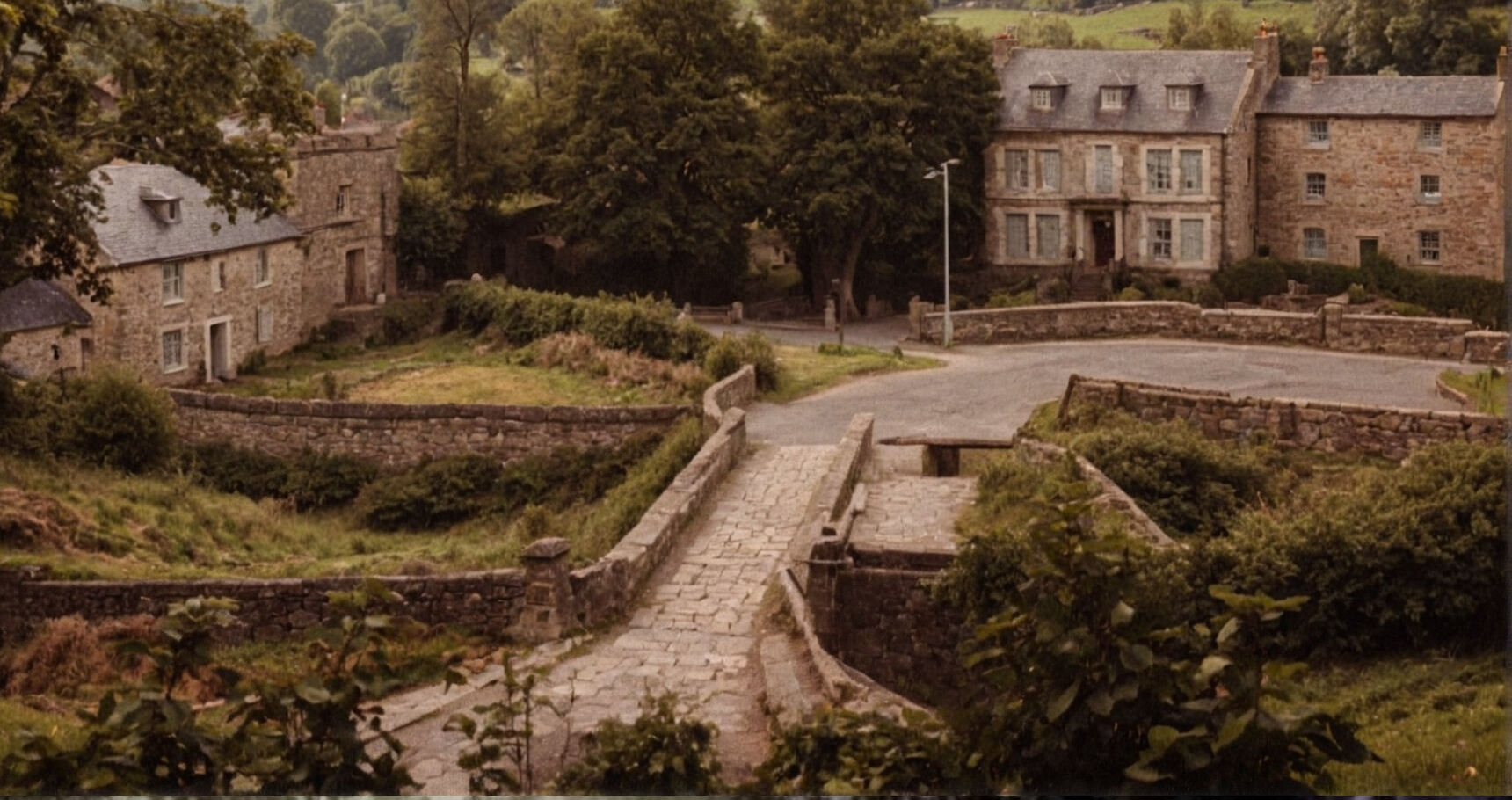
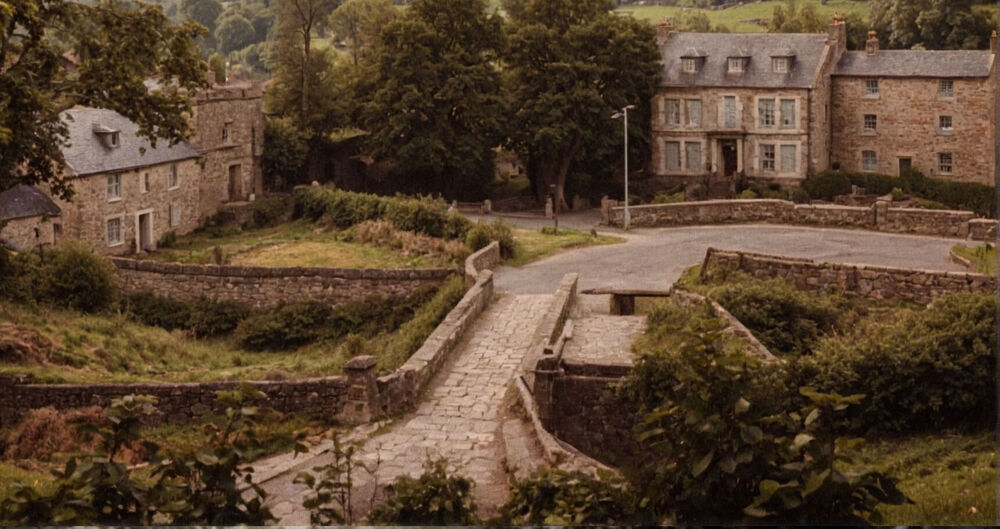
  1. Hi Alan thank you for the offer I appreciate it. I'm currently researching the ironworks with a view to building a 3d digital model, but I'm struggling to find an image/plan drawing of the site buildings/layout etc. I have some renders I have done from images I've found online, but I'm still unsure of materials used i.e brick/stone roofing slate tiles. I have attached a couple of images of how I think it might have looked so if anyone has anything they can add It would be appreciated. Thanks

Account

Navigation

Search

Search

Configure browser push notifications

Chrome (Android)
  1. Tap the lock icon next to the address bar.
  2. Tap Permissions → Notifications.
  3. Adjust your preference.
Chrome (Desktop)
  1. Click the padlock icon in the address bar.
  2. Select Site settings.
  3. Find Notifications and adjust your preference.