


Contributor Leaderboard


Popular Content
Showing content with the highest reputation on 25/11/24 in all areas
-
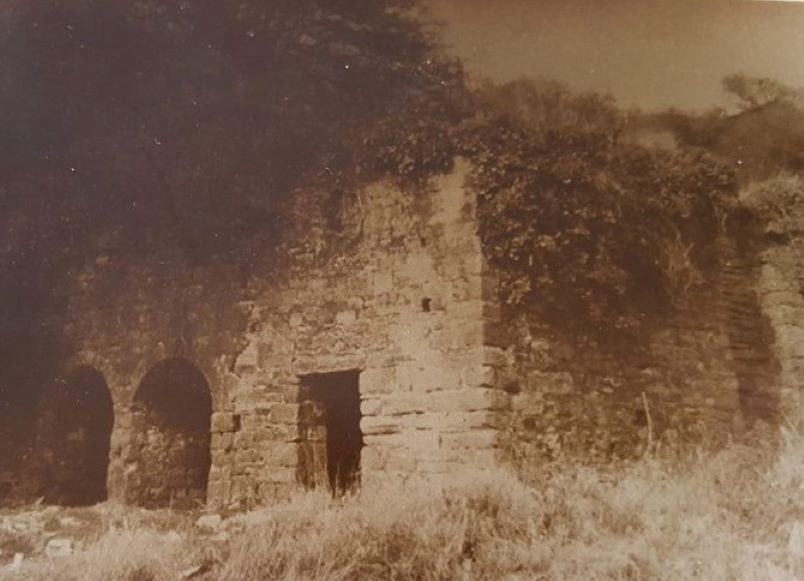
I have attached photos of the only ironworks building remaining. The first one was probably taken in the 1950’s and the second one taken about 5 years ago. The building is now completely covered with ivy. I asked an East Bedlington councillor on site a few years ago why they were allowing ivy to cover this important historical building. He replied that once it was covered with ivy, no one will know it is there so the building will not be vandalized. An unusual way to protect historical buildings! I have attached a copy of Chris Bergen’s book on the Ironworks that may be of interest. Old ordinance maps should show the layout of the ironworks. History of Bedlington Ironworks.pdf
.thumb.jpg.2f21dc70164a583090c6c018b164d368.jpg) 3 points
3 points -
1 point
.jpg.d6586f3033a2f14664fd5e4aa1de7e6f.jpg)