Contributor Leaderboard
-
Mal
Members1Points109Posts

Popular Content
Showing content with the highest reputation on 19/05/26 in all areas
-
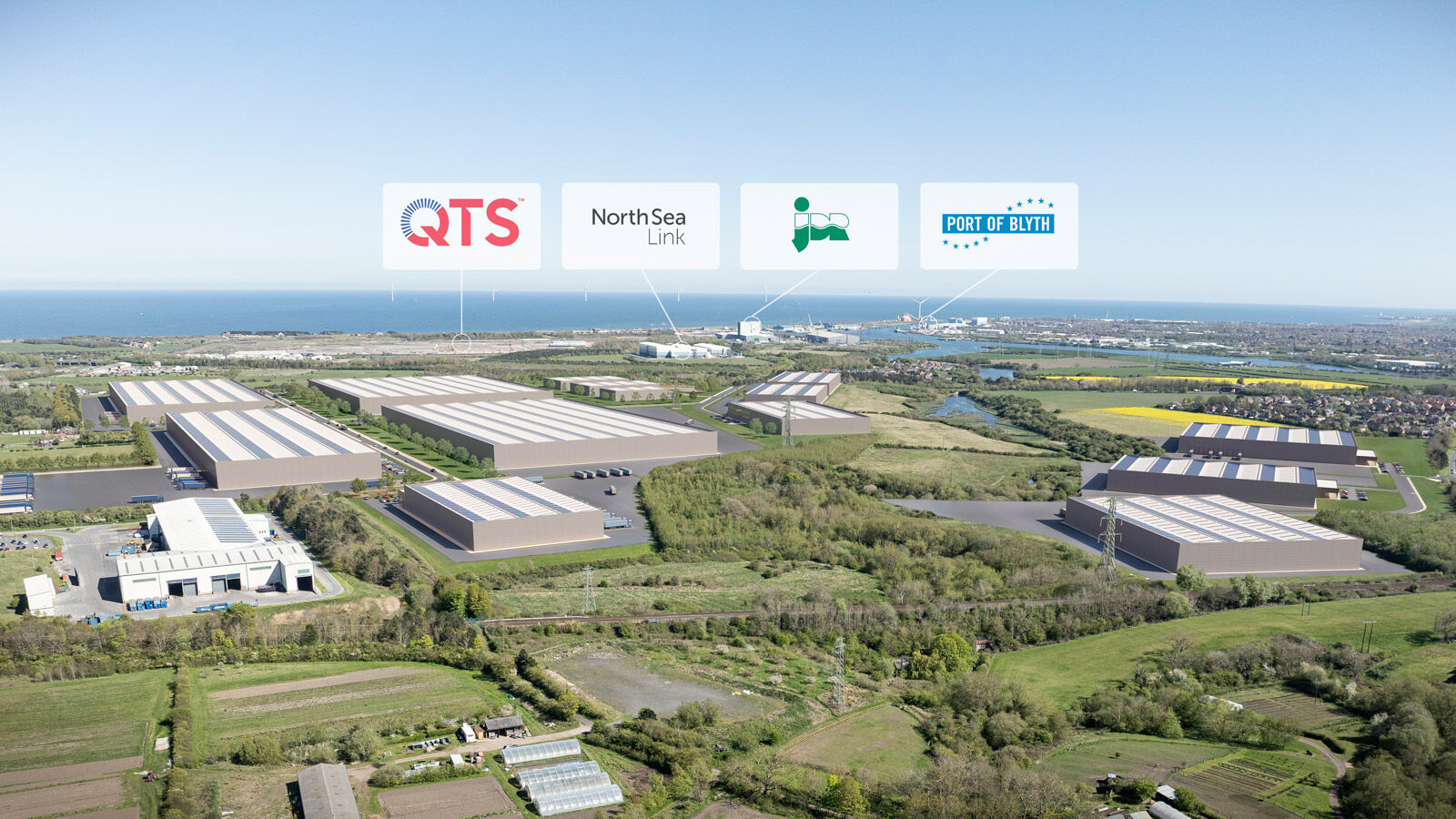
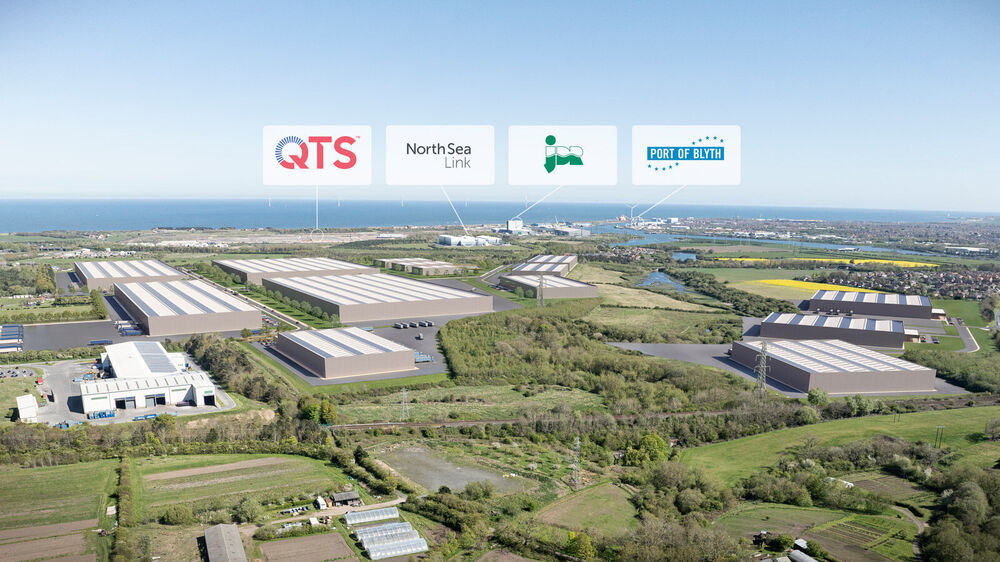
1 pointOne of the most important developments this area will see has now been officially declassified! Naturally it’s in Bedlingtonshire and for those that don’t know where this is, it’s between the river Wansbeck and the river Blyth. With over 77 hectares of land and with the ability to install 3.25 million ft/sq of industrial space, it will be one of the largest developments seen within Northumberland for generations. Members had the presentation last week about this and apologies to other members there (not really!) who complained about the length of time I took asking questions so I understood what was being proposed. I do hope some of my suggestions were taken on board too. I immediately lobbied trying to make sure Bedlington and its environs had seamless access to this development because the job opportunities are without doubt the best we have seen! In fact the committee who heard it, in camera, insisted we are kept up to date with its roll out because, as I explained, to make sure it actually happens and in orderly procession. So this time the job is to make sure it’s rolled out and because it’s being developed in our backyard make sure we see some major benefits this time! https://www.businessnorthumberland.co.uk/council-unveils.../
 1 point