

Contributor Leaderboard
-
 1Points3,656Posts
-
1Points7,007Posts

Popular Content
Showing content with the highest reputation on 03/11/26 in Posts
-
I think that @Donna Clark has identified that correctly and yes, Donna, it is Johnson's shoe shop. Here's a photo from 1970. 1970 J R Johnson, shoe shop 1.avif1 point
-
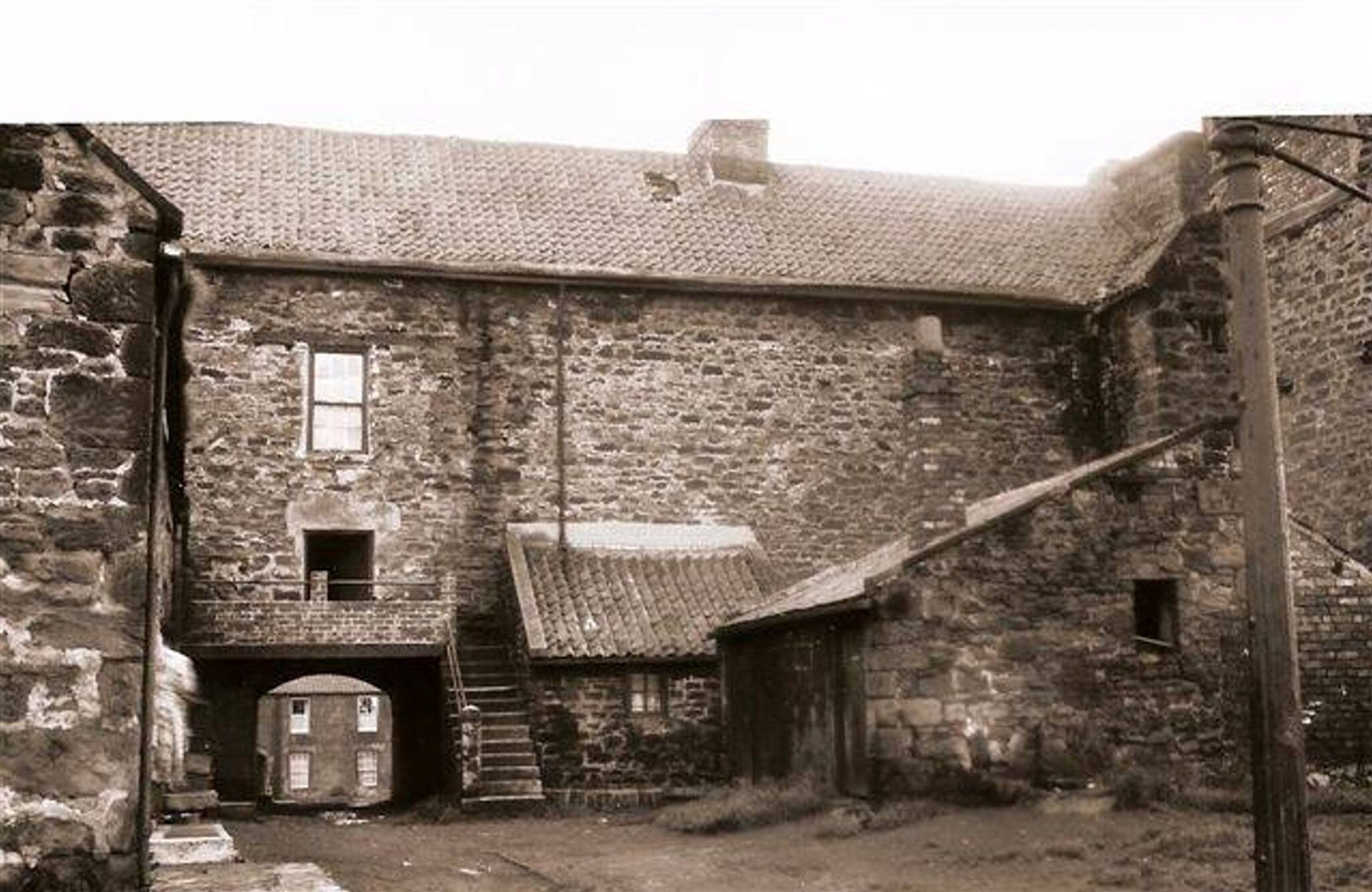
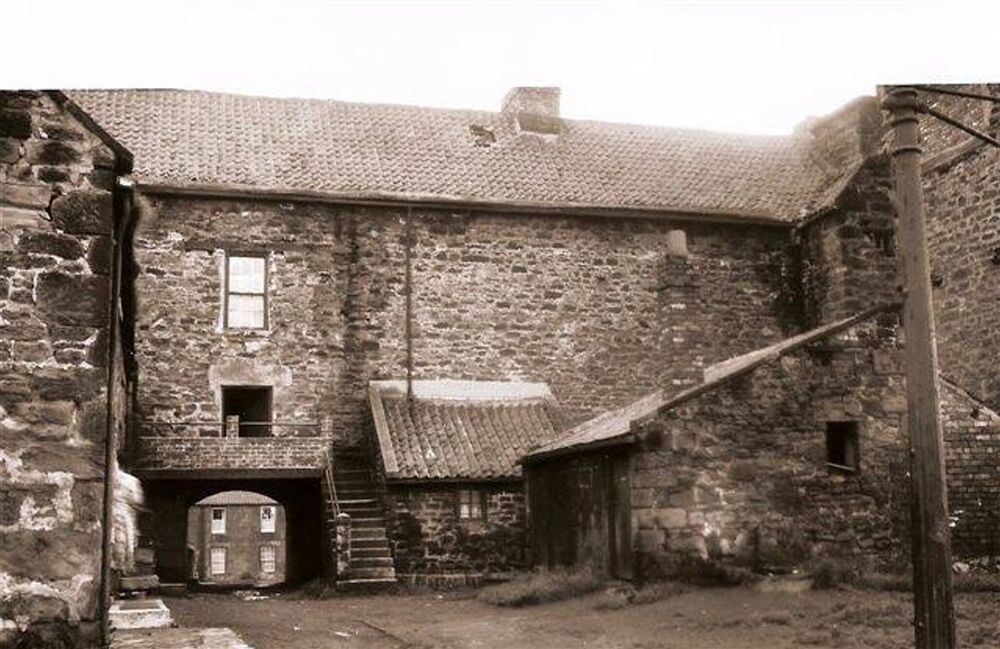
@Donna Clark I would say the photo of James Todd with the bucket is next to the archway of the Old Hall building and the archway and steps can been in this photo showing the back of the Old Hall - The other photo with Kitty Todd & john Ellis I can't find a photo in my collection with similar stone work on the building they are next to. I assume from the visible letters painted on the wall behind them is for a shoe shop but not sure of the name of the shop from the bit - The '@@@ENE?@@' above . @Canny lass does the stonework of the building ring any bell with you?
 1 point