Skip to content
View in the app

A better way to browse. Learn more.

Bedlington.uk

A full-screen app on your home screen with push notifications, badges and more.

To install this app on iOS and iPadOS
  1. Tap the Share icon in Safari
  2. Scroll the menu and tap Add to Home Screen.
  3. Tap Add in the top-right corner.
To install this app on Android
  1. Tap the 3-dot menu (⋮) in the top-right corner of the browser.
  2. Tap Add to Home screen or Install app.
  3. Confirm by tapping Install.

timeslip1

Members
  • Joined

  • Last visited

  1. Hi Alan i have viewed it a few times i lived in plessey street same street as cine was made I wished more people would share photos of Netherton Colliery
  2. I enjoyed living at Netherton Colliery growing up in 60's and 70's
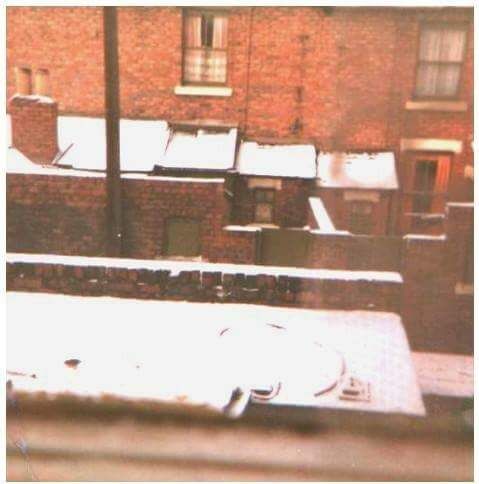
  3. I enjoyed living at Netherton Colliery growing up in 60's and 70's
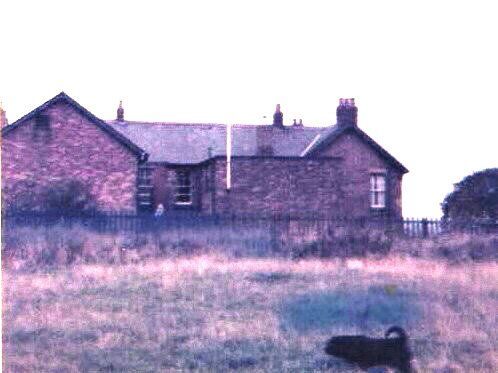
  4. Flag pole next to railway line faced the 4 street , entrance faced the fields The Club at Netherton Colliery Bedlington
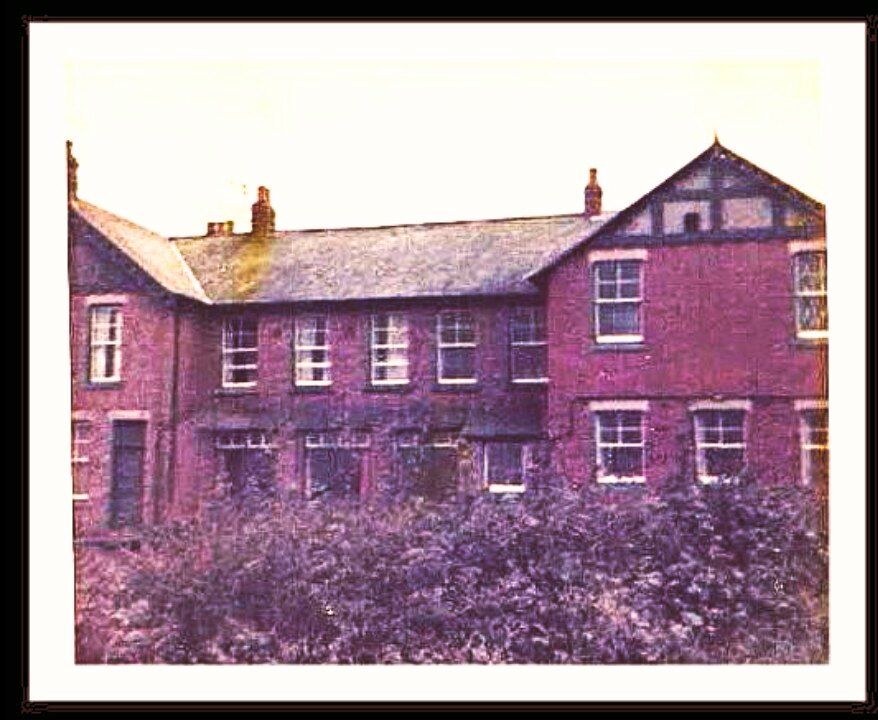
  5. Nothing odd about the photo its the club at Netherton Colliery Bedlington
  6. This is the club at Netherton Colliery Bedlington the guys with the flag are on the other side of the building next to the railway line
  7. This photo is the front of the club next to the railway line .

Account

Navigation

Search

Search

Configure browser push notifications

Chrome (Android)
  1. Tap the lock icon next to the address bar.
  2. Tap Permissions → Notifications.
  3. Adjust your preference.
Chrome (Desktop)
  1. Click the padlock icon in the address bar.
  2. Select Site settings.
  3. Find Notifications and adjust your preference.