Skip to content
View in the app

A better way to browse. Learn more.

Bedlington.uk

A full-screen app on your home screen with push notifications, badges and more.

To install this app on iOS and iPadOS
  1. Tap the Share icon in Safari
  2. Scroll the menu and tap Add to Home Screen.
  3. Tap Add in the top-right corner.
To install this app on Android
  1. Tap the 3-dot menu (⋮) in the top-right corner of the browser.
  2. Tap Add to Home screen or Install app.
  3. Confirm by tapping Install.

cocknose

Members
  • Joined

  • Last visited

  1. is it an austin seven
  2. Q: I will happily put in a massive bid to win... but only if the set includes a two-tone left handed cornflake magnet? Can you please confirm this is the case or not. Thanks A: Hi Sory ,but i dont think there is one of them included everything else but no food related items Regards Nick :lol:
  3. cocknose posted a topic in Gaming
    hi has any1 got a ps3 online psn id:cheezyhat
  4. i think the same person owns it just change of name
  5. cocknose replied to Blank's topic in Chat Central
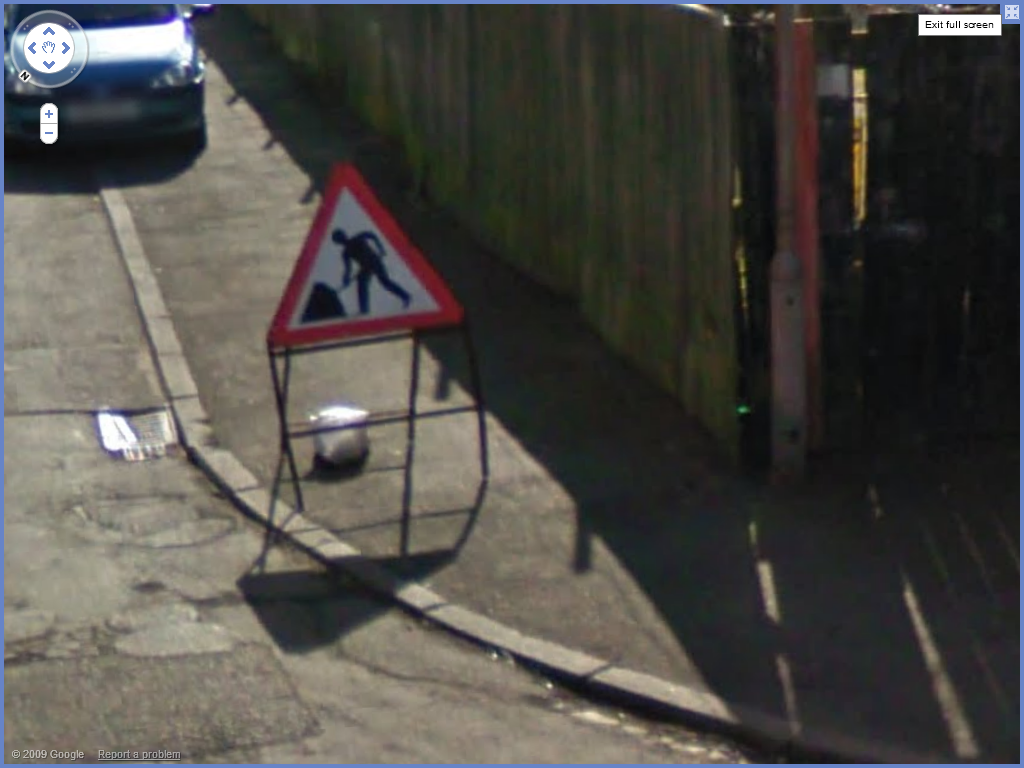
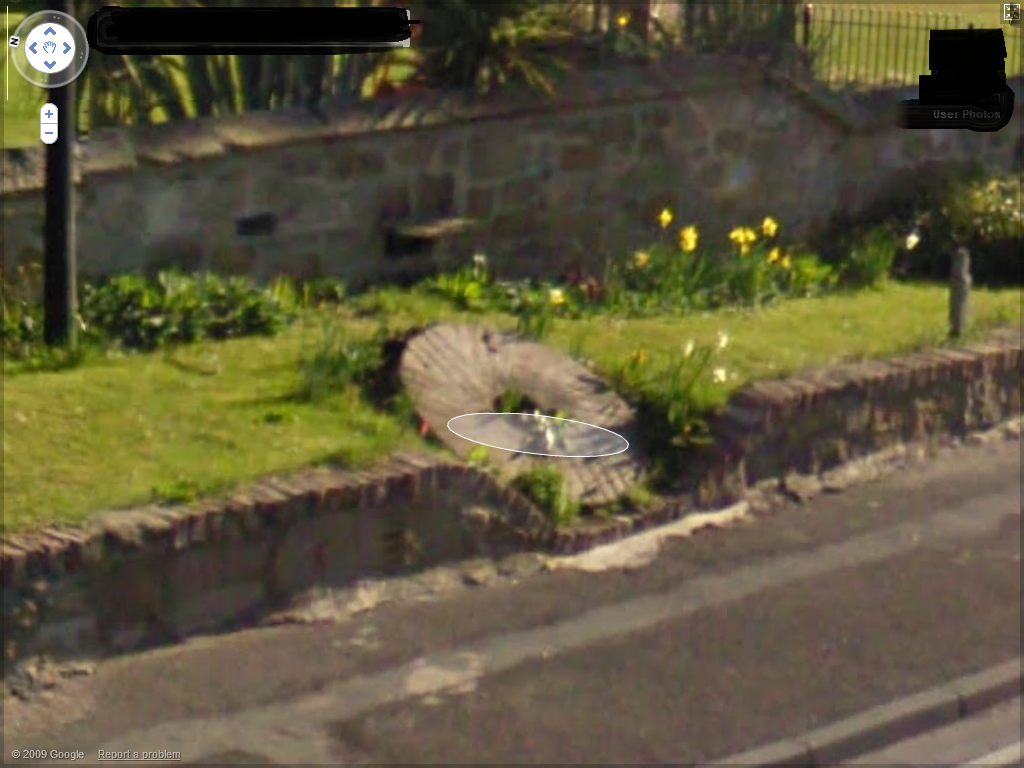
    here it is
  6. cocknose replied to Blank's topic in Chat Central
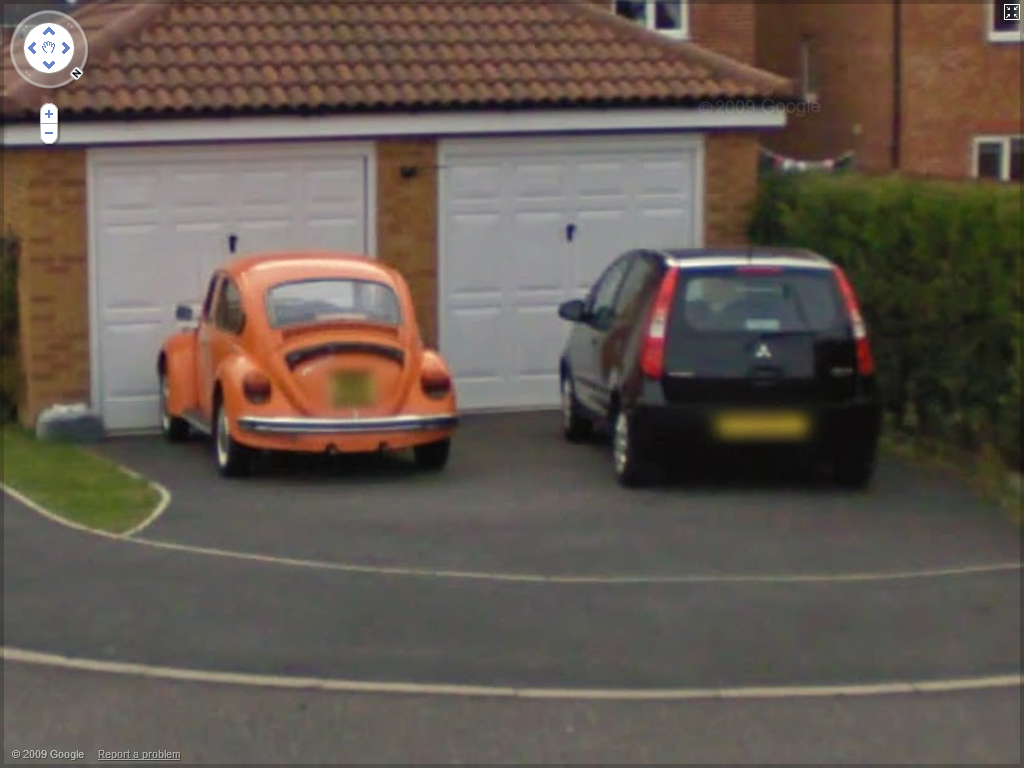
    its in the new estate were the opencast was
  7. cocknose replied to Blank's topic in Chat Central
    hard 1 have a go
  8. cocknose replied to Blank's topic in Chat Central
    got it try this
  9. cocknose replied to Blank's topic in Chat Central
    found it heres one
  10. cocknose replied to Blank's topic in Chat Central
    clue would be good
  11. cocknose replied to Blank's topic in Chat Central
    heres one
  12. cocknose replied to Blank's topic in Chat Central
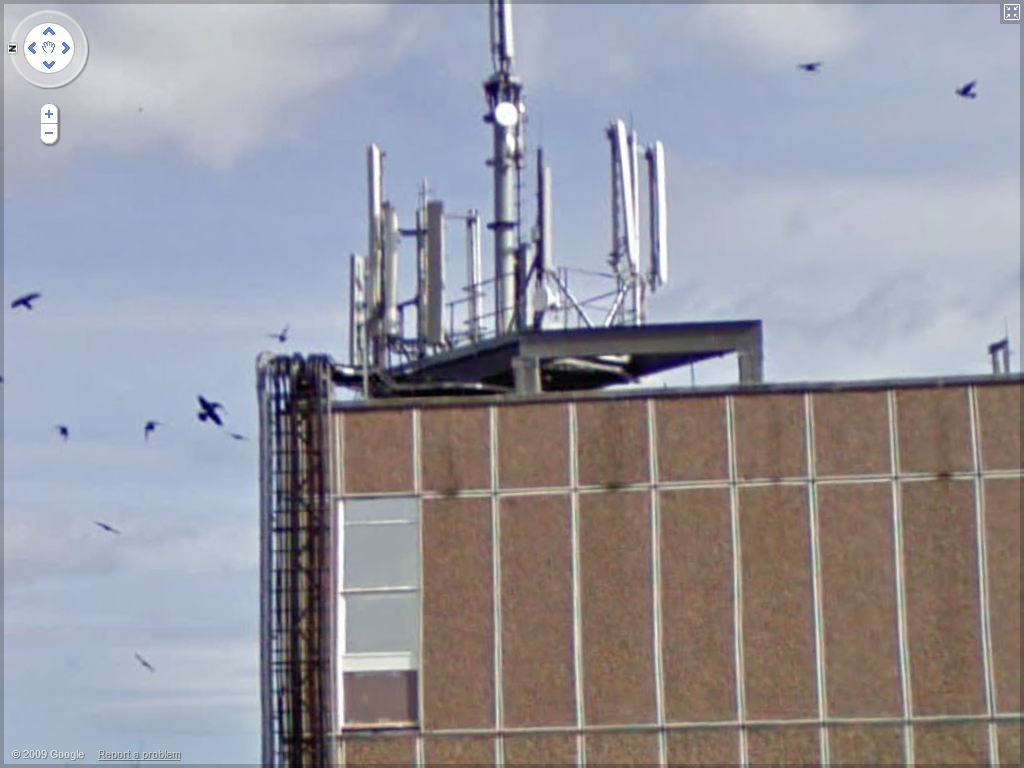
    its the bt roof next to subway
  13. you can watch all the sky you want free click here and click on live channels on top of page
  14. merry xmas
  15. cocknose replied to Pete's topic in Computing
    i had the same problem turns out my extention cable was faulfy so i plug the router strait into the filter then phone socket and speed came back wireless should run fine just plug router direct to wall socket
Account

Navigation

Search

Search

Configure browser push notifications

Chrome (Android)
  1. Tap the lock icon next to the address bar.
  2. Tap Permissions → Notifications.
  3. Adjust your preference.
Chrome (Desktop)
  1. Click the padlock icon in the address bar.
  2. Select Site settings.
  3. Find Notifications and adjust your preference.