Everything posted by Alan Edgar (Eggy1948)
-
@Ovalteeny - any help you can give to help @Coatsy?
-
 And a winter shot, from a similar position to High Pit Wilmas, from Trevor Gregg on the Facebook group Friends of Bates Colliery.
 -
 And a winter shot, from a similar position to High Pit Wilmas, from Trevor Gregg on the Facebook group Friends of Bates Colliery.
 -
@Coatsy - I know there are a couple of members that have delved into the history of the Bedlington Football teams and I believe the most info they found was from the Northumberland Archives = the old newspaper records held at the Woodhorn Colliery Museum. https://www.northumberlandarchives.com/ Phone 01670 624 358 archives@northumberland.gov.uk Woodhorn Museum - Address: QEII Country Park, Ashington NE63 9YF Phone: 01670 624455
-
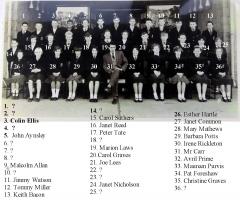 Update to No' 35 from Irene Meins - Facebook group Bygone Bedlington.
 -
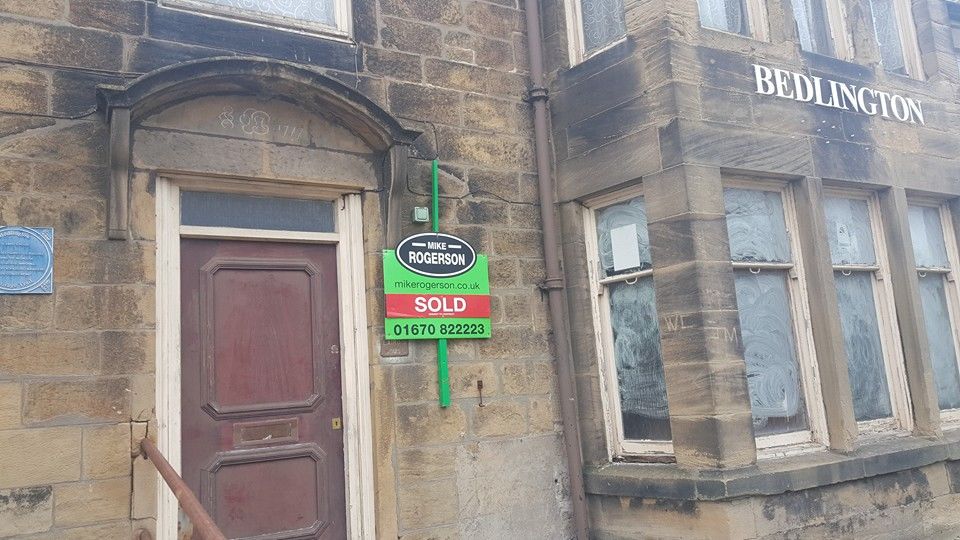
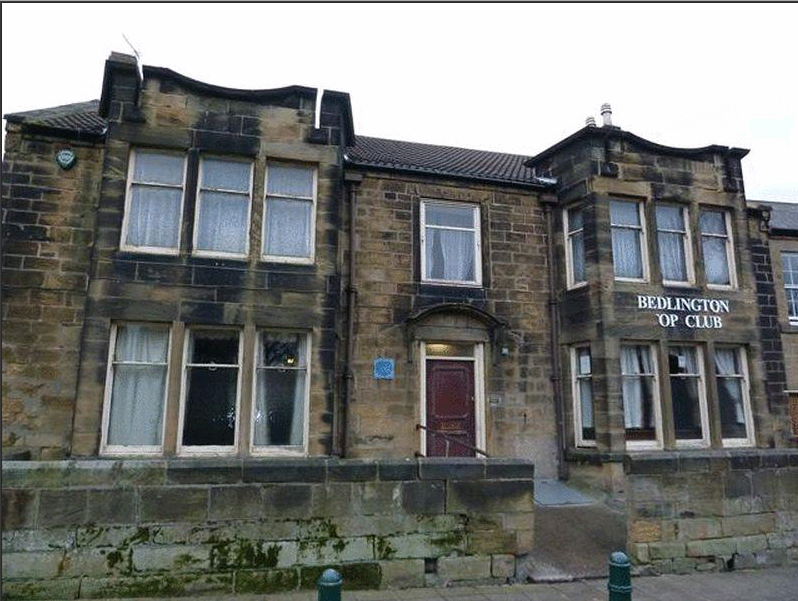
The Top Club was the last time the building was used and there have been many posts on various sites about what has been planned for it. I think the info @Andy Millne posted some plan drawings a couple of years ago was last I saw on it. I haven't searched the NCC web site planning applications lately as you spend ages going through all the documents and then months down the line everything is rejected . This time I will just wait and see what happens. I can't find Andy's post so suspect it has been closed down. Never knew when it was build Bill but Just found a photo from when it was up for sale and there is a date - 1777 - inscribed above the door :-
-
Just spotted this article from May this year :- https://www.newspostleader.co.uk/news/politics/council/new-hotel-could-bring-45-jobs-to-bedlington-116603?fbclid=IwAR0jD70wvZZmnpII8CO6_G5_axRCbsWC9UKviULErCipyt1dK7xD4byHssI

-
@Maggie/915 - posted your Bedlington History Society 2019/2020 info on the Bedlington Facebook groups.
-
@HIGH PIT WILMA - the only response from Trevor Gregg after I posted your comments was :- Trevor Gregg Yes I remember the 3/4 well, pulling white coated dried up boots from my locker then coating them with boot grease before going underground
-
@HIGH PIT WILMA - passed your comments on to Trevor
-
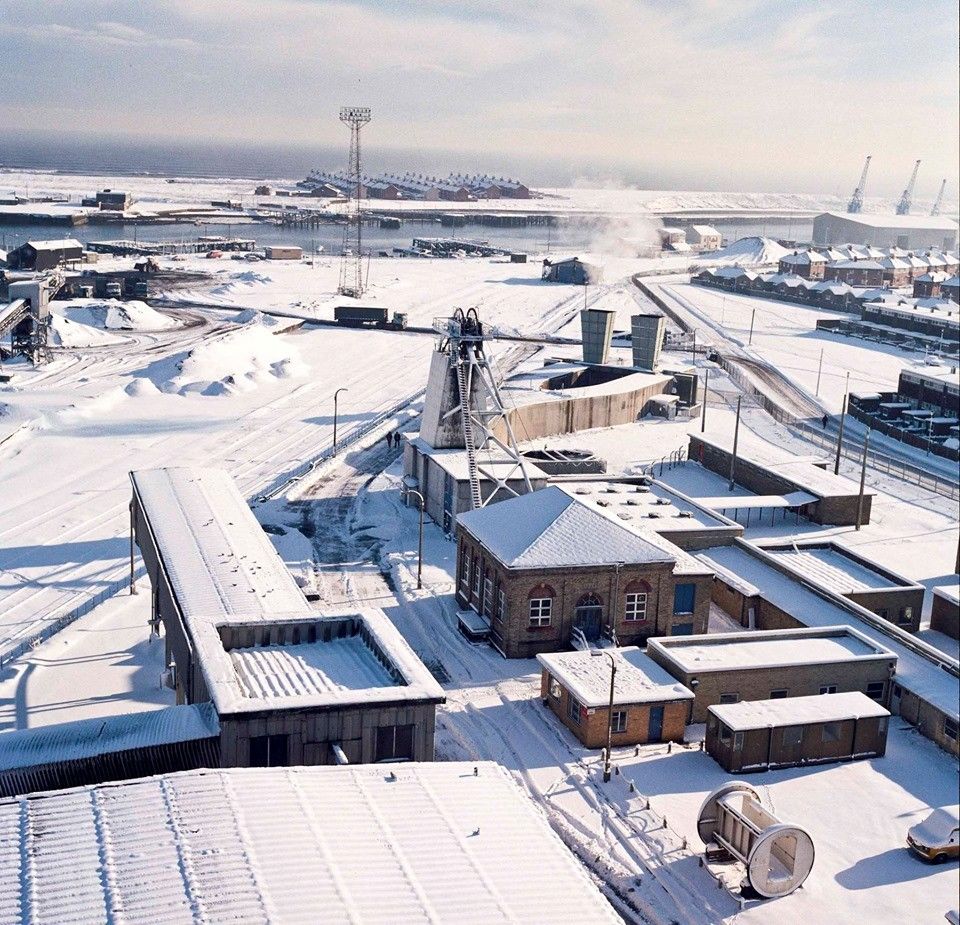
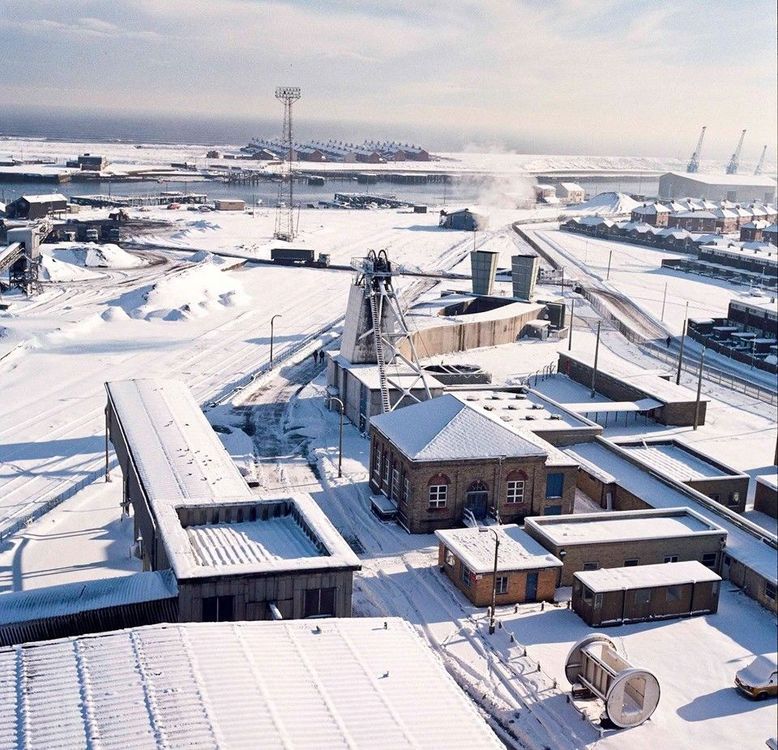
@HIGH PIT WILMA - posted on the Friends of Bates Colliery Facebook group by Trevor Gregg : - ' Here is a photo I took from the top of the No 3 Shaft Headgear on a cold but beautiful winters day' Trevor didn't specify a date.
-
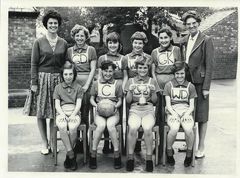 Photo from Maureen Webster, Bygone Bedlington Facebok group, and names from Maureen & Susan Simpson
 -
From the album: Bedlington Station 1st School
-
Wiser, and richer Bill. I will copy & paste your response to Bill McKenna who it was asked the question :- ' Malcolm Mckenna Wat parts of the pit was that ???? and I am positive Bill McKenna will also be wiser and richer. Cheers Bill. Hide or report this
-
Full payment must be made by the 1st December 2019.
-
East Bedlington Community Centre 16 & 17 Station Rd, Bedlington NE22 7JN Full payment must be made by the 1st December 2019.
-
East Bedlington Community Centre 16 & 17 Station Rd, Bedlington NE22 7JN
-
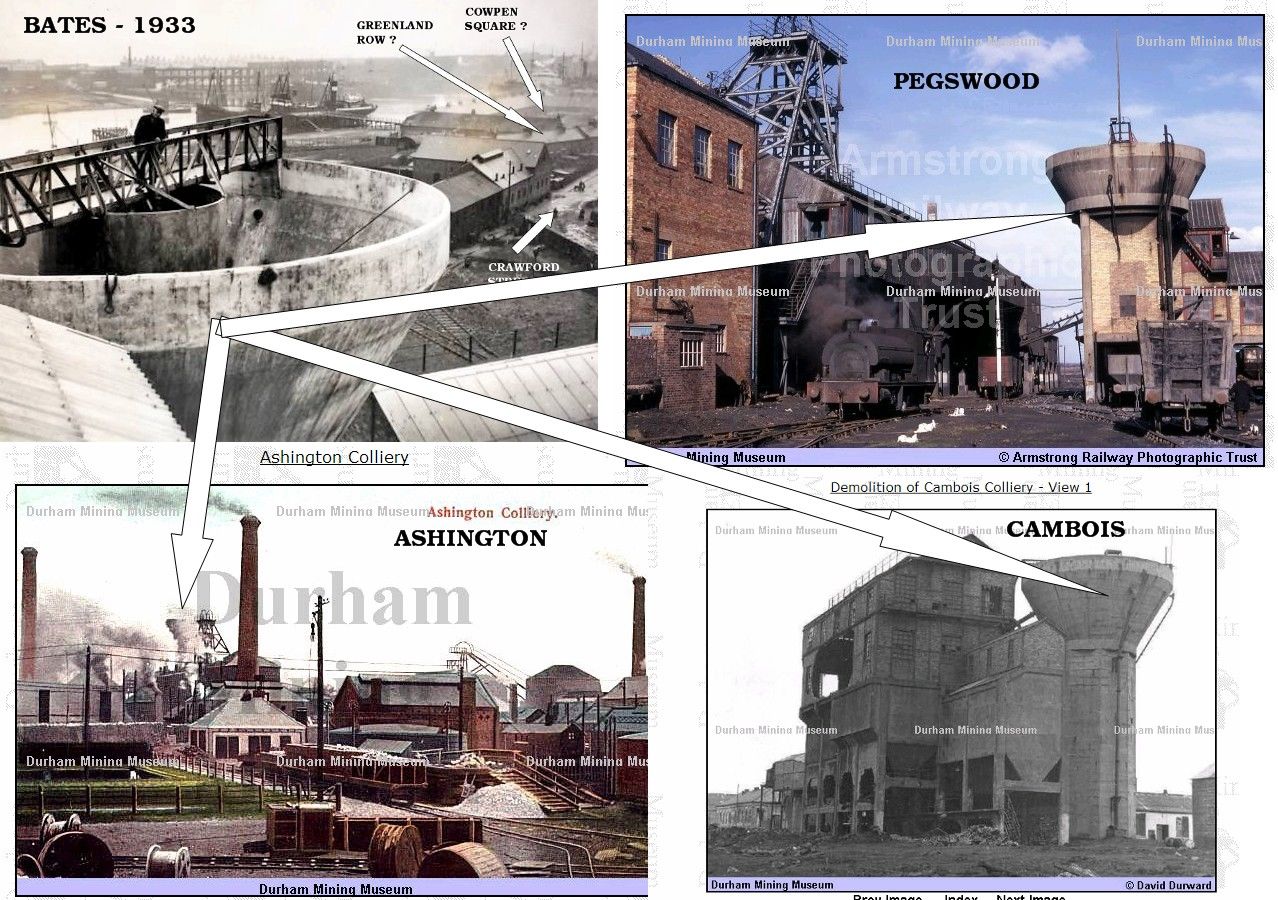
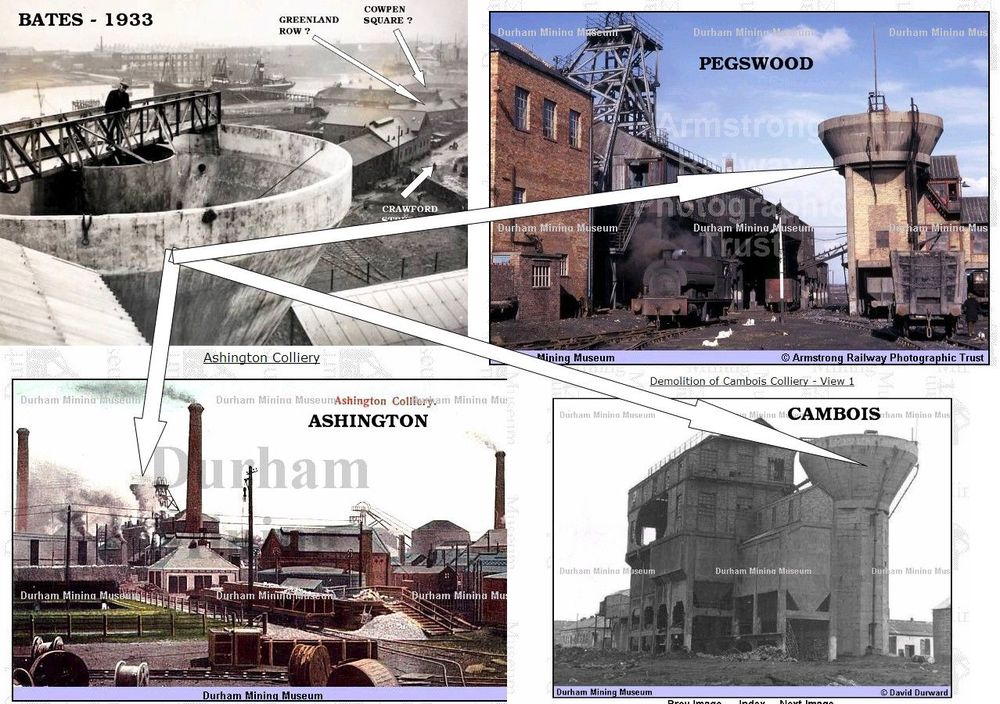
@HIGH PIT WILMA - photo posted by John Dawson on the Facebook group - Past Times History of Bates - an aerial view from Bates 1933. I see Cambois, Ashington & Pegswood had the same concrete structure the man in the Bates image is standing on. What exactly was this type of 'concrete tower' built for ?
-
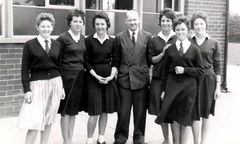 Some names from Janice Matthews - Bygone Bedlington Facebook group.
 -
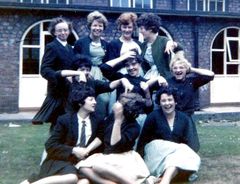 Some names from Janice Matthews - Bygone Bedlington Facebook group.
 -
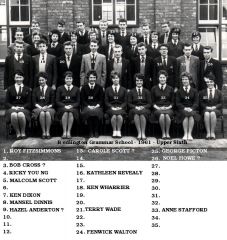 No 8 updated to Hazel Anderson.
 -
@Pete & @HIGH PIT WILMA - I had no idea why they changed their name but I do know Colin Cook's wife , Christine, is on the Bygone Bedlington Facebook group and her reply to my question - ... why did they change their name from the Statesmen to the Olympics.. is :- Christine Cook Alan Edgar the lead guitarst left and Ken Moore took over and to avoid any confusion we renamed ourselves and became the Olympics. This name was chosen at random by all of us .
-
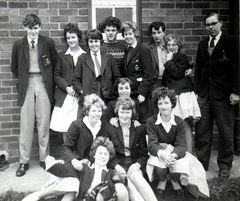 Photo and names from Pat Kirkham - Past Times History Facebook group.
 -
From the album: Bedlington Grammar School
-
From the album: Bedlington Grammar School