Everything posted by Alan Edgar (Eggy1948)
-
👍
-
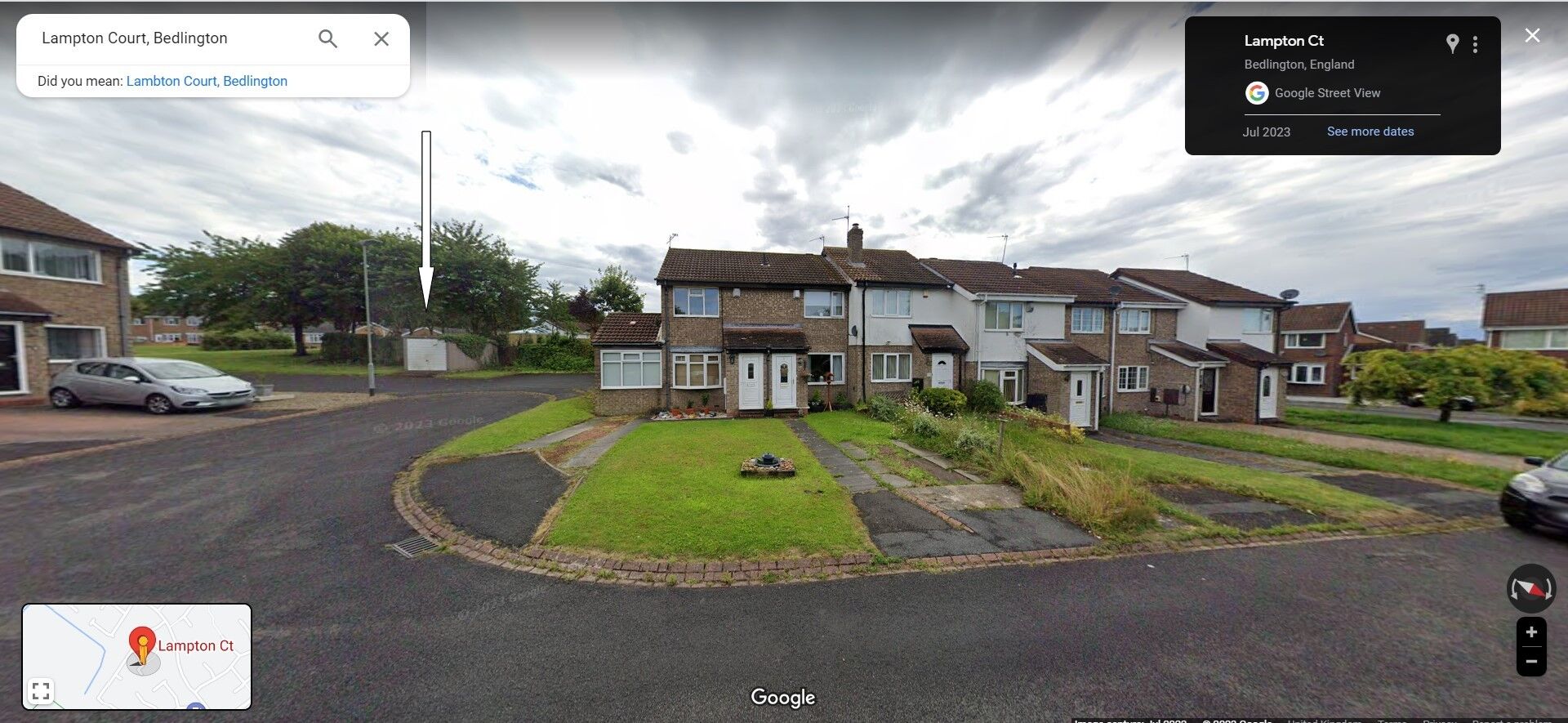
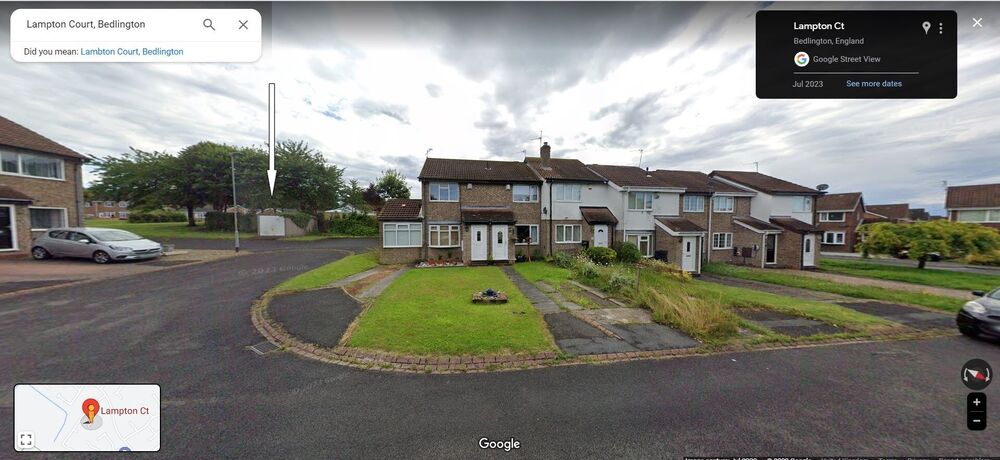
@6233jane - 1t's 9 years since @pennylane909 last visited this group so you might not get any reply for her - but you never know👍. Is this the garage (Google Maps Street View July 2023)?
-
 Keith Ballance, Bygone Bedlington FB group, thinks No 14 might be Mary Donohoe.
 -
"The Lord giveth, and the Lord taketh away" Book of Job (Job 1:21)
-
Trust Sweden to be independent - lets hope it stays colder than the rest of the world and still has xmas trees to export
-
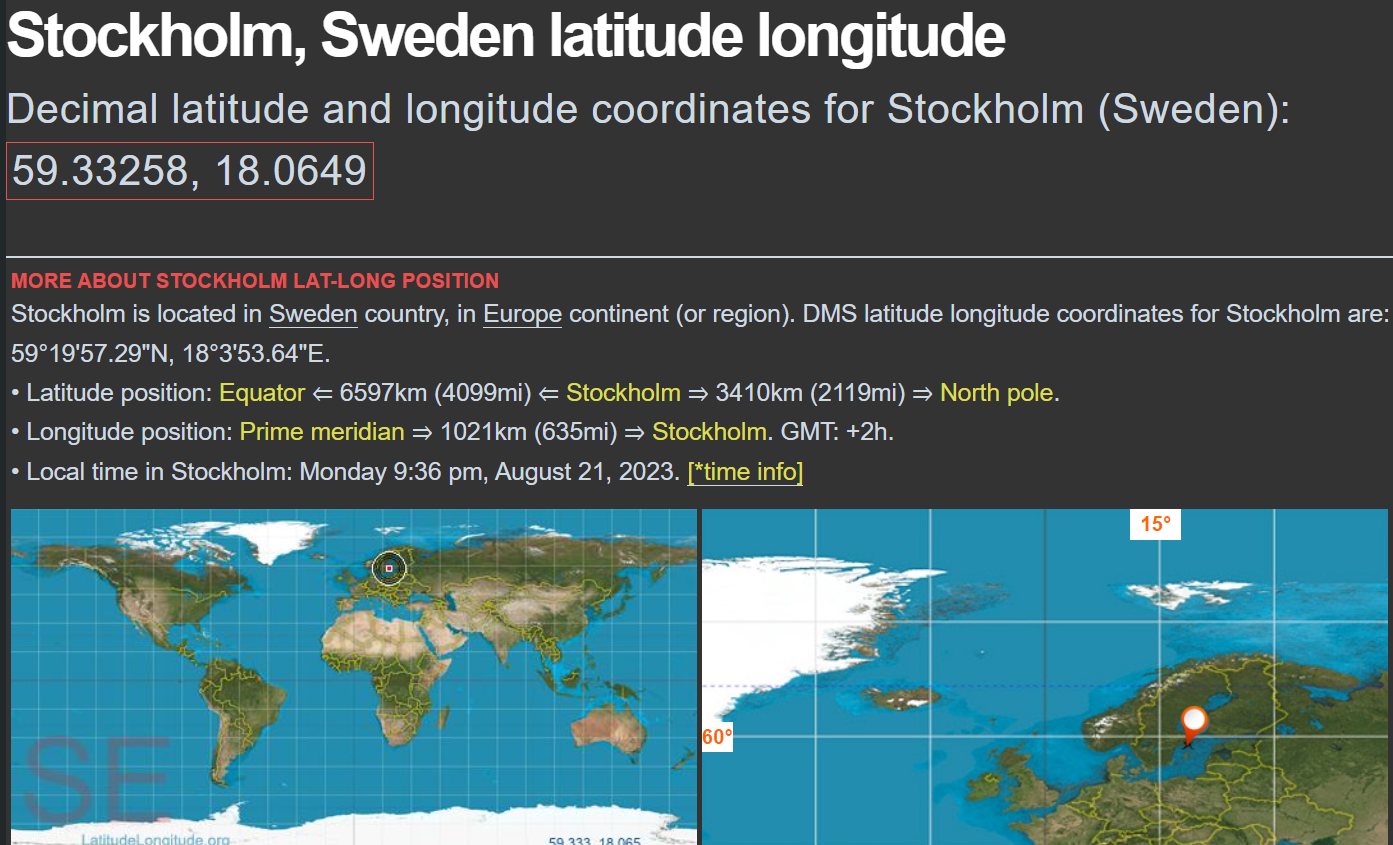
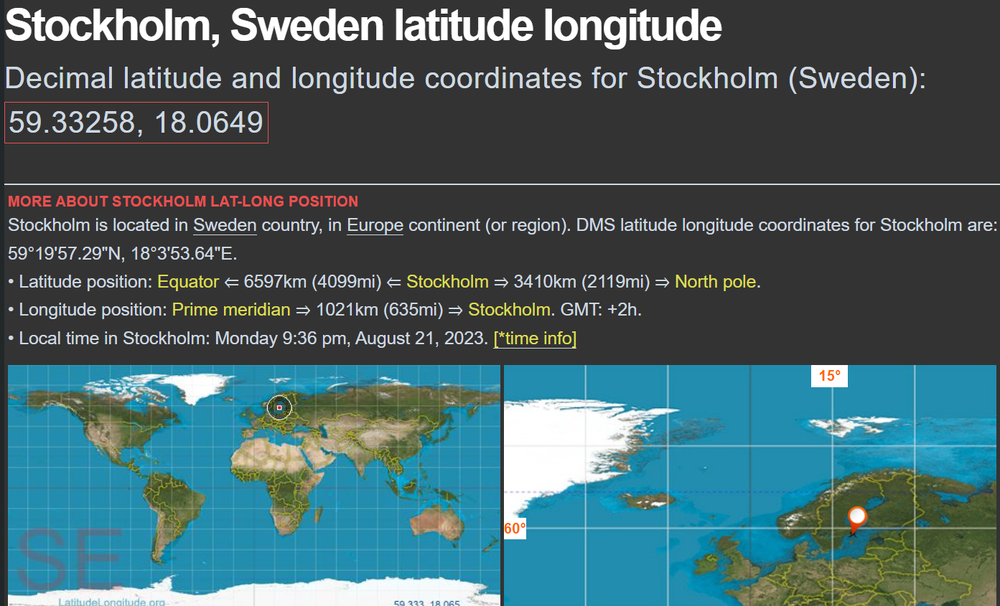
Just wondered with Google showing 63% of Sweden is covered in forests if you had been affected, like Canada, by rising temperatures this year. Canada and Sweden must be on similar latitudes
-
Thanks Vic - those links you posted explain a lot more than the CNN news on SKY goes into. I also had a Goole search on Sweden forest fires but only found previous years, 2018 & 2022, and no mention of 2023. Hows the weather and forests in Sweden @Canny lass?
-
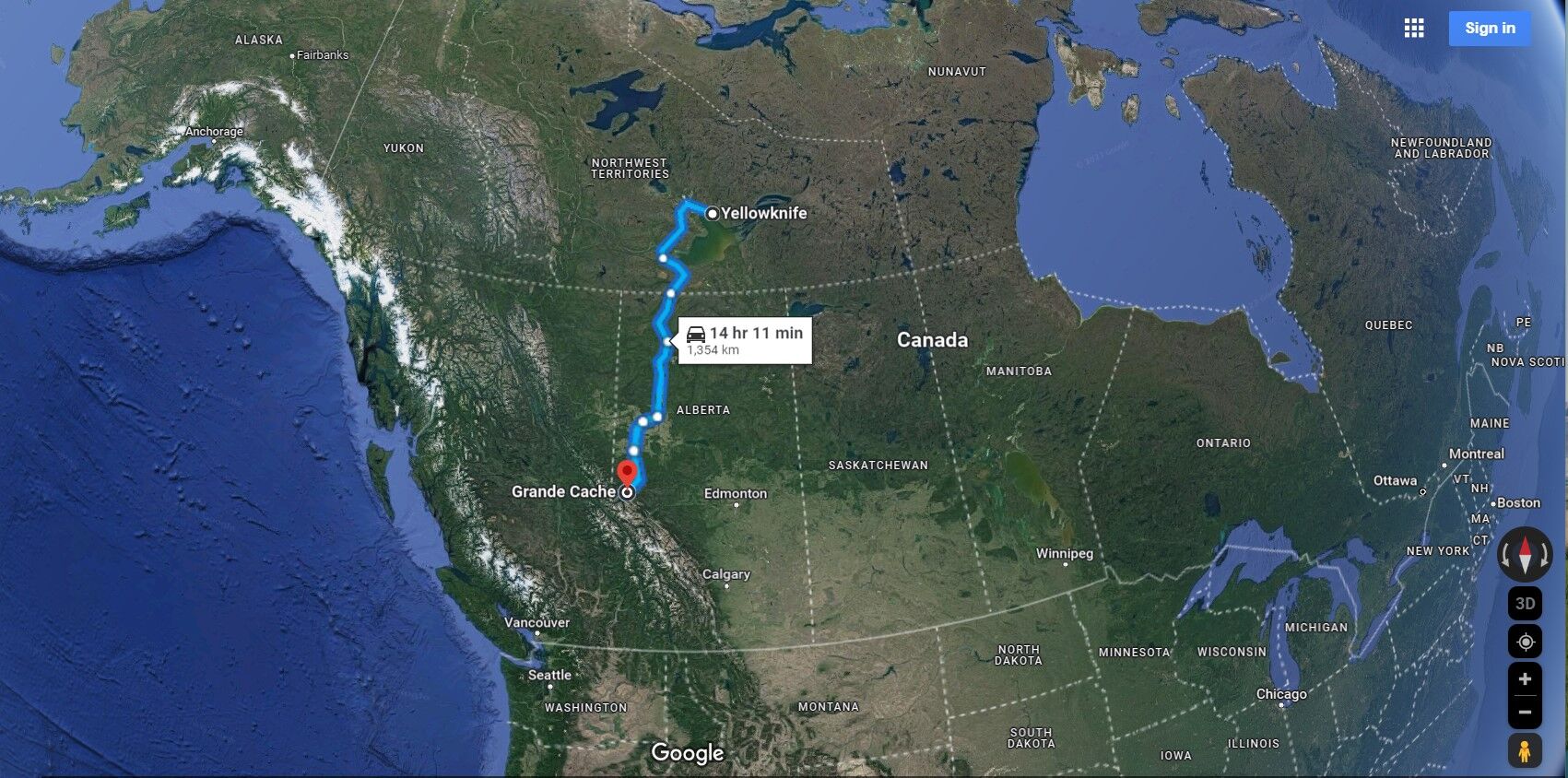
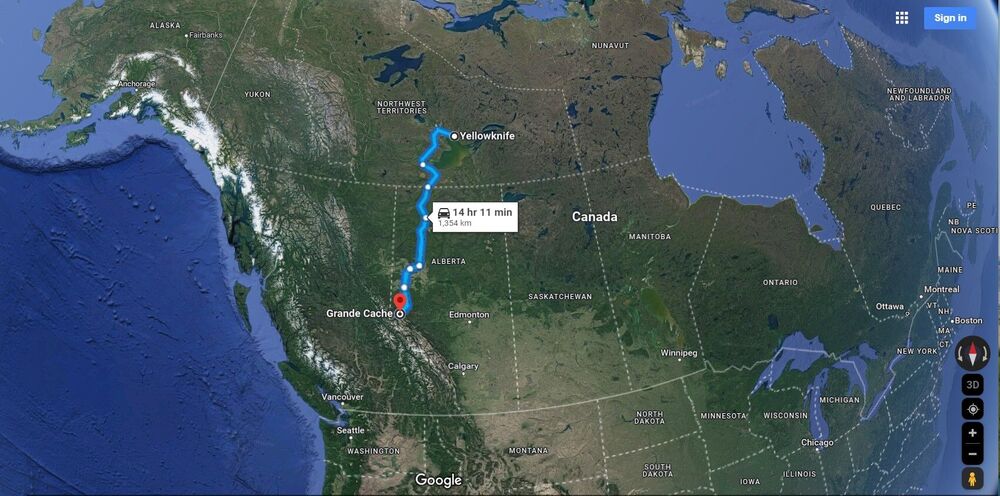
Hows it going @Vic Patterson. The BBC news keeps mentioning there are thousands of fires in Canada and the nearest place I have heard mentioned to your town of Grand Cache (GC ) is Yellowknife, 130o+ kilometers, where the whole town are evacuating. As the UK, North to South, is roughly 930+ kilometers it is difficult to understand the logistics of tackling what's happening around GC. No doubt every town in Alberta, Northwest Territories and British Columbia are on high alert.
-
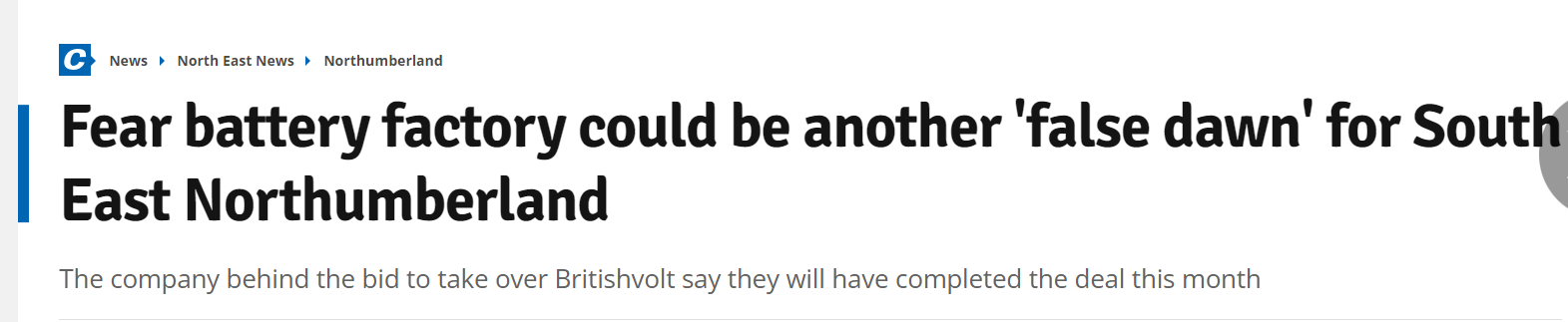
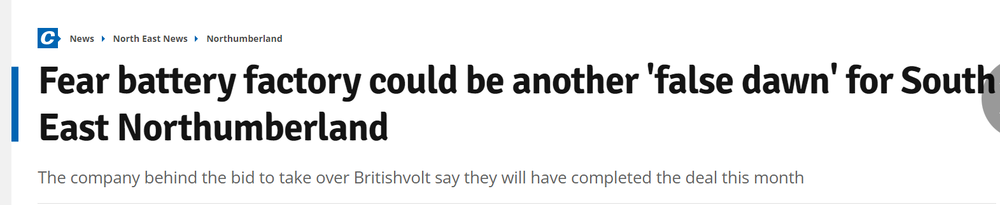
https://www.chroniclelive.co.uk/news/north-east-news/northumberland-britishvolt-electric-car-battery-27533683?fbclid=IwAR3ZFT-qCYSXLdf1VEVzuonUtNl1NL3OcW2hjXVlJG7Aeo9_Z0EJm1y9sDc
-
Update on NCC - Nothumberland Line - page :- https://www.northumberlandline.uk/post/bedlington-track-works-update?fbclid=IwAR0qX5-e2oVNnM8e3cllOOTcZxnC7yvocbGIEgRgkp47_MV9RsUbfXwOgS0
-
-
until
-
until
-
until
-
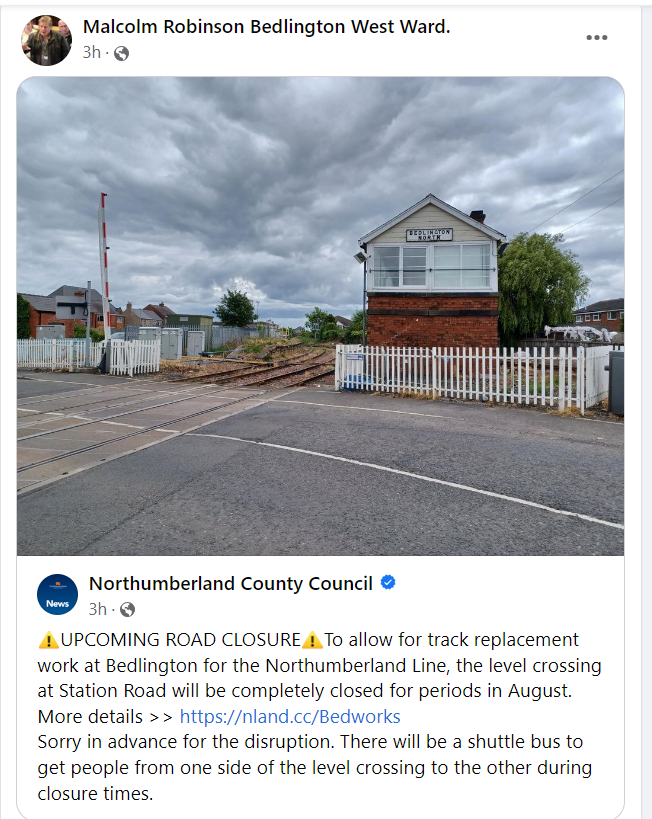
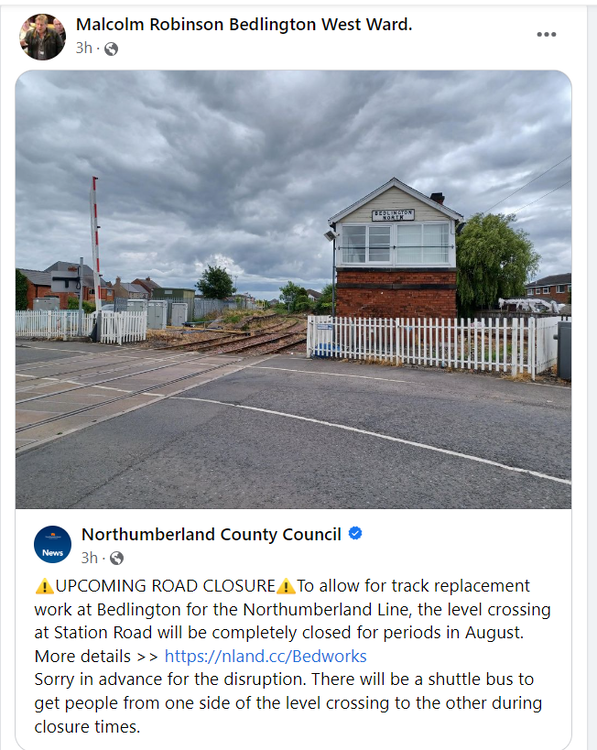
MESSAGE FROM ARRIVA BUSSES Bedlington Station Road Closure From Sunday 10th August – 23rd August 2023 - Bedlington Station Road at the Level Crossing will be closed continuously from 10pm on 10th August 2023 until 23rd August to allow track, signalling works and remodelling of the crossing for the Northumberland Line Project to be carried out. During these works, Arriva services 2 and X21 will be required to divert as follows: Service 2: Daytime until 7 pm (Monday – Saturday): from Morpeth operate as normal to Bedlington Allgood Terrace, then divert via Station Road and Melrose & Jubilee Terrace to reach Bedlington Bank Top, then proceed direct to Bebside ASDA by joining Spine Road at Bedlington Interchange. Unfortunately, this service will not serve Stead Lane during the day. Customers are advised to catch service X21 to connect at Bank Top or Bedlington or walk through to Station Road. Returning from Blyth using the reverse route of the above. Evenings from 7pm (6.52pm from Blyth & 7.01pm from Morpeth onwards) and all-day Sunday will follow a slightly different route as follows: from Morpeth operate as normal to Bedlington Station then via Station Road and Stead Lane again to reach Bebside. Returning from Blyth using the reverse route of the above. Service X21: Daytime until 7pm (Monday – Saturday): from Ashington will operate as normal to Bedlington Station then via B1311 to Bank Top and Stead Lane to return to the normal route at Bedlington Allgood Terrace. Returning from Newcastle follows the reverse of the above. Service will observe stops along Stead Lane in place of service 2. Unfortunately, this service will not serve Station Road during the day. Customers are advised to catch service 2 to connect at Bank Top or Bedlington or walk through to Stead Lane bus stops. Evenings from 7pm (7.15pm from Newcastle & 7.16pm from Ashington onwards) and all day Sunday: from Ashington operate as normal to Bedlington Station then nonstop to pick up normal route on the western side of the crossing outside of the Co-Op store. Returning from Newcastle using the reverse route of the above. Service 1 will operate as normal throughout the closure. Additionally, throughout the duration of the closure, a shuttle service will be provided by Northumberland County Council to link either side of the crossing due to the closure also affecting pedestrians.
-
Closing date for entries is 21/08/2023 - event to be held on Saturday 2nd September 2023.
-
Looks like the UK wants to reduce carbon emissions by less battery plants than the rest of Europe and more car sharing
-
until
-
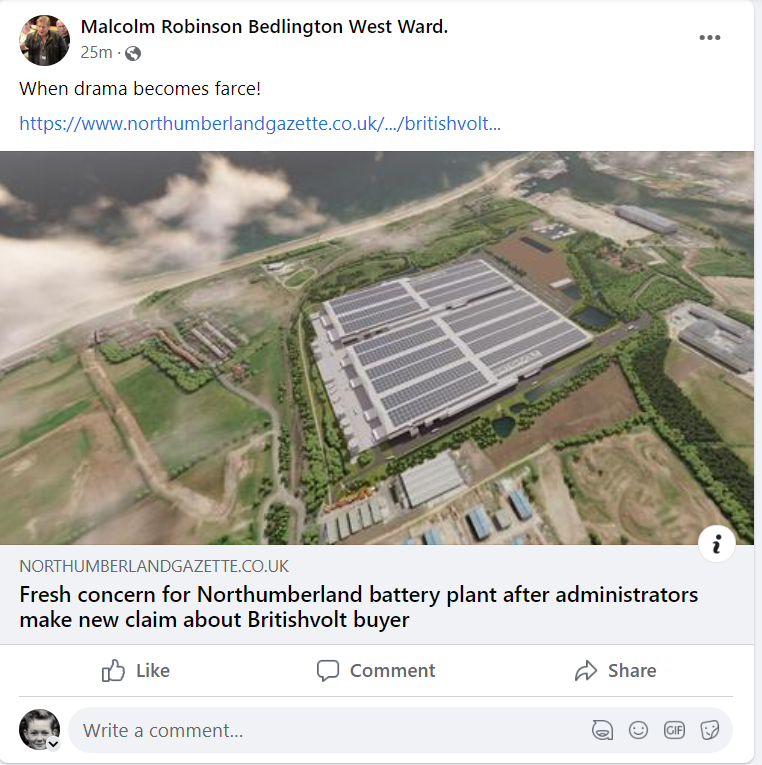
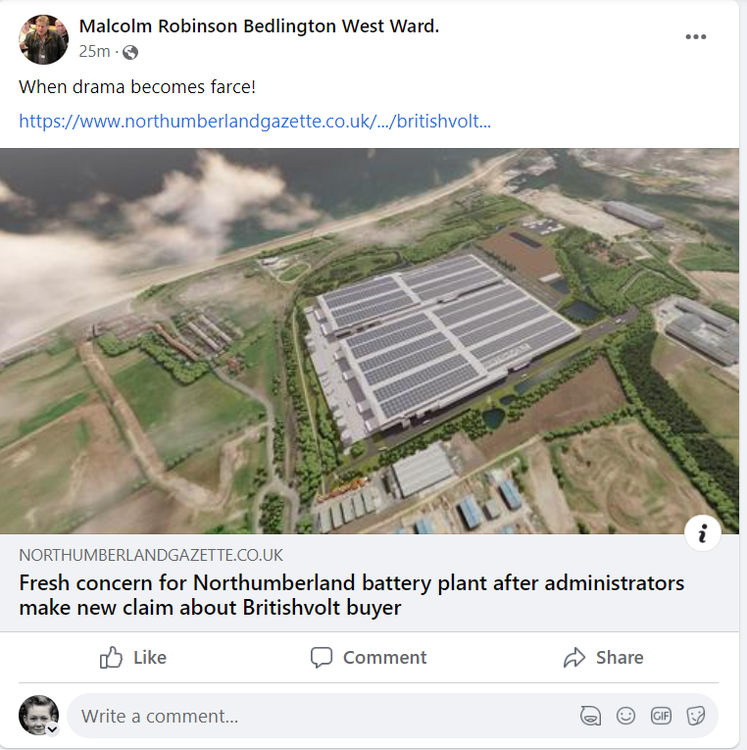
https://www.northumberlandgazette.co.uk/business/britishvolt-buyer-hasnt-made-final-payment-administrators-say-4246883?fbclid=IwAR1FOfG2pGynH7YWYoz7YJCIXSs_86v0A22UnFj2dMtM_cwaZq1lhERDWhk
-
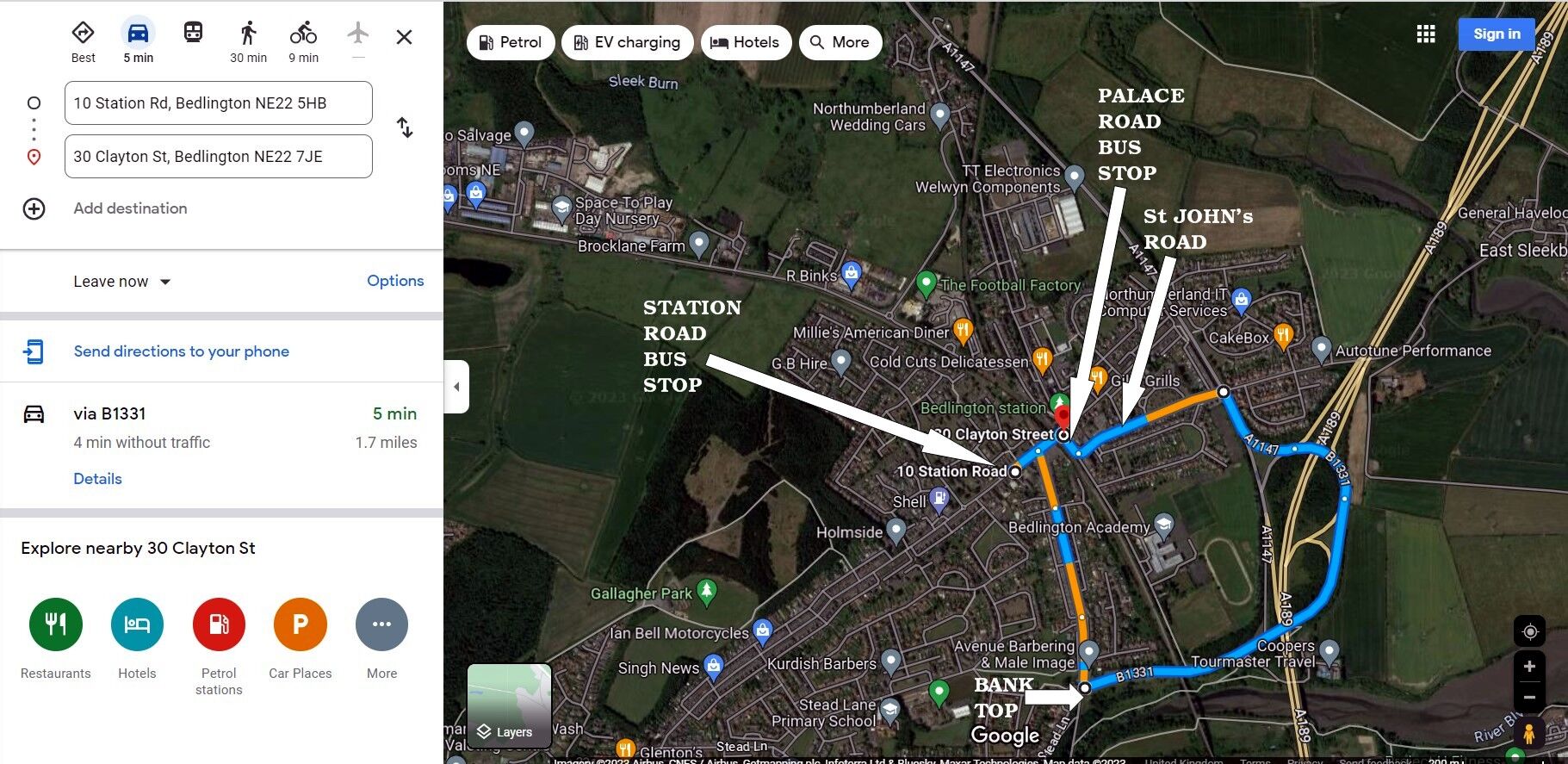
Without traffic Google Maps reckons 5mins via this route :-
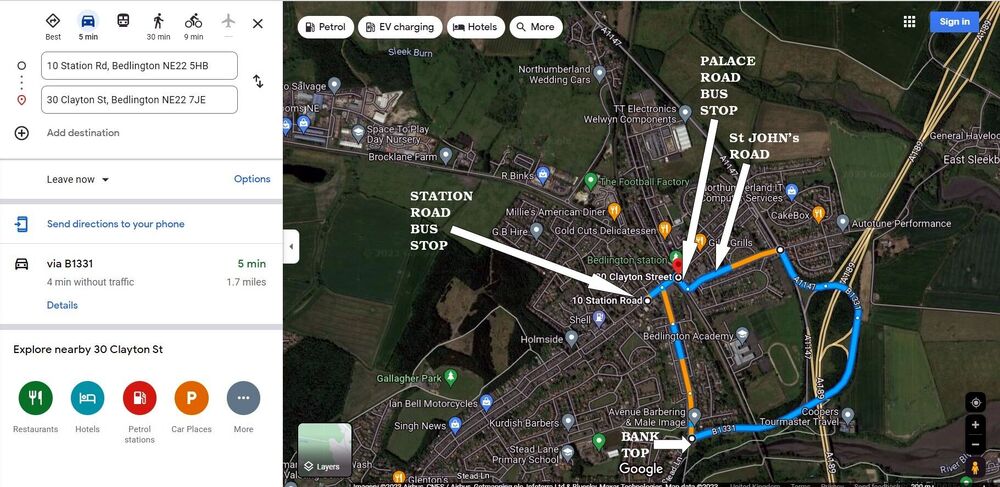 Road closures in August :-