dunlinds
Members
-
Joined
-
Last visited
Everything posted by dunlinds
-
 My mother is Honor Wilson Weightman, nee Hartley. Her Aunt, Margaret Ann Hartley from Burradon, married Thomas William Cowans in October 1911. They took over the Sun Inn after the murders committed by John Vickers Amos. I've attached a photo taken (I think) in the early 1930s. This shows the Sun Inn, with my grandfather, John Hartley on the left hand side and Robert William (Bill) Cowans on the right. Bill was Margaret Ann and Thomas' second child.
 -
Absolutely fine with me to add images (assuming no copyright issues from original websites? - not sure how such things work!). Very pleased if the information is of use.
-
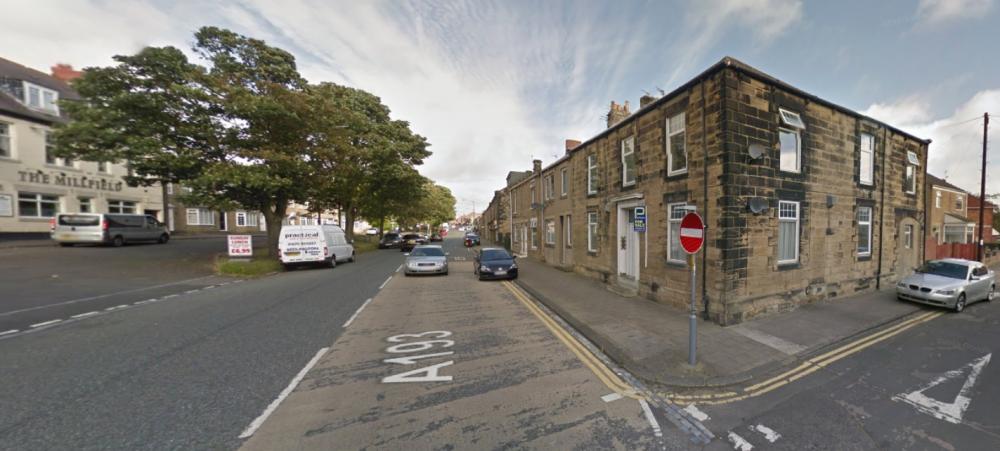
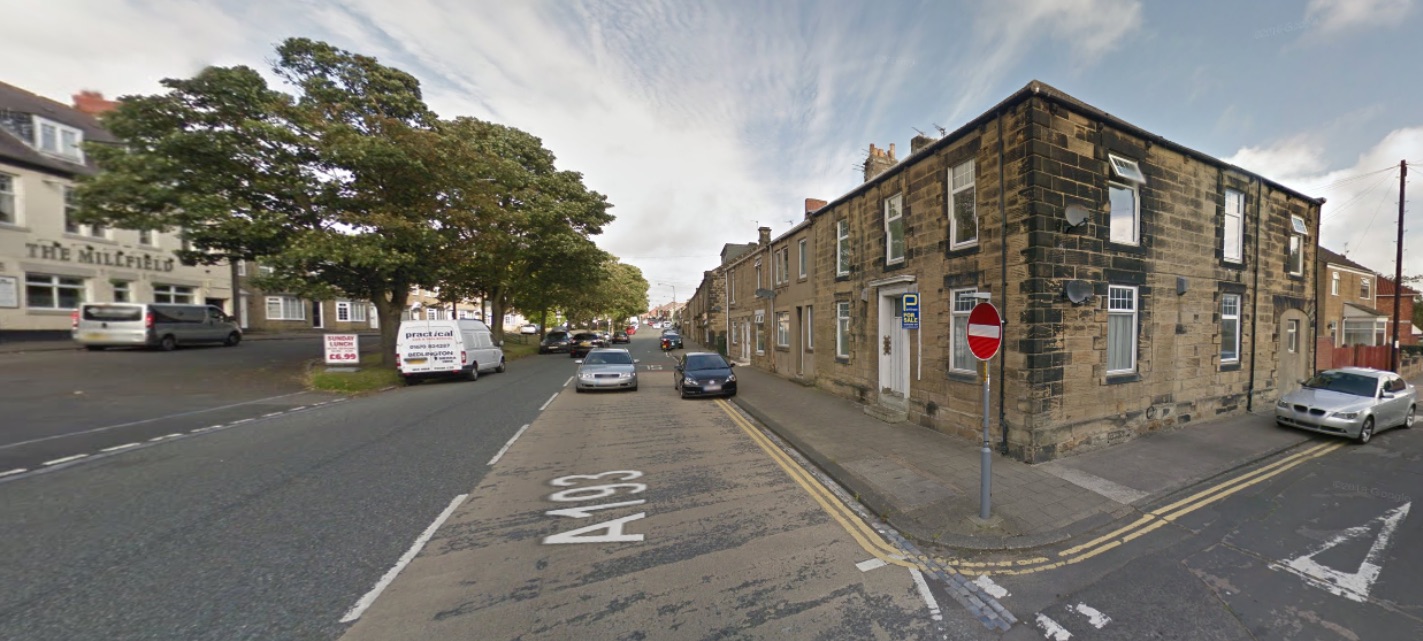
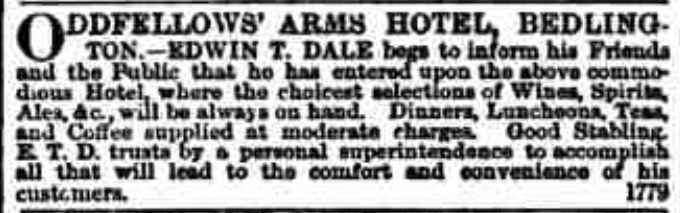
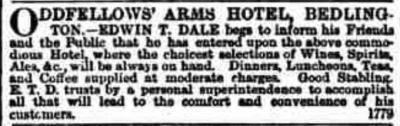
Re Oddfellows Arms Hotel: My Great great Uncle - Edwin Taylor Dale - took over the hotel in 1867, as per attached snippet from Newcastle Daily Chronicle. This doesn't show the location of the hotel, but I found a photograph from Northumberland archives dated from 1974 which suggests that the 'corner' building was The Oddfellows Arms.
-
Is this the site of the now defunct Oddfellows Arms Hotel? (Corner building next to No entry sign) Anybody know when it closed down as a hotel?