Bandsman1966
Members
-
Joined
-
Last visited
Everything posted by Bandsman1966
-
 I still get emails about these, on my old PC, that I hardly ever check. Couldn't remember my password for this site and the PC blocks this forum. After much faffing about I'm back in. Can't believe I didn't recognise Tommy Percy, it was he who gave me lessons all those years ago, I used to go to his house every week and remember his lovely wife bringing tea and biscuits. Nice to see more names added though.
 -
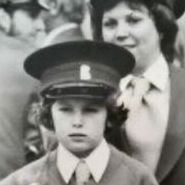
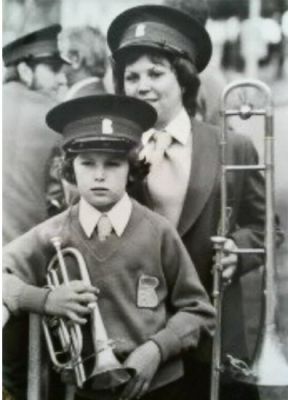
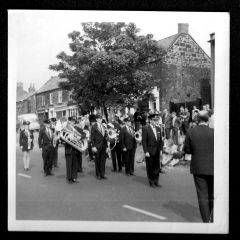
If they won the picnic in 75 that was the year before my avatar pic was taken. A press photographer posed mum and I on Front Street, it was probably the NP Leader? As you can see I was too small for a blazer. Actually I was too small for the hat and the horrible crimplene kipper tie too. Ten years old and marching with the band, I was so proud.
-
I remember Jimmy well, and I think I remember Deborah. We lived on the Wansbeck Estate from the late 60's, by the middle shops and my folks stayed there until the 90's, the Golding's were only a few minutes walk away.
-
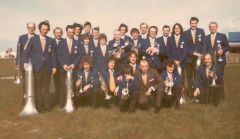 #11 Clarence Millburn #7 Howard Swanson? #21 Ian Lamb? ??
 -
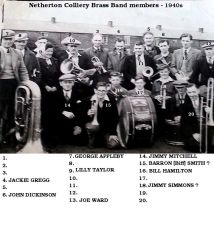
From the album: Netherton Colliery Band
-
A selection of Netherton Colliery Band, Bedlington Picnic photos & other Brass Bands from the area. Early 20th century to 1980's.
-
1540713680936.jpg
-
 1540713919656.jpg
-
 BlythLNERc1950.jpg
-
BrassBand.jpg.f11dce026f771e9afc9ff15576792d71.jpg) Bedlington(DrPit)BrassBand.jpg
Bedlington(DrPit)BrassBand.jpg
-
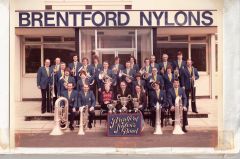
 1975BretfordNylons.jpg
-
1975BrentfordNylonsNethertonCollieryBand.jpg
-
1975BrentfordNylonsEaster.jpg
-
 1970NethertonBand.jpg
-
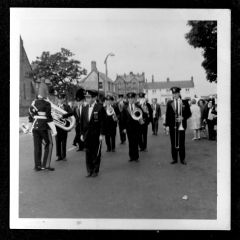 1970NethertonBandMinersGala.jpg
-
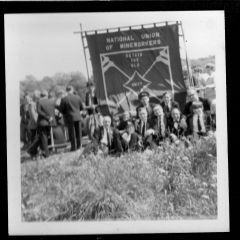 1970MinersGala.jpg
-
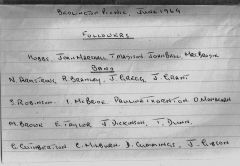 1969Picnicnames.jpg
-
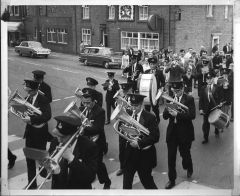 1969Picnicimage.jpg
-
.jpg.9034bcd928f53de461ecdfd88dd6a583.jpg) 1969NethertonBand(people2).jpg
1969NethertonBand(people2).jpg
-
.jpg.36239db556b56ce12ab2639eb323be37.jpg) 1969NethertonBand(people).jpg
1969NethertonBand(people).jpg
-
.jpg.883e3b0d5cdb774a4e1d757b0287d851.jpg) 1969NethertonBand(Bedlingtonpicnicday).jpg
1969NethertonBand(Bedlingtonpicnicday).jpg
-
 1969BritishLegionRallypeople.jpg
-
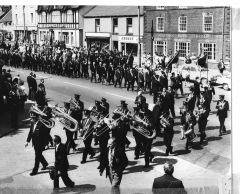 1969BritishLegionRallyimage.jpg
-
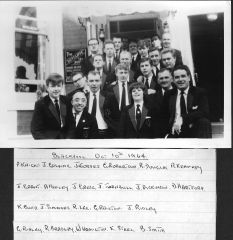 1964Netherton at CISWO Finals Blackpool.jpg
-
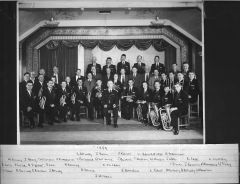 1959cNetherton.jpg
-
.jpg.ed120f61b4645b1174d4b50907f031ec.jpg) 1959cNethertonLadies ElsieGrant, RStewart, EdithMcLean(possibly).jpg
1959cNethertonLadies ElsieGrant, RStewart, EdithMcLean(possibly).jpg
-
-
From the album: Netherton Colliery Band
-
I'll try to, not sure how using phone.
-
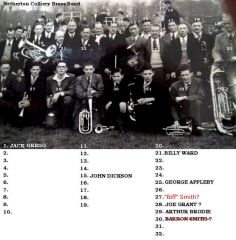
Sorry I missed your earlier tag, for some reason my PC has blocked this forum and had been sending all notifications to spam, now using my phone some of the pics are hard to see. The "unidentified" band in the first pic probably is Netherton, it might be my dad #30 without specs, but #28 is more likely and Hammy #31? Susan's pic & list tagged my dad (Biff) at #16, certainly looks like him but if it is then it must be later than '41, born in 1933... he's a big lad for an 8 year old.
-
See details on this thread, if I've copied the correct link, this seems to fit with my memories.
-
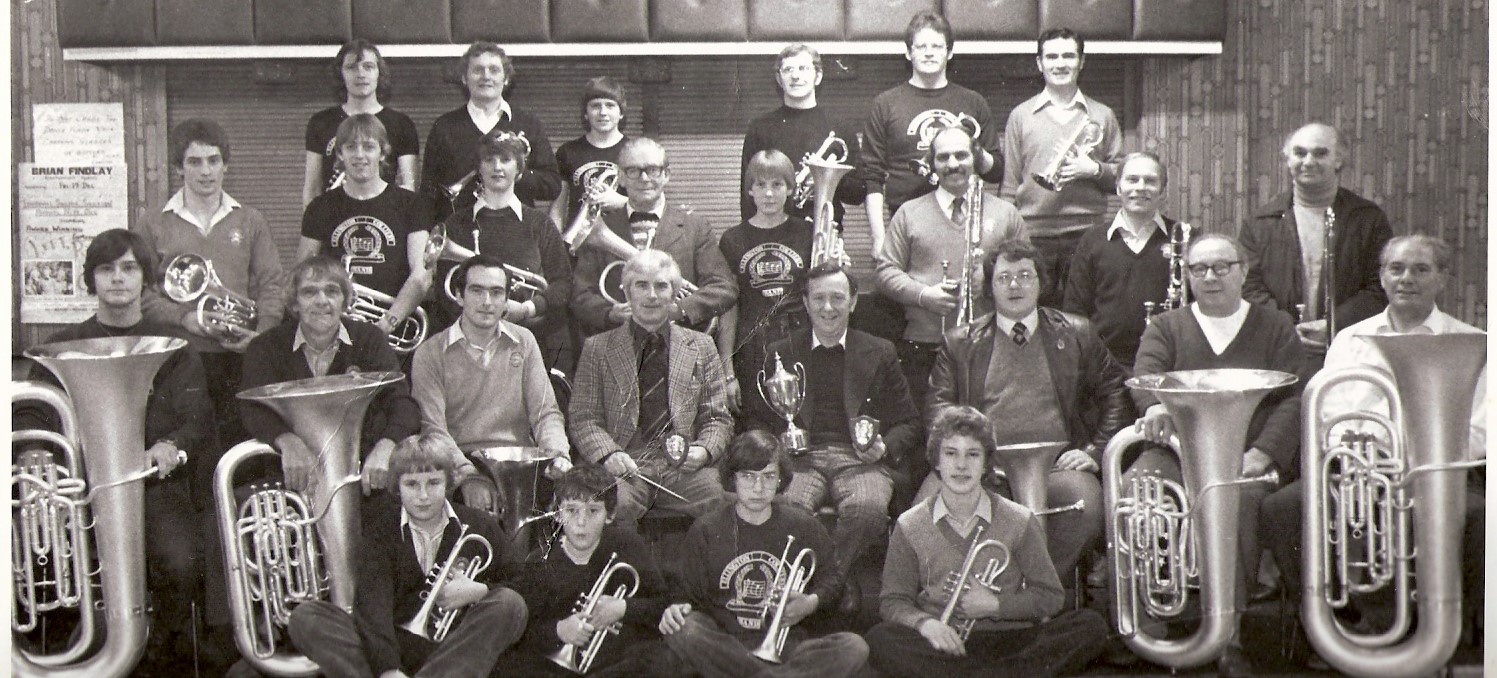
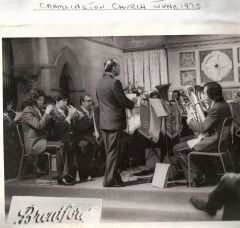
I think I was told it was because the pit closed (I had started to learn cornet in Netherton winter '72/3, probably the Institute/club?) and I don't believe it was a merger of two bands, but a change of name and "sponsor". The band moved into the factory for rehearsals at that time and continued for a few years but there were issues with where we played, often we would be in a corner of the canteen which was not ideal for a band practice or the workers trying to eat. My mum stopped playing altogether around 78/9(?) and my father and I moved to another band, whether this was because the band broke up or not I don't know. Other names to add: I think these may be correct, 22 Arthur Brodie. 12 Clarence Milburn. Possibles, 18 Ian Lamb. 27 Howard Swanson
-
I think I was told it was because the pit closed (I had started to learn cornet in Netherton '72/3) and I don't believe it was a merger of two bands, but a change of name and "sponsor". The band moved into the factory for rehearsals at that time and continued for a few years but there were issues with where we played, often we would be in a corner of the canteen which was not ideal for a band practice or the workers trying to eat. My mum stopped playing altogether around 78/9(?) and my father and I moved to another band, whether this was because the band broke up or not I don't know.
-
Thank you.
-
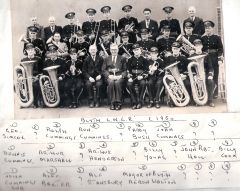
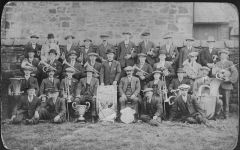 Ah, now, if you compare the names from the "earlier" pic I see the 2 young lads #'s 26/7 named as Hutton & Clark, on this pic #2 and #9 a few years older.....we're (mostly you) are starting to pin this timeframe down.
 -
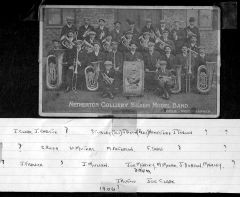 Great stuff, I've no idea who dad asked in obtaining those names, he was born in '33, or where he got the pic from. The only date we can be certain of is that it was sometime after 1906. They had "military" style uniforms by the 50's and the name changed several times over the years.
 -
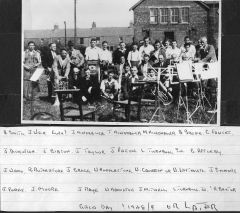 Not sure, it would be logical to presume it was taken at Netherton. I recognise a very young Billy Hamilton kneeling in the front. Tank top wearer not the trombonist. It might be Arthur Brodie directly behind his left shoulder (white shirt and braces)
 -
image.jpg.bb0e7e2b1379ef941fa7987024d7bb95.jpg) I believe it is North Seaton band, W (Billy) Litster was there as was (I think) W S (sammy) Bond. The rest are not familiar to me.
I believe it is North Seaton band, W (Billy) Litster was there as was (I think) W S (sammy) Bond. The rest are not familiar to me. -
.jpg.da2053519291ce13dd1b039dd02260f6.jpg) Seems correct to me.
Seems correct to me. -
Thanks for the heads up on that video Eggy 1948
-
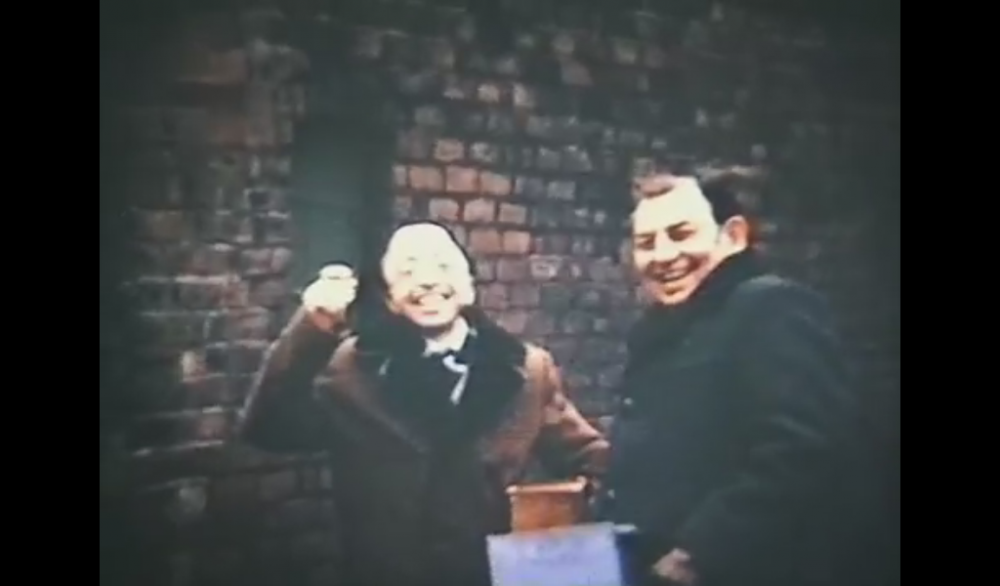
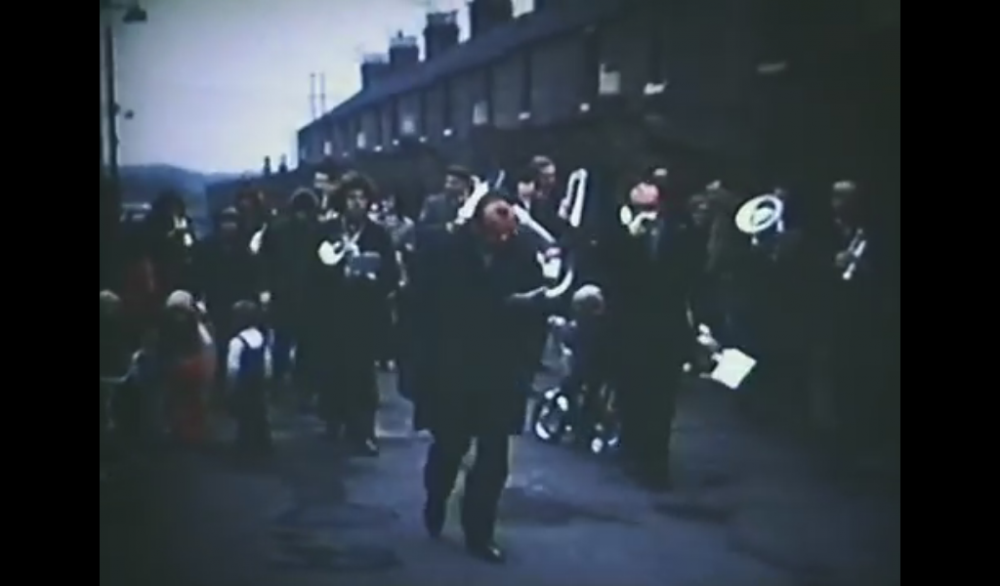
Yes that's Raymond on the left, I think Arthur Brodie is on the right. Only seeing this on a tablet so can't be sure about the band members playing but it's definitely W (Billy) Hamilton in the middle & conducting. I think I see Joe Grant and one of the Cuthbertsons there too.
-
Not a name I knew, but I'd say you're right. Now looking at the band photo which looks a couple of years later there are also 2 youngish lads stacked on the steps, right of centre. Could they be the trombonists in the quartet? G Railton (could be in that position) and possibly Turnbull or Dickinson behind/above?
-
Of those I can positively identify, #'s 18,22,28,29,37 100% accurate. These are a high probability #'s 20,23,25,32,34. Excellent work. Thank you for your fantastic patience.
-
I don't, whenever the pit closed, or the village hall/club was shut. I don't remember exactly where we rehearsed in the village or how they came to be the B N band and move to Cramlinton. Those dates are accurate (probably) so 74-76 but the workers at the factory objected, loudly, to the band rehearsing at the far end of their canteen and my mum gave up and dad and I changed bands. I've no idea how long the band survived after that. The Cuthbertsons and others went to Ellington Colliery, some to Ashington and others Lynemouth bands. I do remember the ties were an awful yellow polyester and there was no budget to provide a jacket for me hence my pullover with badge sewn on in my profile pic (with mother) the hats were Netherton's.
-
Cool. Front 'line' L-R is Ridley, Bradley, Hamilton, Elsie Steel, Smith. Joe Grant is on the left, between the "E" of Sutcliffe sign and the carriage lamp. I can't actually see Ray Douglas or Jimmy Golding in the background. Not certain which is ¿Kenny? Bond.
-
Actually, dad was fairly good at tagging so the list might be correct from rear to front, left to right in ranks.