Skip to content
View in the app

A better way to browse. Learn more.

Bedlington.uk

A full-screen app on your home screen with push notifications, badges and more.

To install this app on iOS and iPadOS
  1. Tap the Share icon in Safari
  2. Scroll the menu and tap Add to Home Screen.
  3. Tap Add in the top-right corner.
To install this app on Android
  1. Tap the 3-dot menu (⋮) in the top-right corner of the browser.
  2. Tap Add to Home screen or Install app.
  3. Confirm by tapping Install.

Alex

Members
  • Joined

  • Last visited

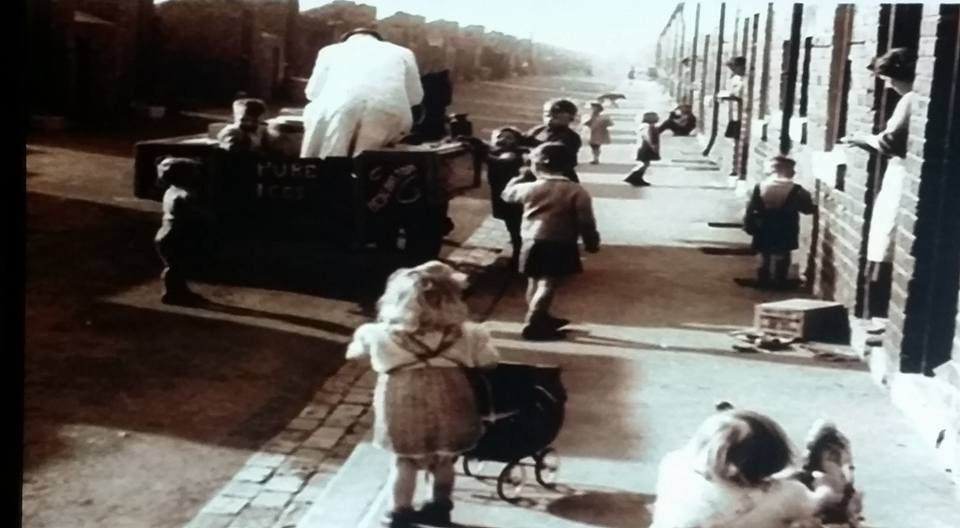
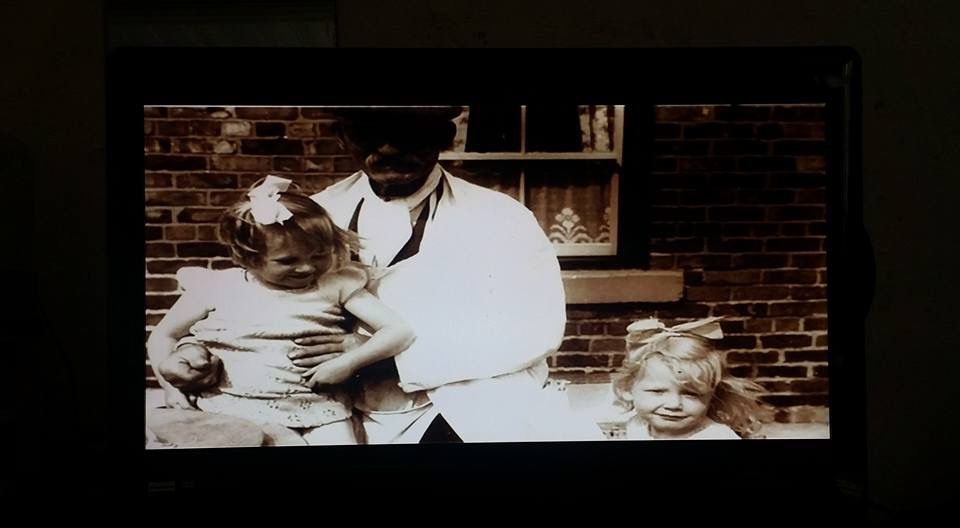
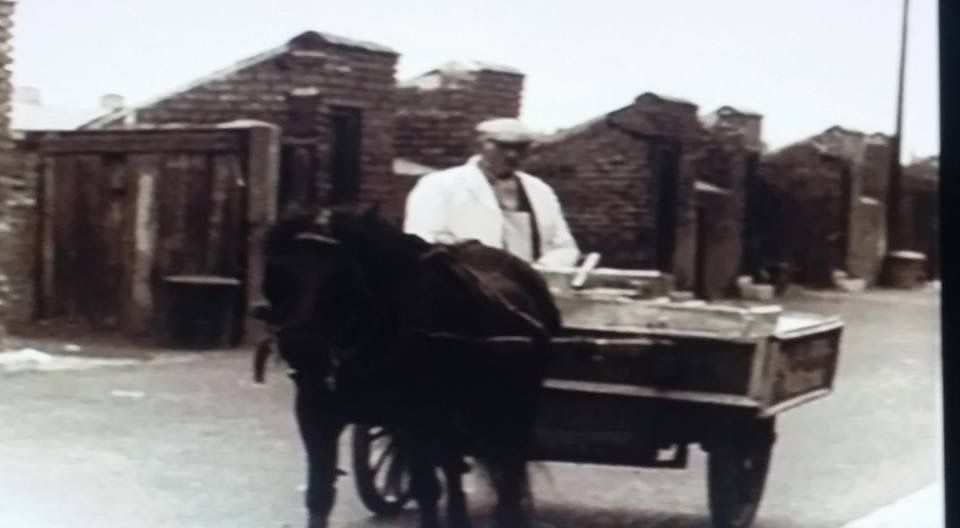
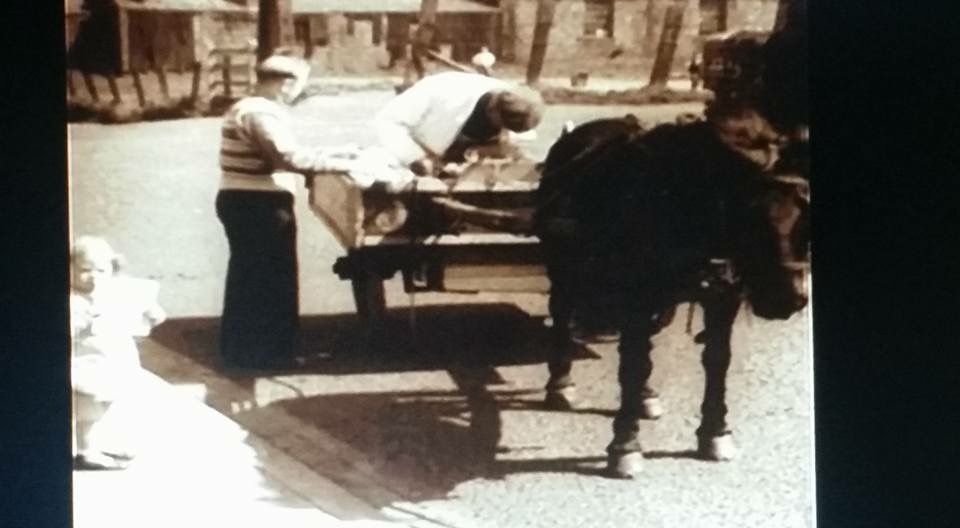
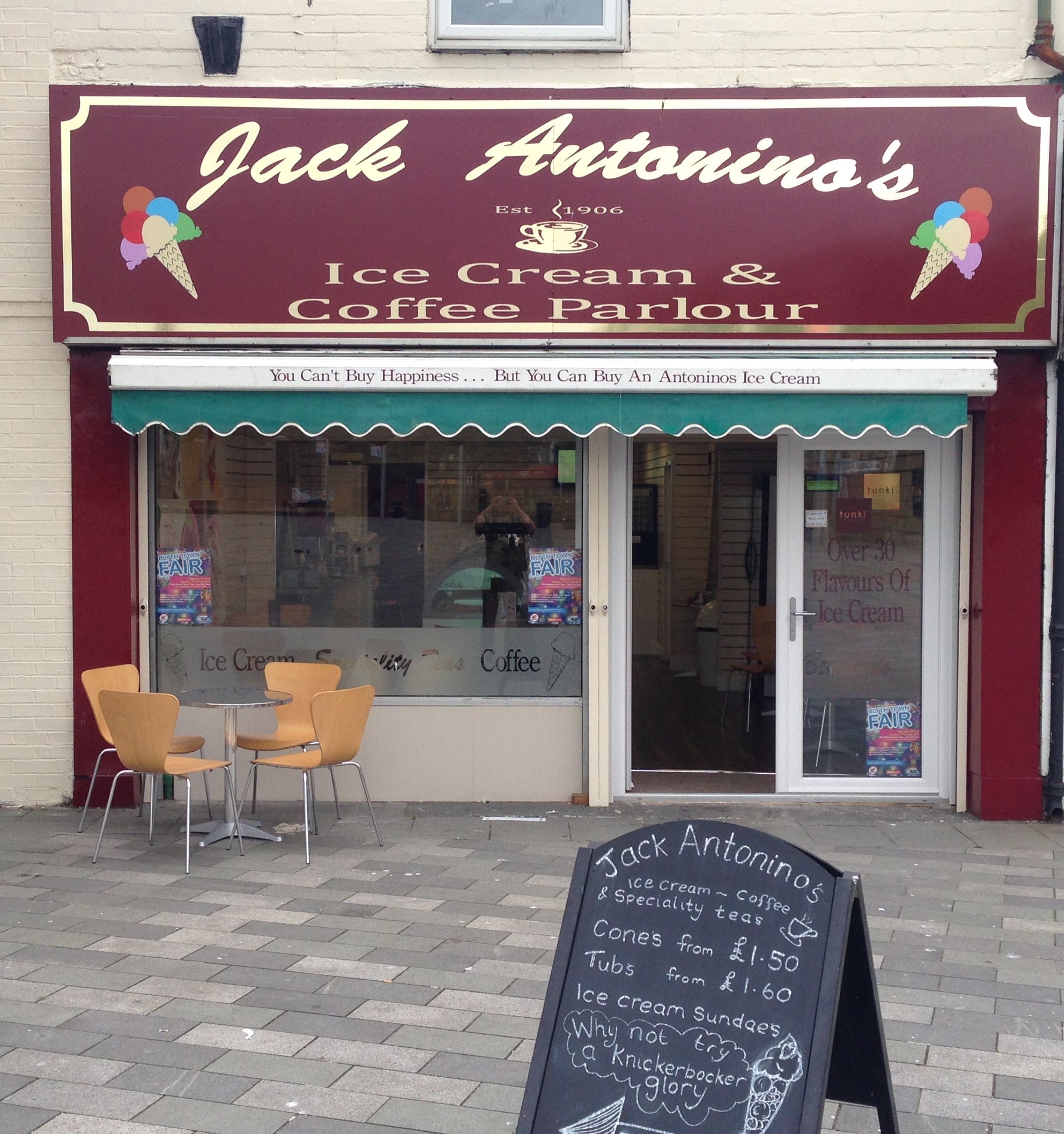
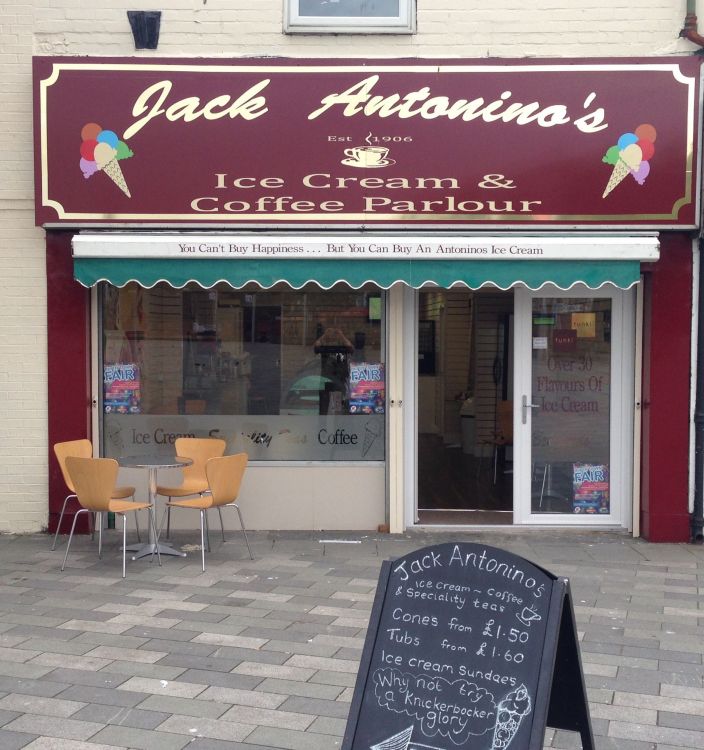
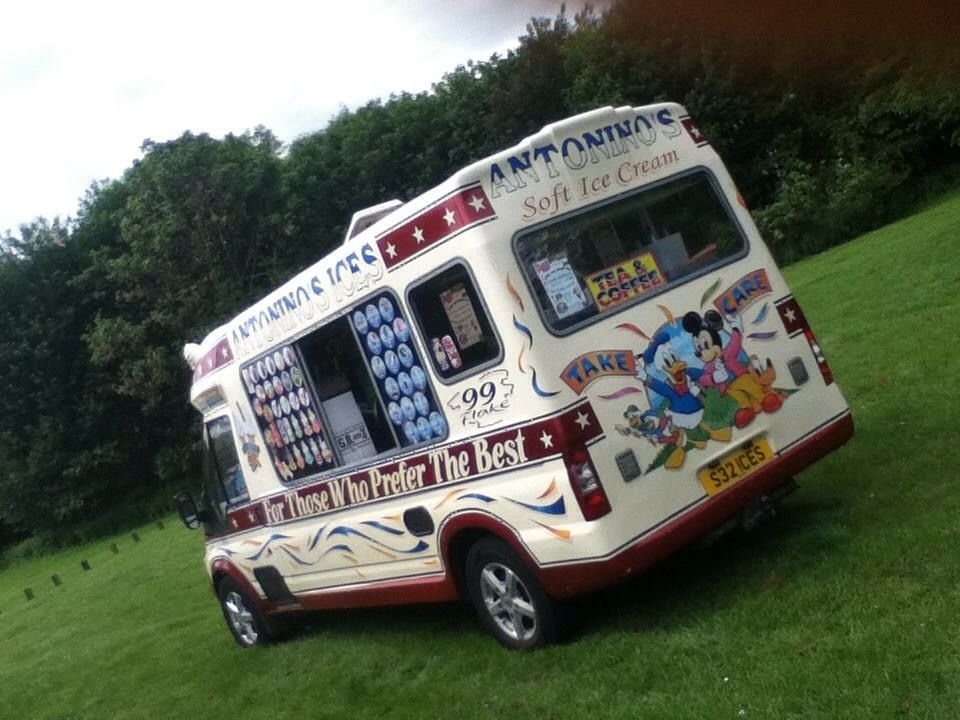
  1. Hi, i have just stumbled across this forum online, we are the family of Jack Antonino he is the man in the white coat and his grandson david is the little boy in the horse and cart with him, to this day we have carried on Jack’s legacy in fhe ice cream trade with our ice cream vans that have covered Bedlington and Blyth for decades as well as our very own ice cream parlour in the heart of Blyth in memory of Jacks arrival in the UK back in 1906 making it 110 years when we opend the shop.
Account

Navigation

Search

Search

Configure browser push notifications

Chrome (Android)
  1. Tap the lock icon next to the address bar.
  2. Tap Permissions → Notifications.
  3. Adjust your preference.
Chrome (Desktop)
  1. Click the padlock icon in the address bar.
  2. Select Site settings.
  3. Find Notifications and adjust your preference.