Skip to content
View in the app

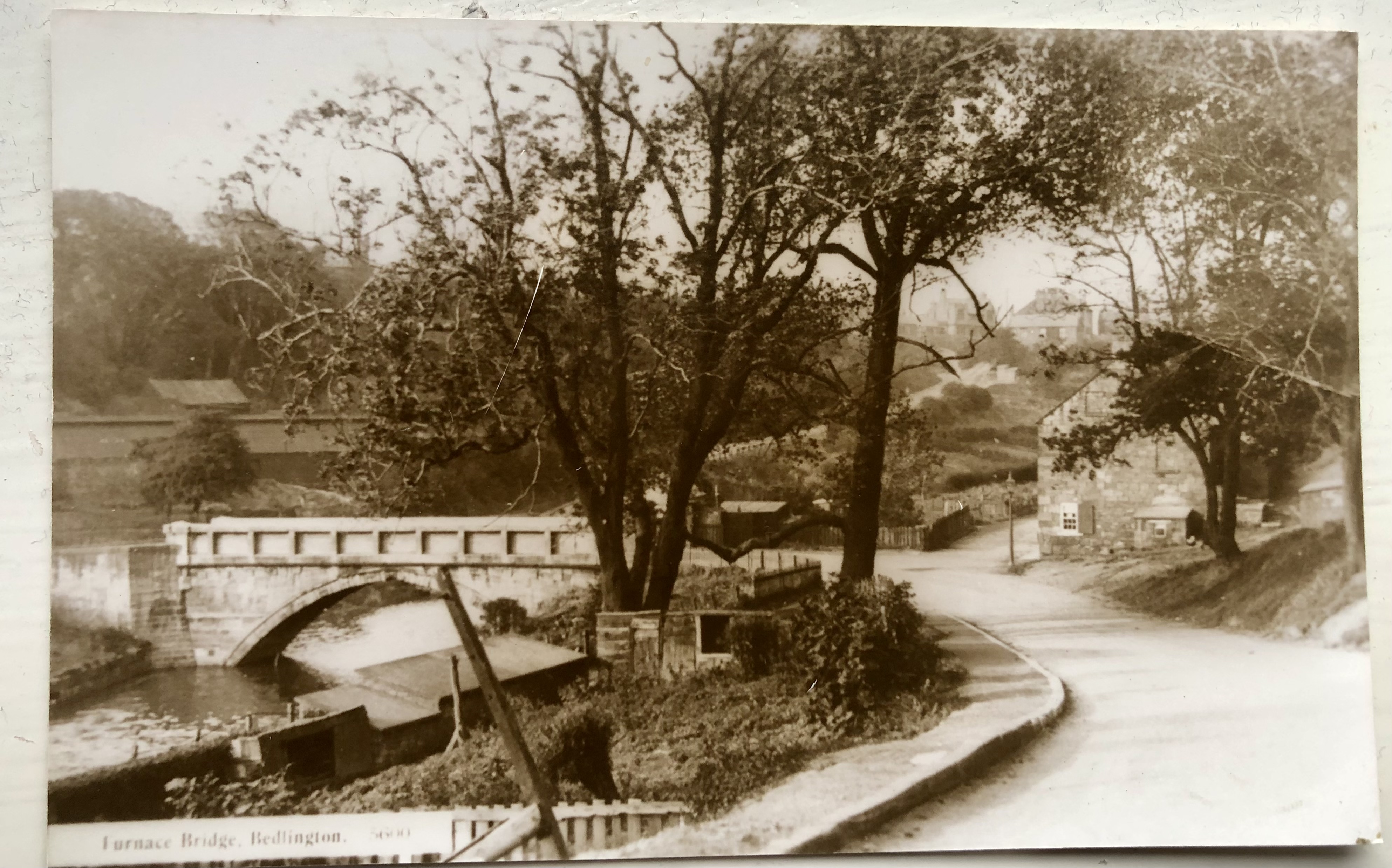
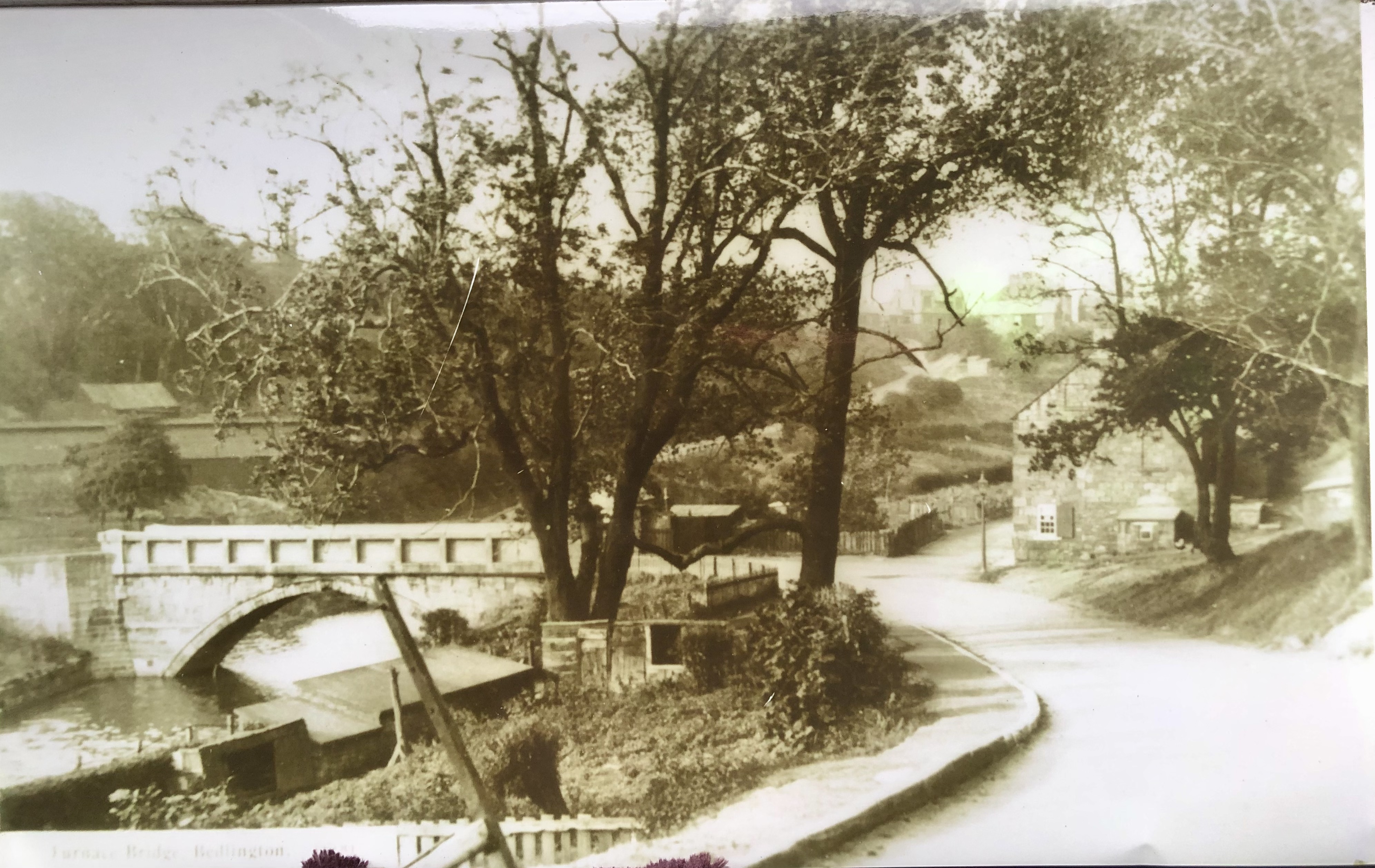
A better way to browse. Learn more.

Bedlington.uk

A full-screen app on your home screen with push notifications, badges and more.

To install this app on iOS and iPadOS
  1. Tap the Share icon in Safari
  2. Scroll the menu and tap Add to Home Screen.
  3. Tap Add in the top-right corner.
To install this app on Android
  1. Tap the 3-dot menu (⋮) in the top-right corner of the browser.
  2. Tap Add to Home screen or Install app.
  3. Confirm by tapping Install.

lynnewatson

New Members
  • Joined

  • Last visited

  1. It’s quite fascinating the differences in photos. I am intrigued what the building is through the trees.
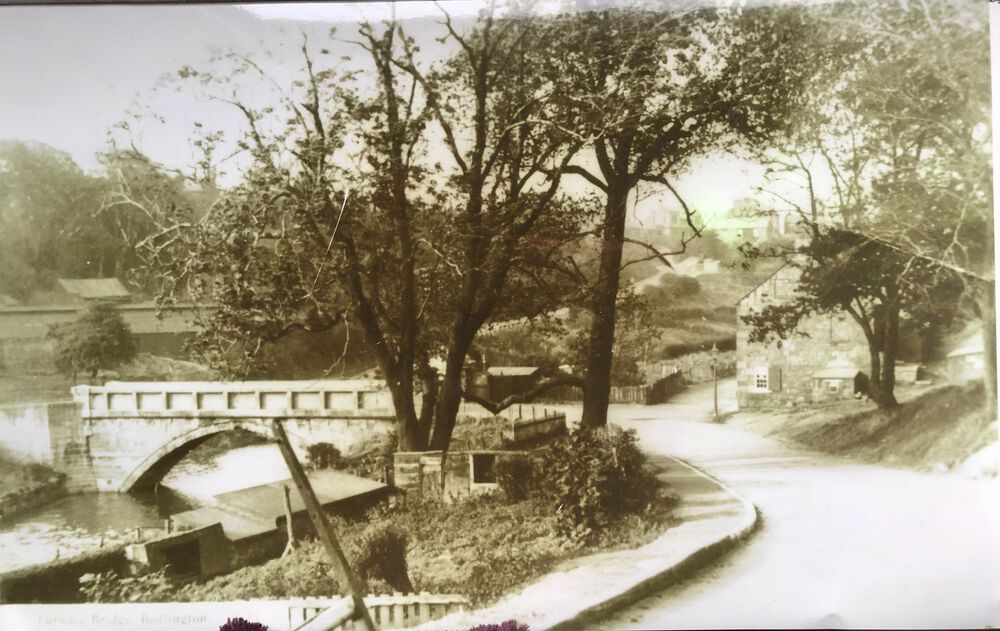
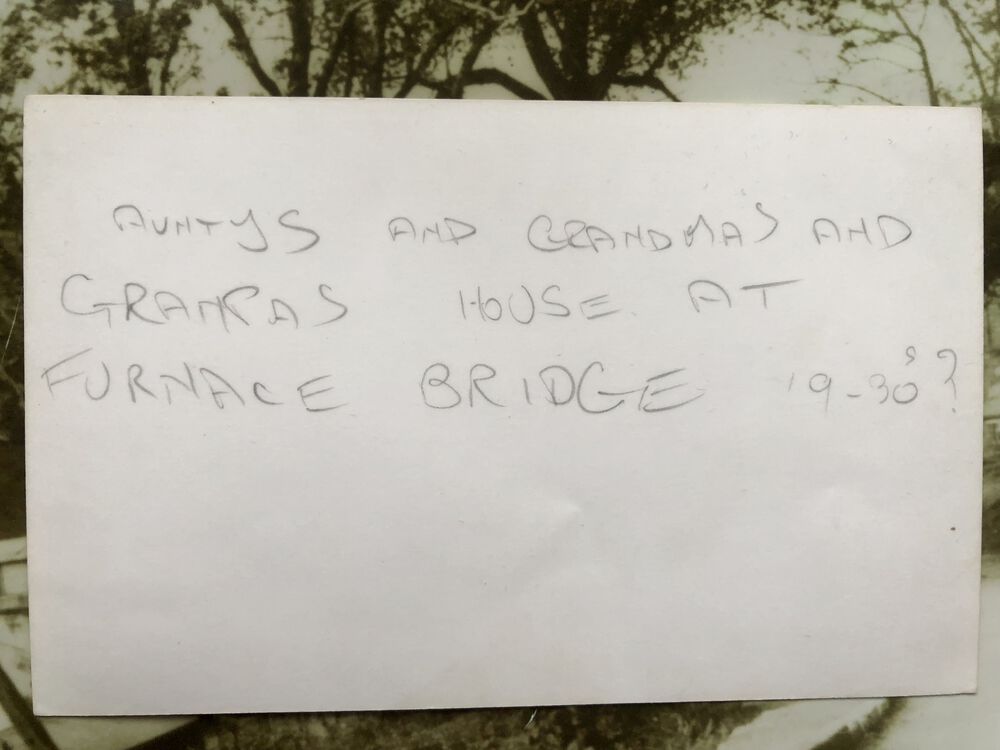
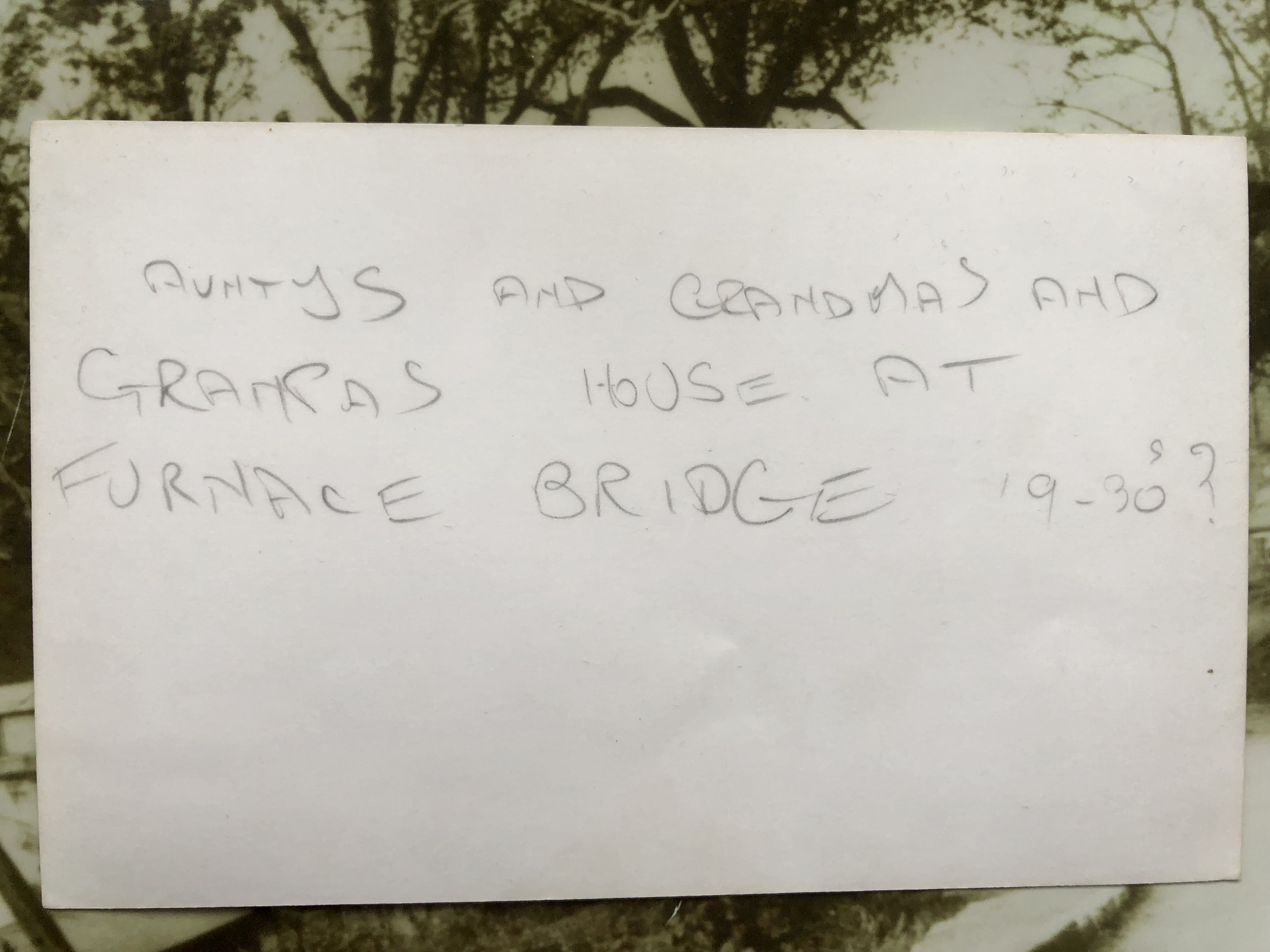
  2. I just found this old postcard that my Dad had made bigger for his Aunt, Annie Davison. Thought I would share here for everyone.
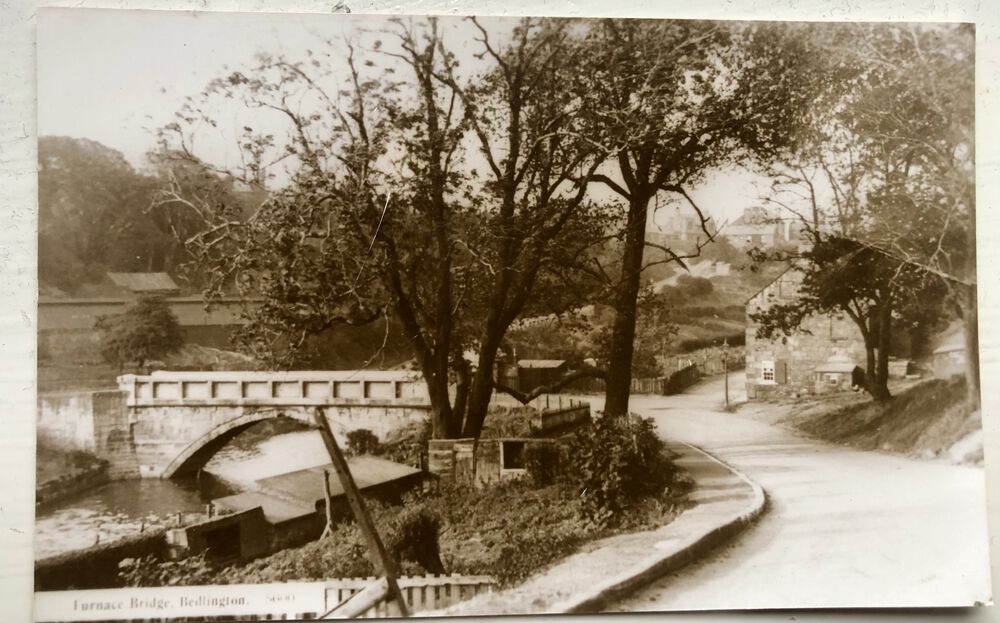
  3. Hi, I recently found out the my great aunt, her sister and parents lived in the Old Factory but they were Davisons.
  4. Thank you all ever so much. This information is fabulous to have and it’s great to see where they actually lived.
Account

Navigation

Search

Search

Configure browser push notifications

Chrome (Android)
  1. Tap the lock icon next to the address bar.
  2. Tap Permissions → Notifications.
  3. Adjust your preference.
Chrome (Desktop)
  1. Click the padlock icon in the address bar.
  2. Select Site settings.
  3. Find Notifications and adjust your preference.