Sheila Prouten
New Members
-
Joined
-
Last visited
-
 Thank you for the information. I'm waiting for a copy of my Father's birth cert' to arrive. Then I will know if he was born in Netherton, or just baptised there.
 -
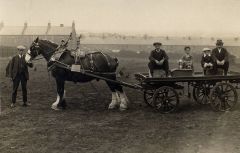 Wonderful photos!
 -
-
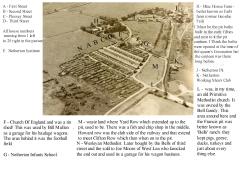
Hi Allan. I also live in France, but in Brittany. I am going to visit Netherton in June this year, so was very interested in your post and the info' you've been given. My Father I assume lived in Netherton, as he was baptised in the mission church there, in 1919.
-
Thank you.
-
I have just joined your page, after being directed here, by a kind soul on FB Ancestry page. My Father was baptised in the Netherton Church Mission, in 1919, according to his baptism certificate. I have just ordered his birth certificate, so hoping it contains an address. His Father was a miner at the time. The family name was Harrod. I am going to be in Blyth in June and am hoping to visit some of the places I have come across, whilst researching my ancestors. This page is great!