


Contributor Leaderboard
-

threegee
Administrators3Points4,445Posts -
.jpg.cdd7f8371d17e2f2f2e2a0e21e02f727.jpg) 2Points3,654Posts
2Points3,654Posts -
Bot
Moderators1Points1,669Posts -

Andy Millne
Administrators1Points3,465Posts

.thumb.jpg.7493ddab4a696108cf2b849323d3c155.jpg)


Popular Content
Showing content with the highest reputation on 16/06/17 in all areas
-
Actually... you're wrong! The "Introduce Yourself" forum can't be seen by non-members. You should have logged out to check that!3 points
-
2 pointsPOLAR PRIZE presented to Sting by the King of Sweden! What an honour! it's already being rumoured that the king will never wash his right hand ever again!2 points
-
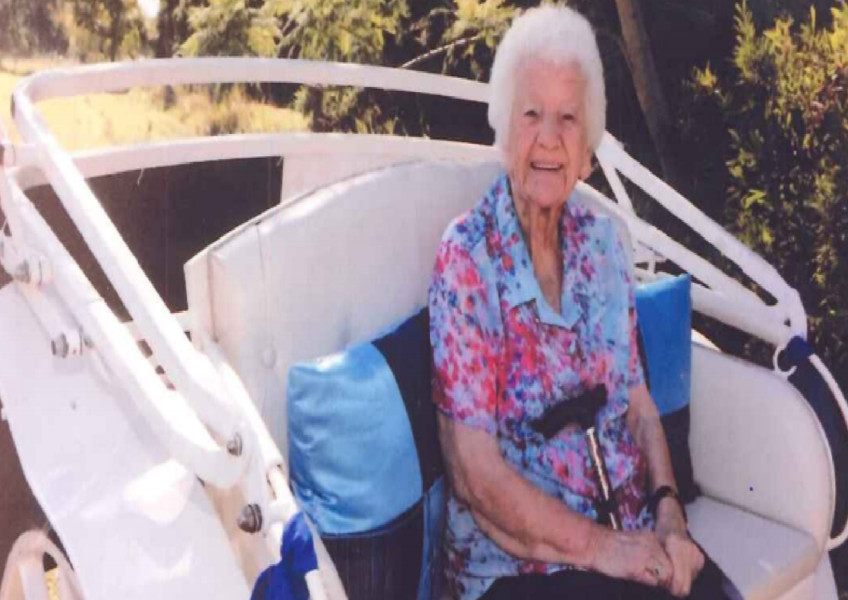 A woman who grew up in Bedlington and today lives in Australia recently celebrated her 100th birthday. Hilda Pearson, born on May 29, 1917, completed her schooling at about the age of 14 and left to do domestic work further south. This money was sent home to help the family – her parents were John and Abigail Worn and she had two sisters, Emma and Rachael, and two brothers, Stanley and Sidney. Her father was a coal miner.1 point
 -
Non members can see all forums but must be signed in to post, they cannot view the webcam.1 point