Contributor Leaderboard
-
.jpg.cdd7f8371d17e2f2f2e2a0e21e02f727.jpg) 1Points3,654Posts
1Points3,654Posts -

Dawn
Members1Points8Posts
.thumb.jpg.7493ddab4a696108cf2b849323d3c155.jpg)
Popular Content
Showing content with the highest reputation on 07/08/17 in all areas
-
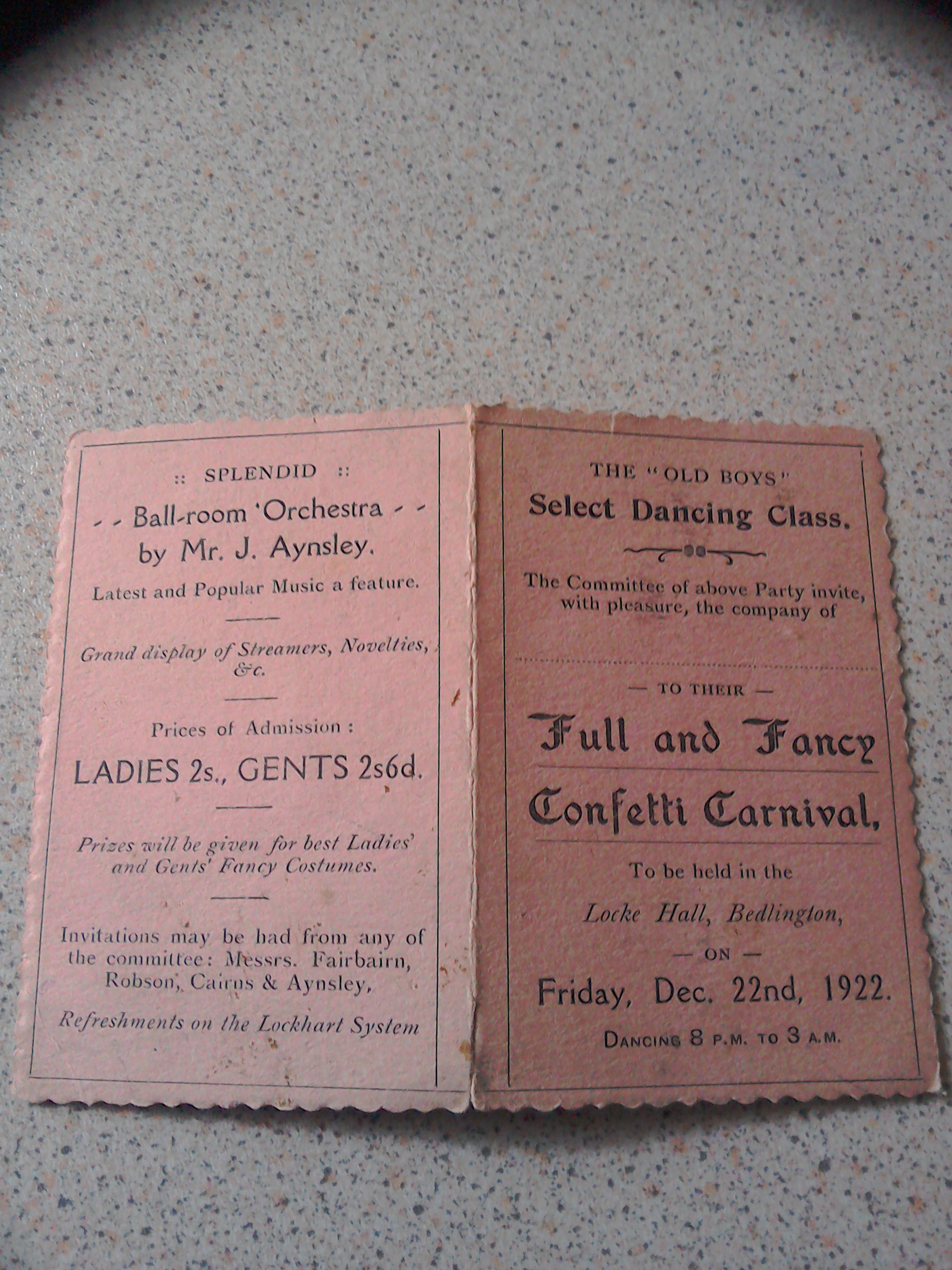
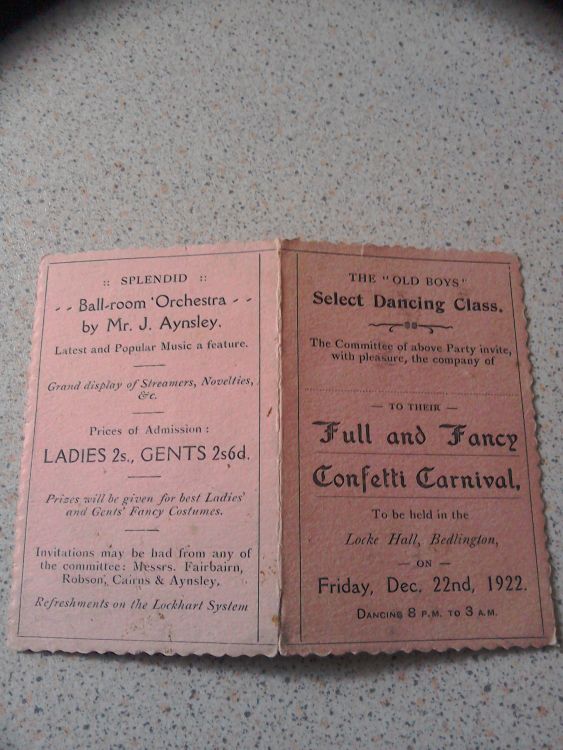
1 pointWelcome to the forum Dawn. What a lovely souvenir of times gone by! "A Full and Fancy Confetti Carnival". I wonder what that was? I'm amazed to see that it didn't finish until 3am! I wonder why the gents admission was more expensive than the ladies? The venue was the "Locke Hall". I think that was above the Coop on Front Street East in Bedlington.1 point
-
1 pointI've recently joined and found this old post, just incase you're still interested I took a photo of a dance card belonging to MIL Mother. This was above the Co-op, is this the mystery hall?
 1 point