Contributor Leaderboard
-
moe19
Members2Points432Posts -
John Fox (foxy)
Moderators2Points1,417Posts -
Newbedders
Members1Points98Posts -
Malcolm Robinson
Moderators1Points6,416Posts




Popular Content
Showing content with the highest reputation on 12/11/17 in Posts
-
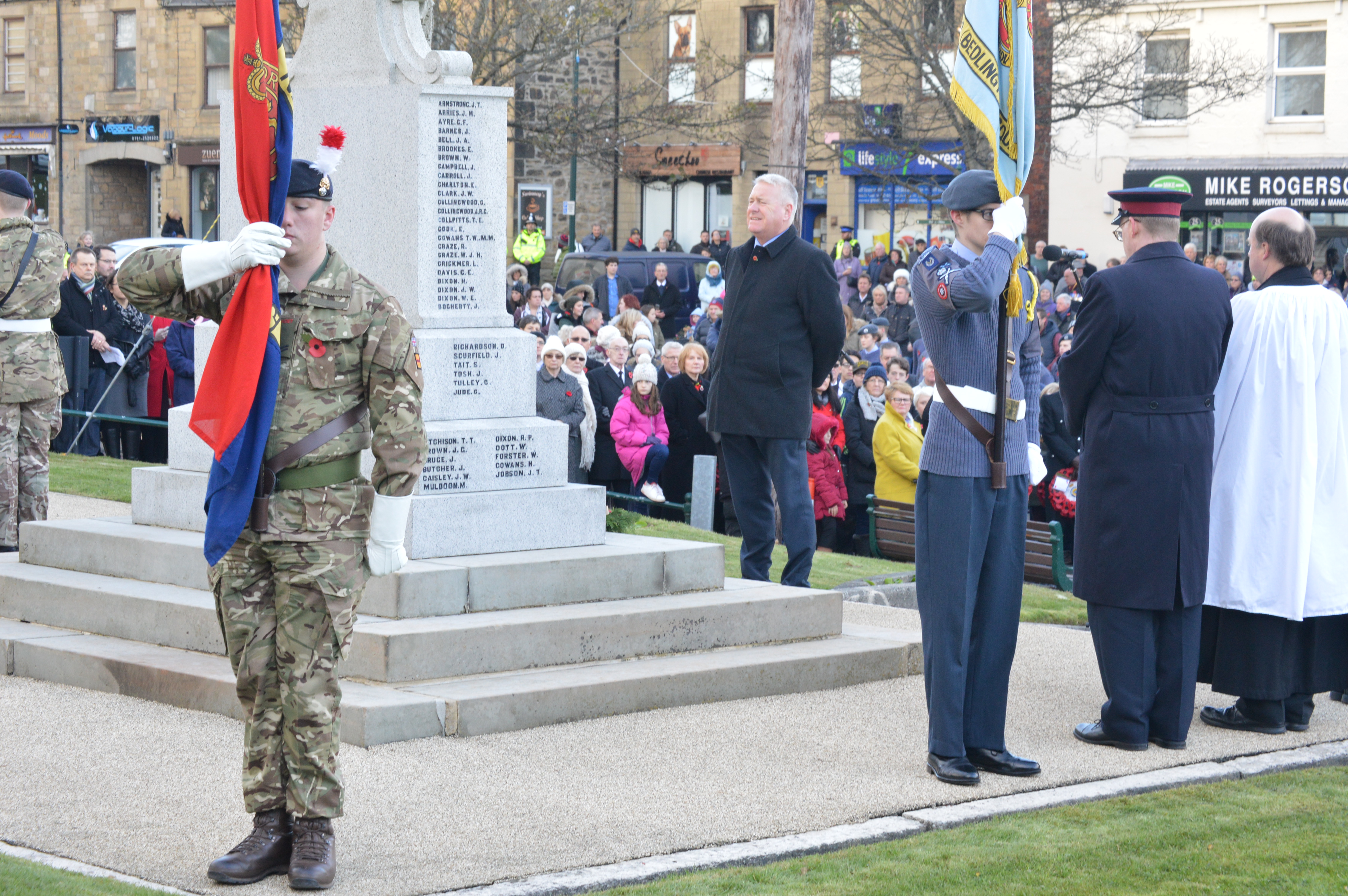
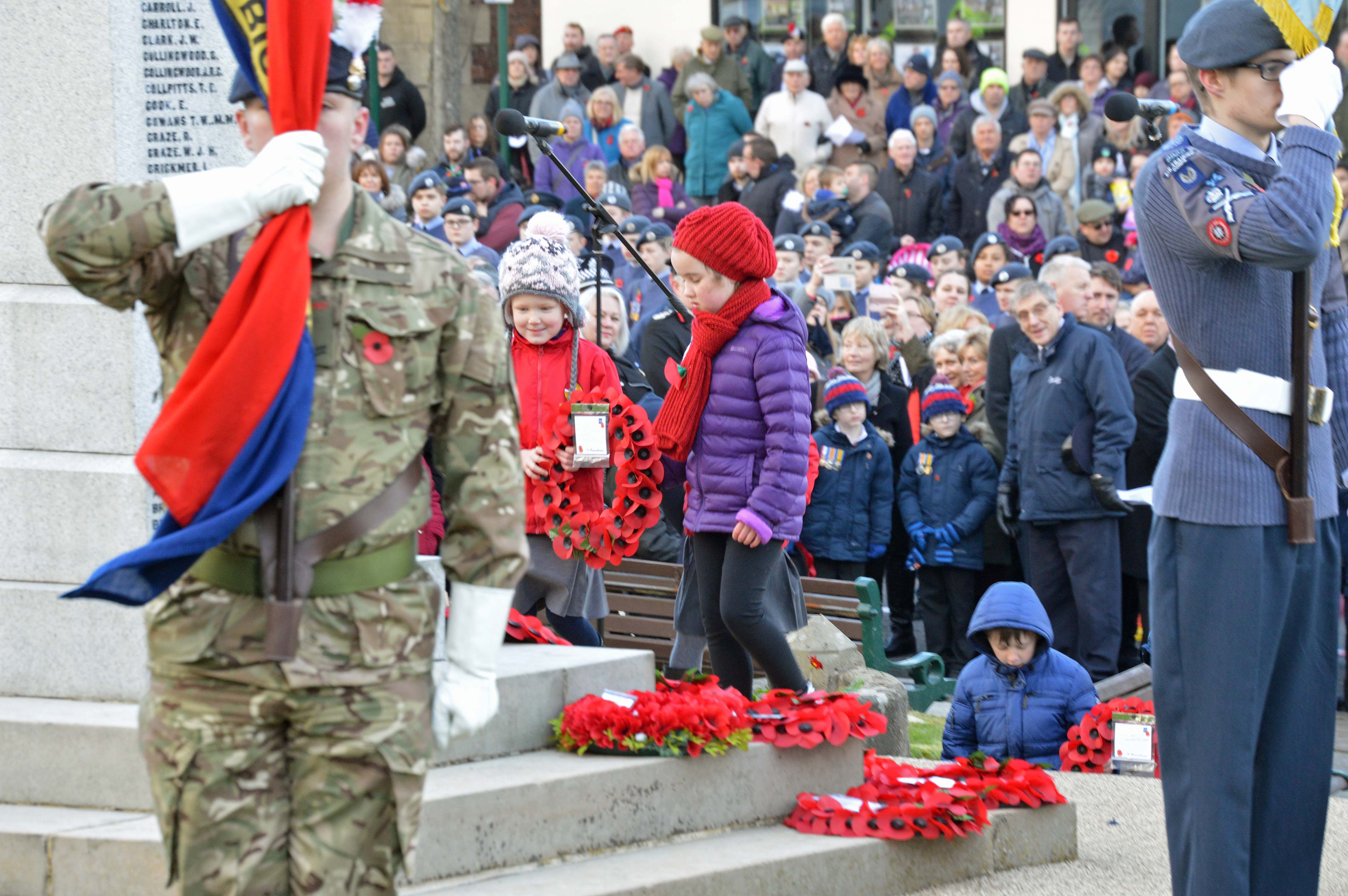
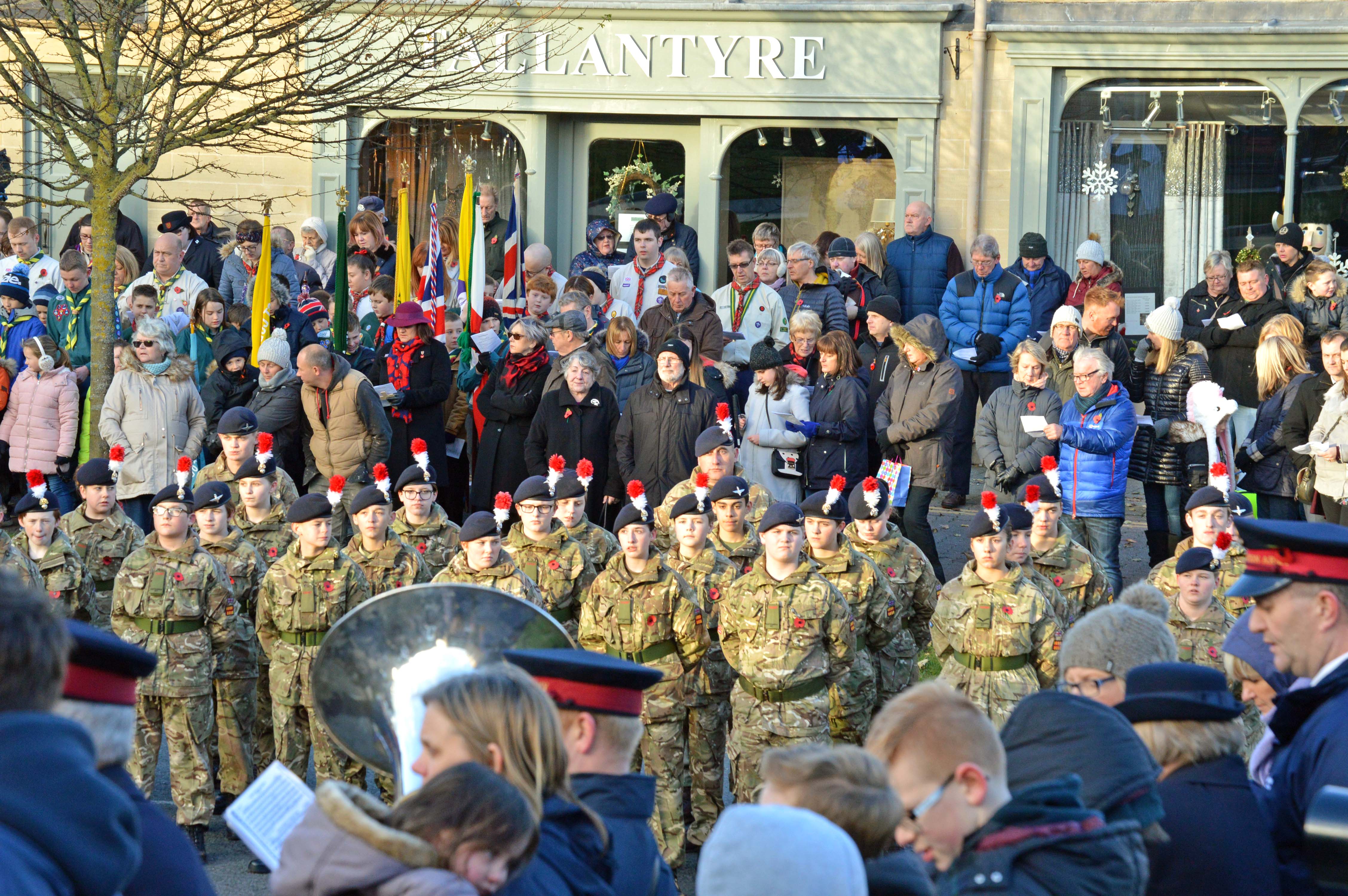
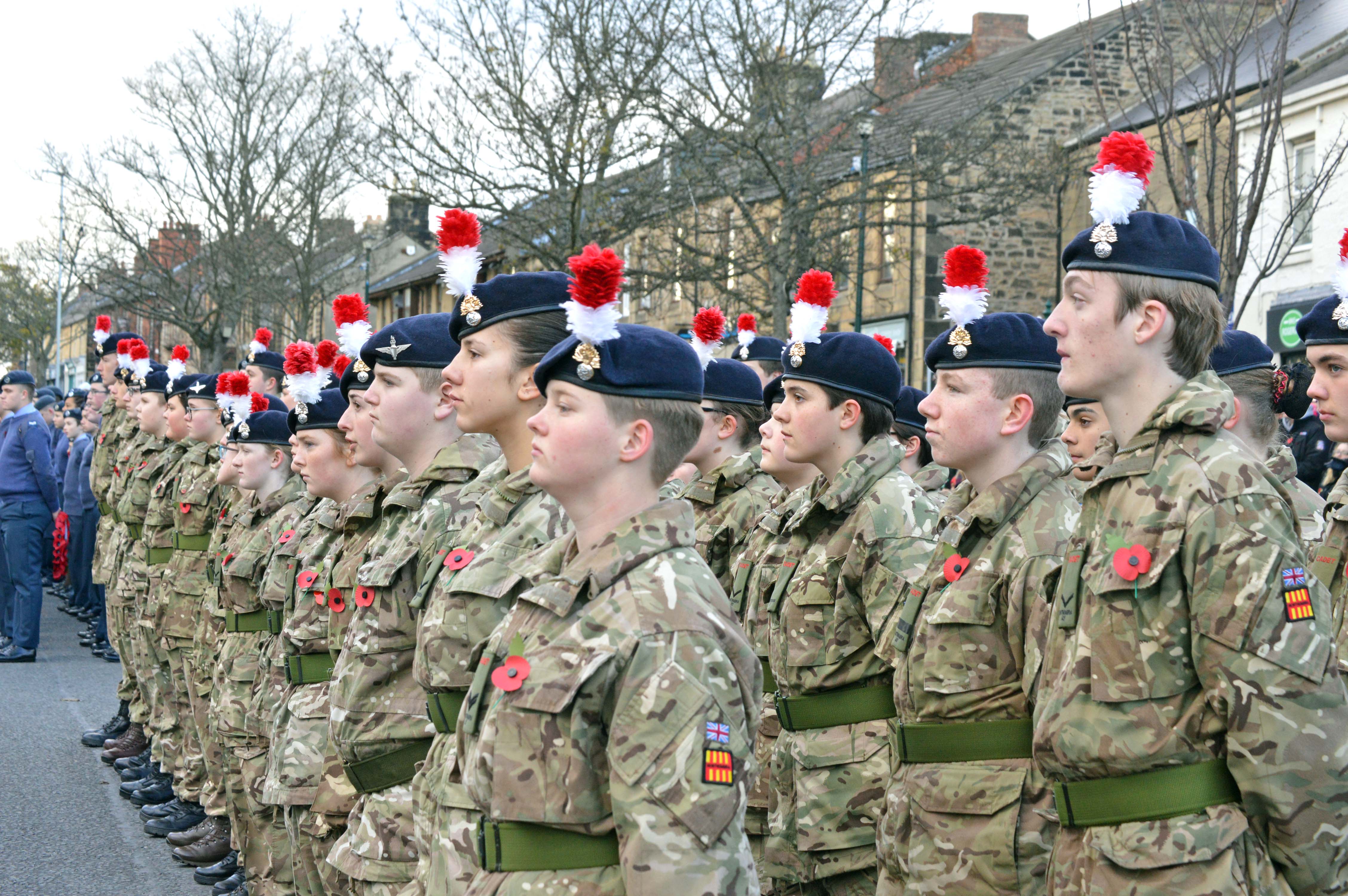
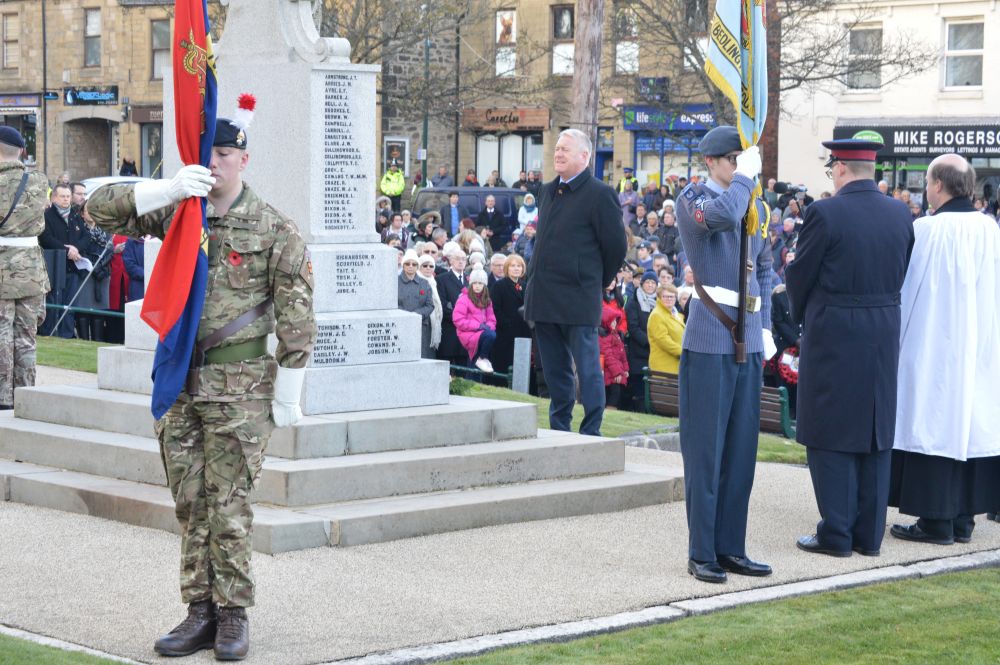
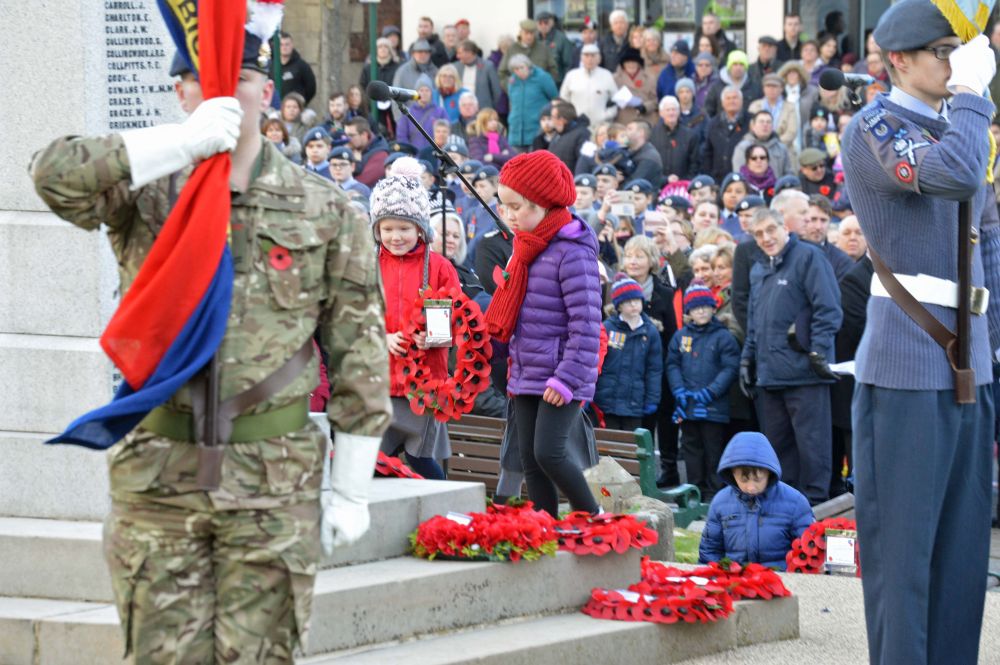
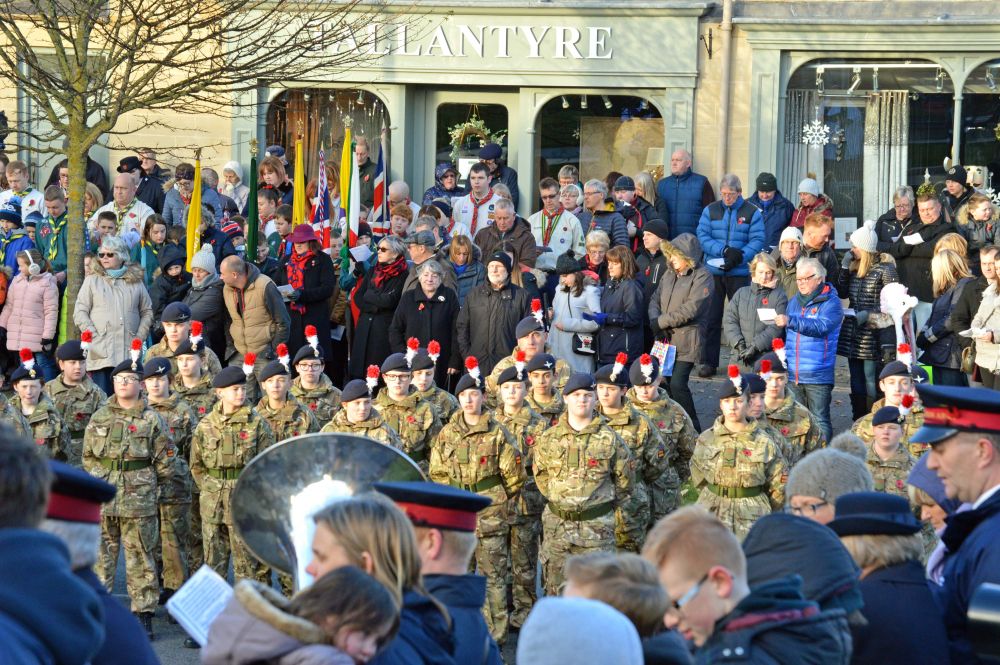
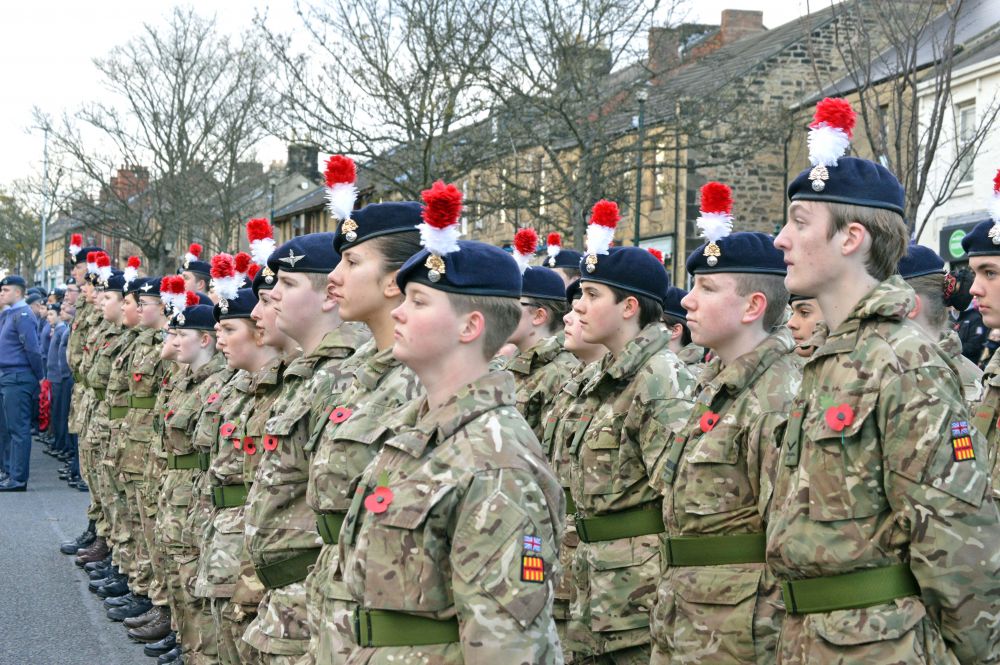
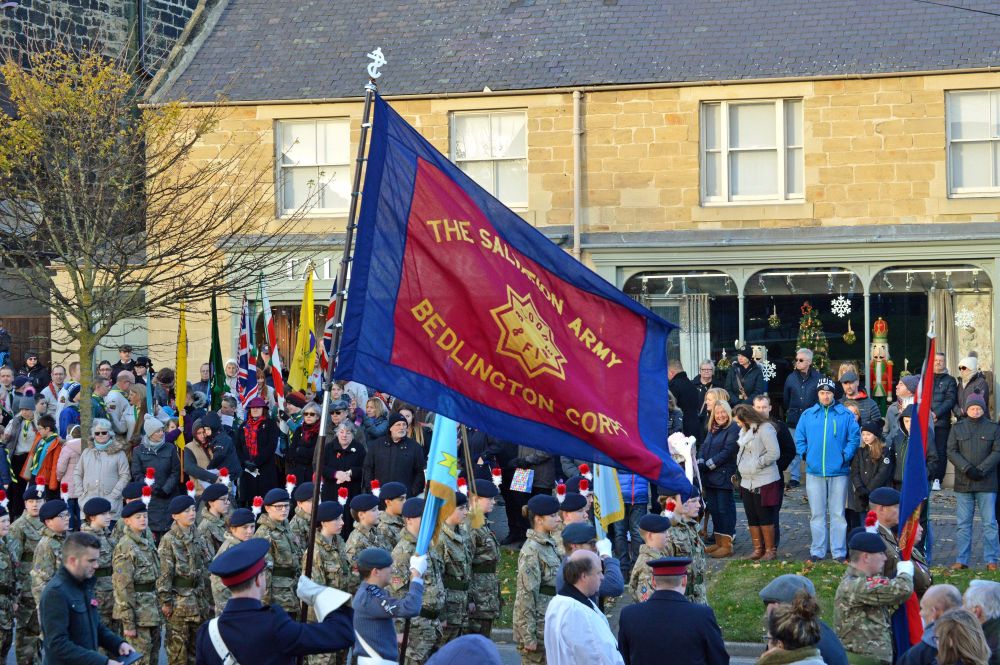
2 pointsAnother great turnout from the Bedlington folk showing their respect.

 2 points
 -
I could not help noticing a few weeks ago that according to his profile Russ Wallace has never visited these forums ?? . Russ Wallace Members 12 Content count 12 Joined June 16 Last visited Never2 points
-
You are right there Vic.......it sometimes takes weeks and months to get things done! Not sure how much of a difference but I'm trying as I said I would!1 point
-
1 point
-
Hmm just wondering what you do with all your spare time! Frustration must be the worst part of the job! But satisfying knowing you make a difference,1 point
-
Would Councillor Wallace like to repeat his road safety exercise along Church Lane and Hotspur Avenue. The number of drivers that flout the posted speed limits is disgraceful.1 point