Contributor Leaderboard
-

Andy Millne
Administrators2Points3,465Posts -
2Points6,990Posts


Popular Content
Showing content with the highest reputation on 18/09/18 in all areas
-
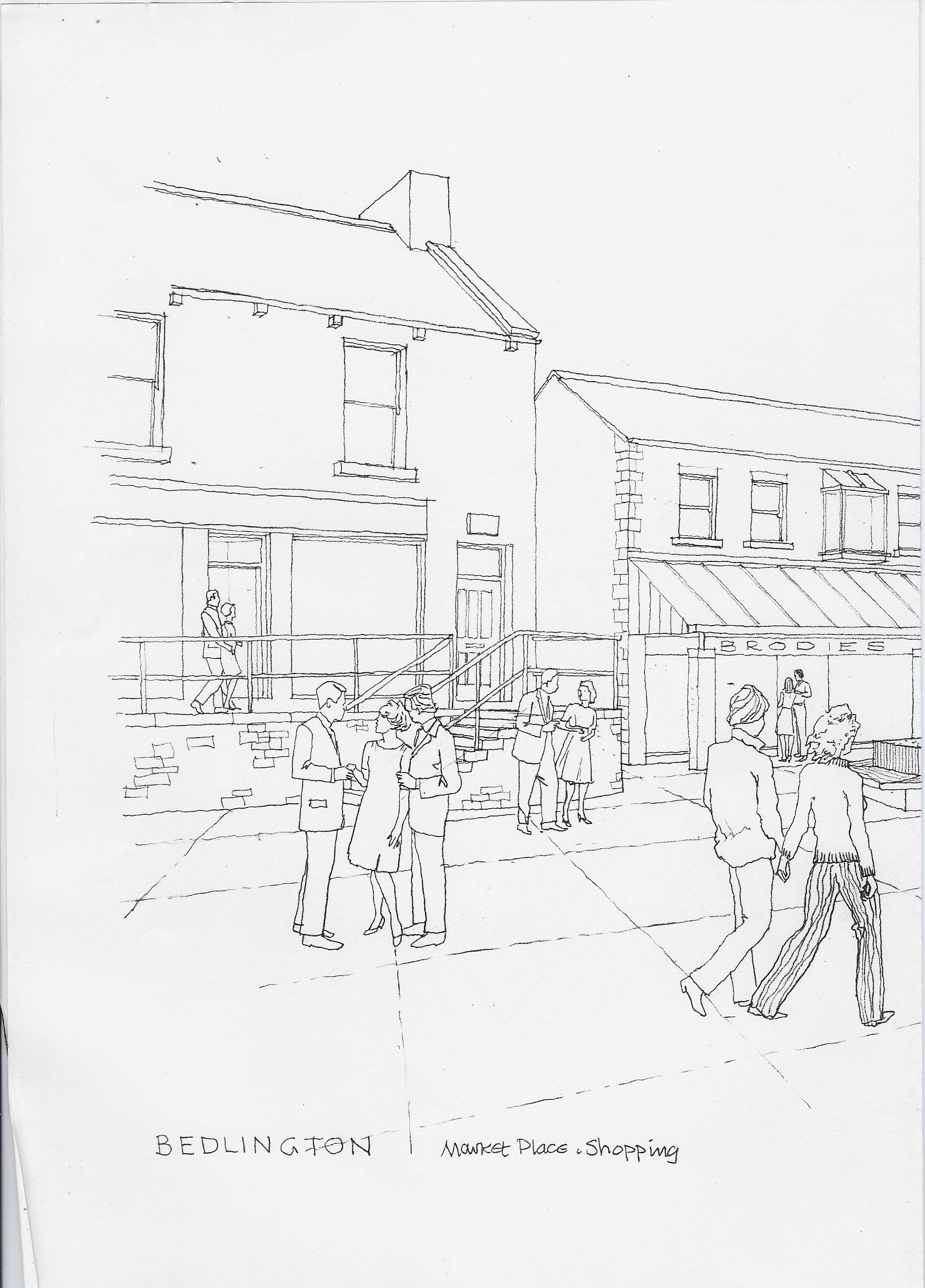
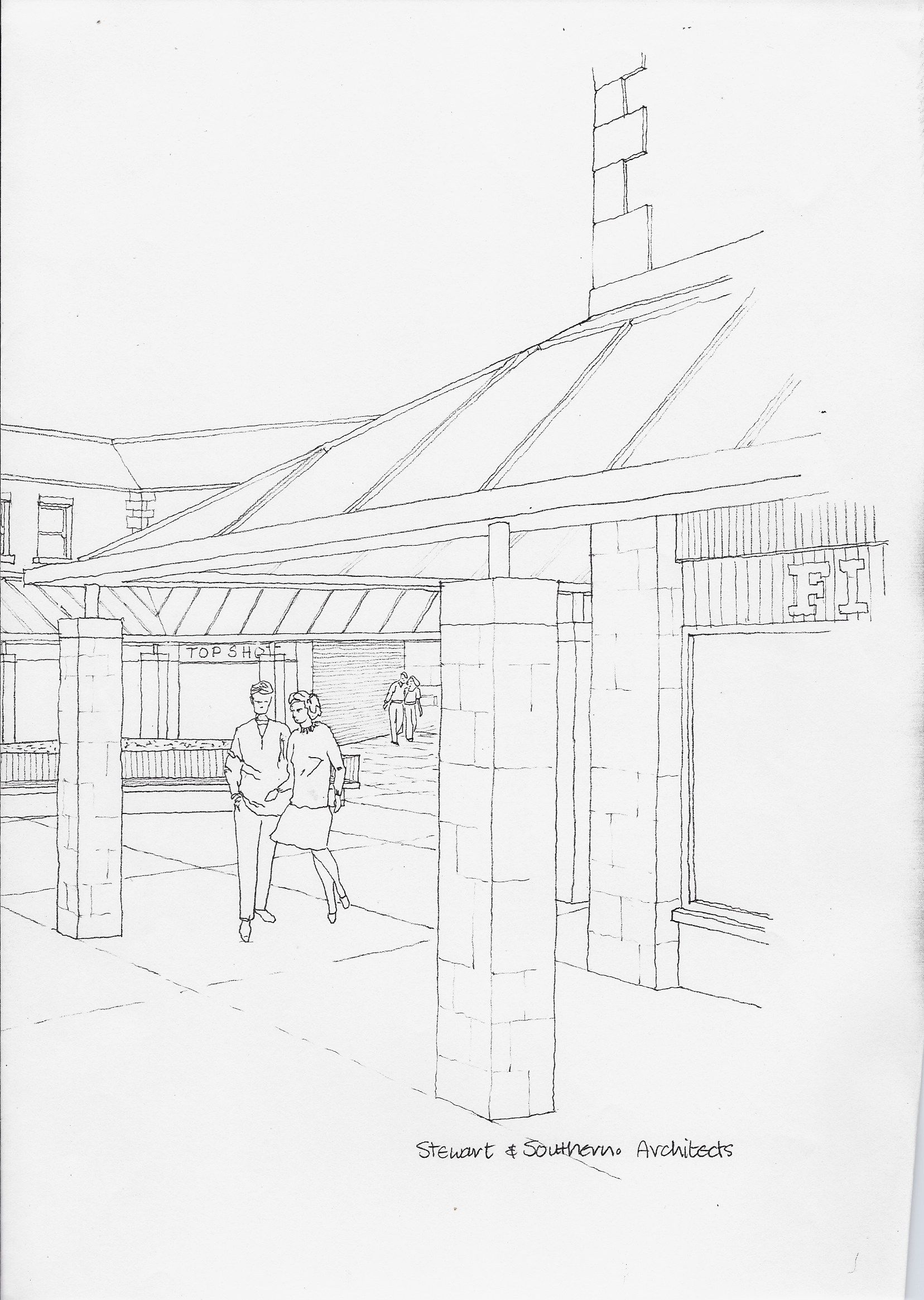
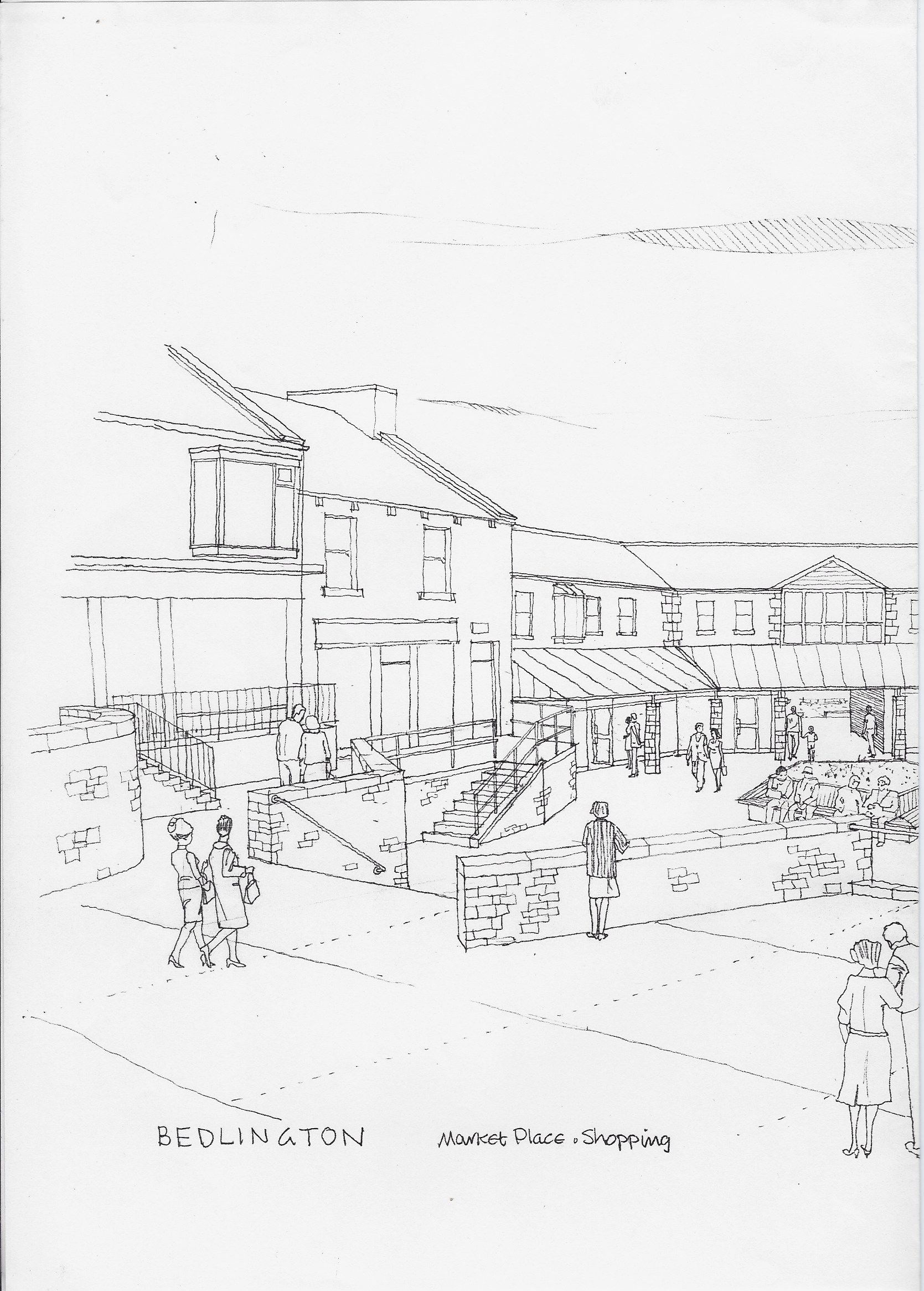
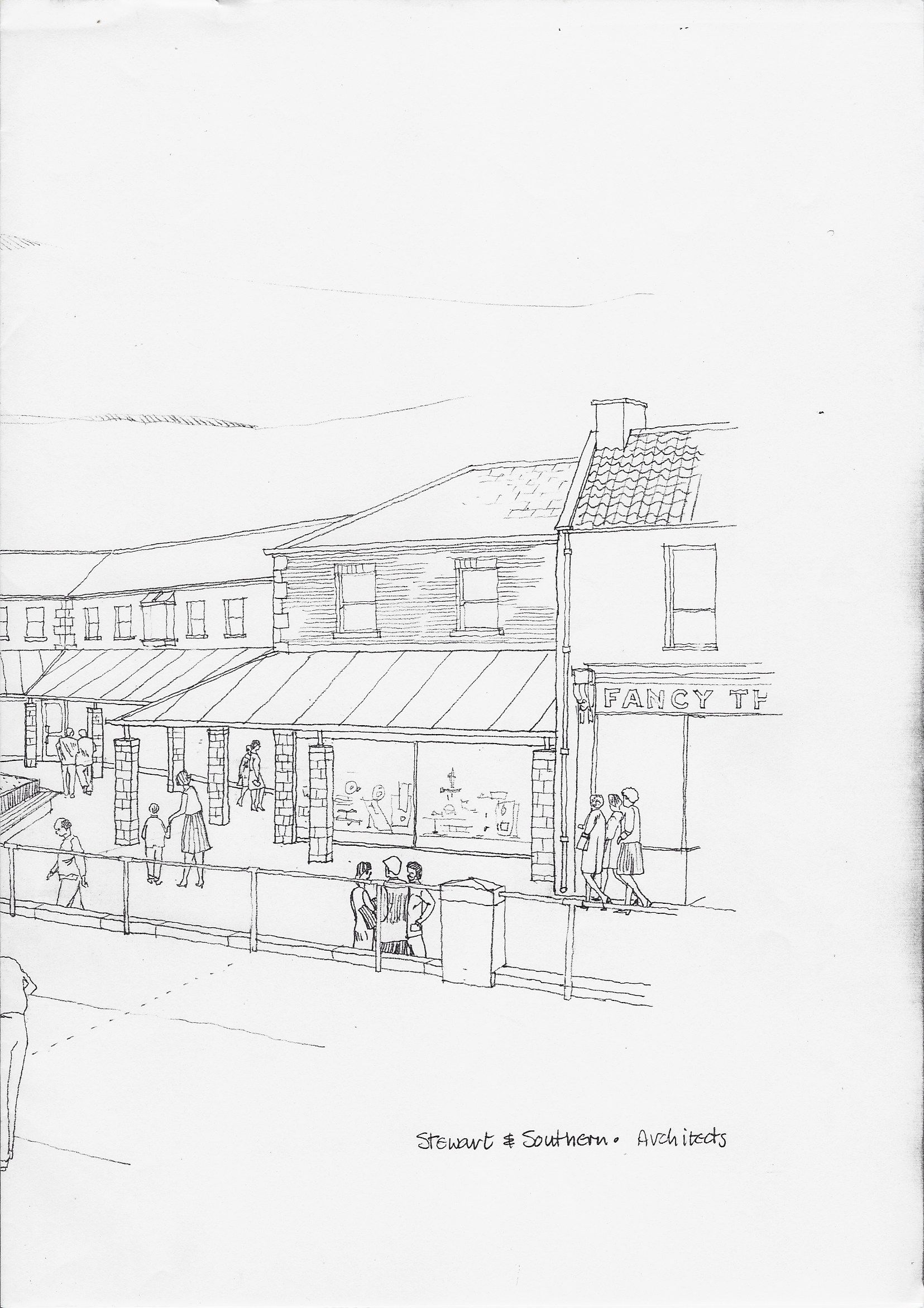
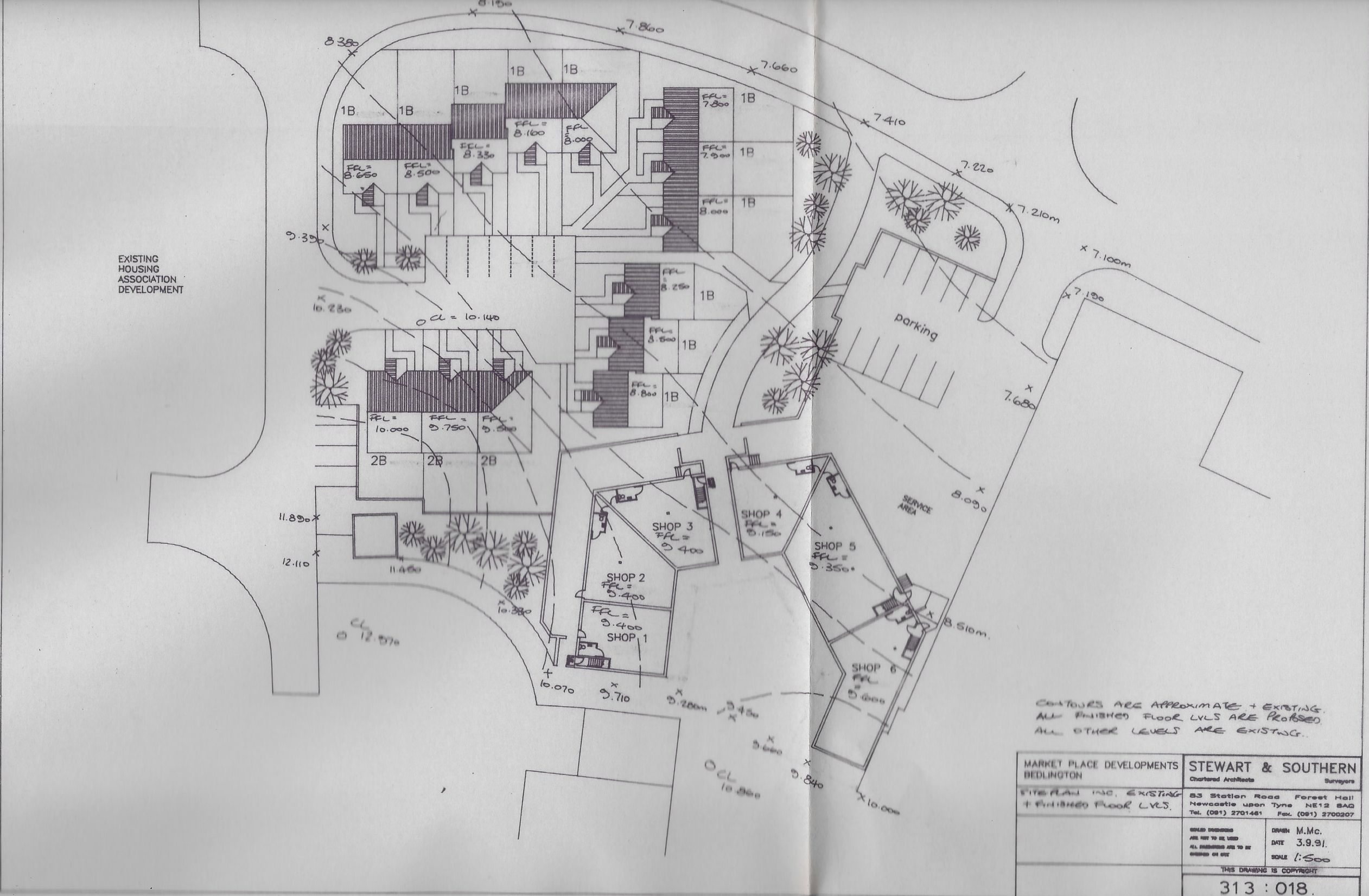
Sharing some interesting town plan info I found in the loft from 1979 A couple of PDFs... Bedlington Town Local Plan - June 1979.pdf The Bedlington Improvement Programme.pdf And some images....
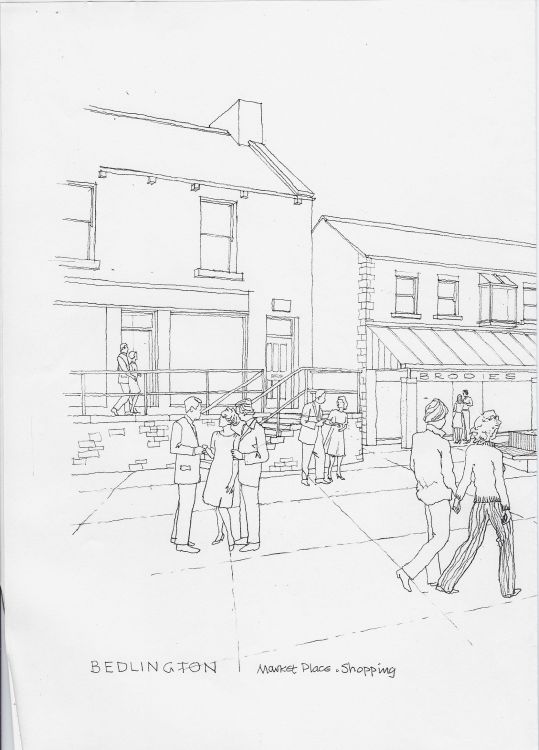
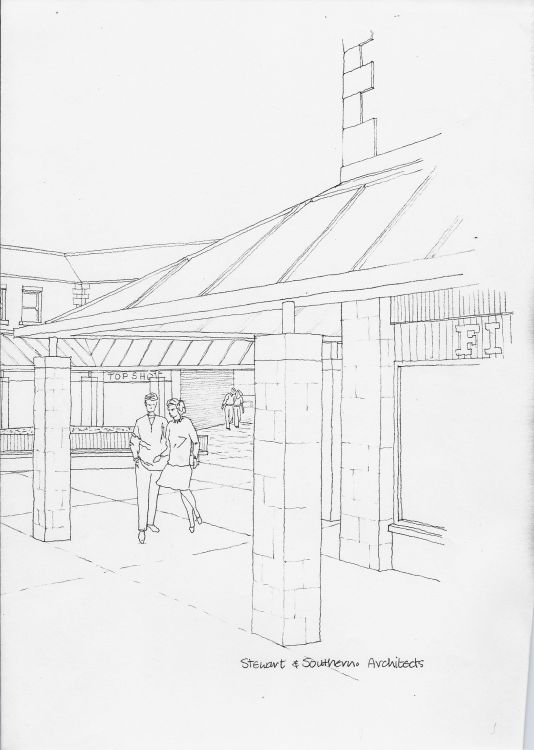
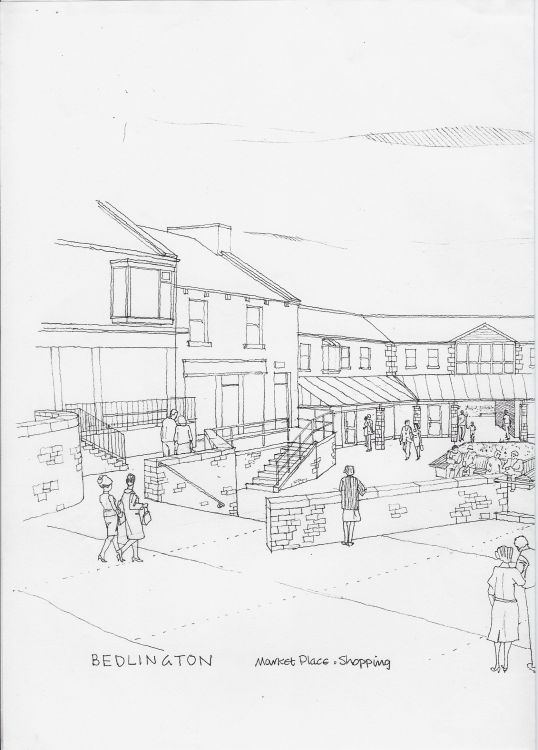
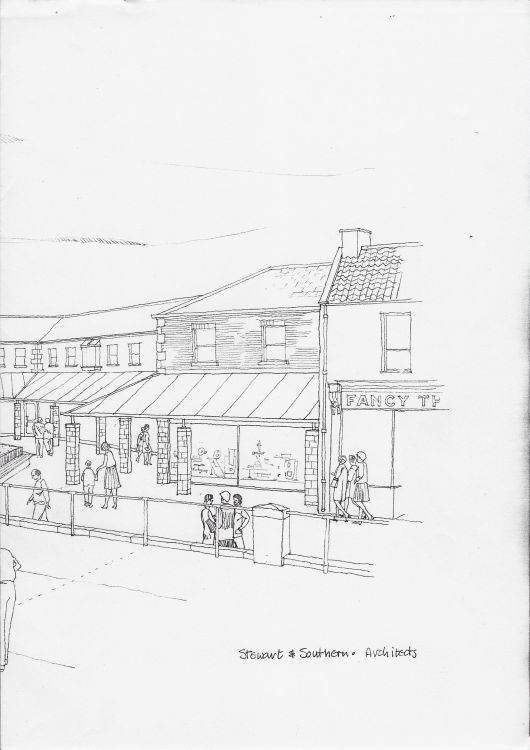
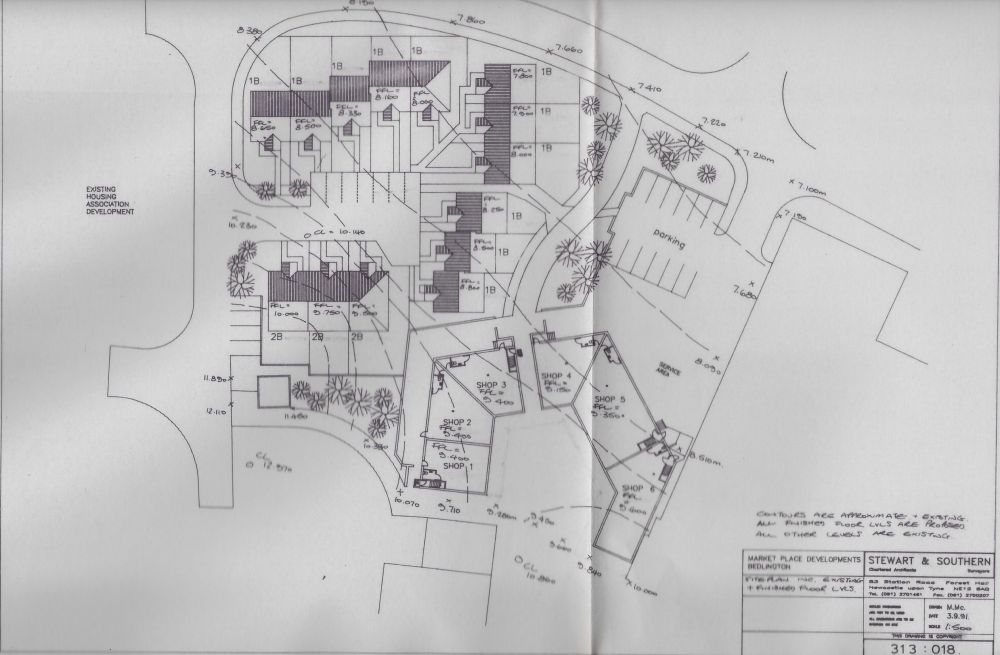 1 point
 -
I tell those Facebook members all the time Andy, and post links to various pages, especially the gallery, on this site on a regular basis1 point
-
@Alan Edgar (Eggy1948) That's great to hear, glad I can help. They could have had one a lot sooner though if I had known. Tell them to get on over to support the local site that actually values and protects the content and isn't out to profit from invading their privacy 😛 Incidentally I've just scanned a lot of old family photos, many of which feature people and places of Bedlington. Threegee is going through them and adding any info he can and I'll be posting the relevant ones to a public album soon.1 point
-
@Andy Millne - Facebook members have been searching for years for a shot of SMAIL's shop at the entrance to Hollymount Square on Front Street east and there is one in this June 1979 pdf document :-
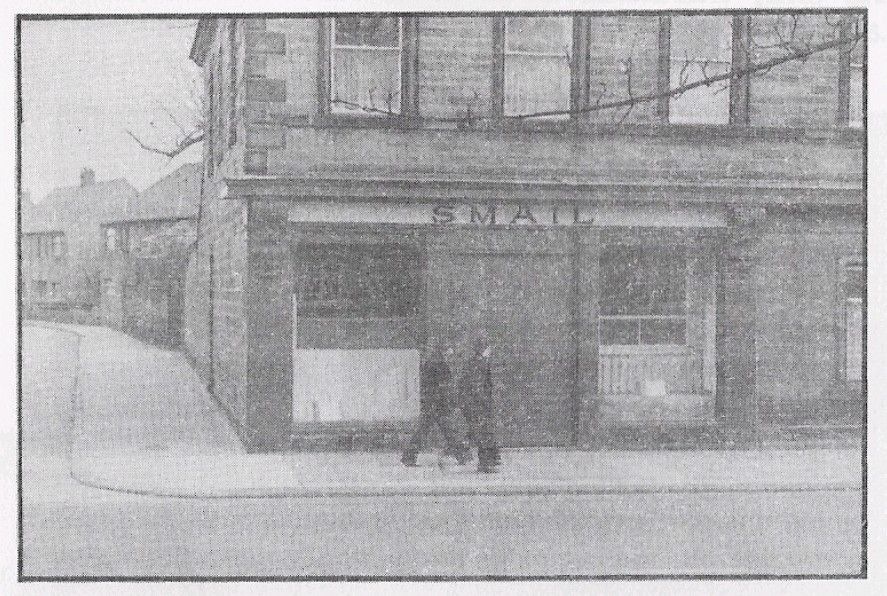 1 point