Contributor Leaderboard
-
timeslip1
Members4Points7Posts -
 1Points1,451Posts
 -
.jpg.cdd7f8371d17e2f2f2e2a0e21e02f727.jpg) 1Points3,654Posts
1Points3,654Posts -
1Points3,071Posts


.thumb.jpg.7493ddab4a696108cf2b849323d3c155.jpg)

Popular Content
Showing content with the highest reputation on 14/03/19 in Posts
-
1 pointHappy Birthday Vic, Hope you have a great day. Have you still got snow or is the weather changing?1 point
-
1 pointThank you Pete, still got lots of snow, more forecast for tomorrow, but only -10c so Spring is nearly here....1 point
-
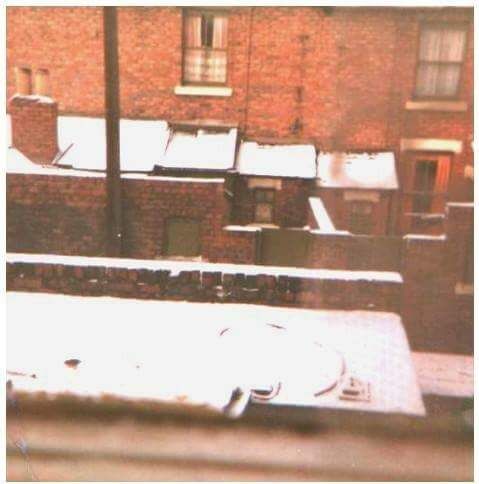
1 pointHi Alan i have viewed it a few times i lived in plessey street same street as cine was made I wished more people would share photos of Netherton Colliery1 point
-
1 point
-
1 point
-
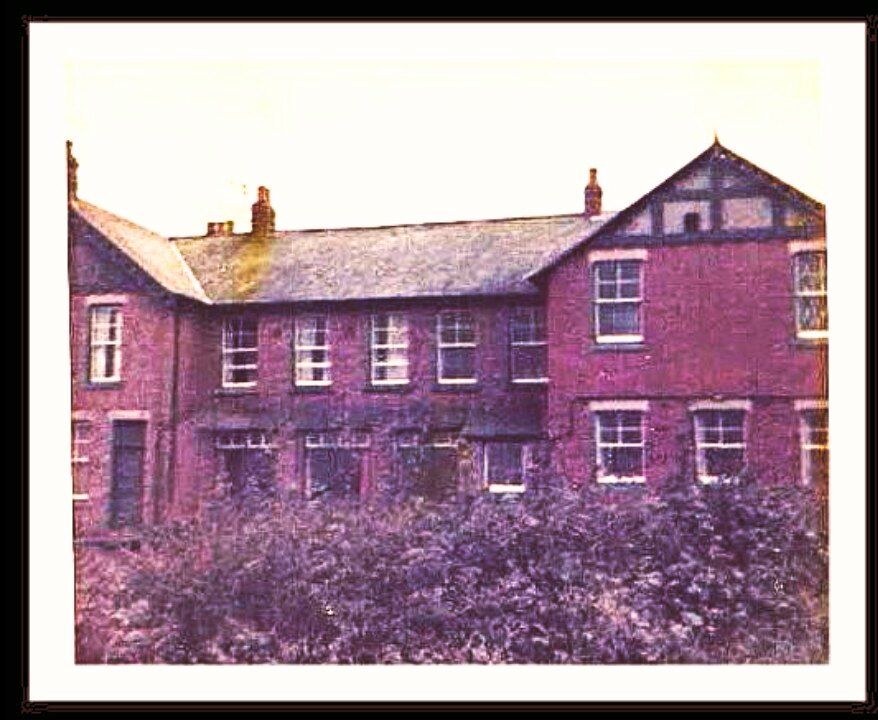
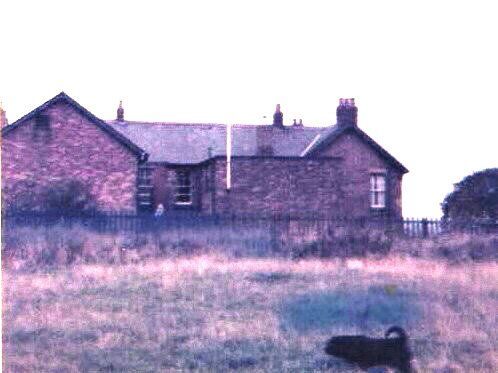
1 pointFlag pole next to railway line faced the 4 street , entrance faced the fields The Club at Netherton Colliery Bedlington
 1 point
 -
1 point