Skip to content
View in the app

A better way to browse. Learn more.

Bedlington.uk

A full-screen app on your home screen with push notifications, badges and more.

To install this app on iOS and iPadOS
  1. Tap the Share icon in Safari
  2. Scroll the menu and tap Add to Home Screen.
  3. Tap Add in the top-right corner.
To install this app on Android
  1. Tap the 3-dot menu (⋮) in the top-right corner of the browser.
  2. Tap Add to Home screen or Install app.
  3. Confirm by tapping Install.

Contributor Leaderboard

Popular Content

Showing content with the highest reputation on 02/06/19 in all areas

  1. 1 point
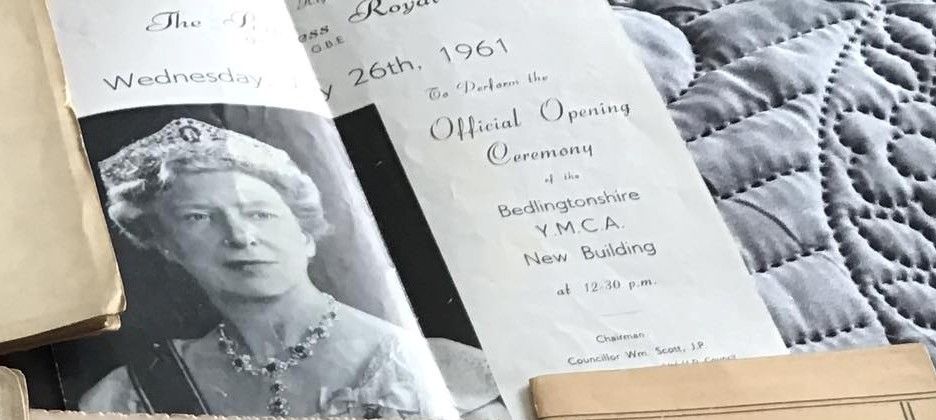
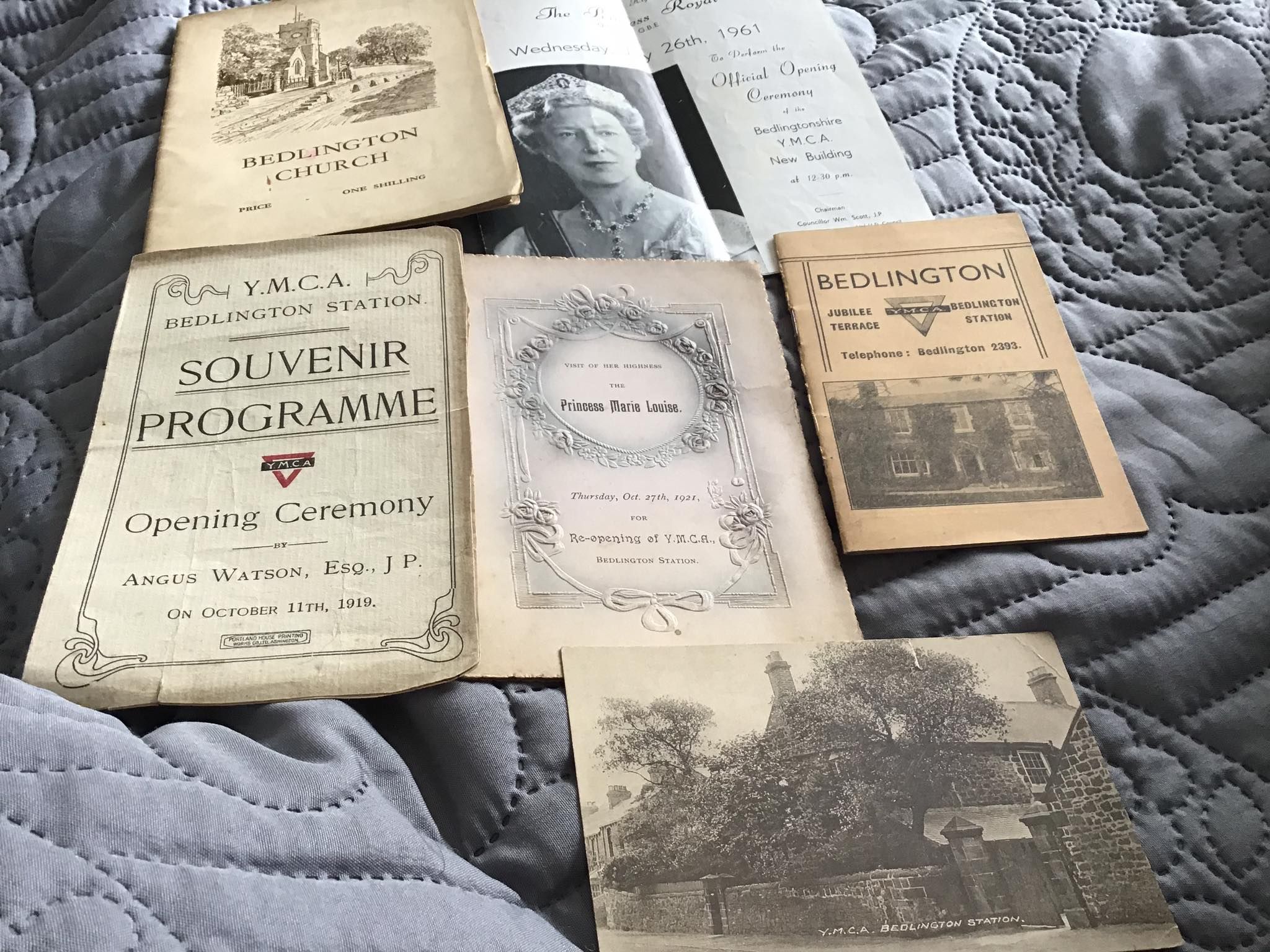
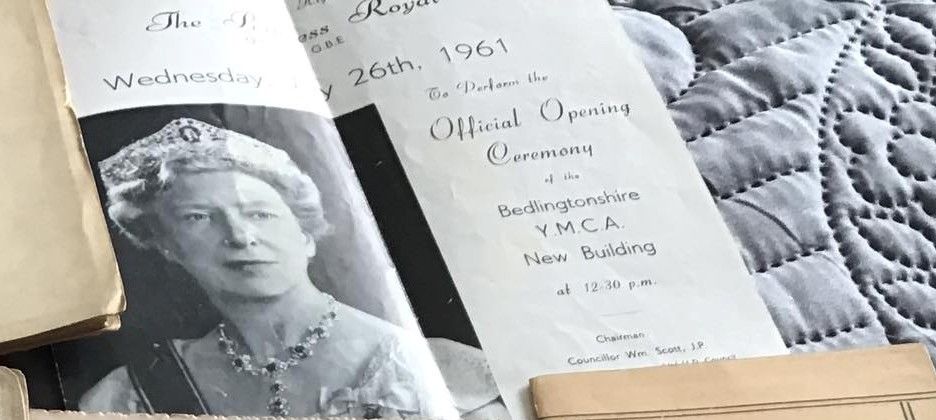
    @Pete - just checked th1 1961 calendar and the 26th May 1961 was a Friday - 26th February was a Sunday but the 26th July was a Wednesday
  2. 1 point
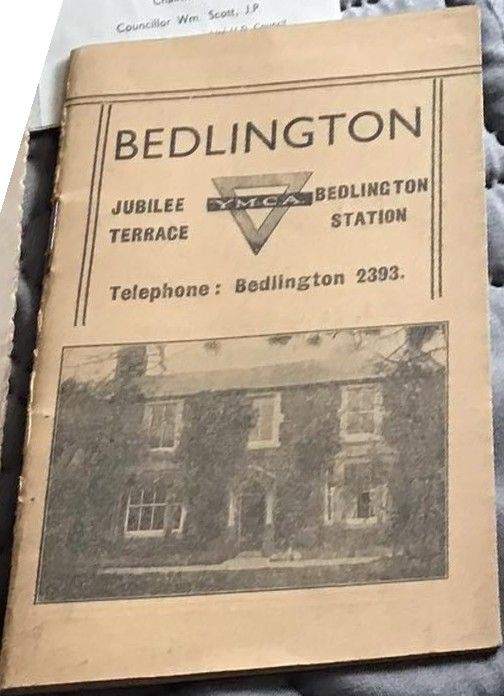
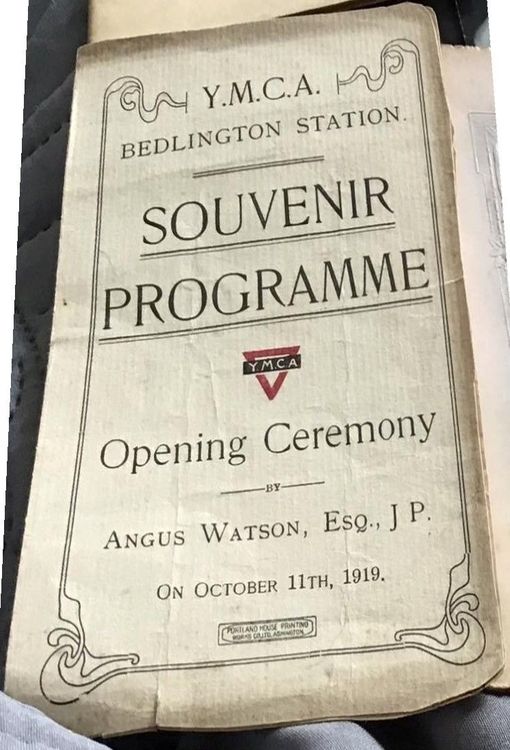
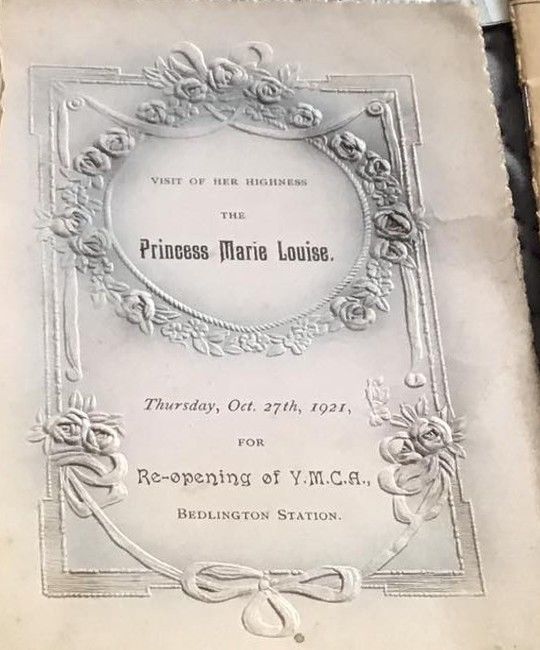
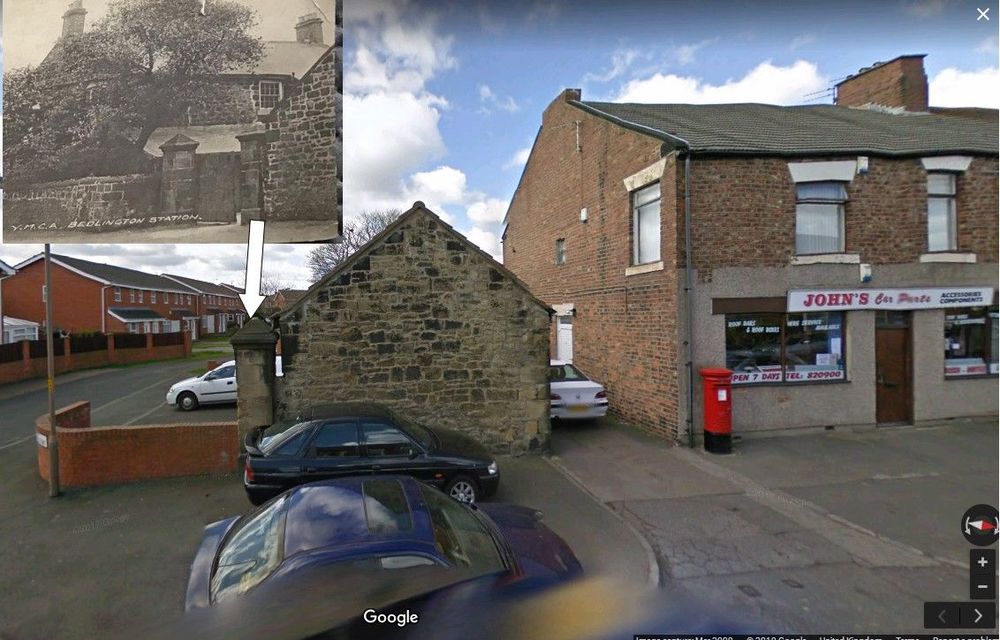
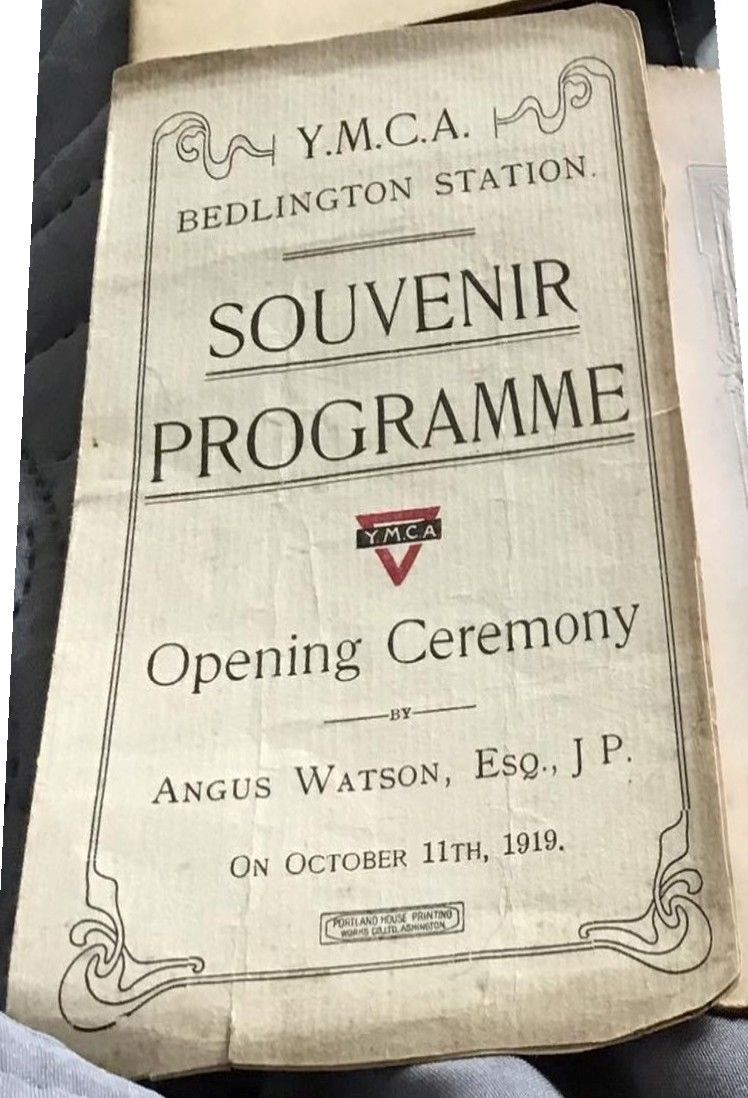
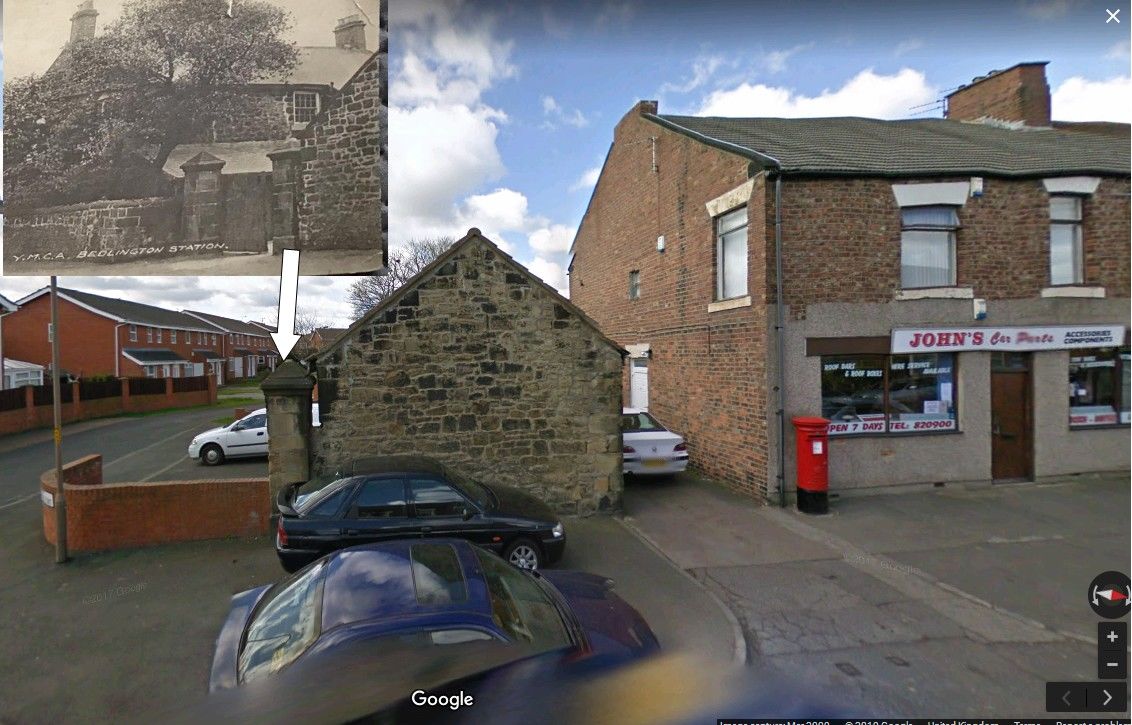
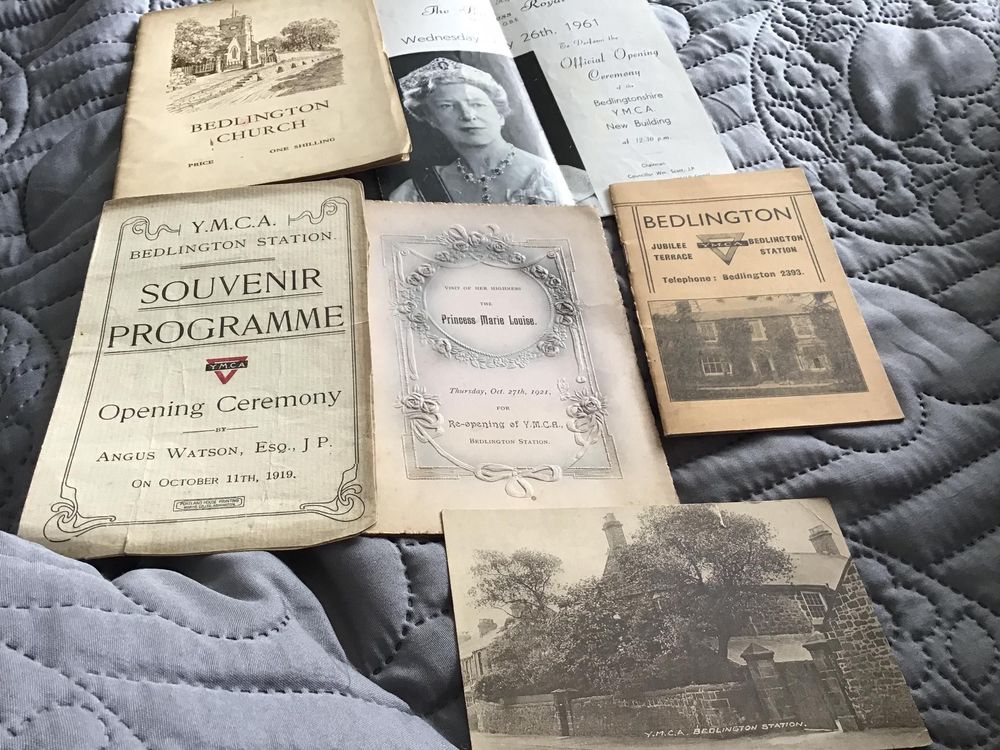
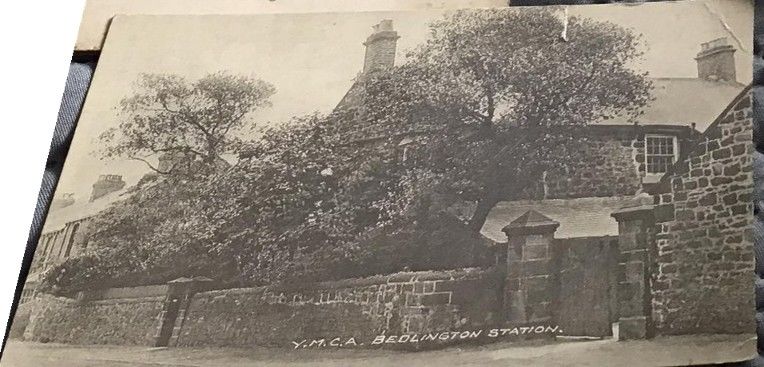
    @Pete - Edit Barrett - Facebook group Bygone Bedlington posted this comment this evening :- Found these when clearing a late relatives house, some very old programs. If anyone is interested in buying them message me. No silly offers Along with that comment this image :- I have extracted some of the images but can't straighten them up :- And Google street view showing the bit that still exists = Jubilee Mews :-
Account

Navigation

Search

Search

Configure browser push notifications

Chrome (Android)
  1. Tap the lock icon next to the address bar.
  2. Tap Permissions → Notifications.
  3. Adjust your preference.
Chrome (Desktop)
  1. Click the padlock icon in the address bar.
  2. Select Site settings.
  3. Find Notifications and adjust your preference.