Contributor Leaderboard
-
Bedlingtonian
Members2Points191Posts -
2Points6,990Posts
-

Andy Millne
Administrators1Points3,465Posts



Popular Content
Showing content with the highest reputation on 13/12/19 in all areas
-
1 pointSomewhat ironic in that the Brexit Party saved him from the chop. Perhaps he should look at his own performance rather than blame everything on Brexit.1 point
-
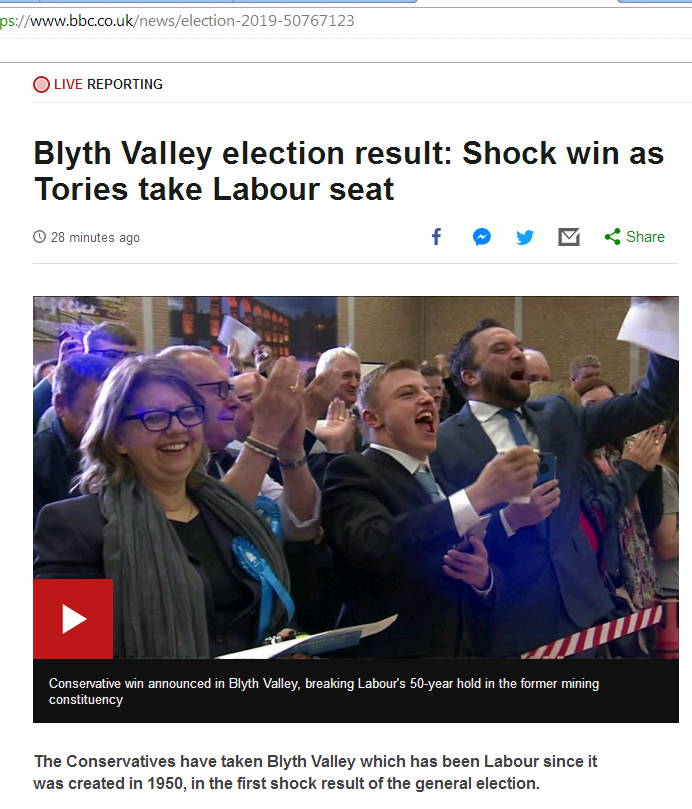
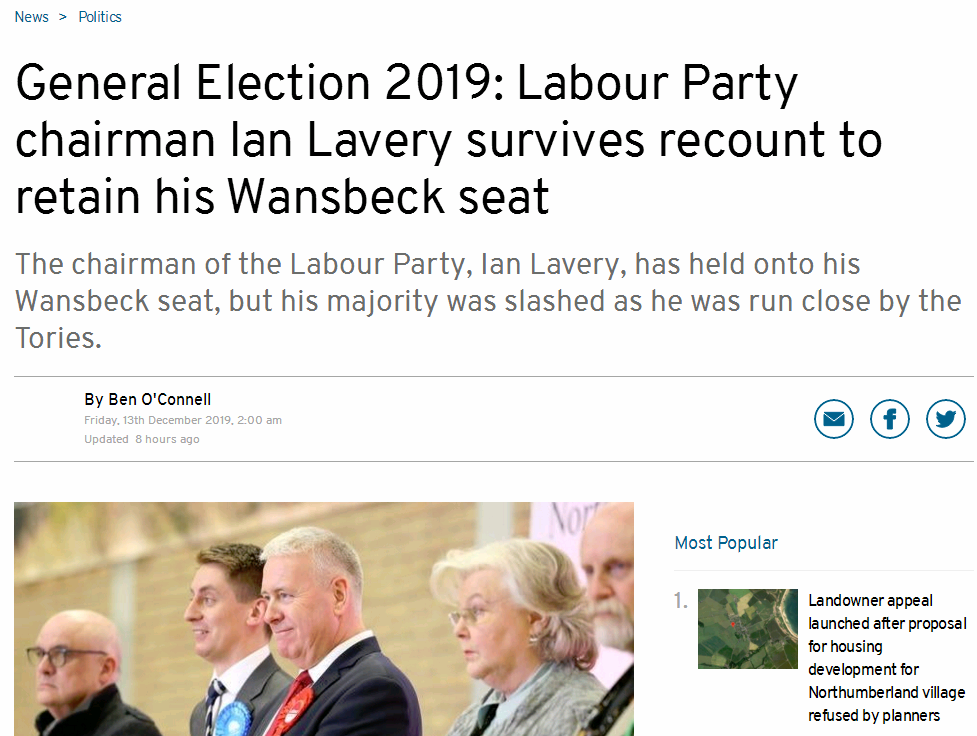
1 point@Vic Patterson :- and Ian Lavery's result :- https://www.northumberlandgazette.co.uk/news/politics/general-election-2019-labour-party-chairman-ian-lavery-survives-recount-retain-his-wansbeck-seat-1340129
 1 point
 -
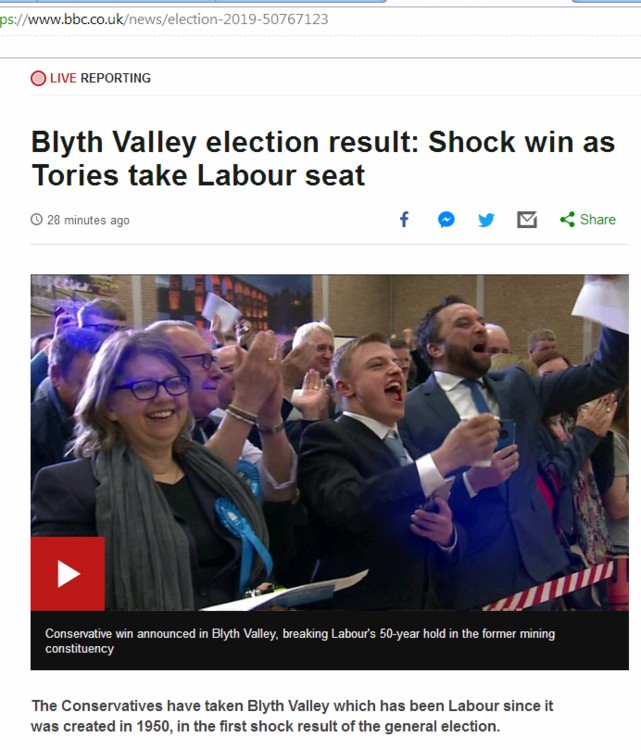
1 point@Vic Patterson - if you haven't already seen it, check this out :- https://www.bbc.co.uk/news/election-2019-50767123
 1 point
 -
1 pointAshington, Cramlington and Morpeth appear to have a branch. Bedlington would have to have a volunteer moderator to start I believe. https://www.freecycle.org/browse/UK/North East1 point
-
1 pointWell if nothing else at least it’s good to see the Front Street nice and busy today.1 point