


Contributor Leaderboard
-
.jpg.cdd7f8371d17e2f2f2e2a0e21e02f727.jpg) 1Points3,654Posts
1Points3,654Posts
.thumb.jpg.7493ddab4a696108cf2b849323d3c155.jpg)
Popular Content
Showing content with the highest reputation on 21/08/20 in all areas
-
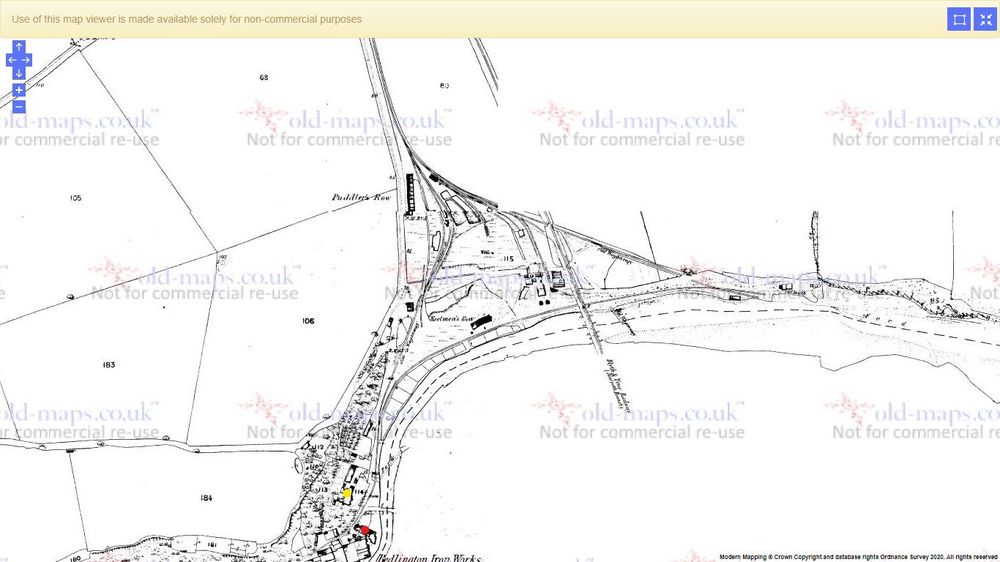
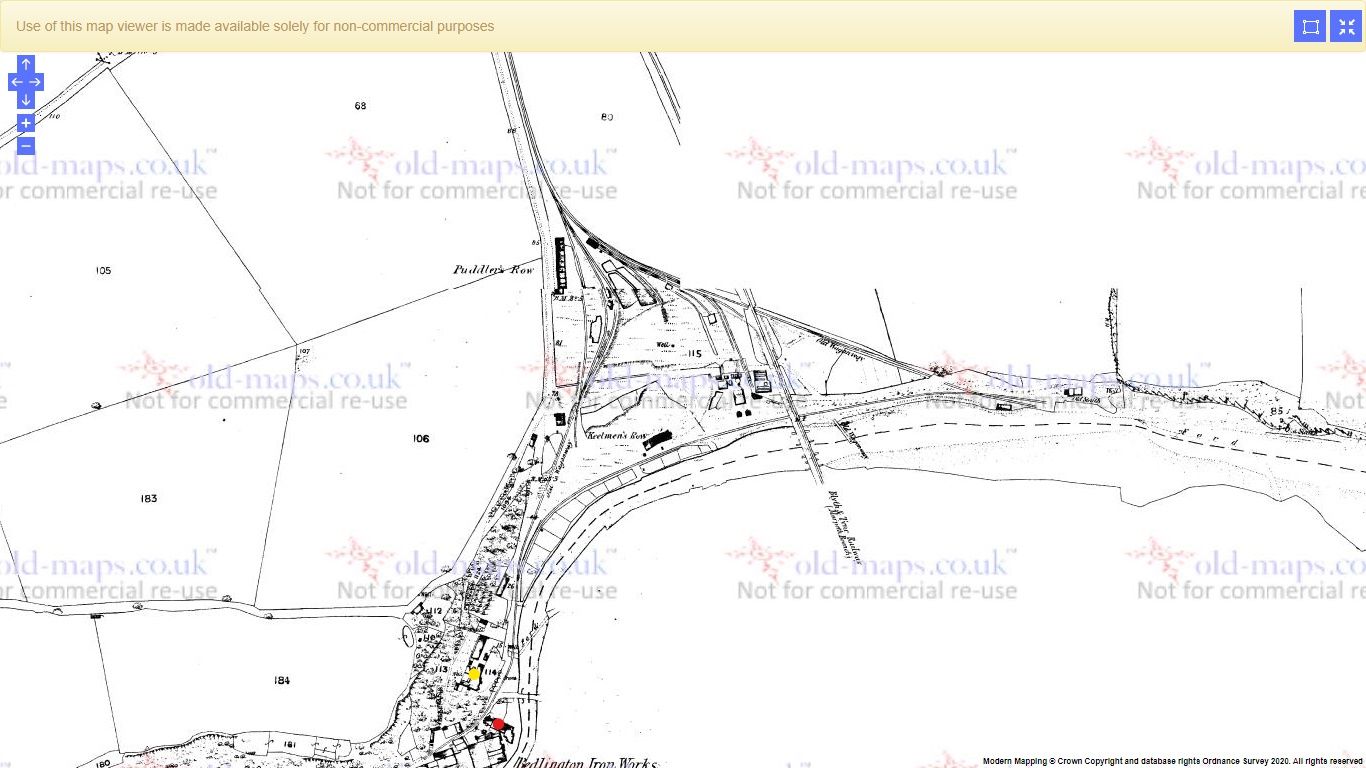
1 pointEvans says that the photo shows some of the old ironworks "office" buildings and office accomodation seems like a reasonable description looking at its placement as can be seen on various maps. The building was adjacent to the main body of the Ironworks while Dene House was set back a little from the work area. Both may have been built about the same time and that could account for the architectural similarities. They don't appear on a map of the area dated 1828 but both appear on a map of the railway sidings from 1859 and on subsequent OS maps. Dene House marked in yellow and office accommodation marked in red: It may be an extension to an already existing building. Its proximity to the work area is shown more clearly in this map from 1869 ( but nothing seems to have changed) You can see it is only a few steps away from the work area and it's also worth noting that the main entrance to the building faces the Ironworks, not the bridge, so is presumably part of the Ironworks.
_LI.thumb.jpg.0356844c1f365122098112aea349b934.jpg) 1 point
1 point
_LI.jpg.1ff1f47468916d59ba115966b22dd1c3.jpg)