Contributor Leaderboard
-

Andy Millne
Administrators3Points3,465Posts -
.jpg.cdd7f8371d17e2f2f2e2a0e21e02f727.jpg) 1Points3,654Posts
1Points3,654Posts

.thumb.jpg.7493ddab4a696108cf2b849323d3c155.jpg)
Popular Content
Showing content with the highest reputation on 13/10/21 in all areas
-
3 pointsYes, those are clearly spammers. There are a number of things we do behind the scenes to prevent spammers being able to register but occasionally some get through. There's nothing to worry about however, all new members have their content and actions moderated until they are shown to be genuine members. If any spam content is posted it can also be reported. There are some automated actions so that if a number of people report the same content it is automatically hidden to be dealt with by a moderator.3 points
-
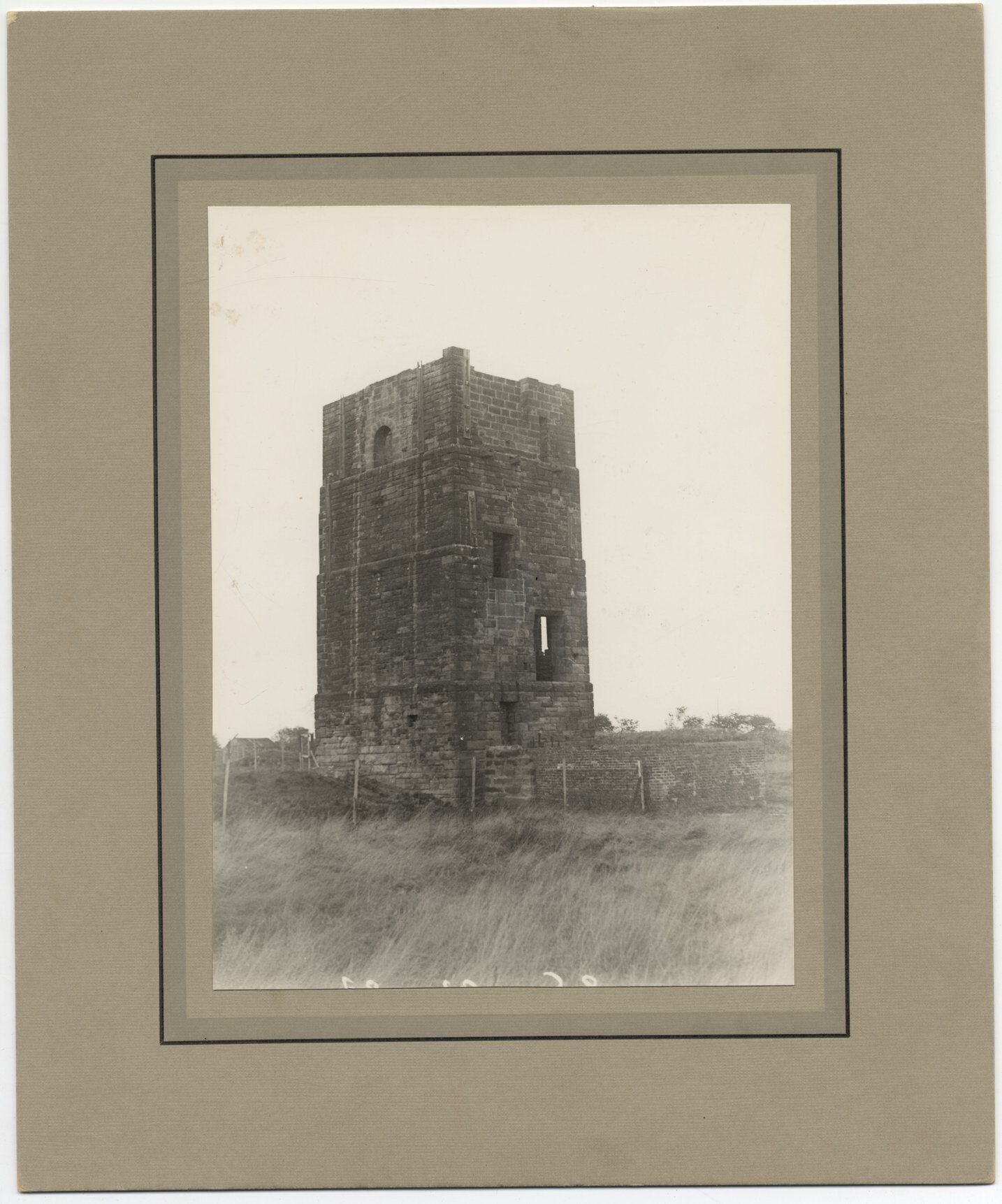
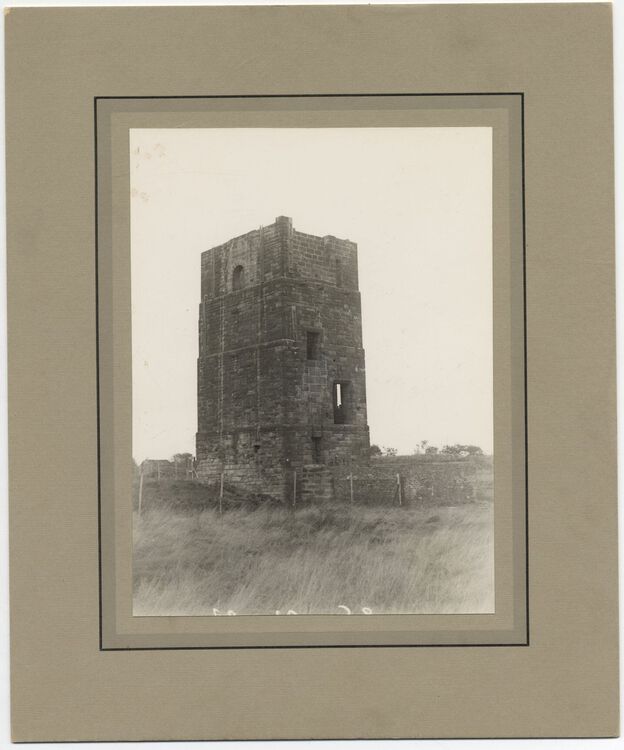
1 pointI was having a clear out of unwanted files on my new lap-top and found this photo of the Francis pit. I have no idea where it came from so apologies to the photographer as I can't give you any credit. This is exactly how I remember it from the early 1950s. After the death of Mrs Watson's son, who fell to his death down the shaft, the building was demolished and the shaft covered with iron rails. Didn't stop us playing their as HPW describes above.
 1 point