Skip to content
View in the app

A better way to browse. Learn more.

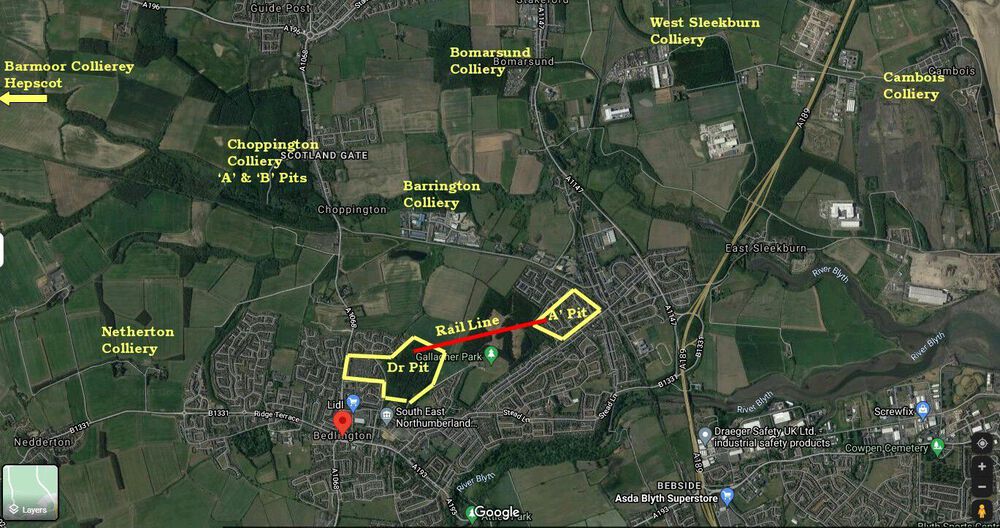
Bedlington.uk

A full-screen app on your home screen with push notifications, badges and more.

To install this app on iOS and iPadOS
  1. Tap the Share icon in Safari
  2. Scroll the menu and tap Add to Home Screen.
  3. Tap Add in the top-right corner.
To install this app on Android
  1. Tap the 3-dot menu (⋮) in the top-right corner of the browser.
  2. Tap Add to Home screen or Install app.
  3. Confirm by tapping Install.

Contributor Leaderboard

Popular Content

Showing content with the highest reputation on 09/01/22 in all areas

  1. Cheers James - updated my copy.
  2. Hi, GE can be a bit quirky at times, but Street View is excellent as the historic street images are not easily available in GE. I tend to swap between them. Grahame
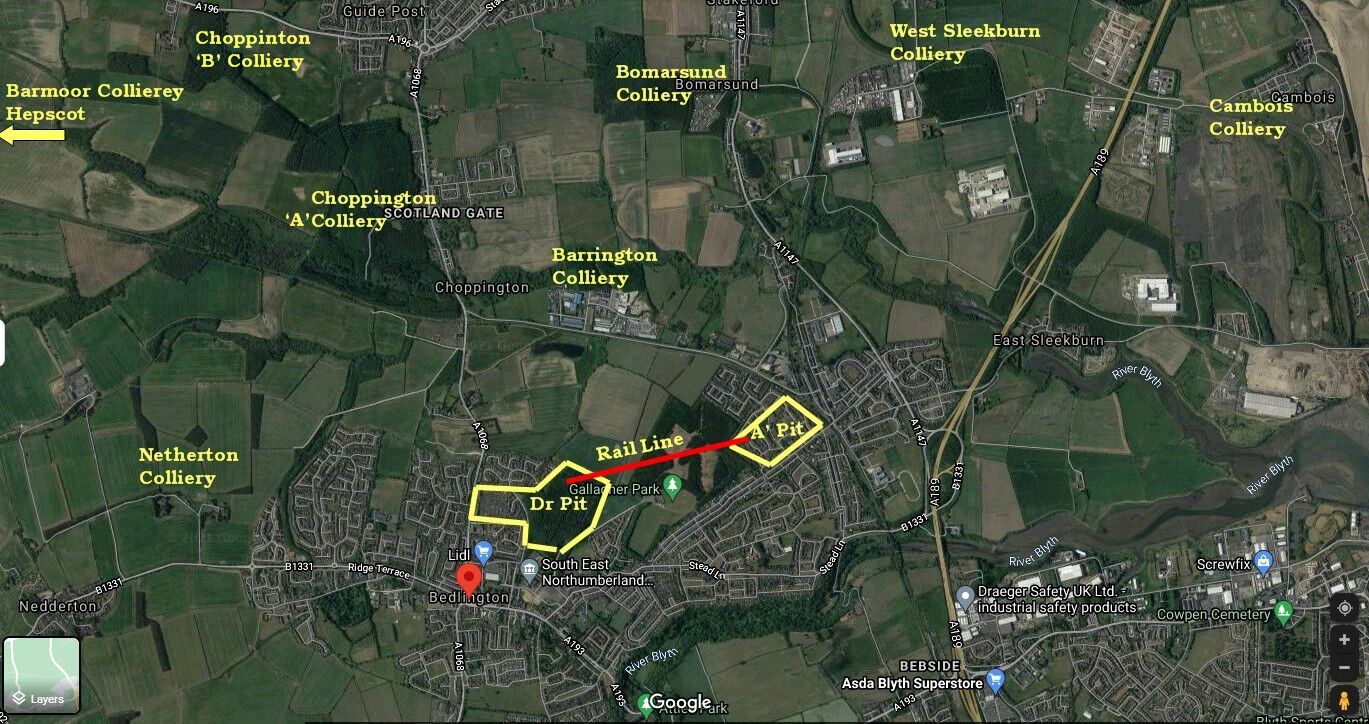
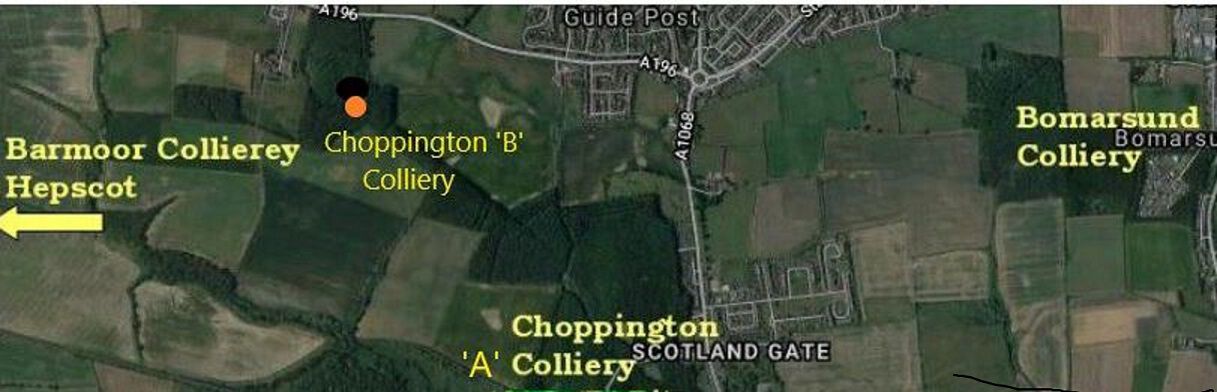
  3. Hi Eggy, I have added the exact location of Choppington ‘B’ to your map.
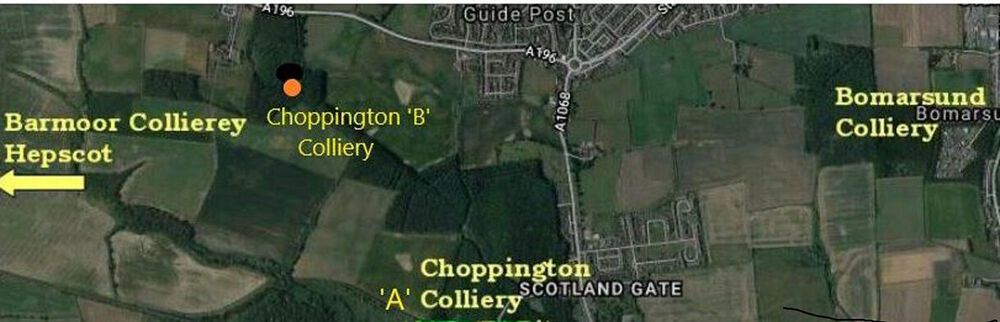
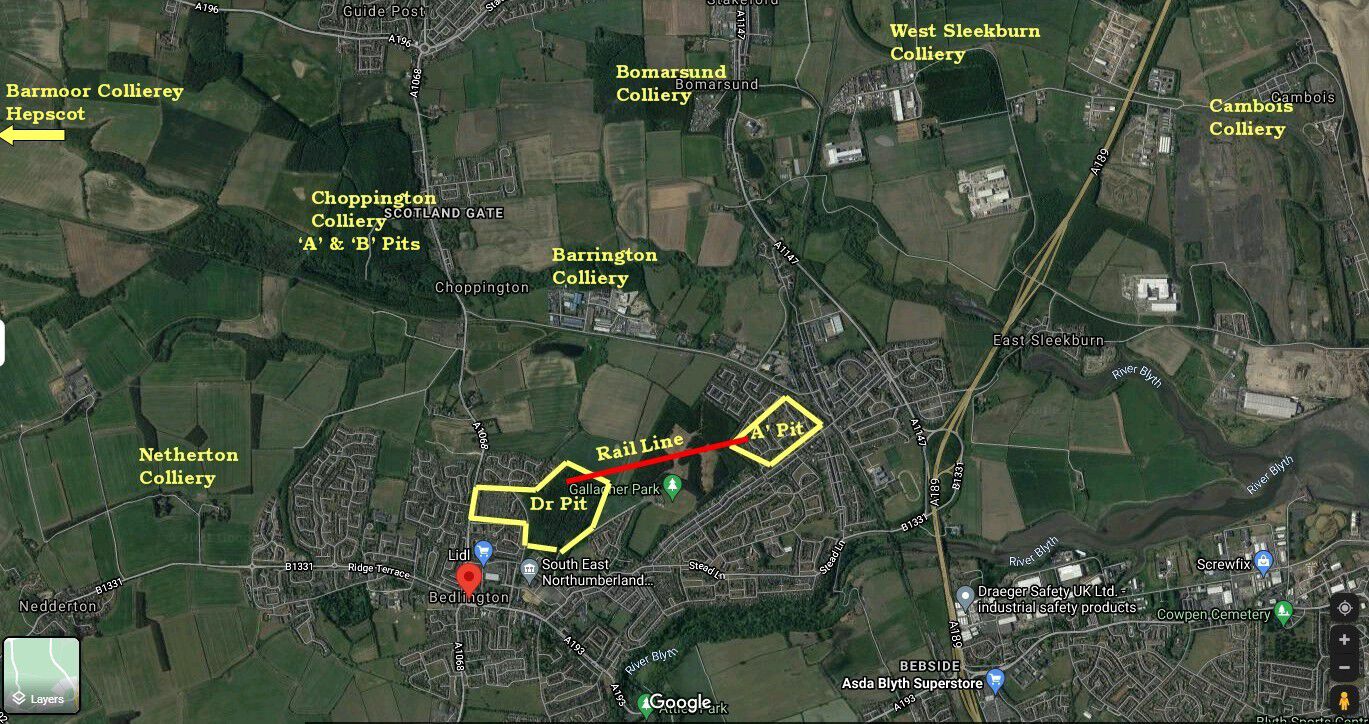
  4. Cheers James - image updated. I'm assuming the Choppington 'A' & 'B' pits were right nest to each other. The DMM site only has the one entry but does say 'A' & 'B' pit
Account

Navigation

Search

Search

Configure browser push notifications

Chrome (Android)
  1. Tap the lock icon next to the address bar.
  2. Tap Permissions → Notifications.
  3. Adjust your preference.
Chrome (Desktop)
  1. Click the padlock icon in the address bar.
  2. Select Site settings.
  3. Find Notifications and adjust your preference.