


Contributor Leaderboard
-
Malcolm Robinson
Moderators2Points6,416Posts -
1Points6,990Posts
-
_pauls
Members1Points76Posts



Popular Content
Showing content with the highest reputation on 30/10/22 in all areas
-
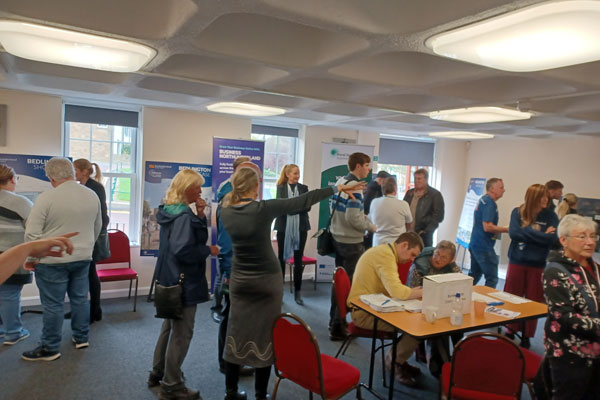
I did go along to see what it was like. As a Panel member I would rather a member of the public replied so I can see what they got out of it. There was a good turnout when I was there with many of the current local topics covered. Northumberland Rail Line. Cycling. Northumberland business help. Advance Northumberland. (Marketplace redevelopment) Borderlands Funding. There was also a questionnaire to fill in which included your suggestions.
 2 points
 -
I want to give notice that I'm resigning as secretary of the Bedlington Origami Club - there's just too much paperwork. I have this recurring nightmare that I'm locked inside a supermarket and can't get out. This has been going on since I was lidl. Breaking news, the Liverpool manager has resigned, he's taking his family back to Germany. The Klopps went back this weekend.1 point
-
Ah thanks Eggy - that was the article that I saw initially and I thought that I'd missed both the West and East Bedlington sessions - I will be able to make the one next Saturday so I will go along.1 point