Contributor Leaderboard
-
_pauls
Members2Points76Posts -
1Points6,969Posts
-
Darren Smith
New Members1Points1Posts



Popular Content
Showing content with the highest reputation on 23/07/23 in all areas
-
1 pointI think that nicely encapsulates the situation. Seems like nobody much cares so no point flogging a dead horse. www.investinginbedlington.co.uk. Thank you so much Northumberland County Council.
 1 point
 -
1 pointAnd all of those millions of pounds from levelling up funds and town centre development programmes amounts to a carbon copy supermarket, four shops and 6 flats. Oh and a footpath. Not exactly what I'd call a "comprehensive redevelopment"1 point
-
1 point
-
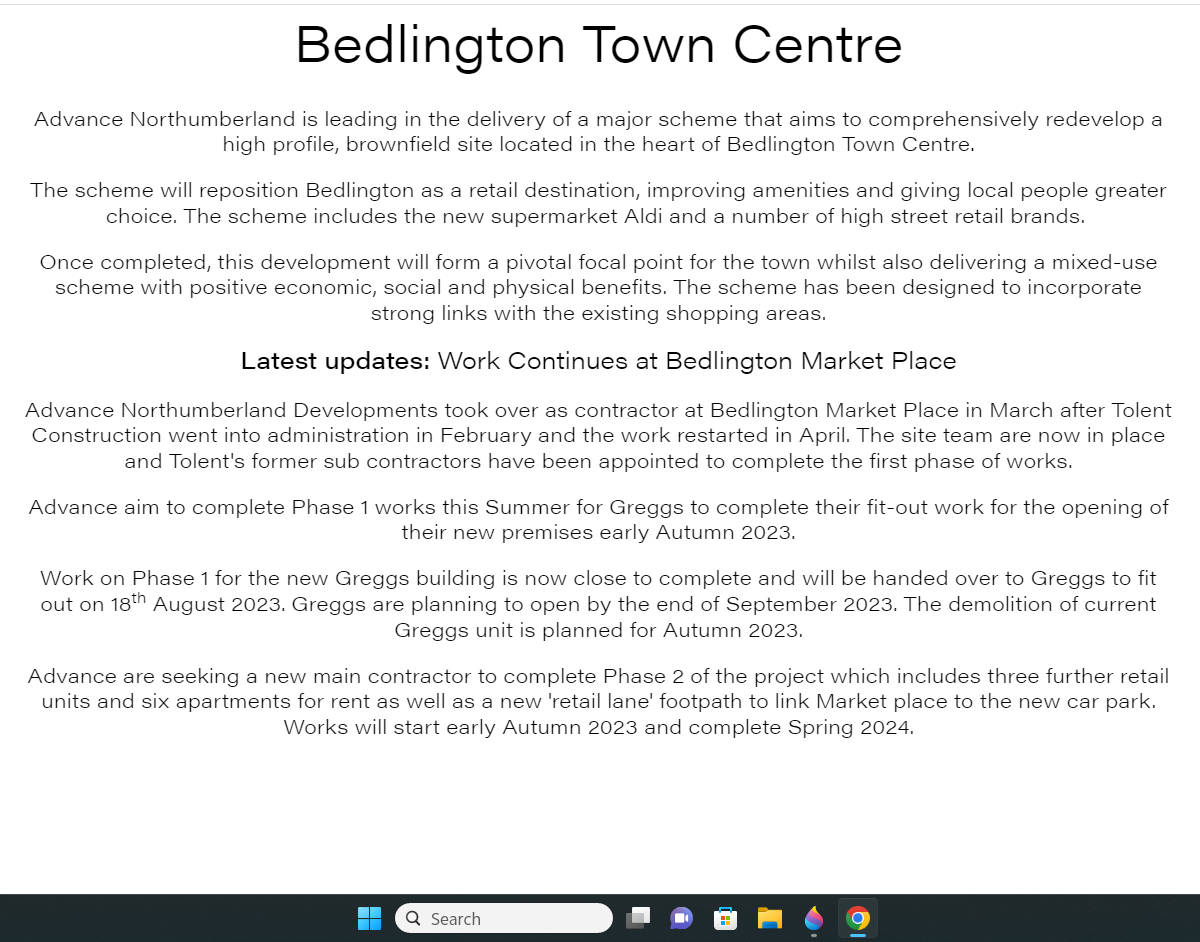
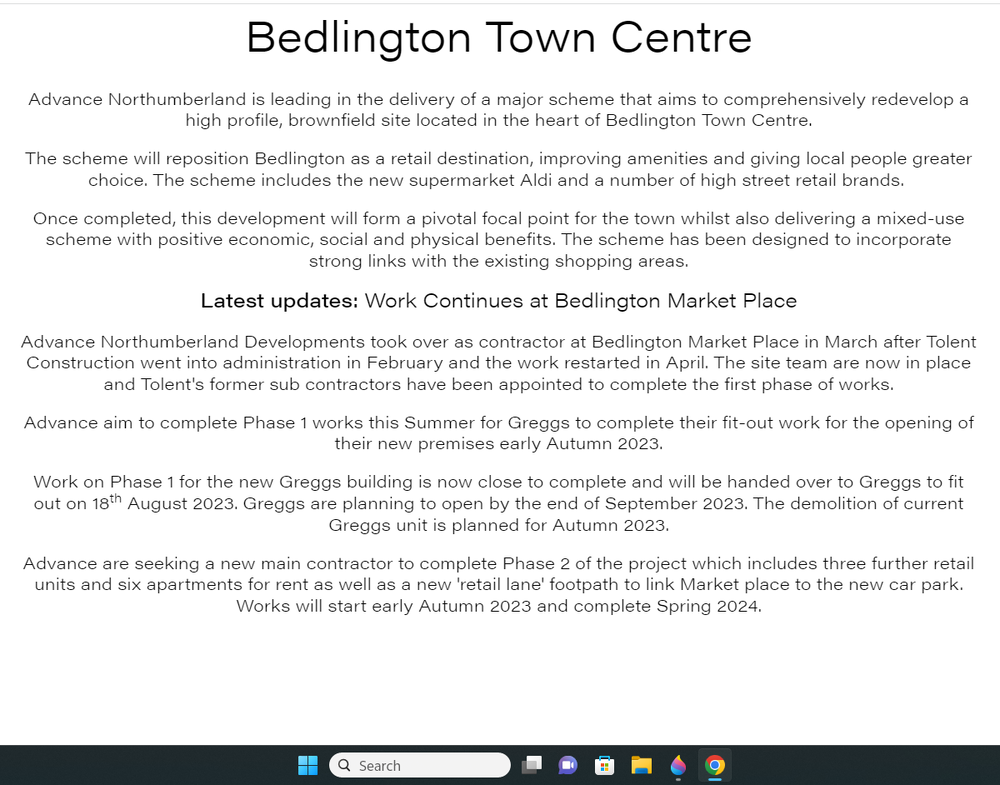
1 pointThere isn't anything definite just that they are still looking for a 'Main Contractor' to complete phase 2 :-
 1 point