


Contributor Leaderboard
-
2Points6,990Posts

Popular Content
Showing content with the highest reputation on 13/12/23 in all areas
-
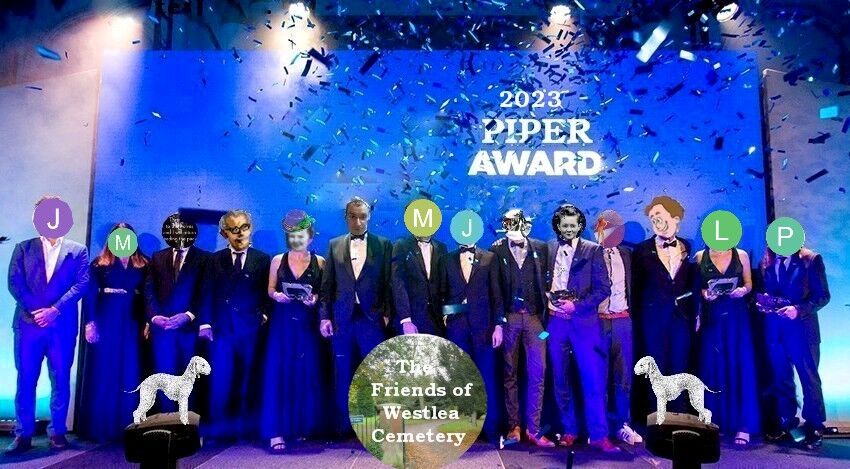
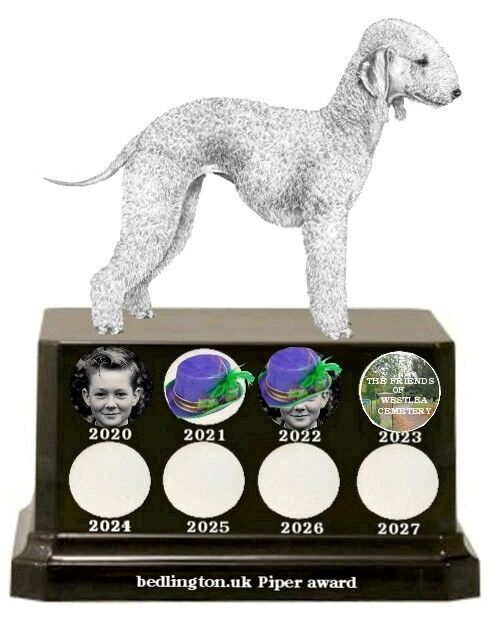
2 pointsI have made the 2023 award and as long as all are happy with this years award going to The friends of Westlea Cemetery (TFOWC) I will post the following text and images on TFOWC Facebook page. To the volunteers at The Friends Of Westlea Cemetery. In 2020 on the Bedlington community group (bedlington.uk) it was suggested that a yearly award (purely online) be award to anyone that had helped the group or anything to do with Bedlington. It was decided to name it The Piper Award after Ainsley Piper who bred the Bedlington terrier in 1825 in St Cuthbert’s Vicarage. This December the members of the group have voted for the online award to go to your volunteer organisation that has helped so many people in Bedlington, and beyond. So the members of bedlingto.uk would like to say thank you to the work your volunteers have done.
 2 points