Contributor Leaderboard
-
2Points6,990Posts
-

threegee
Administrators1Points4,445Posts


Popular Content
Showing content with the highest reputation on 05/05/24 in all areas
-
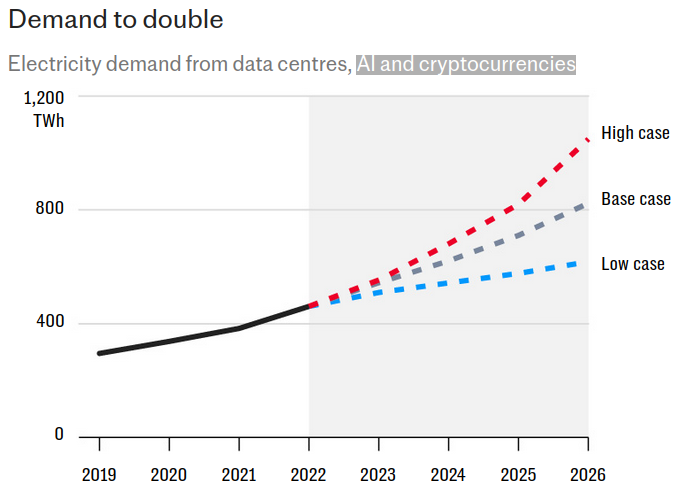
1 pointOne graph says why: It's really about the current craze to invest in AI.
 1 point
 -
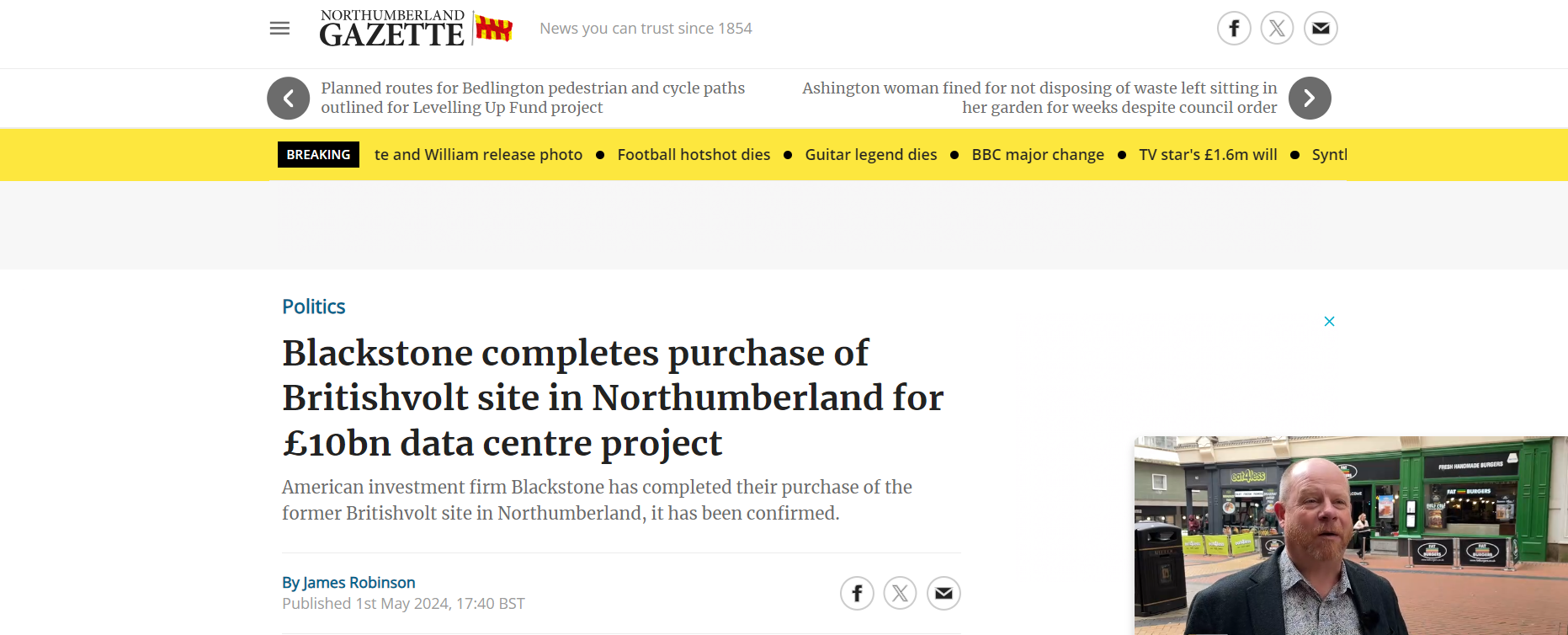
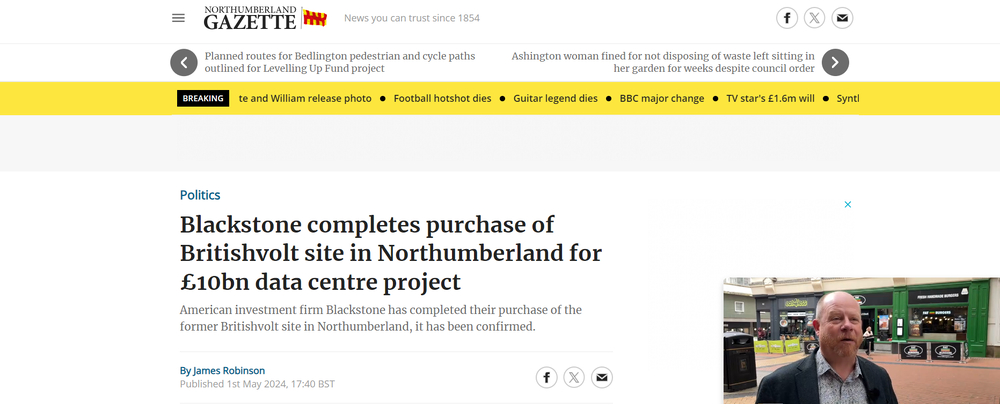
1 pointhttps://www.northumberlandgazette.co.uk/news/politics/blackstone-completes-purchase-of-britishvolt-site-in-northumberland-for-ps10bn-data-centre-project-4613166?utm_medium=Social&utm_source=Facebook&fbclid=IwZXh0bgNhZW0CMTAAAR0ya8d4tRxxamma5ImsnoyZ1H6KT_qxijqdBqn6M-fARwjmQU7-A1470Wo_aem_AeYLWyaO5b51Yrao1ZrkYS_7yL0WUjrfVqEon4mYV9d9EszXApeOxRp7yxp-YT3NHc-wBweraBxzy7Q6DssxyLxH#d90wphi9cyd
 1 point
 -
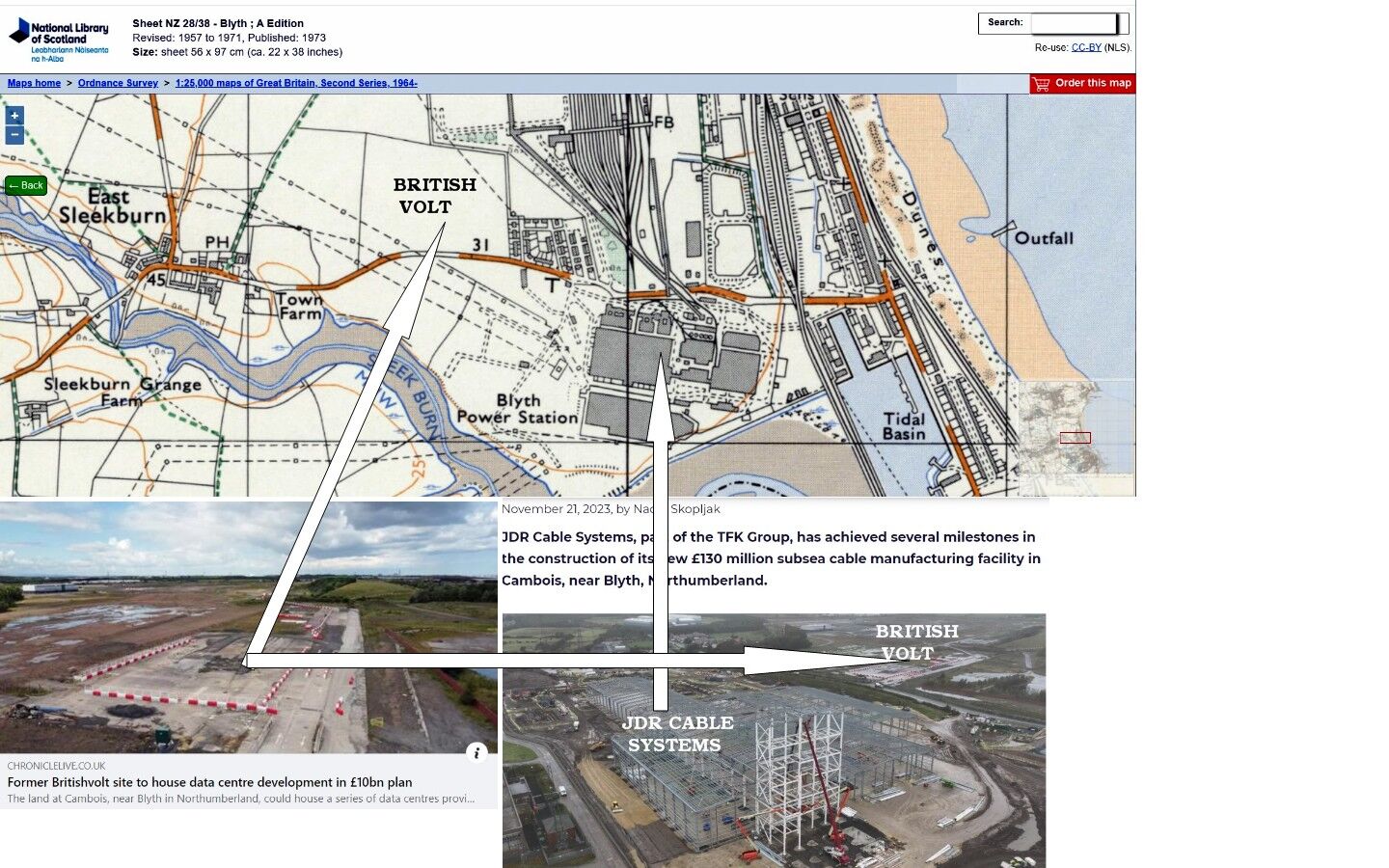
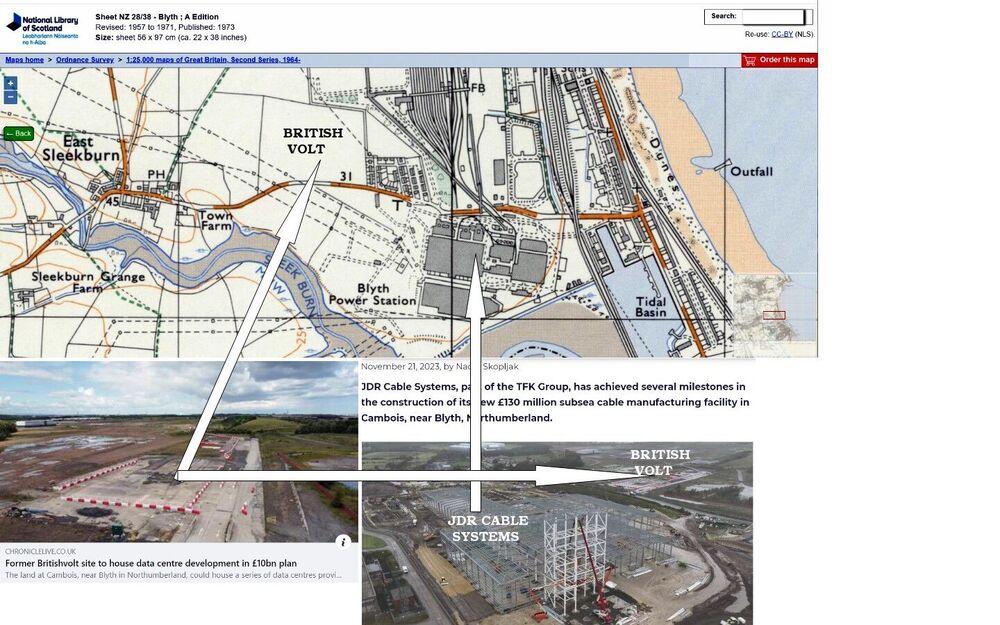
1 pointI agree that the way they talk suggests that there will be 4,00 jobs for the life of the data centre but that has always been the way they put it to the audience as they attempt to impress the public with 'their' achievment. Extract from the Financil Times online story - If successful, it is hoped that the project could attract billions in investment to build one of Europe’s largest data centres and create about 4,000 jobs, the council said. I can put up with that nonsense it's the way the world has been informed that Britishvolt, and now Blackstone, are building on the former Blyth Power Station (BPS) site. I am not aware of BPS having owned all the surrounding plots of land in Cambois. As far as I am concerned Britishvolt have never been on the BPS site. 🤞
 1 point