Contributor Leaderboard
-
loopylou
New Members2Points48Posts -
1Points6,990Posts


Popular Content
Showing content with the highest reputation on 25/10/24 in all areas
-
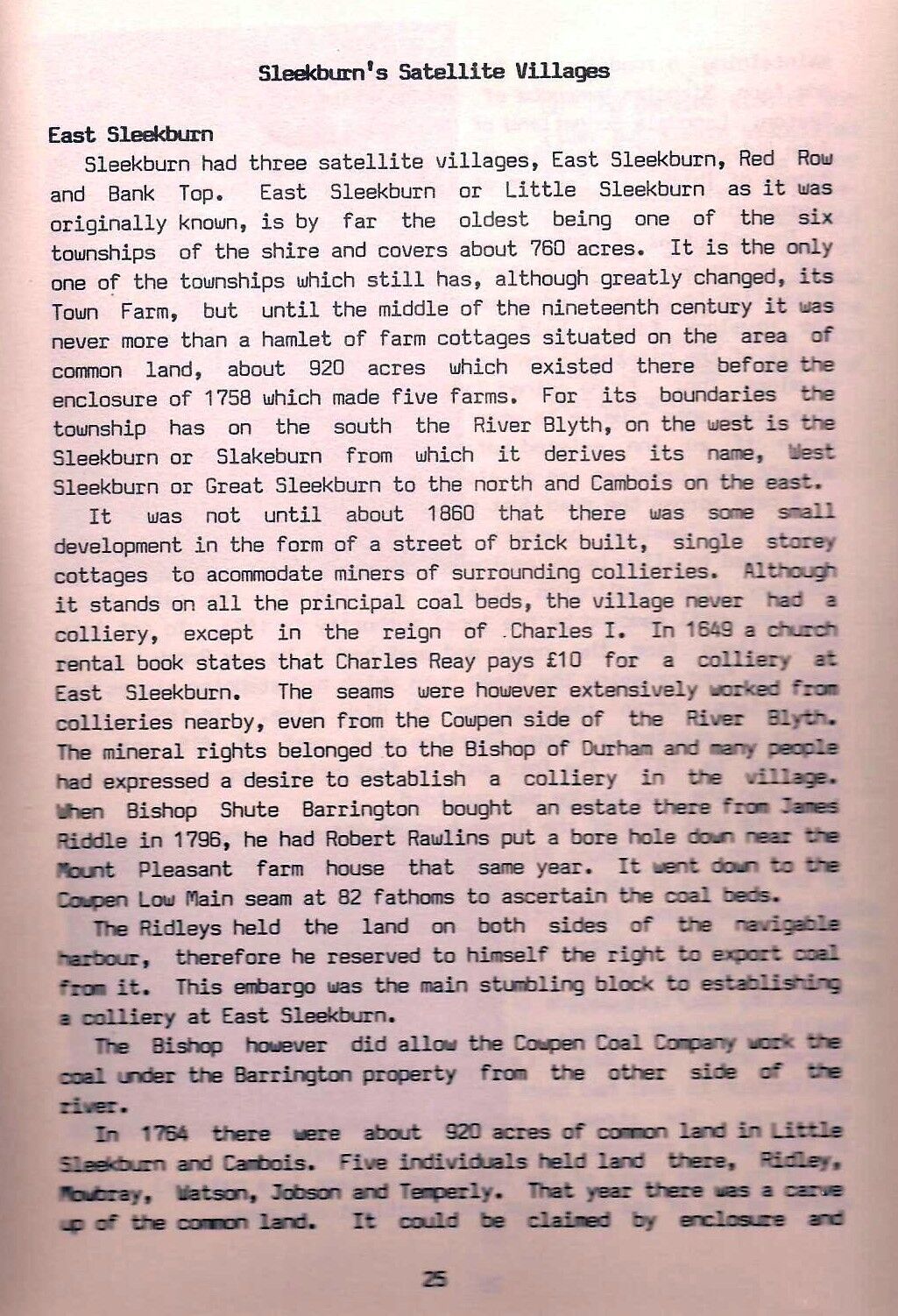
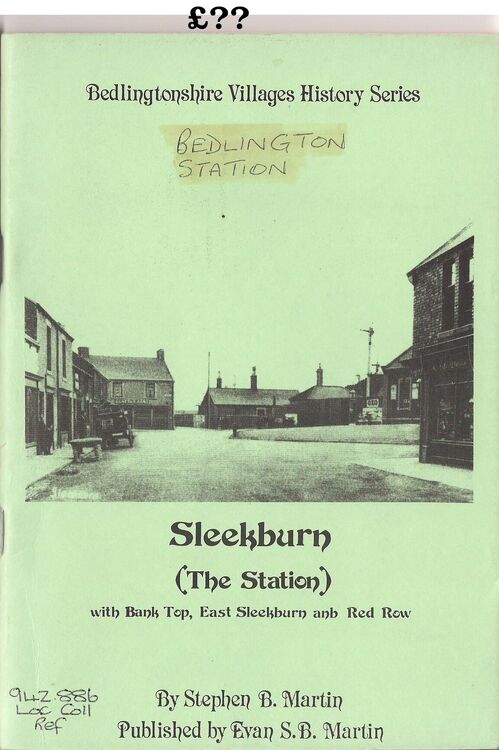
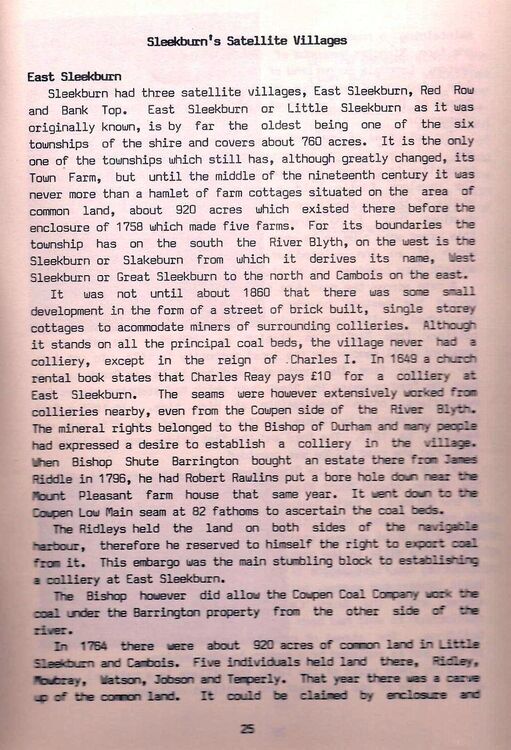
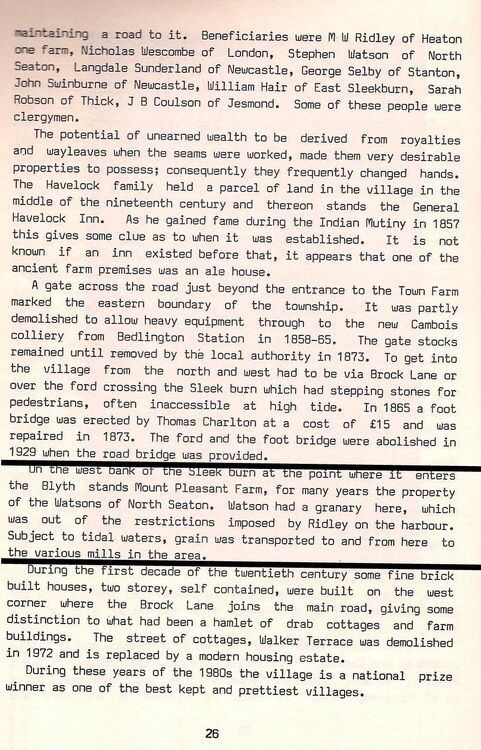
1 point@loopylou - had a flick throught a booklet on Sleekburn by Stephen B. Martin (Evan Martin's farther) and there is a short reference in it to Mount Pleasant Farm and the granary gets a mention when it was owned by the Watson family of North Seaton :-
 1 point
 -
1 pointI wonder if this “Granary Point Jetty” was named after Mount Pleasant Granary…? “the suggestion was taken up and the rail was completed in 1841, joining the existing wagon way at Bedlington Station, finishing up at Granary Point Jetty, East Sleekburn.” https://www.gracesguide.co.uk/Bedlington_Ironworks1 point
-
1 pointThank you for the welcome 😀 I have seen that farm before, didn’t know it was called Mount Pleasant—interesting. If I remember correctly Mount Pleasant Granary appeared in the 1841 census after Sleekburn Grange and that Mount Pleasant Farm. Seems a bit strange for it to have just disappeared!1 point