


Contributor Leaderboard
-
2Points6,990Posts

Popular Content
Showing content with the highest reputation on 10/12/24 in all areas
-
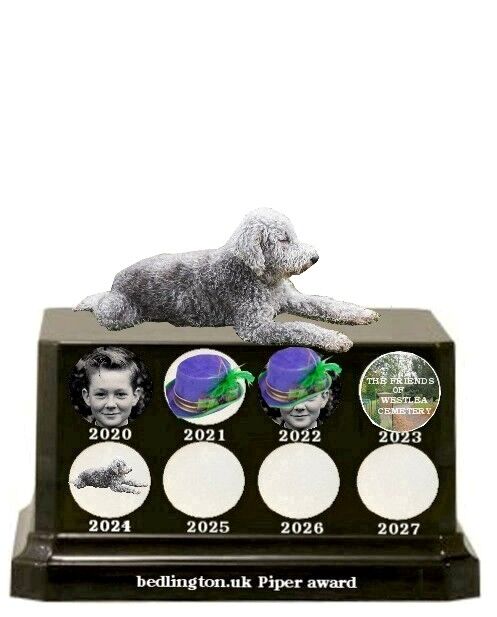
2 pointsThe awrd initiated by @Bedlingtonian in 2020. Last year, 2023, the members voted for https://www.facebook.com/Thefriendsofwestleacemetery The first three years we had a poll, created by @Andy Millne, and last years was a suggestion that the members agreed with with so no poll. As it has been another quiet year, even for the regulars @Canny lass - @threegee - @Vic Patterson & me, I would suggest the same method as last year but naturally if anyone wants a pool then please ask Andy to set it up. Even Piper has had a quiet year and hasn't even had his coat trimmed for the trophy and is lying down on the job My vote this year would be for Malcolm Robinson. Regardless of his politics he has fought tirlessly for Bedlington and kept us and Facebook members aware of what is going on, or not going to happen, in Bedlington.
 2 points