Contributor Leaderboard
-
1Points6,990Posts

Popular Content
Showing content with the highest reputation on 11/02/25 in all areas
-
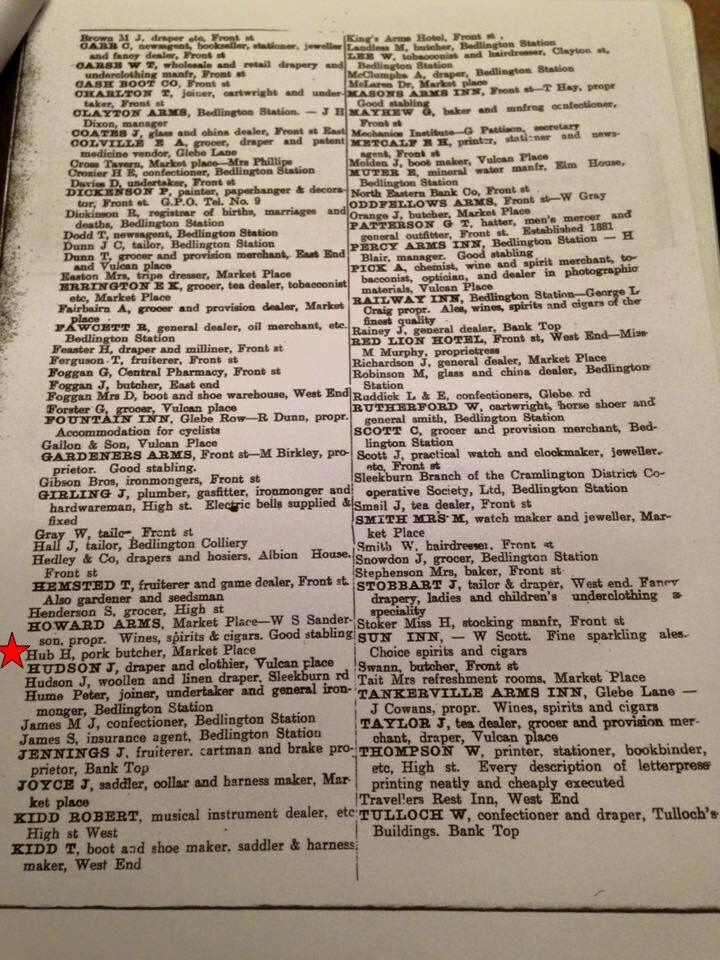
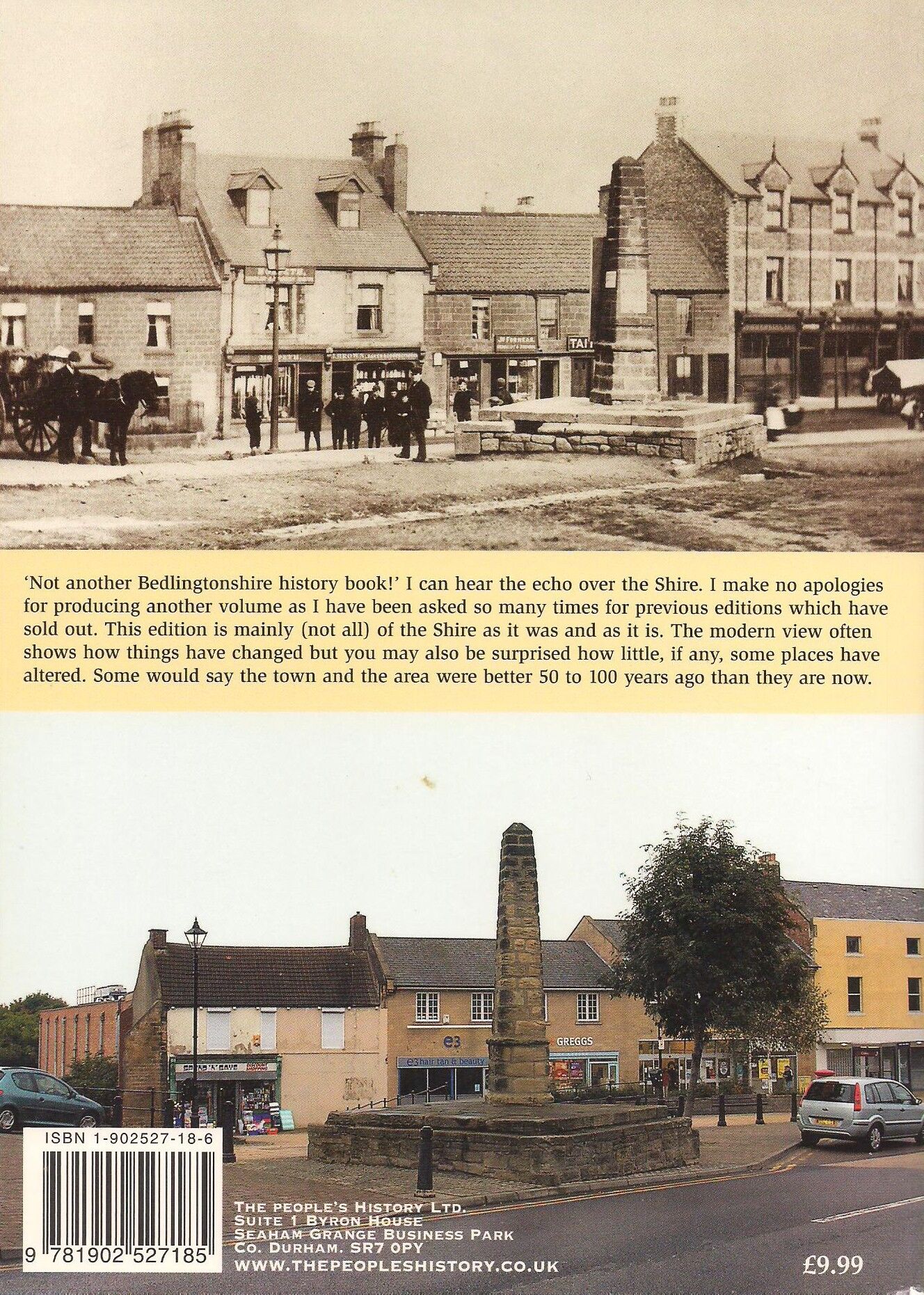
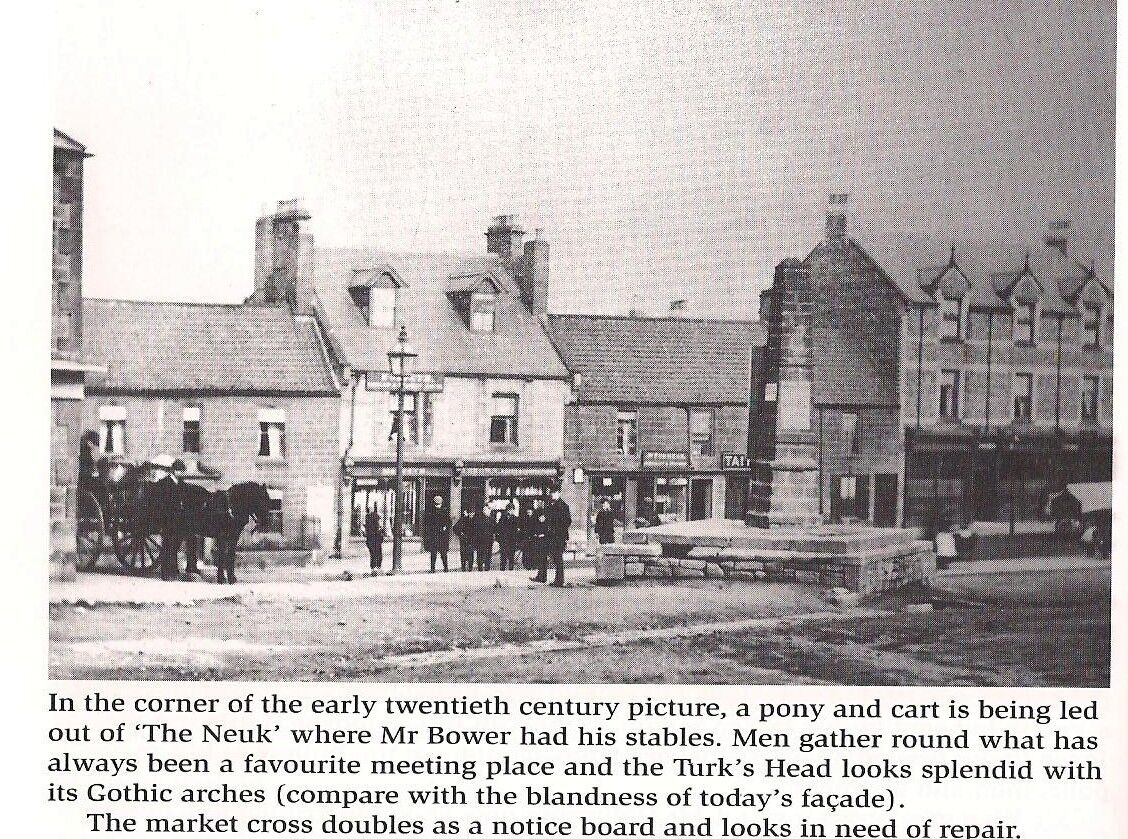
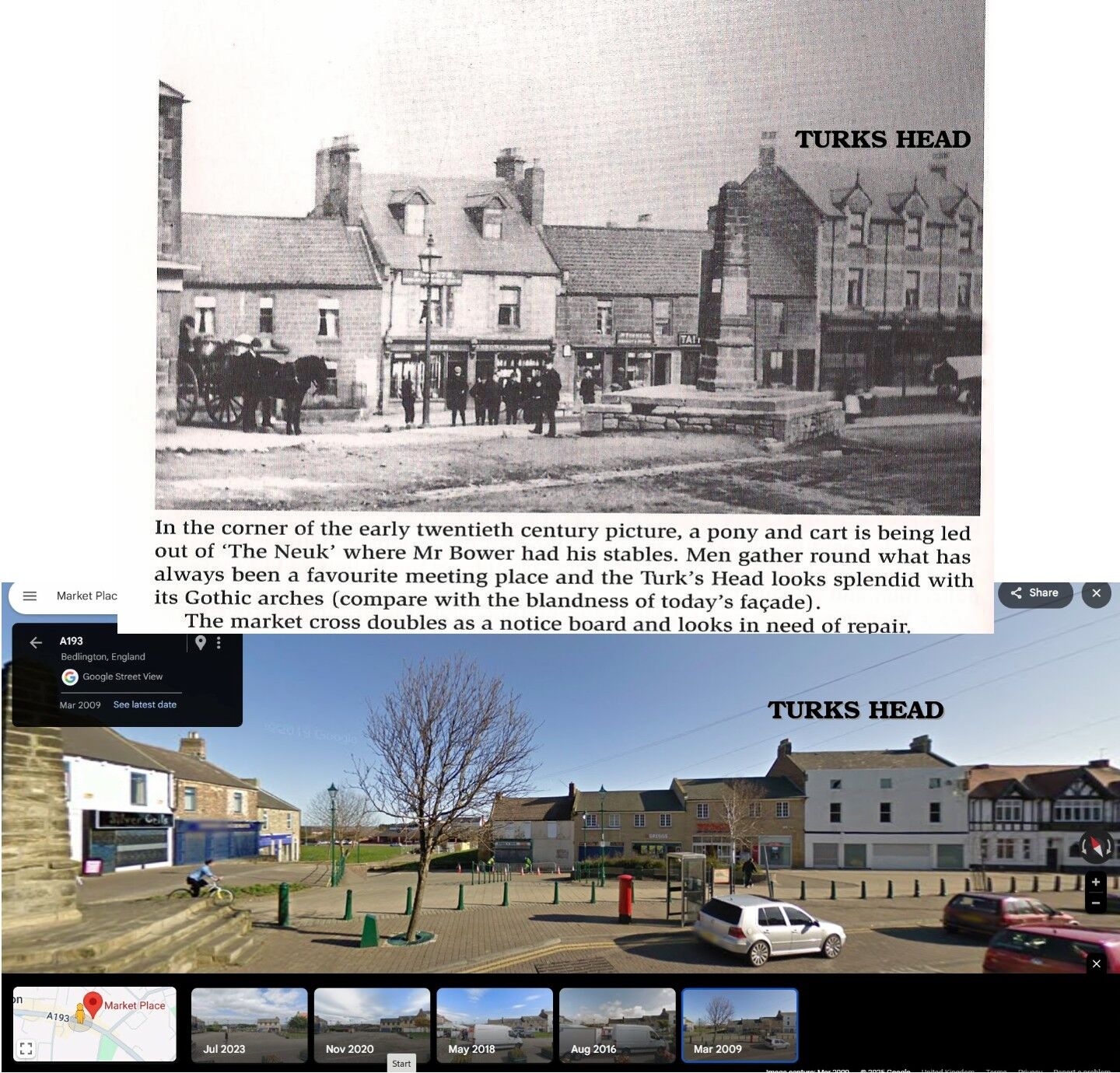
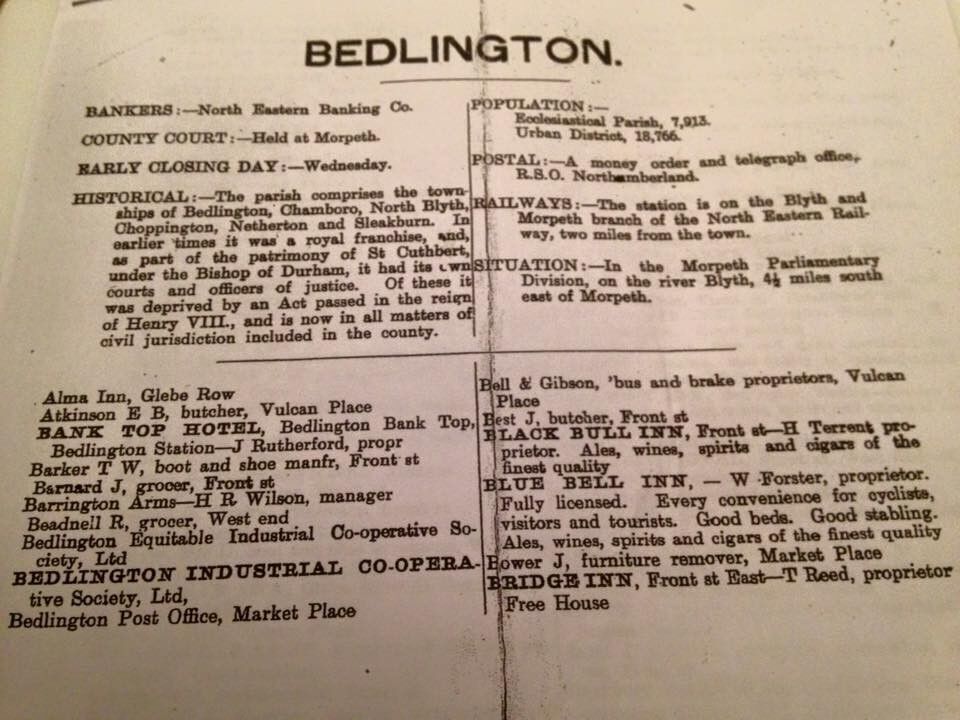
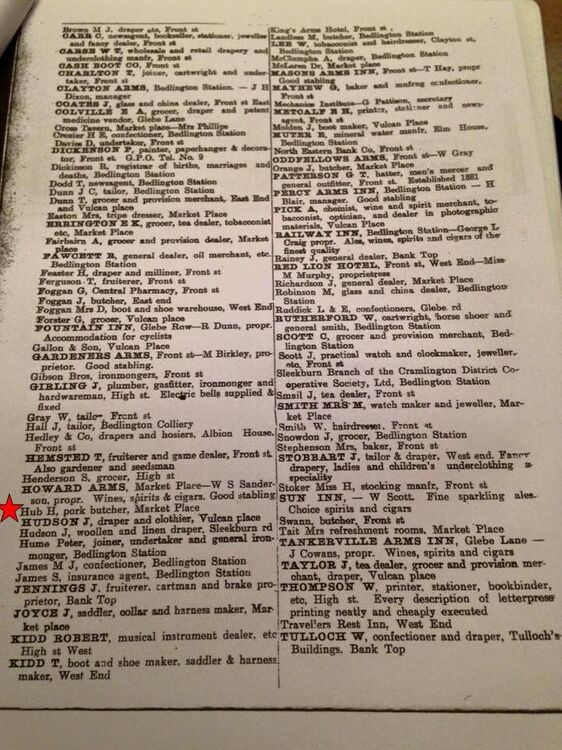
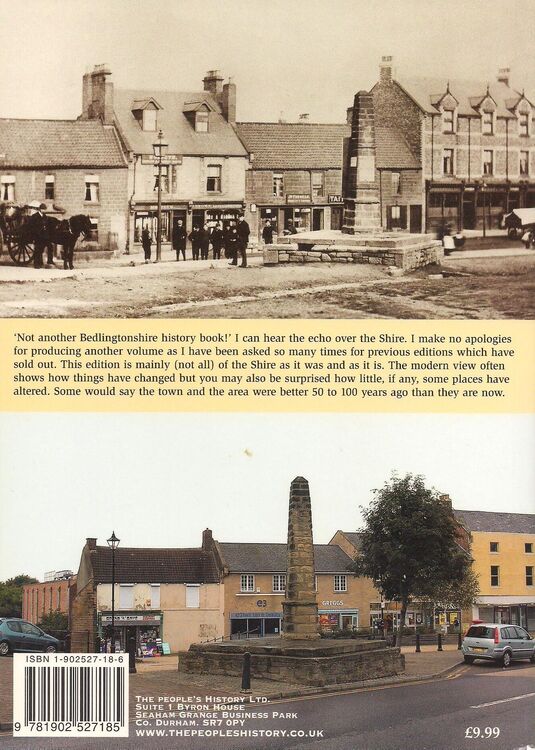
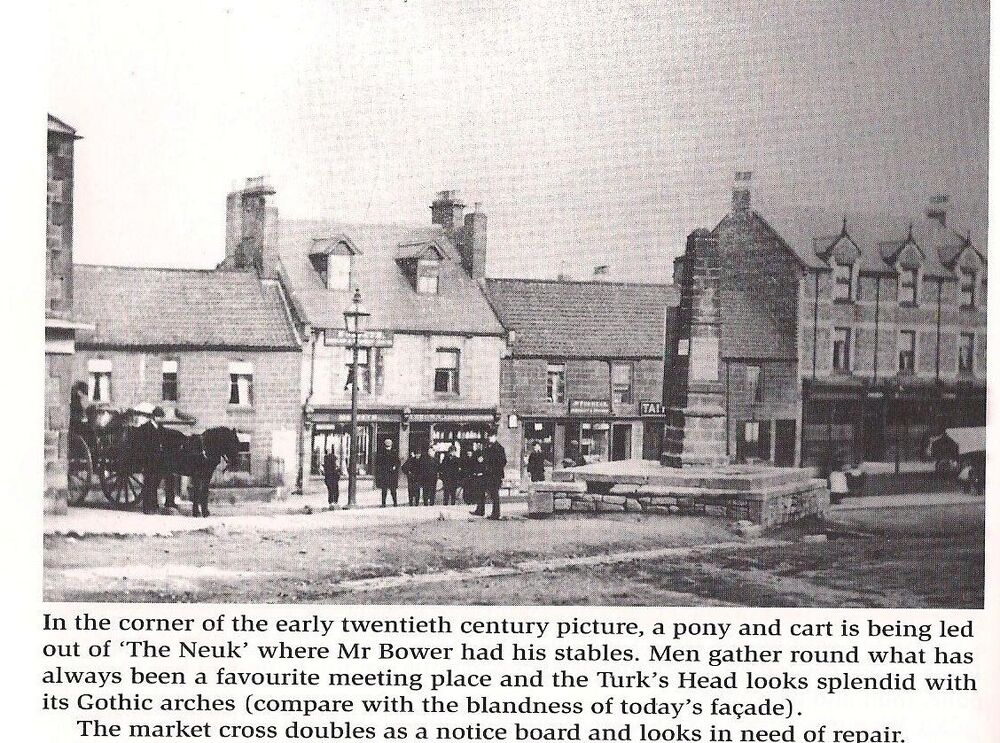
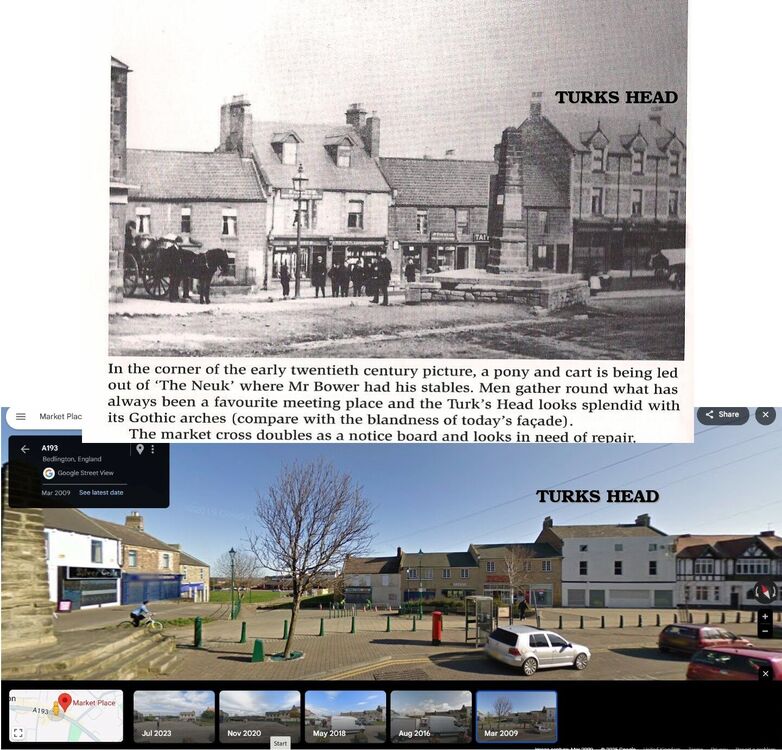
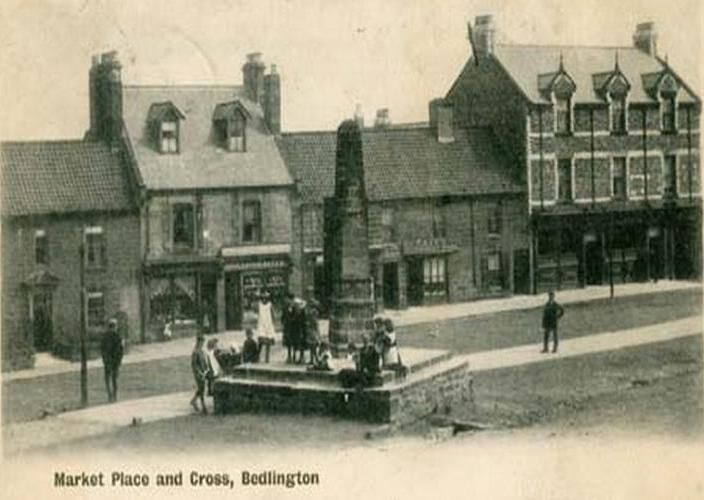
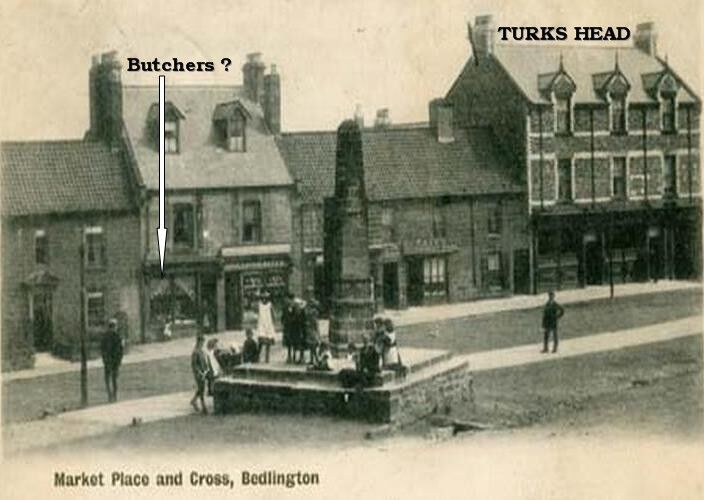
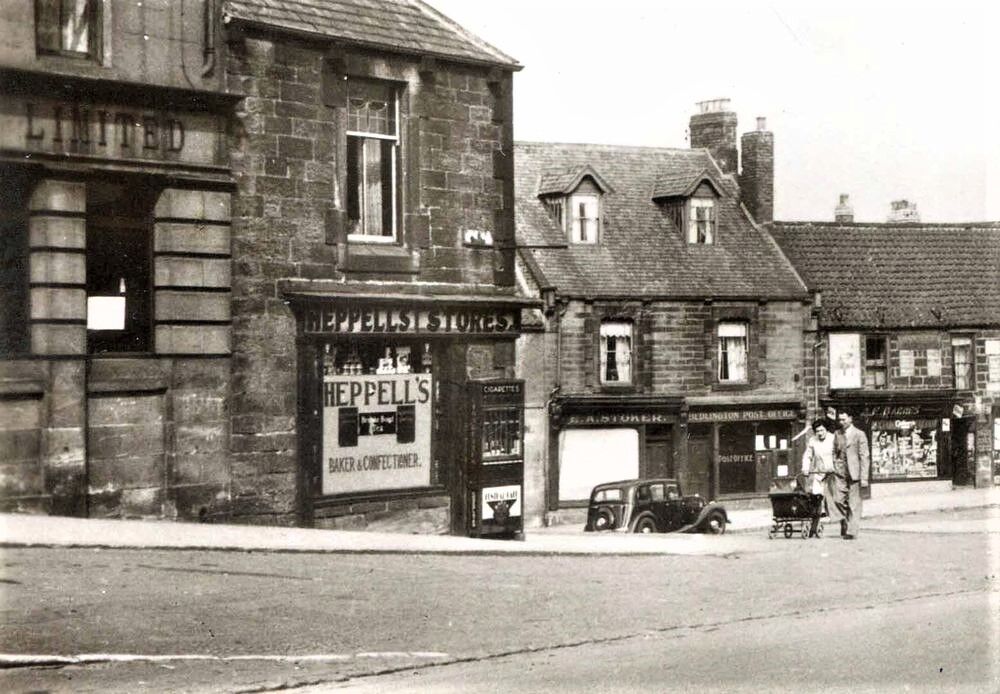
@Richard Norton a couple of different photos to what @Canny lass has posted for you plus an entry in the 1905 Bennett's Business Directory that was posted on the Facebook local group 'Past Time History Group' by @johndawsonjune1955 showing the the same name and profession that CannyLass found in the Kelly's Directory 0f 1914. In a book on Bedlington 'Then and Now' published by Evan Martin in 2005 there is an image showing the shop @Canny lass identified above on the back page but iunfortunately can't make out the name of the shop :- Inside Evan's book is the Then photo with some info but 'Hub' doesn't get a mention just that it's an early 20thc photo :- The latest Google street view image is 2023 and it looks like the original building, with the roof restructured was still there :- There is another photo of the area and it was originally posted with the comment 'early 20th centuary' but again the name on the shop can't be read :- This photo shows the shop more clearly but it's a 1930's or 40's photo and the name on the shop is STOKER :-
 1 point