Skip to content
View in the app

A better way to browse. Learn more.

Bedlington.uk

A full-screen app on your home screen with push notifications, badges and more.

To install this app on iOS and iPadOS
  1. Tap the Share icon in Safari
  2. Scroll the menu and tap Add to Home Screen.
  3. Tap Add in the top-right corner.
To install this app on Android
  1. Tap the 3-dot menu (⋮) in the top-right corner of the browser.
  2. Tap Add to Home screen or Install app.
  3. Confirm by tapping Install.

Contributor Leaderboard

Popular Content

Showing content with the highest reputation on 26/07/26 in all areas

  1. First letter any thanks for the information. What you read as a P is a G I always just thought it meant girl. The p and g are hard to distinguish, because of how they were engraved. And the photo is not clear. Found your reply both interesting and informative. Many thanks.
  2. Normal civilians carried these during ww2 incase they were killed during an air raid PSFR is for ration card personnel supply food information 376 is 376 is her personal number that she wood use at the bedlington food office bedlington station was classed as a luftwaffe target as the coal would be transported to river Tyne for merchant ships
  3. 1 point
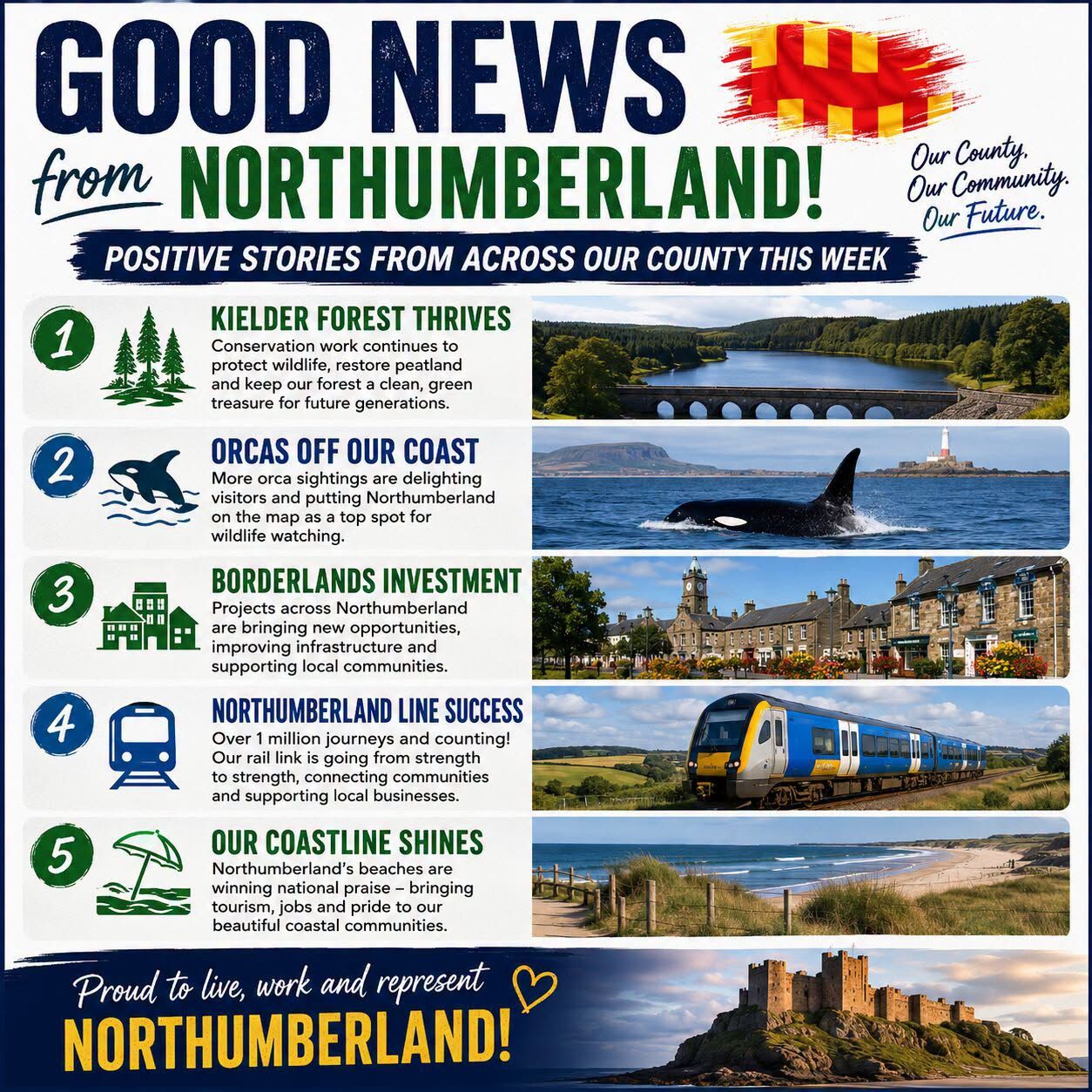
    Our ex-pats might like this....................

Account

Navigation

Search

Search

Configure browser push notifications

Chrome (Android)
  1. Tap the lock icon next to the address bar.
  2. Tap Permissions → Notifications.
  3. Adjust your preference.
Chrome (Desktop)
  1. Click the padlock icon in the address bar.
  2. Select Site settings.
  3. Find Notifications and adjust your preference.