Everything posted by Alan Edgar (Eggy1948)
-
-
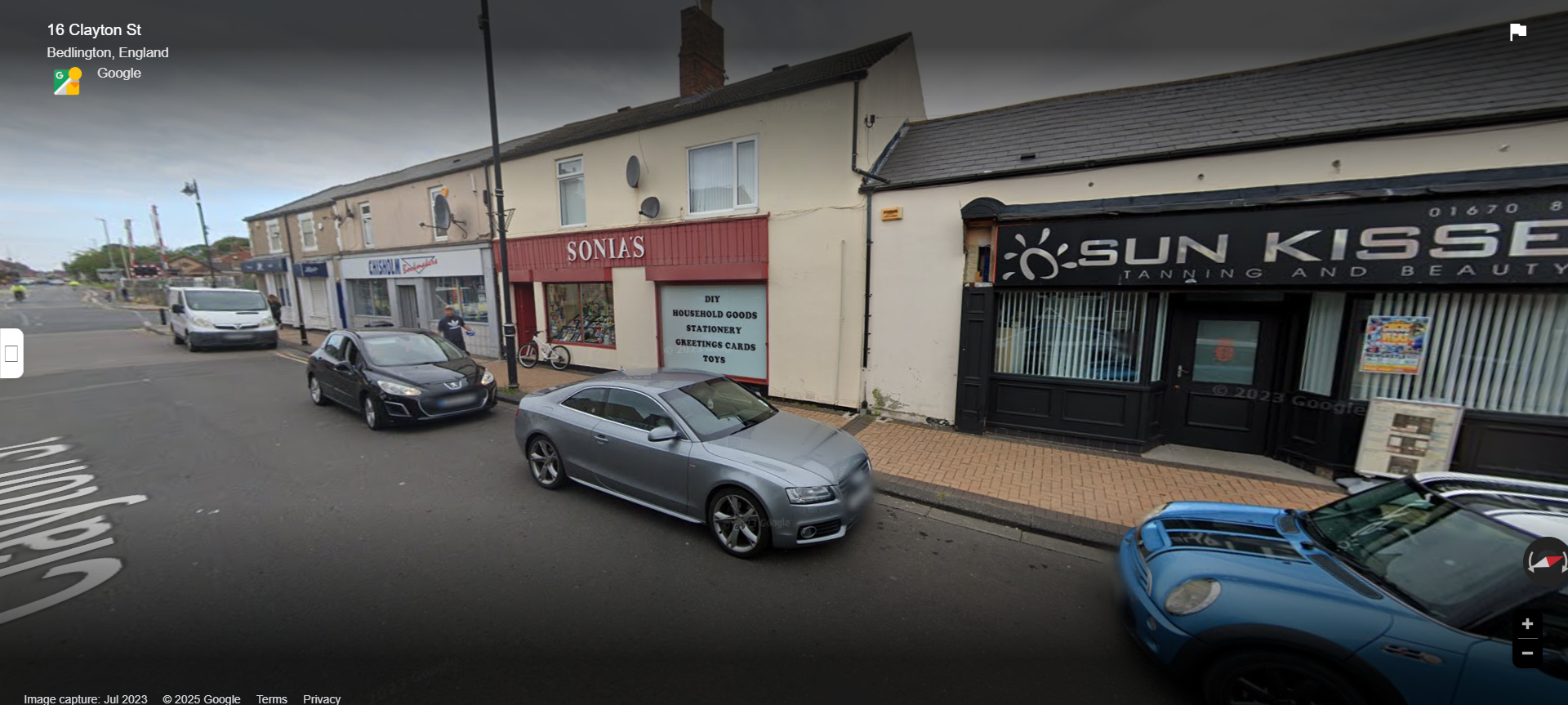
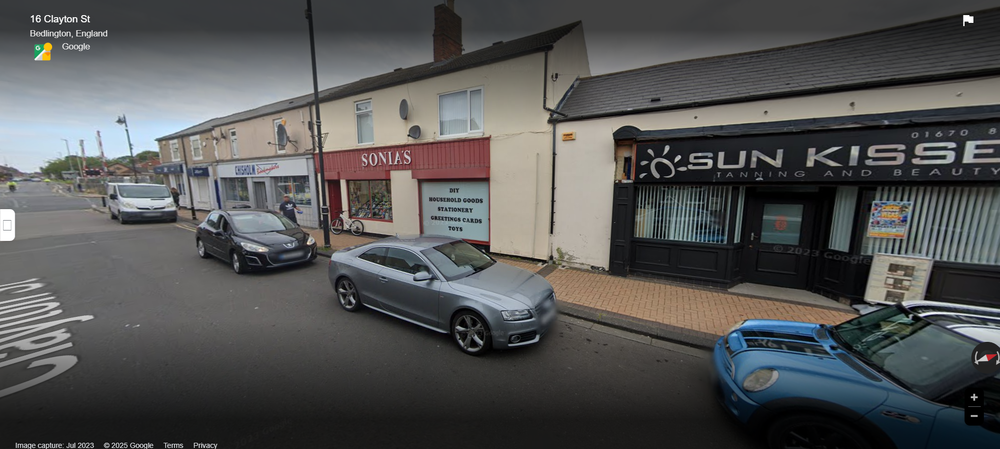
I have to admit @HIGH PIT WILMA that if anyone had of asked be about Sonia's I wouldn't of had a clue. I had to Google street view it on Clayton Street -
-
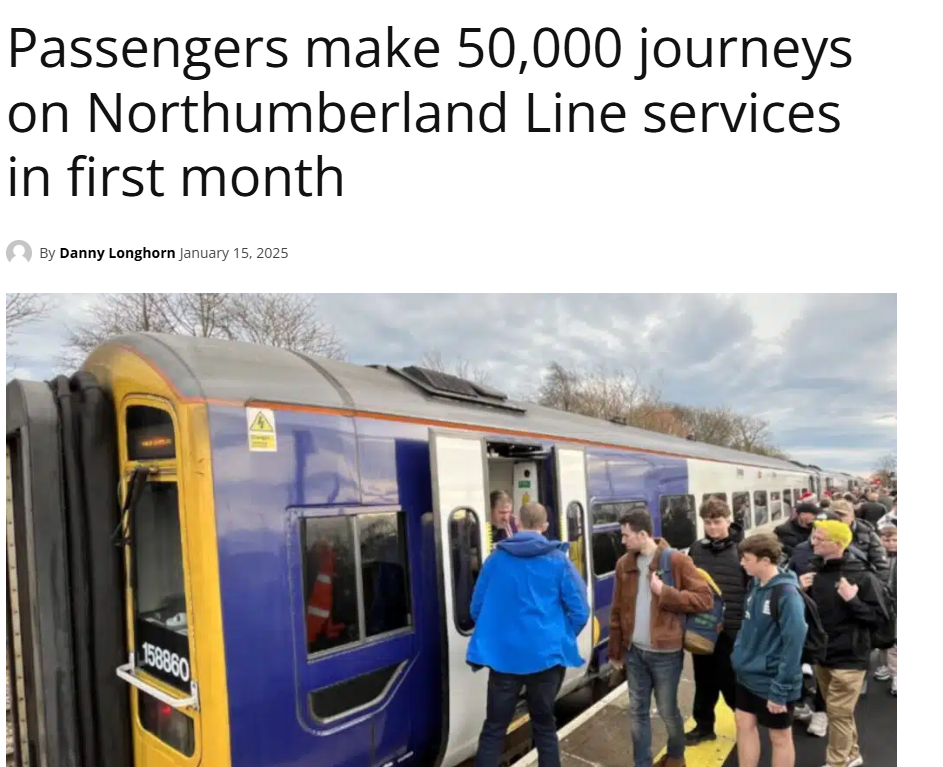
https://news.railbusinessdaily.com/passengers-make-50000-journeys-on-northumberland-line-services-in-first-month/?fbclid=IwZXh0bgNhZW0CMTEAAR2ee3nEmDQeNNcD6VxSi-MXas4YE9-zQp1hd3O1l31QXTMaA9LAvd0xU4E_aem_Q07dUIZjs8JPh5gaJZHwTw
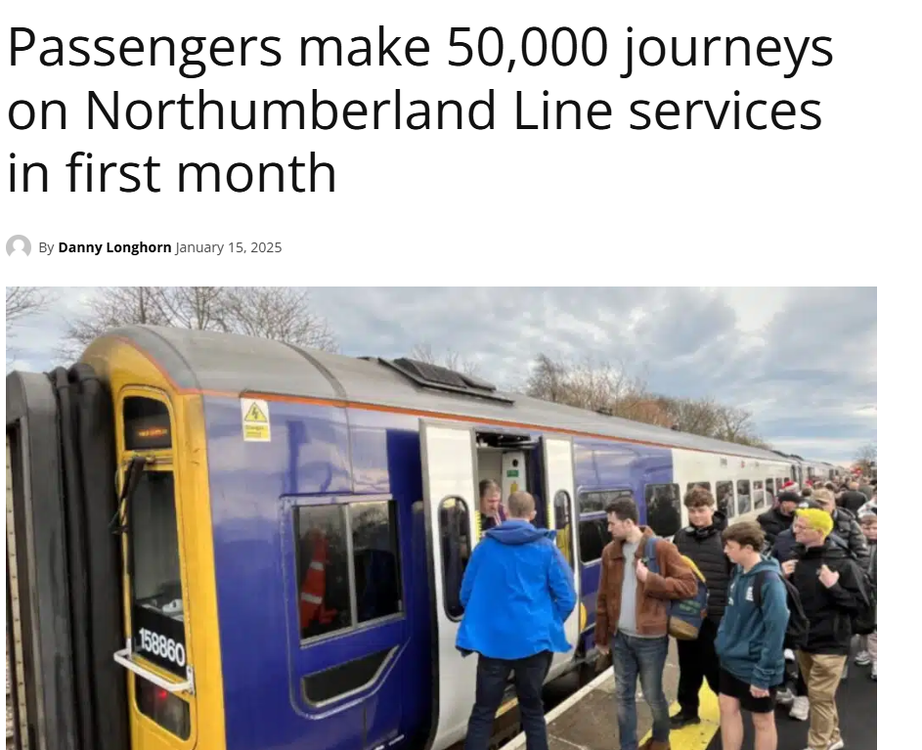
-
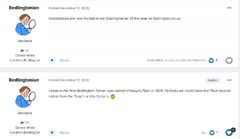
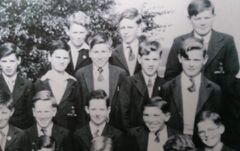 Possible name for No3 from Bygone Bedlington group memember.
 -
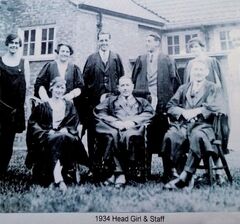 Photo from Bev Goodwill on the Facebook group Past pupils of Bedlington High School 1980 -83. This school was founded in 1926 as Bedlington Secondary School for the areas of Bedlingtonshire, Ashington and Newbiggin, being built next to Bedlington railway station.The Grammar School systen was not introduced until the 1944 Education Act was passed and the Secodary School changed it's name to Bedlington Grammar School.
 -
From the album: Bedlington Grammar School
-
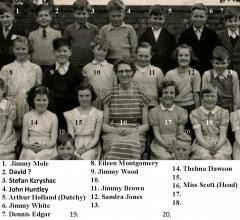
photo forwarded to me by Bev Goodwill. We believe No 6 is Bobby Charlton. Bev recovered many photos when the school held an open night for ex pupils on 16th June 20i6 and the school was demolished in that years summer brake.
-
From the album: Bedlington Grammar School
-
 This school was founded in 1926 as Bedlington Secondary School for the areas of Bedlingtonshire, Ashington and Newbiggin, being built next to Bedlington railway station.The Grammar School systen was not introduced until the 1944 Education Act was passed and the Secodary School changed it's name to Bedlington Grammar School.
 -
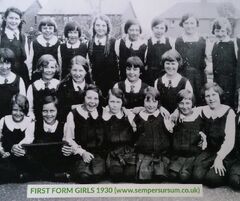 This school was founded in 1926 as Bedlington Secondary School for the areas of Bedlingtonshire, Ashington and Newbiggin, being built next to Bedlington railway station.The Grammar School systen was not introduced until the 1944 Education Act was passed and the Secodary School changed it's name to Bedlington Grammar School.
 -
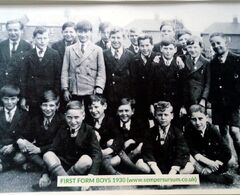 This school was founded in 1926 as Bedlington Secondary School for the areas of Bedlingtonshire, Ashington and Newbiggin, being built next to Bedlington railway station.The Grammar School systen was not introduced until the 1944 Education Act was passed and the Secodary School changed it's name to Bedlington Grammar School.
 -
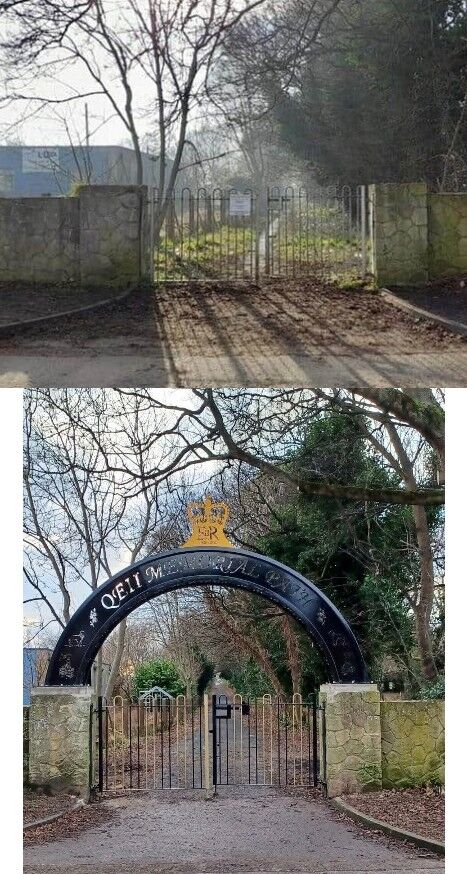
Then and Now (Malcolm's photos)
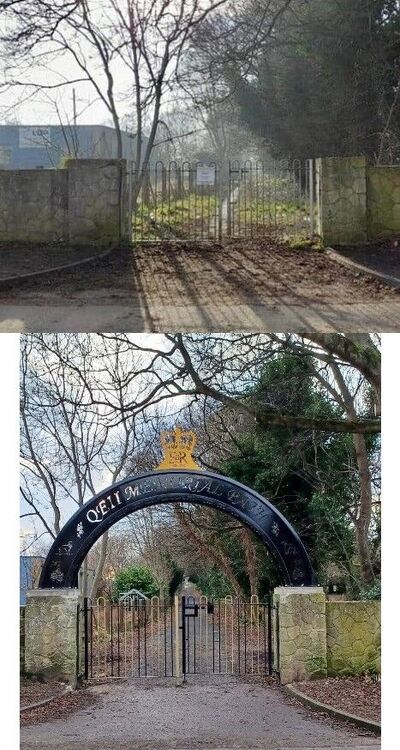 @terri can't recall any from the 1950's to 1970's when I was living in Bedlington. However my memory is fading --- slowly
Photo from Bev Goodwill on the Facebook group Past pupils of Bedlington High School 1980 -83. The photo, along with many others, was originally posted on the www.sempersum.co.uk site that was created by ex Bedlington Grammar School pupil Mansel Dinnis.
Photo from Bev Goodwill on the Facebook group Past pupils of Bedlington High School 1980 -83. The photo, along with many others, was originally posted on the www.sempersum.co.uk site that was created by ex Bedlington Grammar School pupil Mansel Dinnis.
Photo from Bev Goodwill on the Facebook group Past pupils of Bedlington High School 1980 -83. The photo, along with many others, was originally posted on the www.sempersum.co.uk site that was created by ex Bedlington Grammar School pupil Mansel Dinnis.
@terri can't recall any from the 1950's to 1970's when I was living in Bedlington. However my memory is fading --- slowly
Photo from Bev Goodwill on the Facebook group Past pupils of Bedlington High School 1980 -83. The photo, along with many others, was originally posted on the www.sempersum.co.uk site that was created by ex Bedlington Grammar School pupil Mansel Dinnis.
Photo from Bev Goodwill on the Facebook group Past pupils of Bedlington High School 1980 -83. The photo, along with many others, was originally posted on the www.sempersum.co.uk site that was created by ex Bedlington Grammar School pupil Mansel Dinnis.
Photo from Bev Goodwill on the Facebook group Past pupils of Bedlington High School 1980 -83. The photo, along with many others, was originally posted on the www.sempersum.co.uk site that was created by ex Bedlington Grammar School pupil Mansel Dinnis.
From the album: Bedlington Grammar School
From the album: Bedlington Grammar School
From the album: Bedlington Grammar School
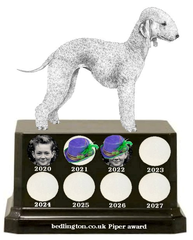
1. In which year were the chimes of Big Ben first broadcast at New Year? = 1923 2. Of which African country is Banjul the capital? = The Gambia 3. On which river does Washington DC stand? = Potomac 4. Who was the first British magician to become a TV star? = David Nixon 5. If you were served aloo in an Indian restaurant what vegetable you get? = Potato 6. Which very common Chinese surname means ‘old’ in English? = Chen 7. Which king of England married Isabella of France? = Edward II 8. On British coins, does King Charles III face left or right? = Left (Lizzy II right) 9. In the celestial hierarchy what is the highest order of angels?= Arch, or Eggy , angel 10. Which car manufacturer produced the Panda?= Fiat 11. Favourite, Figaro and Autumn King are varieties of which vegetable?= Carrot 12. Who married the Earl of Bothwell in 1567?= Mary Queen of Scots 13. Who was Harry Corbett’s furry friend? =Sooty – Sweep & Sue 14. What is the name of the college attended by British Army Officers?= Sandhurst 15. How many gold medals did Jesse Owens win at the 1936 Olympics?= 4 16. What is the surname of Romeo in Romeo and Juliet?= wherefore art thou OR Montecchi ) 17. In which country is the River Glomma the longest river?= Norway 18. Which gas is represented by the symbol He? = Helium 19. How were the Poor Knights of Christ and of the Temple of Solomon better known?= Knights Templar 20. What is another name for the Snow Leopard? = ounce I’ll bet you didn’t know …. Racing greyhounds have their nose-prints, which are as individual as fingerprints, registered to prevent fraud. = No - I have never owned one@terri can't remember having heard of any. Are you thinking about recently or many years ago?Alan Edgar (Eggy1948) commented on Alan Edgar (Eggy1948)'s gallery image in People and Events Gallery Awarded to Malcolm Robinson for his volunteer work in the West Bedlington community and his online postings on this group and Facebook keeping the community up to date with councill business that was, and wasn't, happening in the area.
From the album: Piper Award
In 2020 @Bedlingtonian suggested we create an online award for a member of this group that had helped the group throughout the yera and the award should be named Piper awards after Ainsley's Piper, the first Bedlington Terrier.