Everything posted by Alan Edgar (Eggy1948)
-
 @Sharpy - your photo posted on the Bedlington remembered Facebook group and Mel Douglas has named everyone.
 -
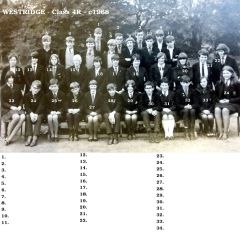 @Sharpy - names updated from your list, and from the Bedlington remembered members.
 -
@Sharpy - some names added from the Bedlington remembered Facebook group members :- No 25 Gwen Finnigan (nee Oliver) ; Mel Douglas & Freda Davison.
-
Cheers pete - i'll see if that name rings a bell with Jean
-
Photo from @Sharpy -c1968 Class 4R
-
Will do
-
@Sharpy - would you like me to post this in the Westridge album in the Gallery? What year and class is it? I could also post the photos on the Facebook Bedlington remembered group and see if we can get some names to add to the to them.
-
@HIGH PIT WILMA - can you remember if there was a group called the Dinosaurs ever played at the Clayton Ballroom in the ear;y sixties? It's not me asking, just a young lady on bedlington Facebook group said :- Jean Ord Met my husband on Monday night teenagers as I got a bit older I was allowed to go to Friday night dance can anyone remember the group called the dynasours and who played in it. I can't remember them or find anything out on the www about them
-
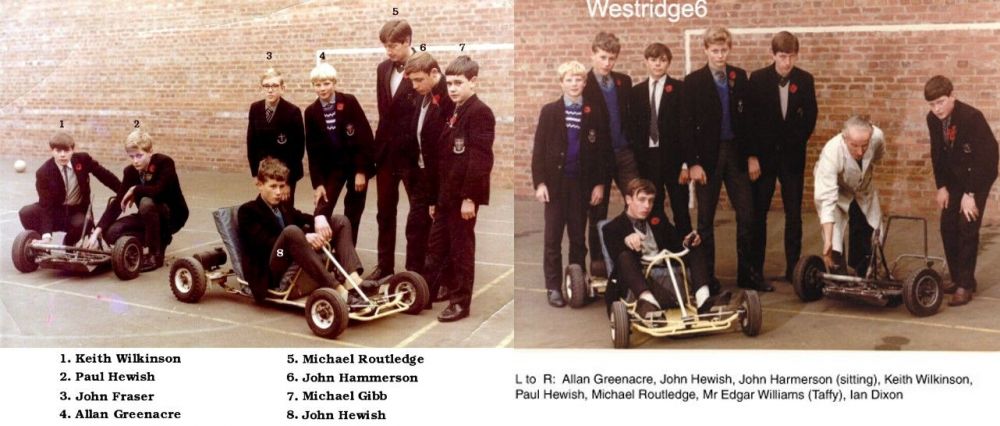
Names updated :-
-
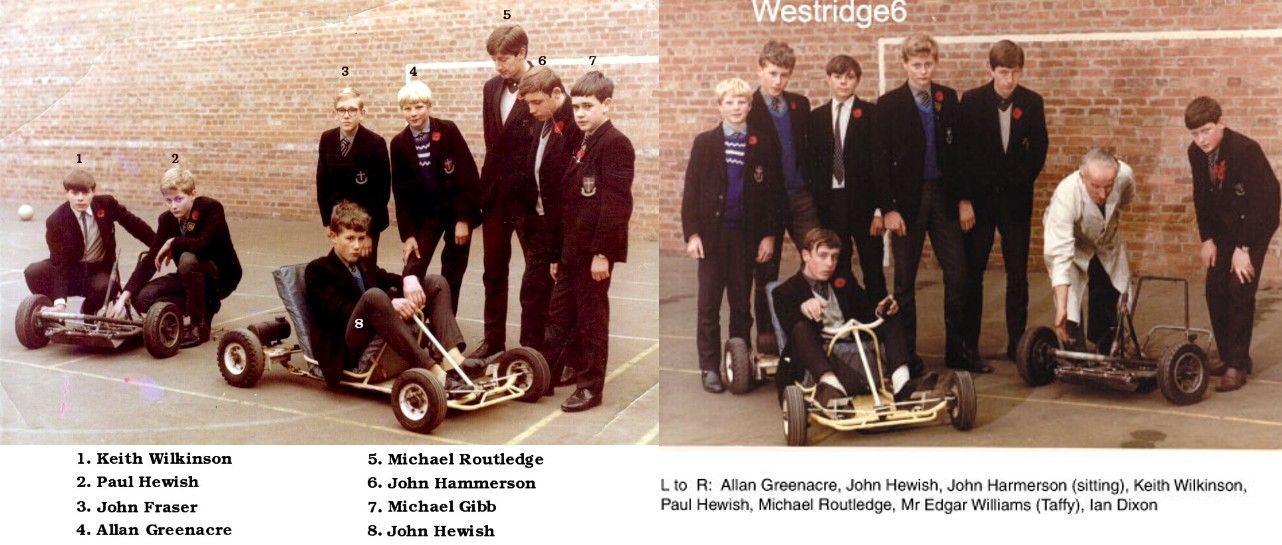
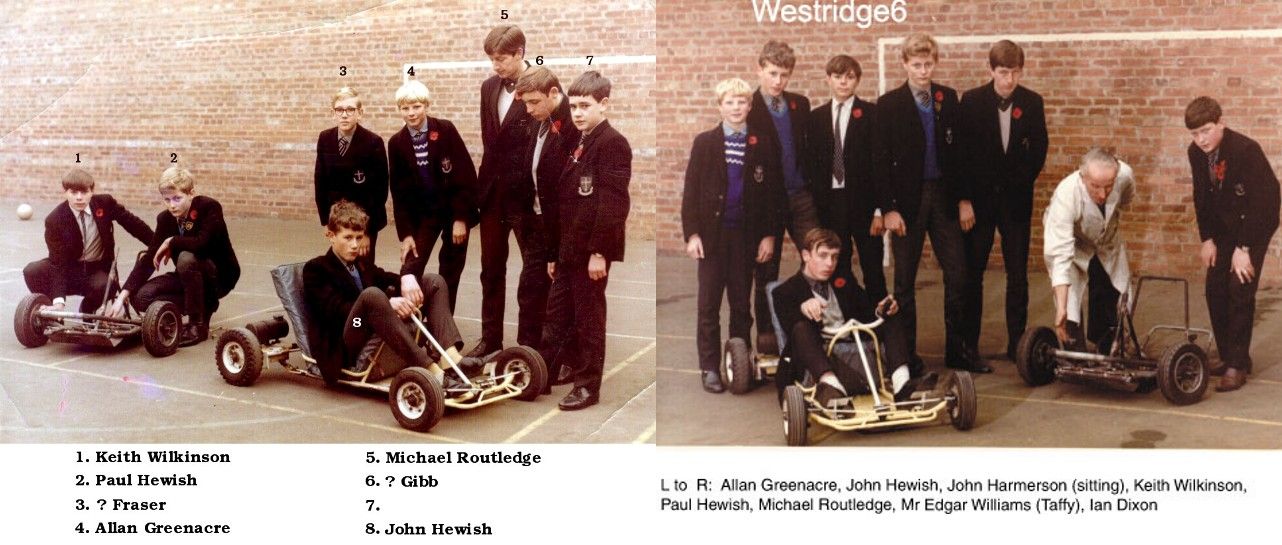
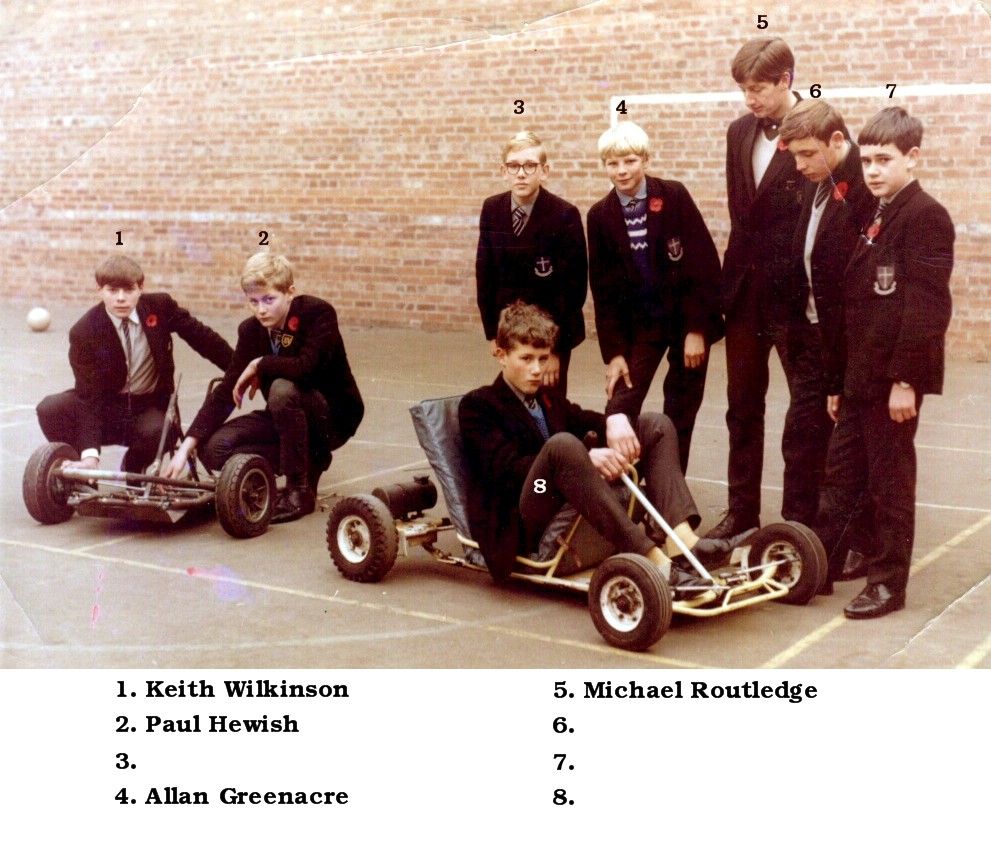
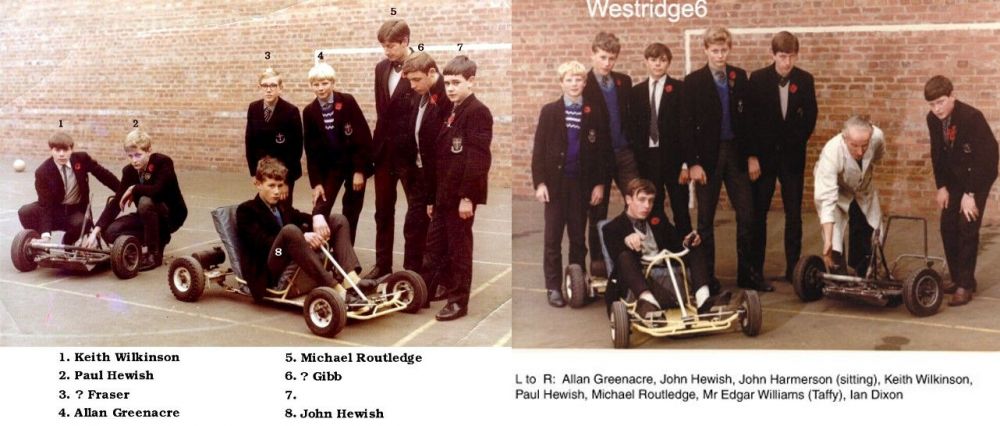
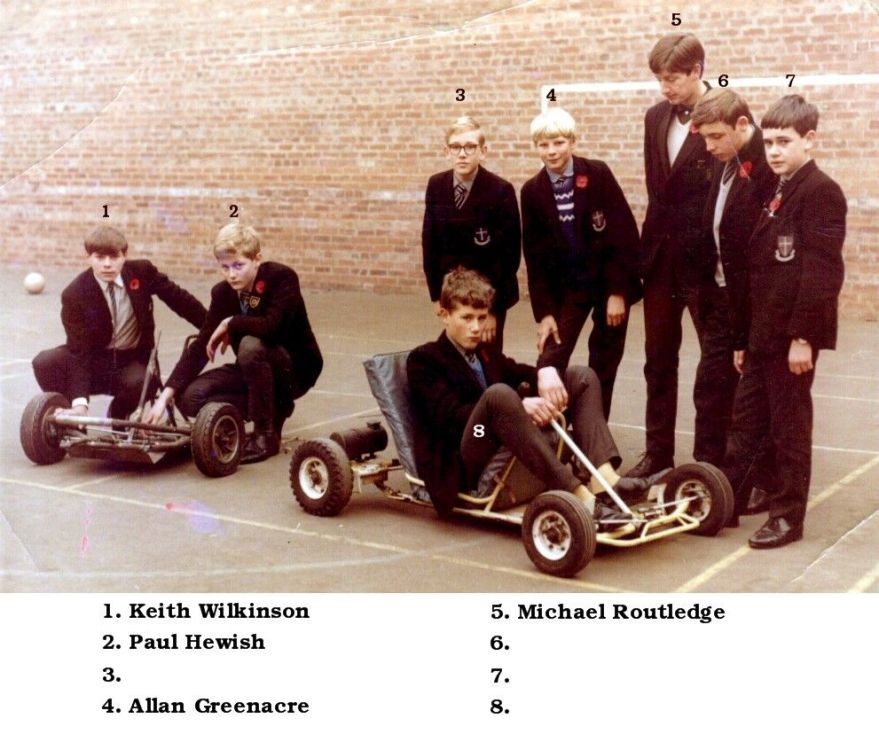
Updated the names @Sharpy and then put the two photos together so you can see the names that @Symptoms had on the other one :-
-
@Sharpy - which two?
-
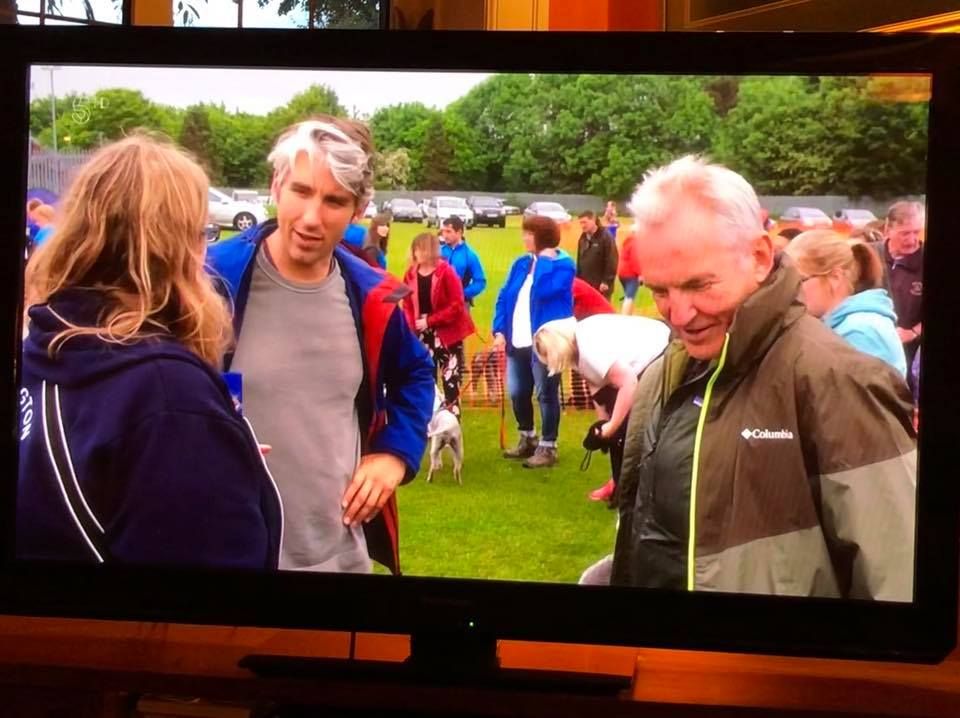
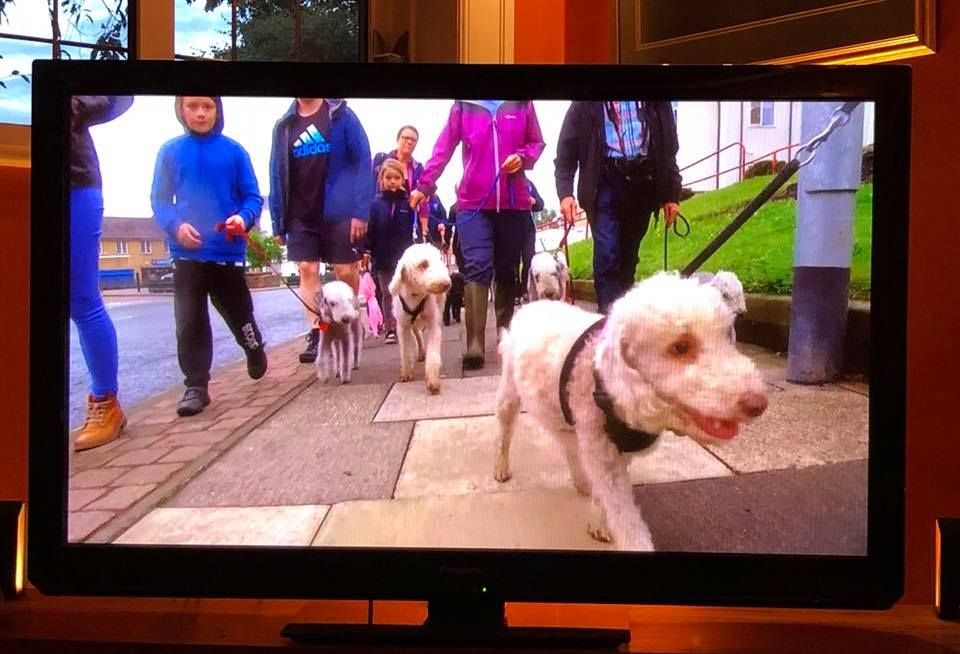
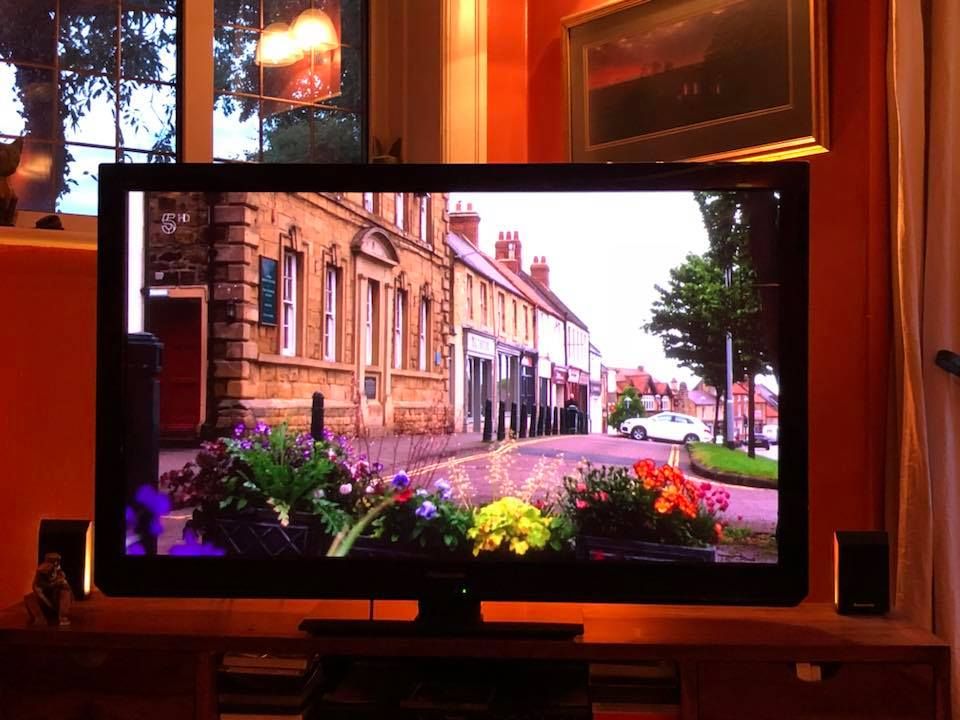
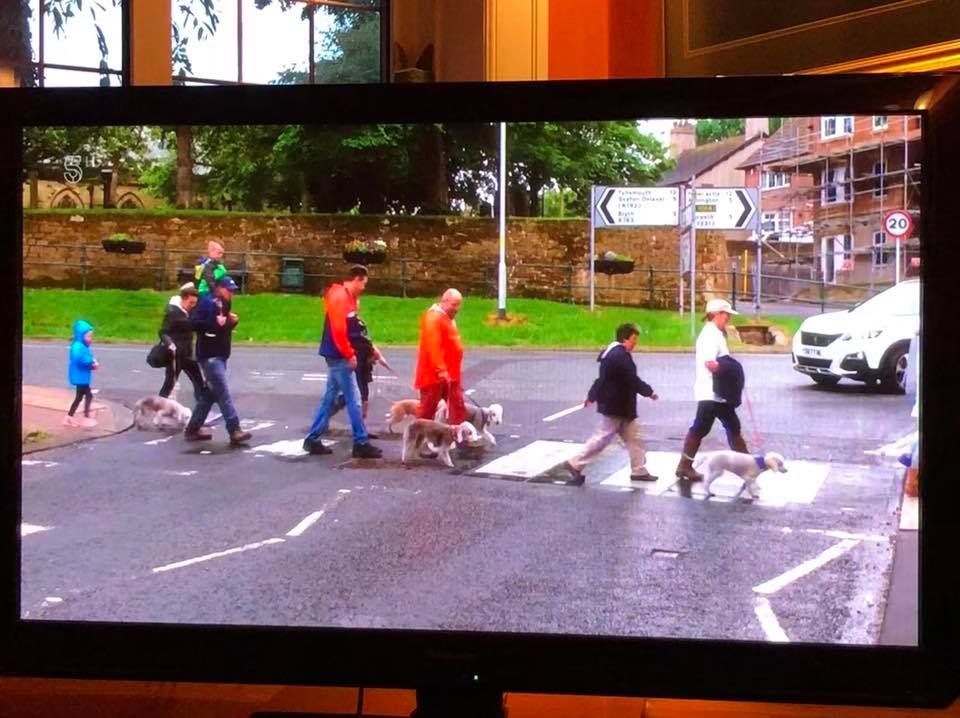
Images of Bedlington + dogs, off the TV, posted on Facebook by Simon Williams last night and I think the show is repeated at 03:30 tomorrow morning but that is just a guess. If I'm right the show is :- Britain by Bike with Larry & George Lamb. Judging by the images I think this is the attempt to break the Guinness World Record - March 23rd 2018 - by the Bedlington Terrier group/club - most number of Bedlington Terriers in a park or on a beach?
-
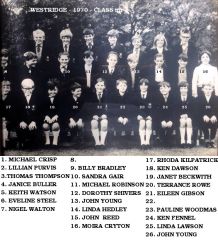 Photo, and names, from Lisa Howe, Facebook Bedlington remembered group.
 -
until
-
until
https://www.facebook.com/leadinglink/photos/a.348155155208505.86478.282193848471303/2234256689931666/?type=3&theater -
@Symptoms - I have posted your two photos (+ some year West Ridge end of term class photos) on the Facebook Bedlington remembered group site for a couple of members - Ardia Melissa Wilkinson & Veronica Leathwaite Kirkman who asked me if I had any photos of their relatives , three brothers named Billy, David and Keith Wilkinson who went to the Whitley Memorial school. I didn't have any of them at the Whitley but a search on this site tracked them down in the Gallery photos and the search also returned a link to this topic. They said that David had passed away, age 16, and they did not have any school photos of these three. They asked me to say thank you to those that provided the photos. Thank you Sym One comment from Veronica was :- Now I have photos of all three of my gorgeous cousins as young boys we had lots of lovely childhood memories lots of love lots of laughter I don’t get to see billy and keith a lot as we live in Lancashire but when we do see each other it’s as though we only seen each other yesterday thanks for all your help xx and our Ardia will be chuffed with this photo of her dad xx
-
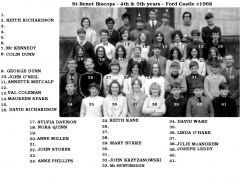 No 31, not 32, is John Krzyzanowski and he has added some more names. He has also confirmed that they are all St Benet Biscops pupils - years 4 & 5.
 -
Found this in a post that Keith had created back in 2012. It was posted with the comment :- on Friends Reunited was this photo. Now me and my bro recognise some of the people and therein lies the confusion. The photo is of St Benet Biscops on a trip to Ford Castle in 1968. But some of the people we have recognised weren't at that school! Can anyone help put names to faces. - Keith never got any response to his query back in 2012. Posted the photo on Facebook, Bedlington remembered, and Anne Haig-Ferguson commente - I posted this on friends reunited way back........ and then Anne named quite a few and said it was just St Benet Biscops pupils.
-
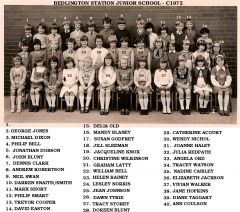 Majority of the names from the Facebook Bedlington remembered group members :- Doreen Blunt - Joy watson - Jan Appleby - Linda Craig - Claire Stewart Mason and Tracy Oakley.
 -
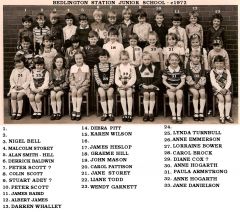 Majority of the names from the Facebook Bedlington remembered group members :- Liz Mathews - Isabel Elaine Wylie - Linda Turnbull - Lisa Hogarth & Liane Todd.
 -
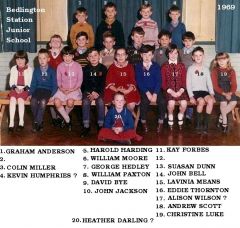 Names from the Bedlington remembered Facebook members.
 -
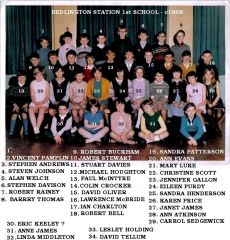 Photo from John Dawson, sixtowships Facebook group - names from Bedlington Facebook members.
 -
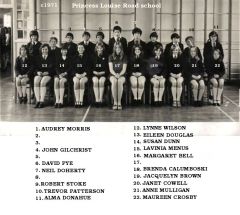 Photo posted on this site in 2012 by our mate Keith, but no names were added back then. Posted the photo on Facebook and the Cambois members have named 18.
 -
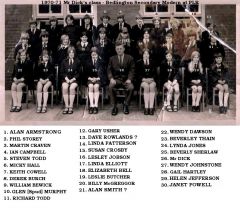 Following the fires in 1969 & 70 the school used the Princess Louise Road school, Blyth, until new school was built. Names from Bedlington remembered & Cambois Facebook members Billy Bewick, Richard Todd & Wendy Cape Dawson.
 -
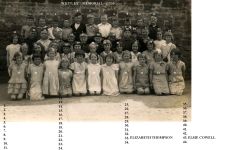 No 30 - Alice Cobb identified by Veronica Leathwaite Kikman off the Facebook Bedlington remembered group :-