



Everything posted by Alan Edgar (Eggy1948)
-
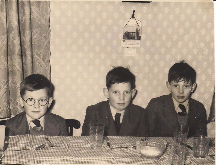
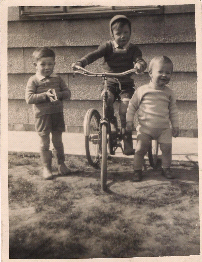
I keep asking people in the street HP but nobody seems to kna, it's as if they just disappeared one day! I have no recollection of Puddler's Row. My mam's aunt lived in Elenbel Avenue and me, and my two older brothers, spent loads of time at their house in the mid to late 50's :- Elenbel 1955 or 56 - I first got my specs in 1955 age 7 The old maps at https://www.old-maps.co.uk/#/Map/427570/581434/10/100708 only have an issue date, not the date the area was surveyed, and the 1951 map shows Puddlers Row but no council houses, including Elenbel around the Oval area. We moved into an airey house, Coquetdale Place, in 1949 0ne bike between us - a wheel each. so the 1951 map is a few years behind. The next map, 1961, shows all the airey houses and Elenbel, Tomlea and the old folks bungalows, Trotters Grove, but no Puddlers Row and Trotters Grove is in a line with a grassed area that people older than me say is where Puddlers Row was. Dosen't answer you question HPW but filled in 10mins of my time.
-
I didn't fully explain my sentence Merc, should have added a bit "......all those that voted to leave because of the thorny issue of immugracion, and now realise they hadn't a clue what they were really voting for = the party that won the general election to enter discussions, on behalf of those that did plus those that didn't vote for them, with the EU's chief negotiator without interference as we have total confidence in their ability of that party, regardless of what the chief negotiator, and friends, put in their way. That way the people can get on with what they do best = whinge. Why can't the people be like Merc and make the best of it = Merc for PM, or at least Foreign Secretary To resolve the gap in Britain's work force when the foreign imports leave us stranded, without turnips to light up, the government should train the 14.4% unemployed from Middlesborough, offering them wages + increased fraudulent benefits to fill the gaps. This would also reduce the crime figures on Teesside As I voted Remain, and amazingly lost, I must still abide by the majority and allow our team to negotiate = they know whats best for us, and the majority that voted them in, because they know whats best for the country, should allow them to get on with it and keep Laura Juliet Kuenssberg out of the news. Over the years my knowledge and ability to see into the future has astounded many and they are not surprised when I get ready to go singing, and dancing, in the rain I take my socks off thus saving essential energy to grow more turnips for Merc. Doobe Do Do, Doobe Doobe Do Do, what a glorious feeling I'm happy again, just singing and dancing, in the rain, Doobe Do Do, Doobe Doobe Do Do
-
Are they hoping for 17,410,742 signatures? Or do you think that all those that voted to leave, and now realise they hadn't a clue what they were really voting for, will have changed their minds, as they still don't really know what they are voting for? We can't just leave as the BBC will have nothing to fill in the first 10mins of the daily news. Pay up the money and keep mercury's exchange rate high.
-
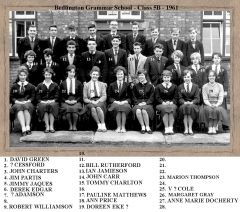 Nos 16,22 & 28 named
 -
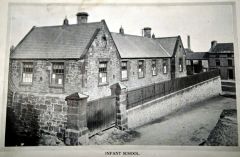
From the album: Bedlington Equitable Co-operative Society 1861-1911
-
Images from @graeme from an old book - In Commemoration - Of The Jubilee - Bedlington Equitable Industrial Co-Operative Society Ltd. 1861 - 1911
-
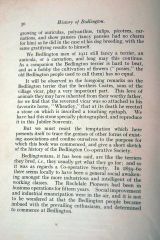
From the album: Bedlington Equitable Co-operative Society 1861-1911
-
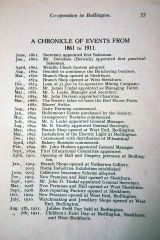
From the album: Bedlington Equitable Co-operative Society 1861-1911
-
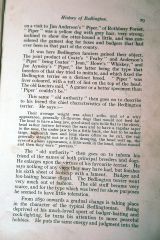
From the album: Bedlington Equitable Co-operative Society 1861-1911
-
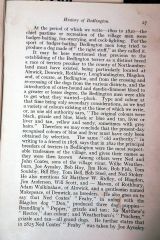
From the album: Bedlington Equitable Co-operative Society 1861-1911
-
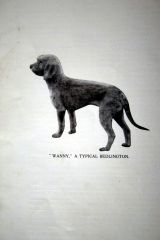
From the album: Bedlington Equitable Co-operative Society 1861-1911
-
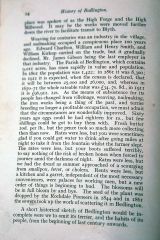
From the album: Bedlington Equitable Co-operative Society 1861-1911
-
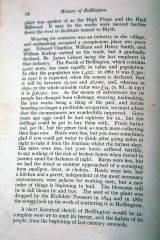
From the album: Bedlington Equitable Co-operative Society 1861-1911
-
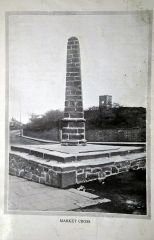
From the album: Bedlington Equitable Co-operative Society 1861-1911
-
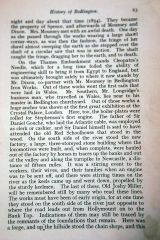
From the album: Bedlington Equitable Co-operative Society 1861-1911
-
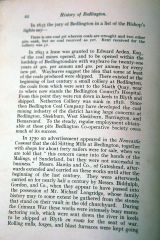
From the album: Bedlington Equitable Co-operative Society 1861-1911
-
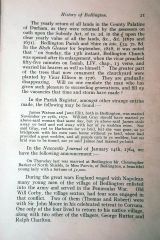
From the album: Bedlington Equitable Co-operative Society 1861-1911
-
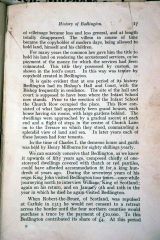
From the album: Bedlington Equitable Co-operative Society 1861-1911
-
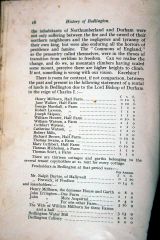
From the album: Bedlington Equitable Co-operative Society 1861-1911
-
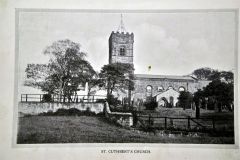
From the album: Bedlington Equitable Co-operative Society 1861-1911
-
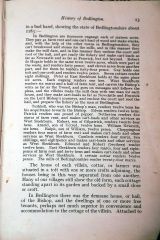
From the album: Bedlington Equitable Co-operative Society 1861-1911
-
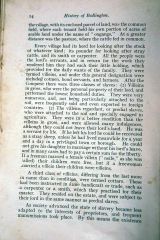
From the album: Bedlington Equitable Co-operative Society 1861-1911
-
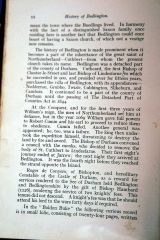
From the album: Bedlington Equitable Co-operative Society 1861-1911
-
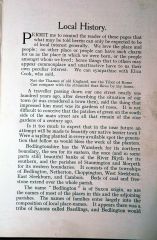
From the album: Bedlington Equitable Co-operative Society 1861-1911
-
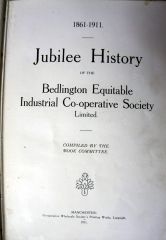
From the album: Bedlington Equitable Co-operative Society 1861-1911

