



Everything posted by Alan Edgar (Eggy1948)
-
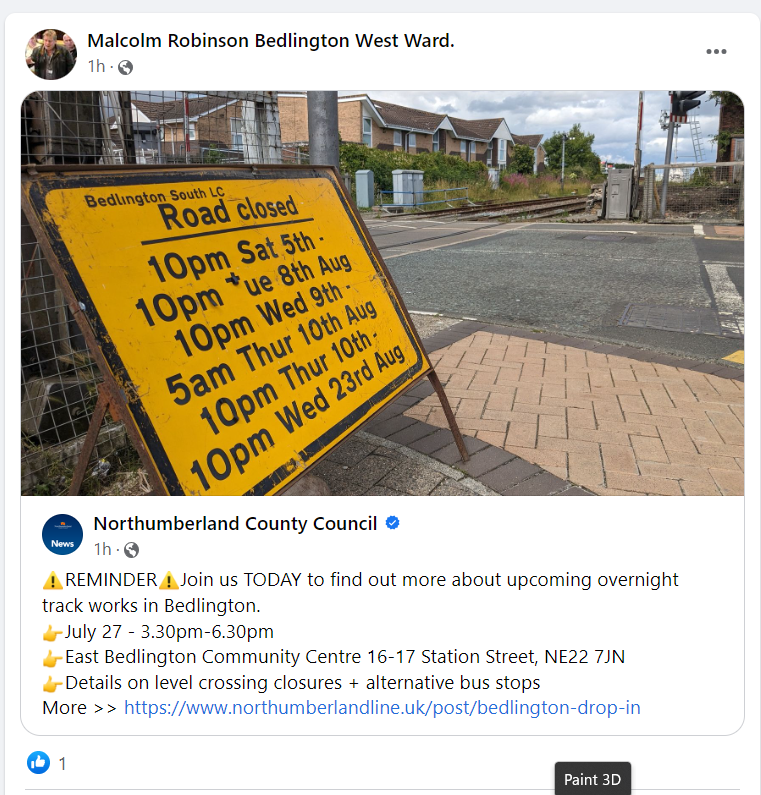
New trains will all have automatic doors, like the London underground trains, and operated by the multitasking train driver
-
 I'ts just I like to credit the person(s) who have named anyone in the photos otherwise people might think I knew everyone who ever went to school in Bedlington
 -
-
@threegee No 30 updated. Do yo know the name of the person that added the comment that was sent to the moderator?
-
It was o0n todays BBC national news :- https://www.bbc.co.uk/news/business-66395824
-
I do apologise but if you do search using the URL within the advert it will take you to the relevant NCC page where there is some info but not a full list of all the free saplings. Inputting nland.cc/freetress takes you to :- https://tree-scheme.northumberland.gov.uk/SelfService/
-
https://www.theguardian.com/business/2023/jul/05/plans-for-mass-closure-of-railway-ticket-offices-in-england-confirmed#:~:text=The move%2C pushed by the,busiest stations%2C within three years.
-
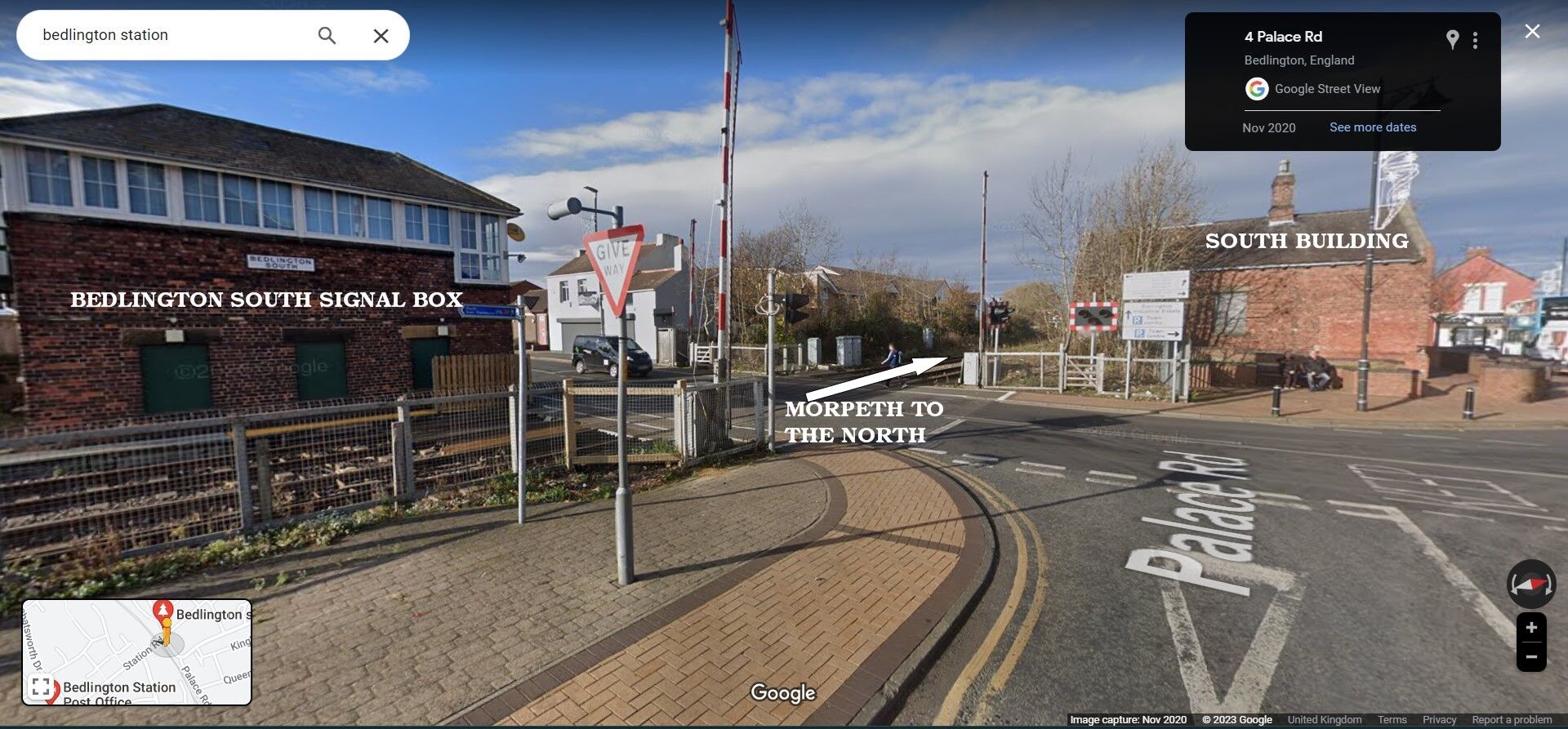
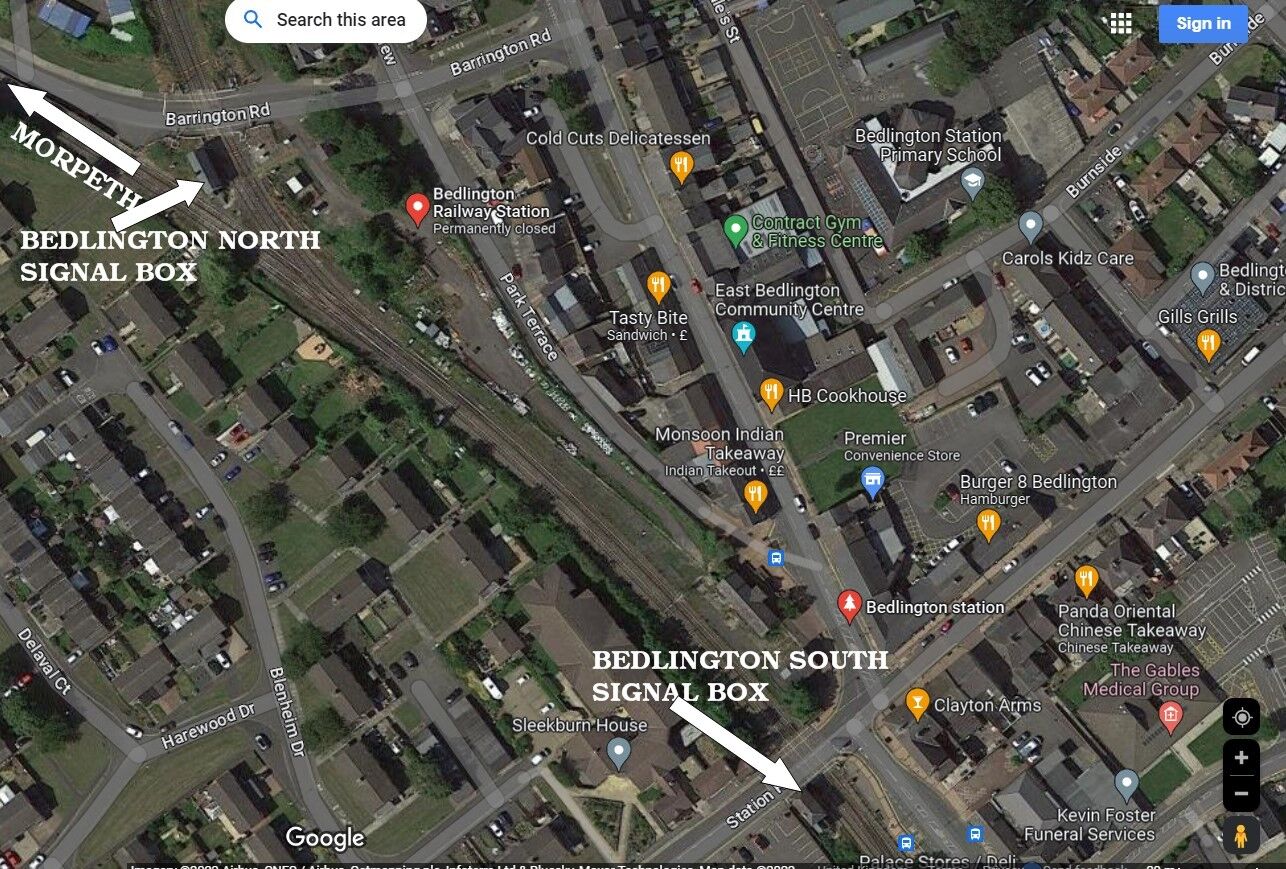
These Google Maps shots, with some text added, might help @Vic Patterson
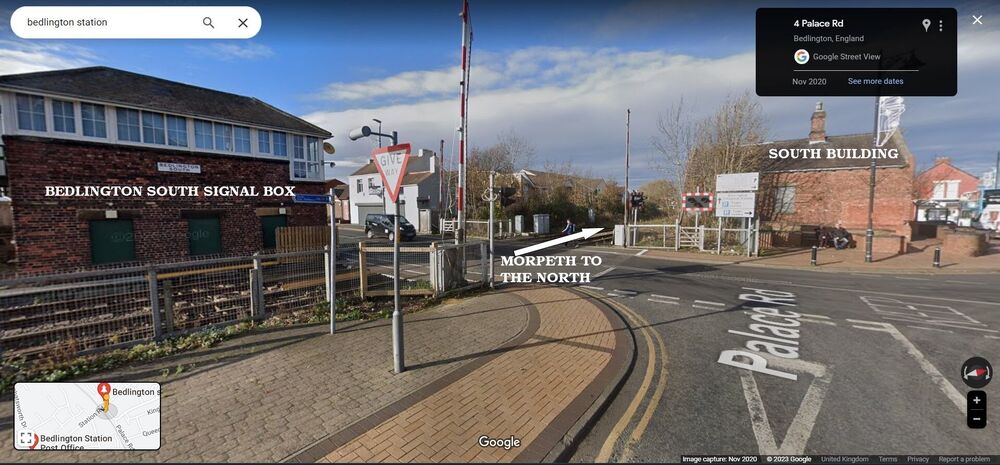
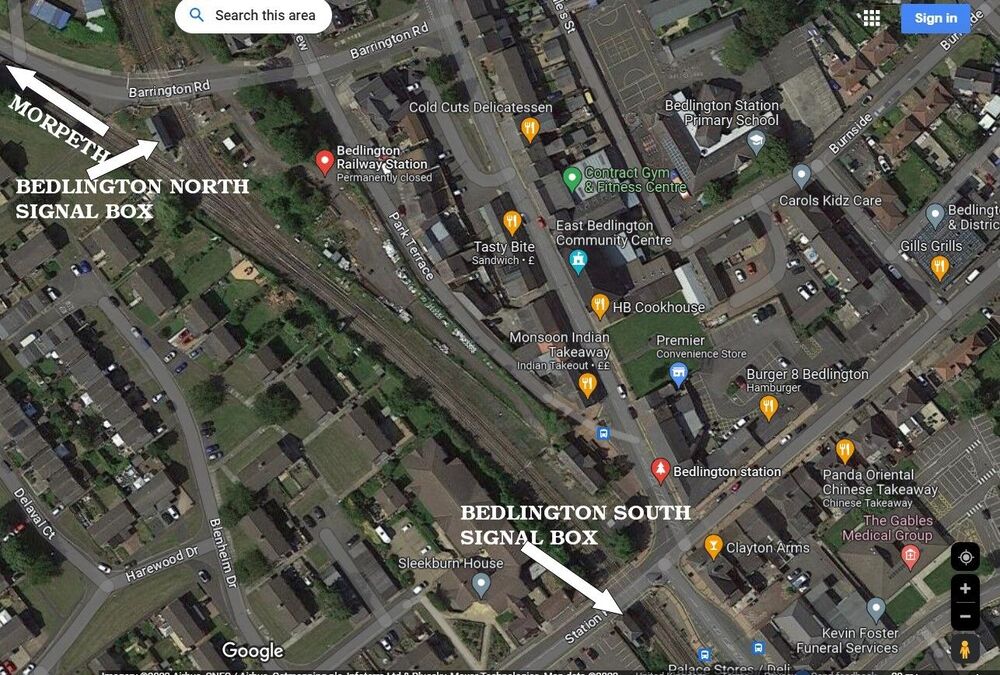
-
Ooops = posted the wrong download. Should have posted this with info of who can apply for a free tree to plant :-



-
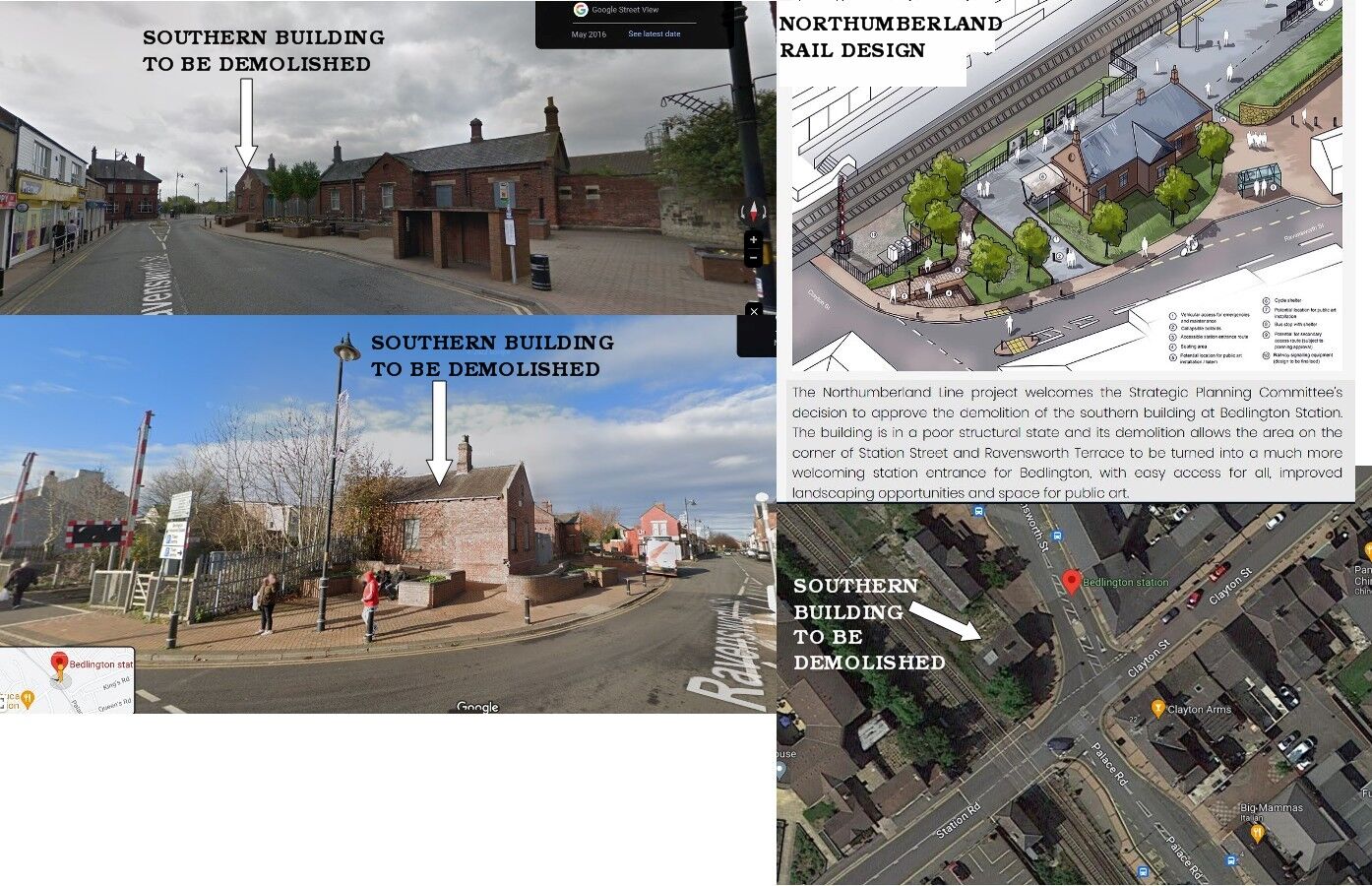
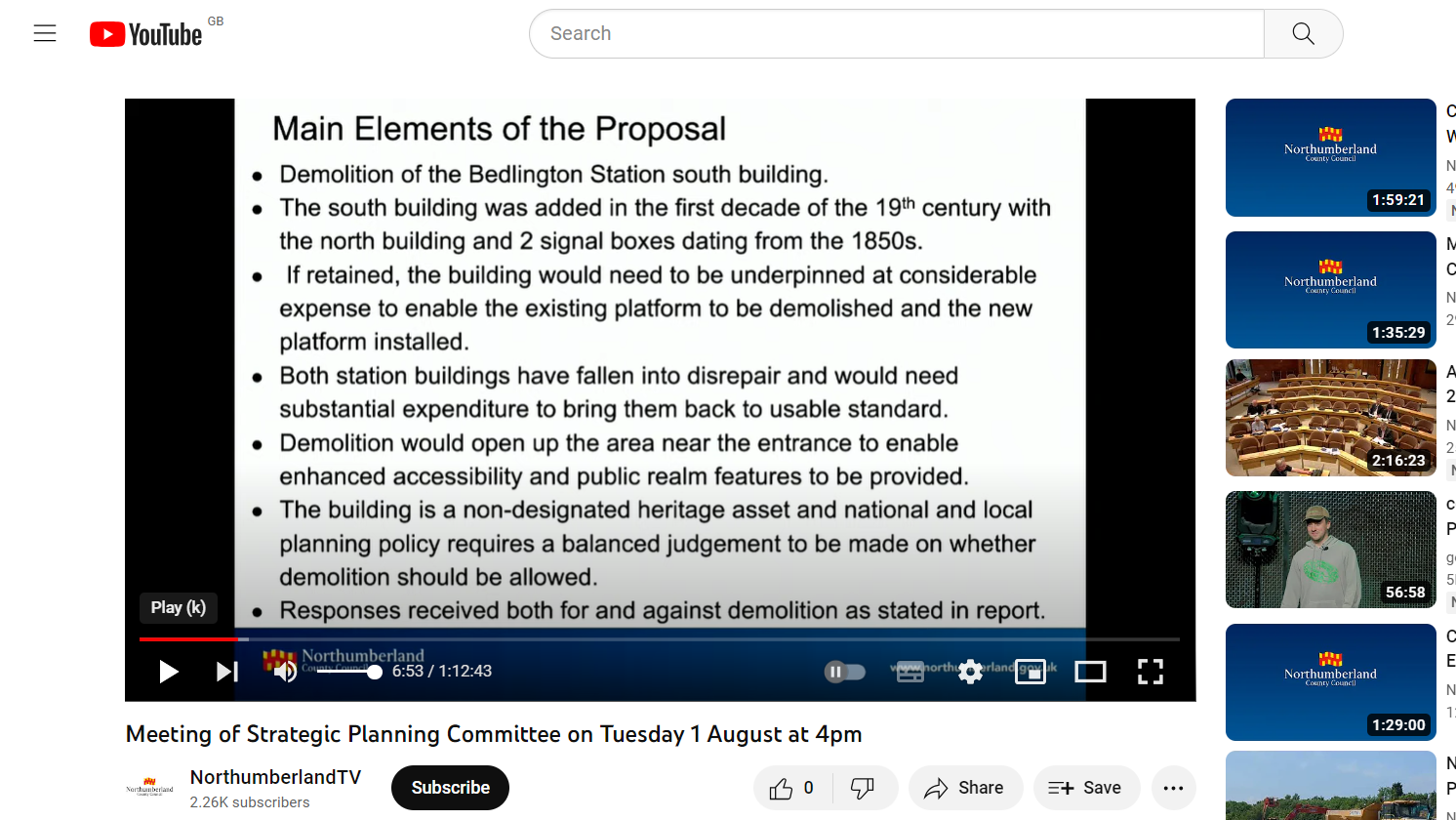
I'm with you Vic. Link to the Northumberland County Council - NL - site with the new design :- https://www.northumberlandline.uk/post/bedlington-station-design Google Maps aerial an street views + NL proposed alterations :-
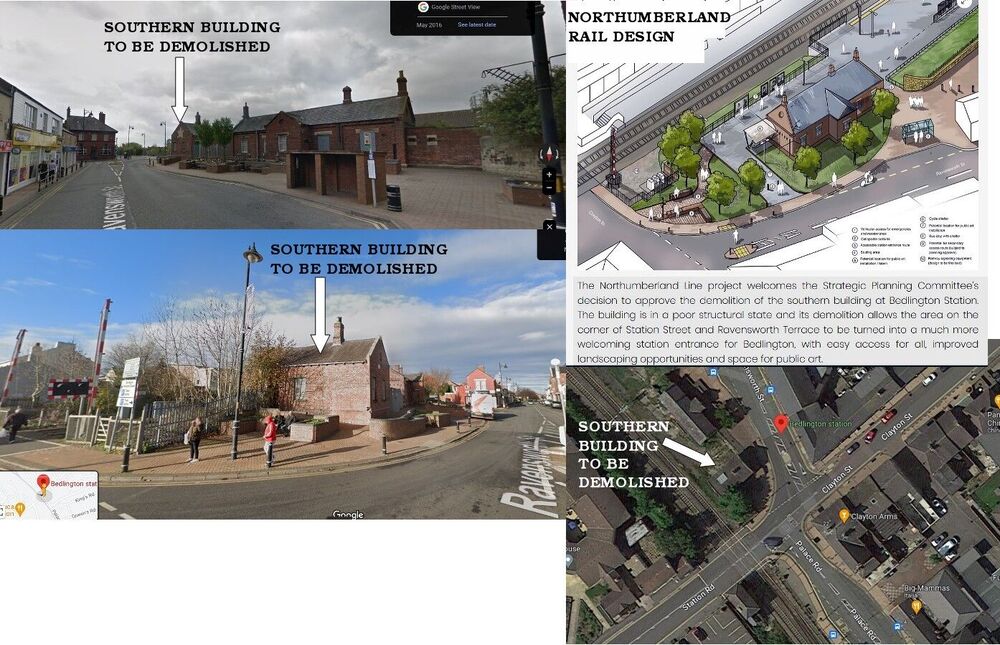
-
Info posted by @Malcolm Robinson
-
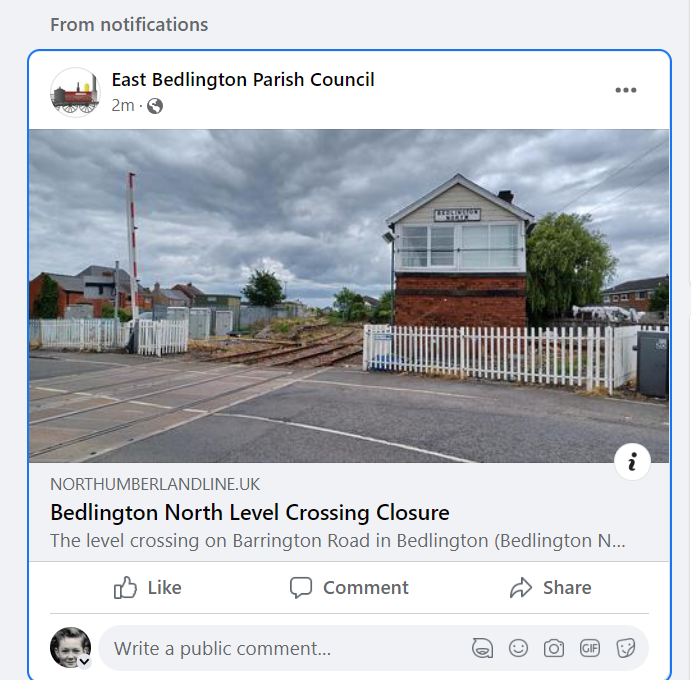
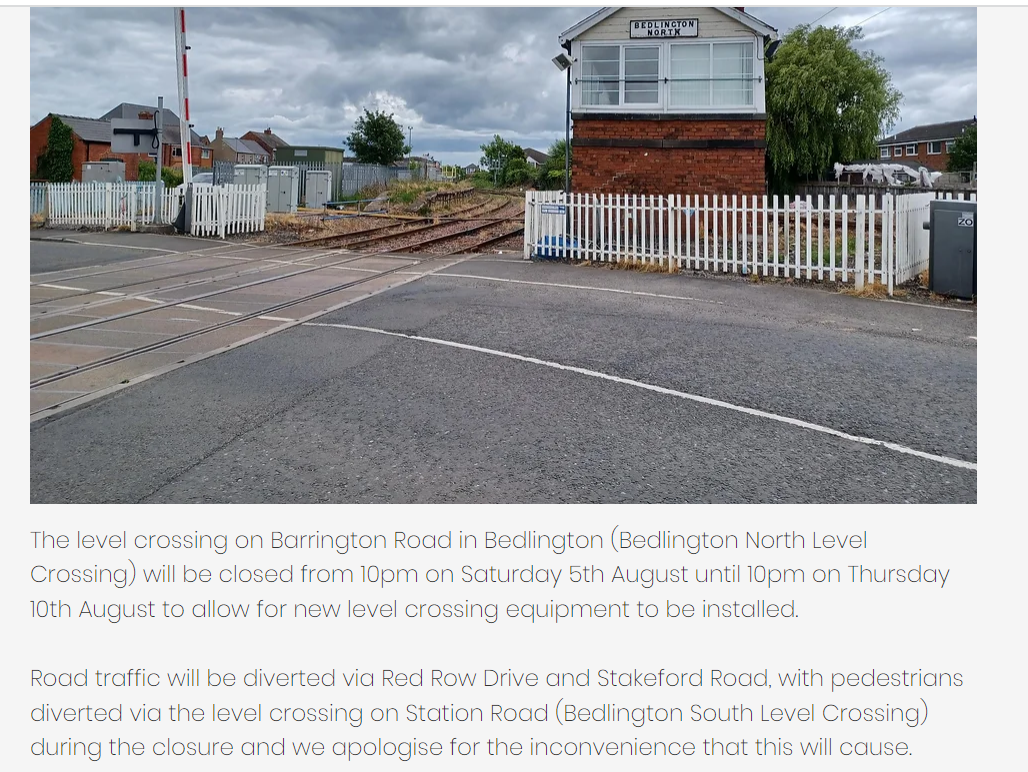
until
until
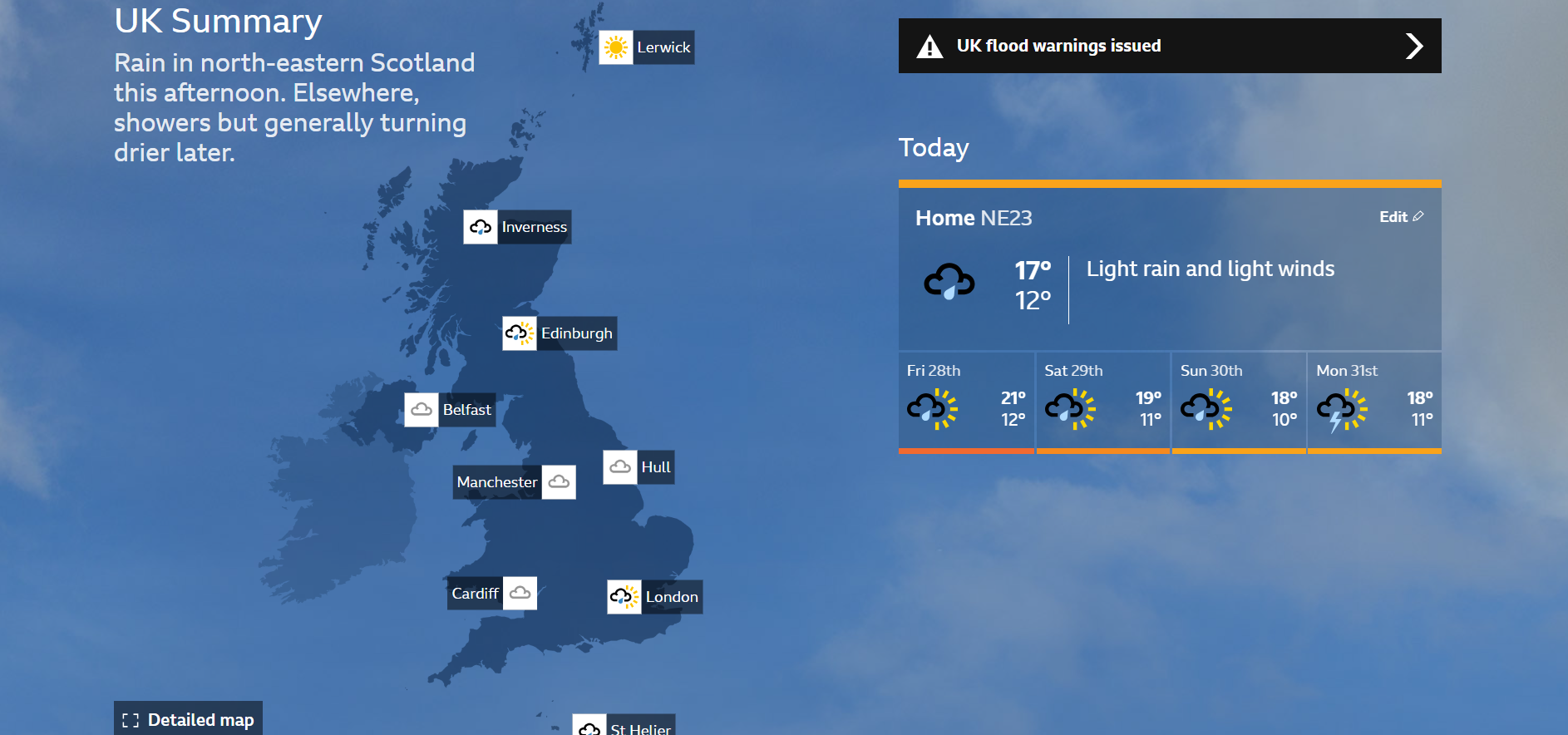
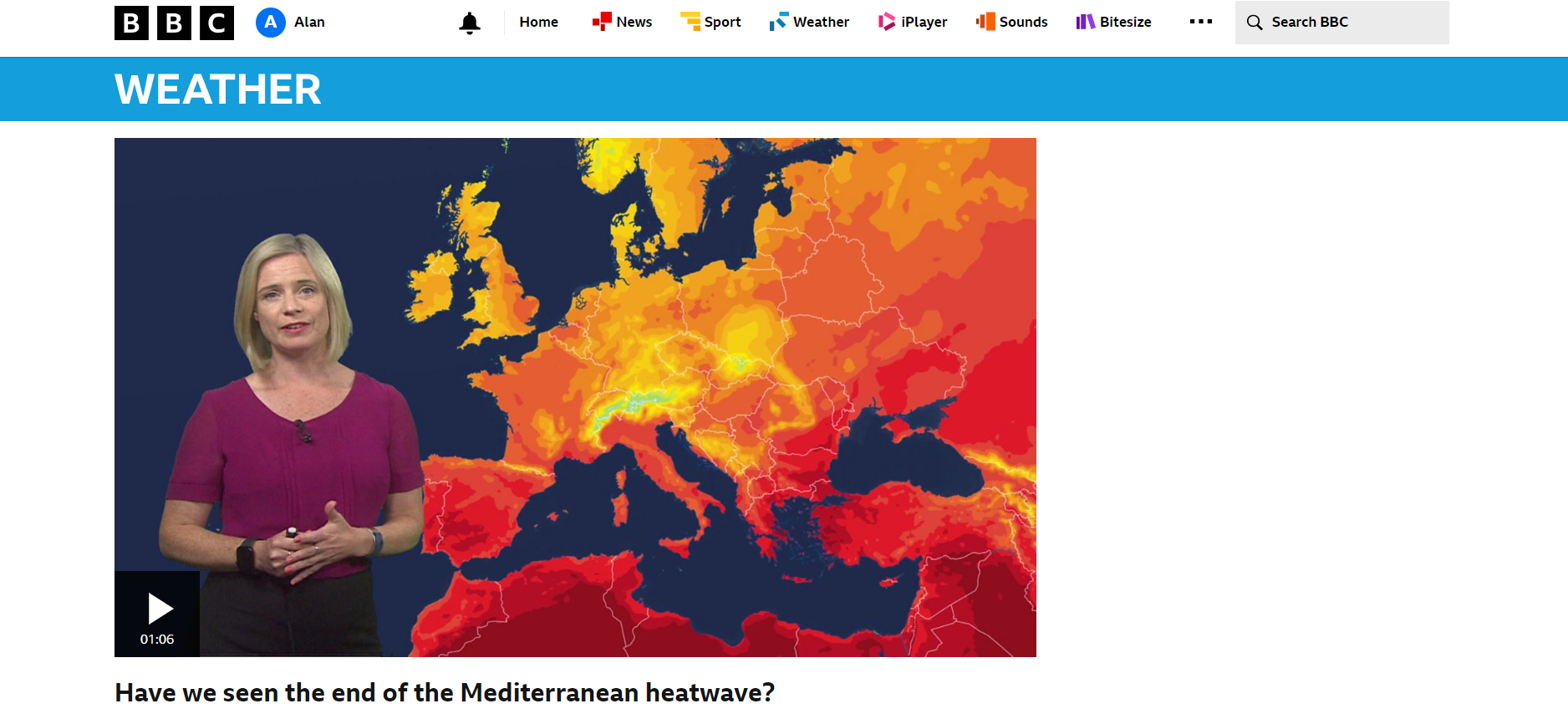
I'm on me wayRoll on August. At least I will have the football to enjoy and as don't have any pets i won't be anthropomorphize .@threegee - according to Brian Jenkins (Bygone Bedlington Facebook group) the footbridge demolished c1973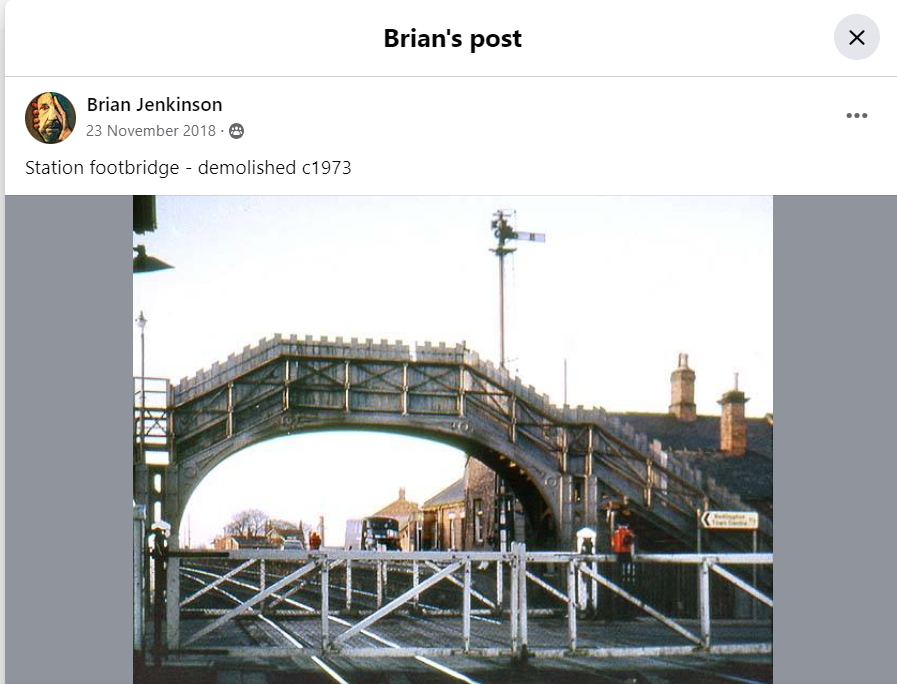 BBC weather report today :- Meditrranean https://www.bbc.co.uk/weather/av/66316504 UK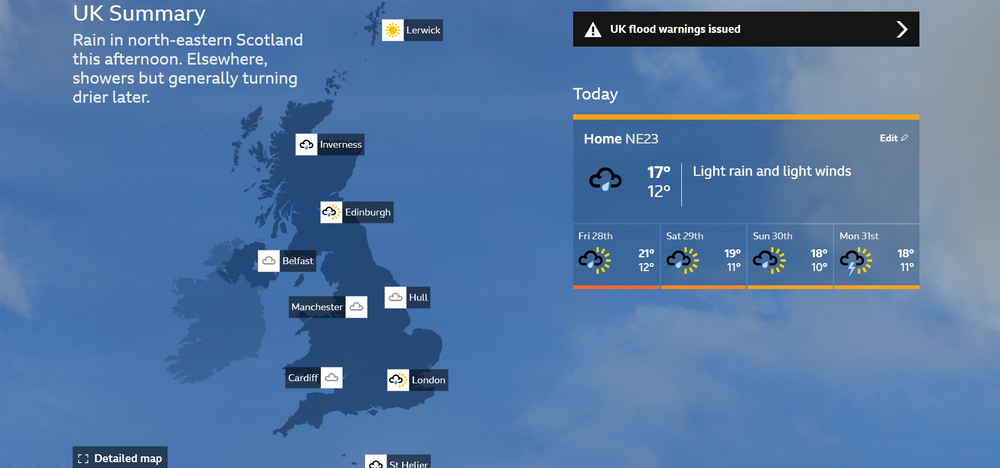
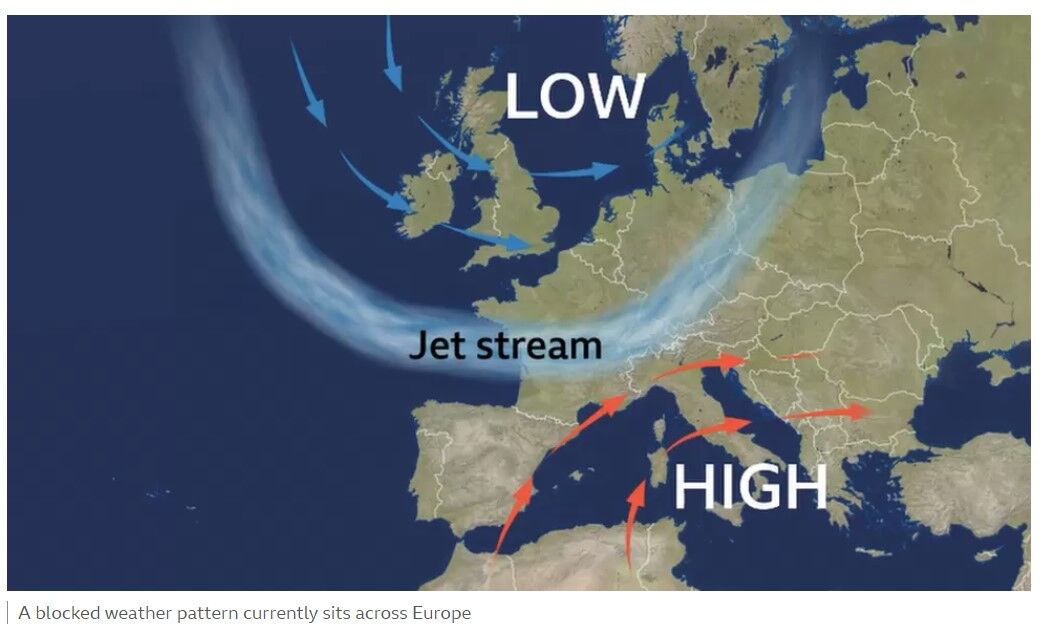
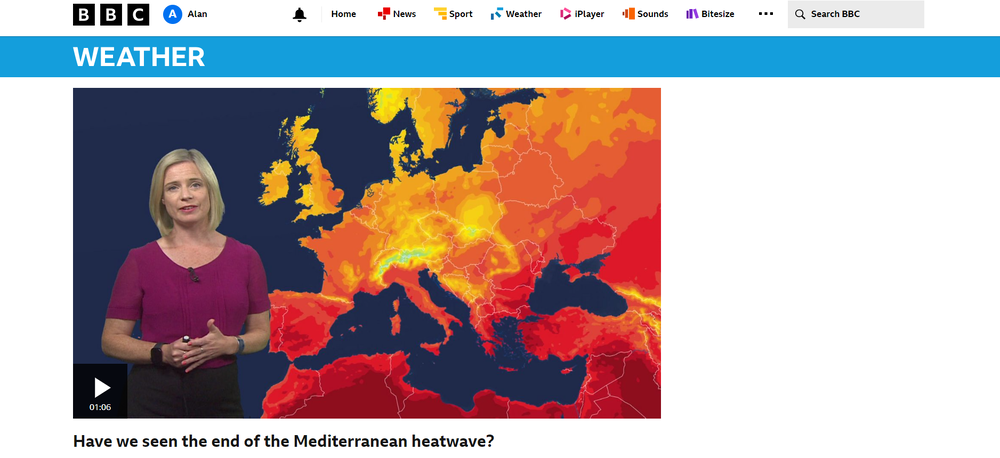 It is strange what Ryanair are doing compared with the other airlines. Could it be that they don't have any spare aircraft to send out and bring holiday makers home - or is it just all about money? Ryanair operating 'full schedule' to wildfire-hit Greece as Europe heatwave fails to deter holidaymakers Europe's largest airline by passenger numbers says it is watching the situation in Greece carefully while revealing a four-fold increase in first quarter profits. James Sillars Business reporter @SkyNewsBiz Monday 24 July 2023 11:43, UK 1:29 Ryanair: Still flying people in and out of Greek islands Why you can trust Sky News Ryanair says it is operating a "full schedule" to wildfire-hit Greece including the island of Rhodes as evacuation flights get under way. The company's chief financial officer also said, while revealing the airline's first quarter results, that there had been no surge of cancellations due to the record-setting heatwave hitting southern Europe more widely. Neil Sorahan said Europe's largest carrier by passenger numbers had not deemed it necessary to put on additional flights to the Greek island of Rhodes at this time. Britons wait for rescue flights in Rhodes - as second heatwave looming - live updates He told Sky's Business Live with Ian King: "Airports remain open so we're continuing to fly in there. "We've got a number of customers who are keen to come home, some people still want to do down there so we'll continue to fly in and out and as long as it's safe to do so and as long as the airports remain open, we'll be there. "We haven't seen a huge amount of cancellations. We have seen a number of people looking to reaccommodate themselves onto earlier flights obviously out of the islands." He saw no current need for additional evacuation flights as airlines and tour operators move to manage their schedules to best-serve their customers' needs. Jet2, TUI and Correndon have all cancelled flights to Rhodes over the next few days. Thomas Cook has cancelled some upcoming holidays and is offering other customers full refunds. Ryanair rival, easyJet, has two repatriation flights due to leave Rhodes later on Monday. Another is planned for Tuesday while Jet2 has also revealed plans for three additional flights from the island. Mr Sorahan was speaking as authorities in Corfu began evacuations of tourists by sea.when it gets to 22C I'ts too hot for me. Fortunately the jet Stream has been looking after me for the past few days
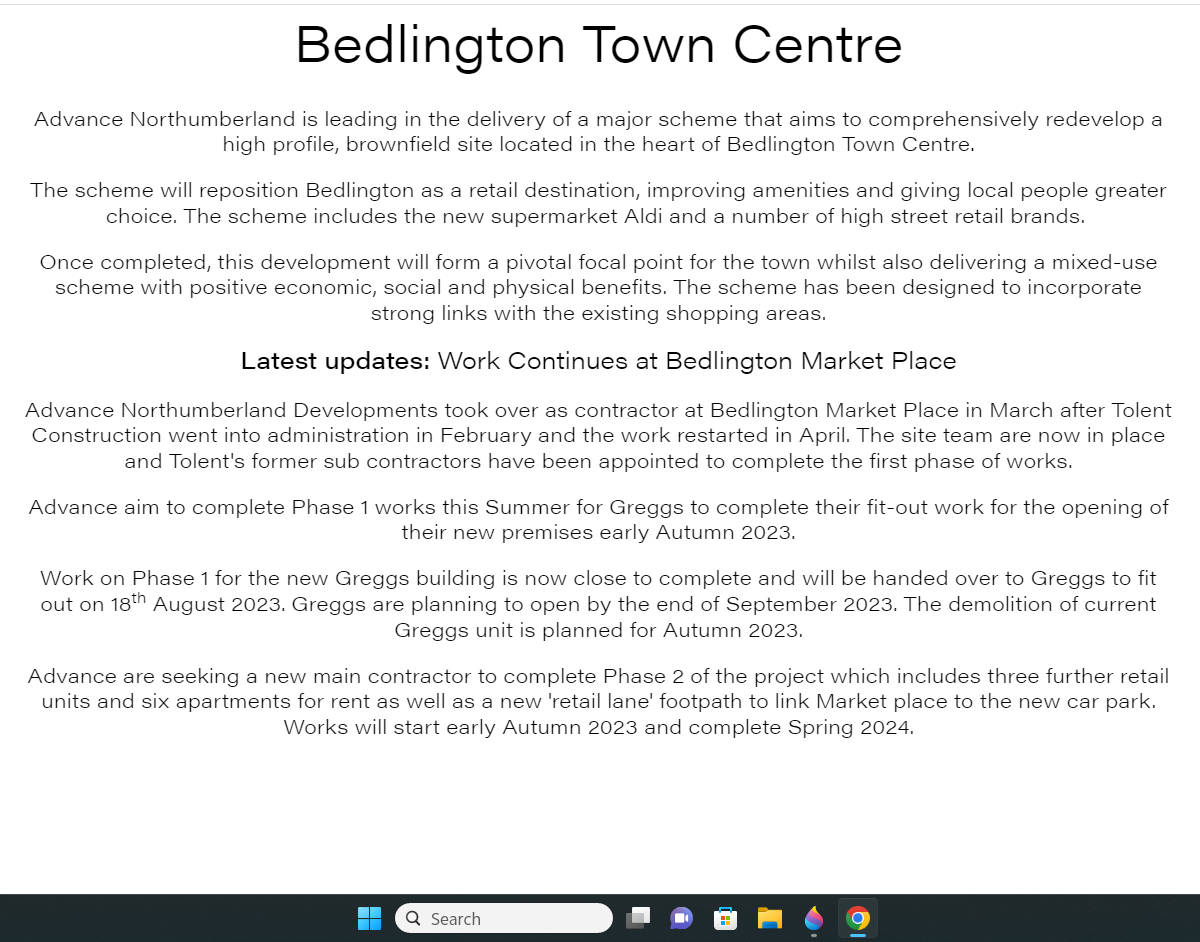
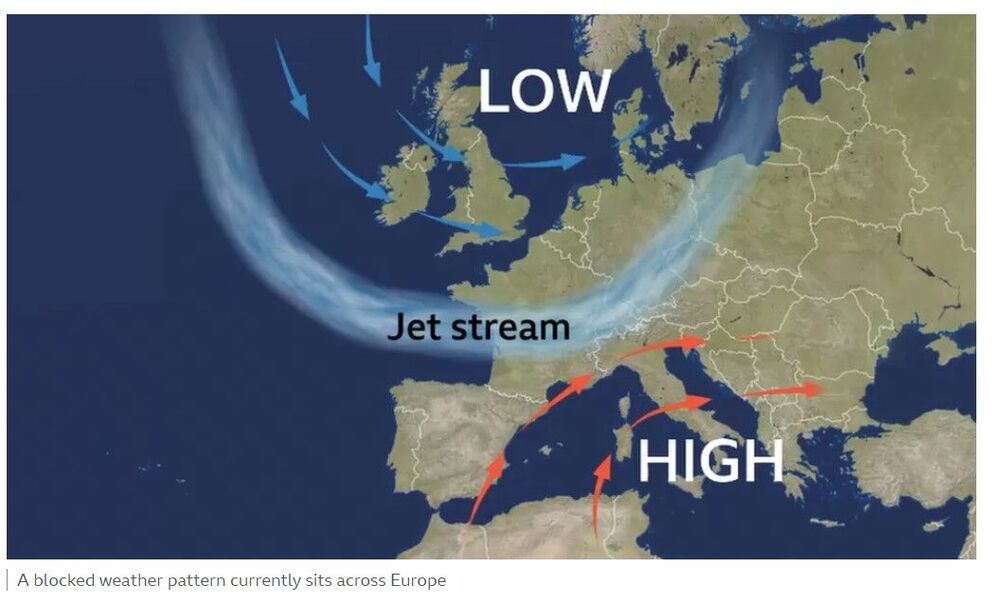 There isn't anything definite just that they are still looking for a 'Main Contractor' to complete phase 2 :-
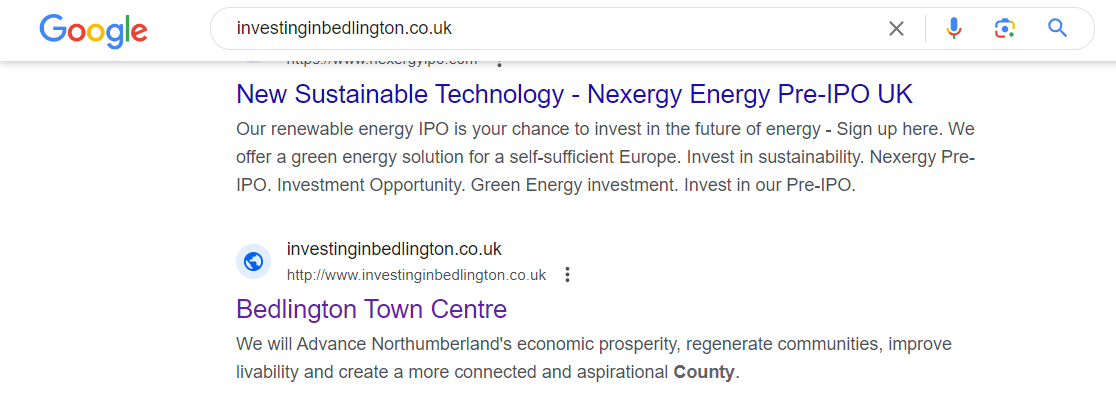
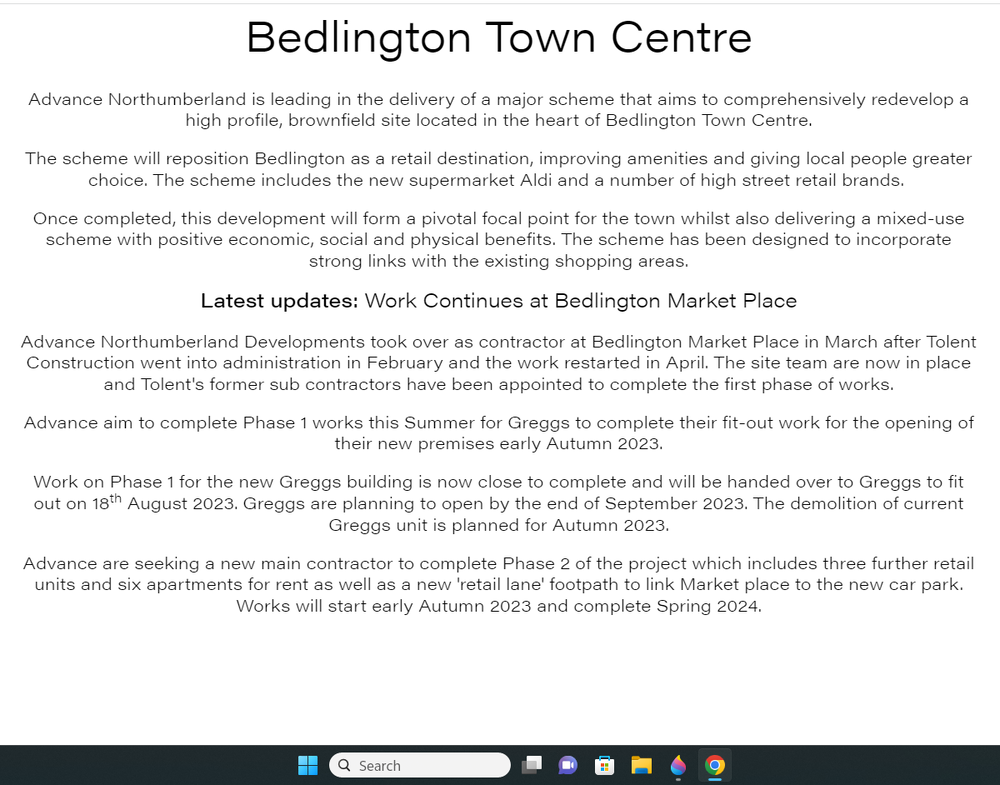 @_pauls the web address '.................. co.uk' suggests an independent web site. Where did you find that address Paul? All I can find is a link with https://www.advancenorthumberland.co.uk/latest-projects/bedlington-town-centre site but like you can't find anything either on the www or the Advance Northumberland site about 'investinginbedlington. This screen shot shows my Google search of the 'investinginbedlington.co.uk' address and the search result takes you to the Advance Northumberland site :-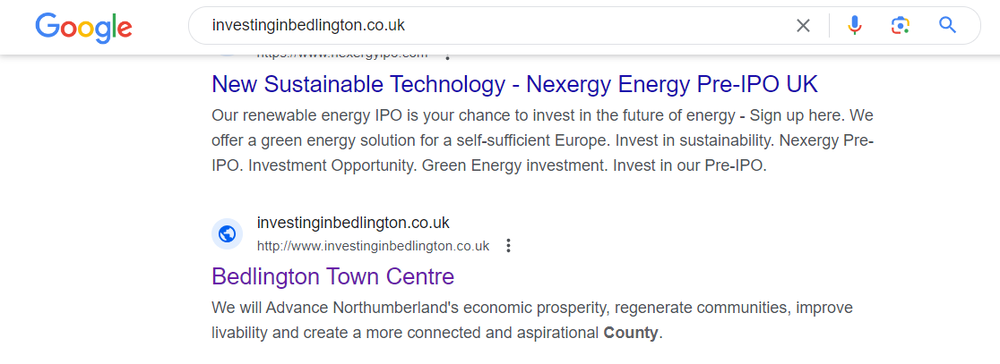
until
Line Up =





Account
Navigation
Search
Configure browser push notifications
Chrome (Android)
- Tap the lock icon next to the address bar.
- Tap Permissions → Notifications.
- Adjust your preference.
Chrome (Desktop)
- Click the padlock icon in the address bar.
- Select Site settings.
- Find Notifications and adjust your preference.
Safari (iOS 16.4+)
- Ensure the site is installed via Add to Home Screen.
- Open Settings App → Notifications.
- Find your app name and adjust your preference.
Safari (macOS)
- Go to Safari → Preferences.
- Click the Websites tab.
- Select Notifications in the sidebar.
- Find this website and adjust your preference.
Edge (Android)
- Tap the lock icon next to the address bar.
- Tap Permissions.
- Find Notifications and adjust your preference.
Edge (Desktop)
- Click the padlock icon in the address bar.
- Click Permissions for this site.
- Find Notifications and adjust your preference.
Firefox (Android)
- Go to Settings → Site permissions.
- Tap Notifications.
- Find this site in the list and adjust your preference.
Firefox (Desktop)
- Open Firefox Settings.
- Search for Notifications.
- Find this site in the list and adjust your preference.