


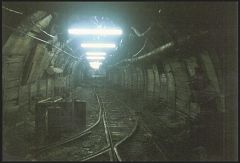
![R10s TAILGATE WATER STANDAGE DAM [RED EXPLOSIVE MAGAZINES ON LEFT]](https://bedlington.uk/uploads/gallery/monthly_2017_02/small.5899acdee8b02_R10sTAILGATEWATERSTANDAGEDAM_REDEXPLOSIVEMAGAZINESONLEFT.jpg.2305e9843814bd35de8232fc5305716c.jpg)
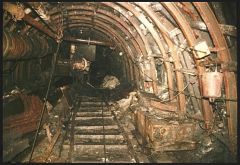
![10s TAILGATE - DALEK [FLYGHT] - PUMP IN THE WATER.](https://bedlington.uk/uploads/gallery/monthly_2017_02/small.5899a9d7a6057_10sTAILGATE-DALEK_FLYGHT_PUMPINTHEWATER.jpg.a3a3225986d731edf59e453af471da29.jpg)
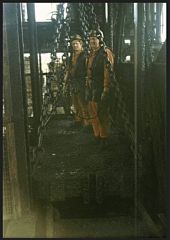
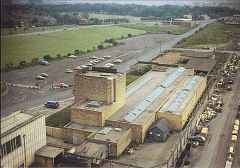
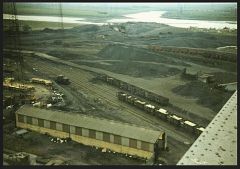
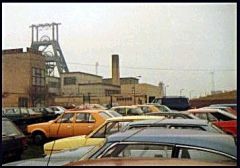
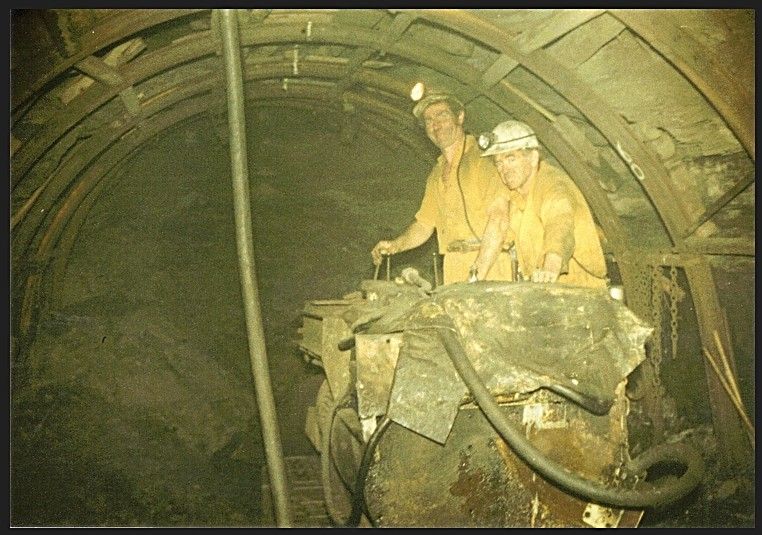
0sTAILGATE - BIG WILLY AND TOM ON THE EIMCO SHOVEL

- 9,365 views
- View Alan Edgar (Eggy1948)'s images
high pit wilma :-
Heh!Heh! As if we had no work to do..!I was busy loading out a full shot ,which had just been fired down in the previous shift.Note the white surveyor's line on the centre of the arches at the top-this line was our only guide to driving a roadway straight underground.
[You can't see through the solid strata to know where you are going you know....!]
The figure 60 on the right side of tom,on the girder,is our paymark,it shows our advance inbye, from the entrance to the roadway junction,where we started to drive in.
high pit wilma :-
A few yards further into the drivage,and it turned wet as hell,with bad roof conditions.
Recommended Comments
Create a free account or sign in to comment