


Contributor Leaderboard
-
Ovalteeny
Members3Points267Posts -
2Points3,071Posts
-
John Fox (foxy)
Moderators2Points1,417Posts -
 1Points1,451Posts



Popular Content
Showing content with the highest reputation on 05/04/17 in all areas
-
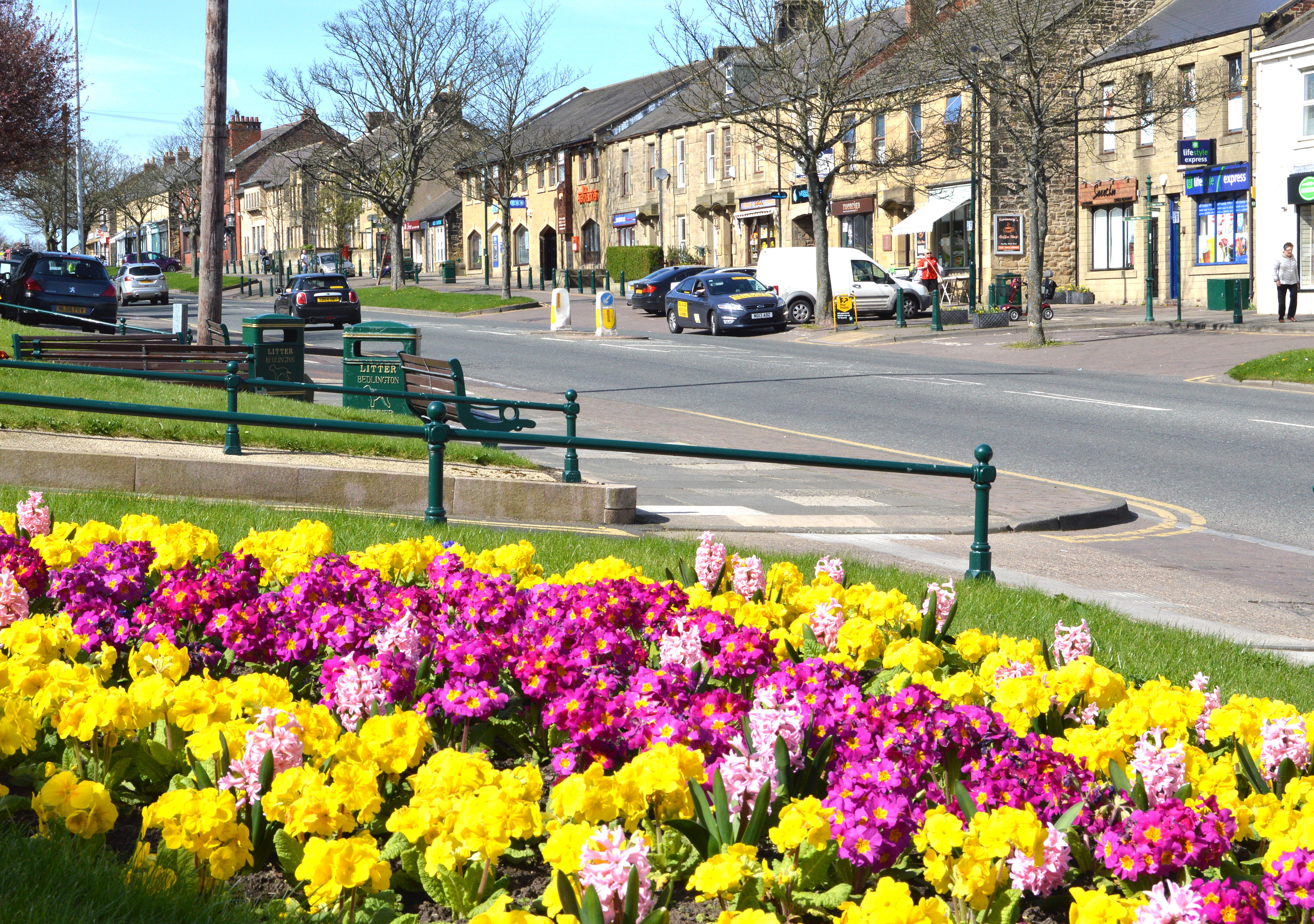
3 pointsGreat photo Foxy, showing Bedlington in a very beautiful and positive light. There is so much whinging and negativity on this and the various Facebook sites, but at the end off the day, there are very few towns with a Front Street like Bedlington. Well done for the photo and all the positivity that you attempt to cascade onto these digital message boards.3 points
-
2 points
-
1 pointIf anyone is considering giving up smoking and trying the e cig there is a fantastic e cig shop on Bedlington Front Street west. I do not know the name of the shop (never looked) but highly recommend it. The guy behind the counter is very knowledgeable and gives good advice.1 point
-
1 point
-
1 point
-
1 point
-
1 point

.thumb.jpg.7493ddab4a696108cf2b849323d3c155.jpg)