Contributor Leaderboard
-
.jpg.cdd7f8371d17e2f2f2e2a0e21e02f727.jpg) 1Points3,654Posts
1Points3,654Posts -
1Points6,989Posts
.thumb.jpg.7493ddab4a696108cf2b849323d3c155.jpg)

Popular Content
Showing content with the highest reputation on 07/06/18 in all areas
-
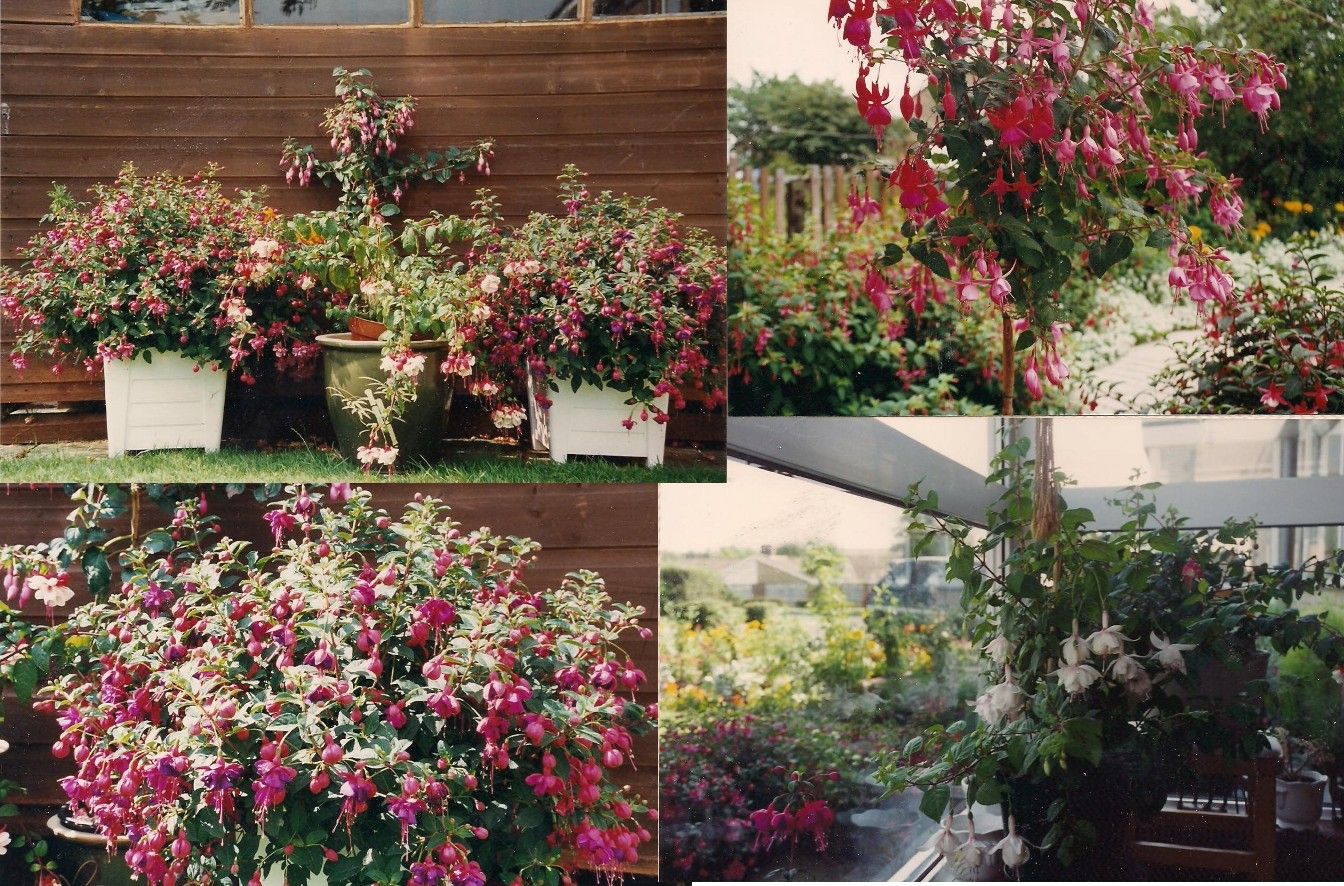
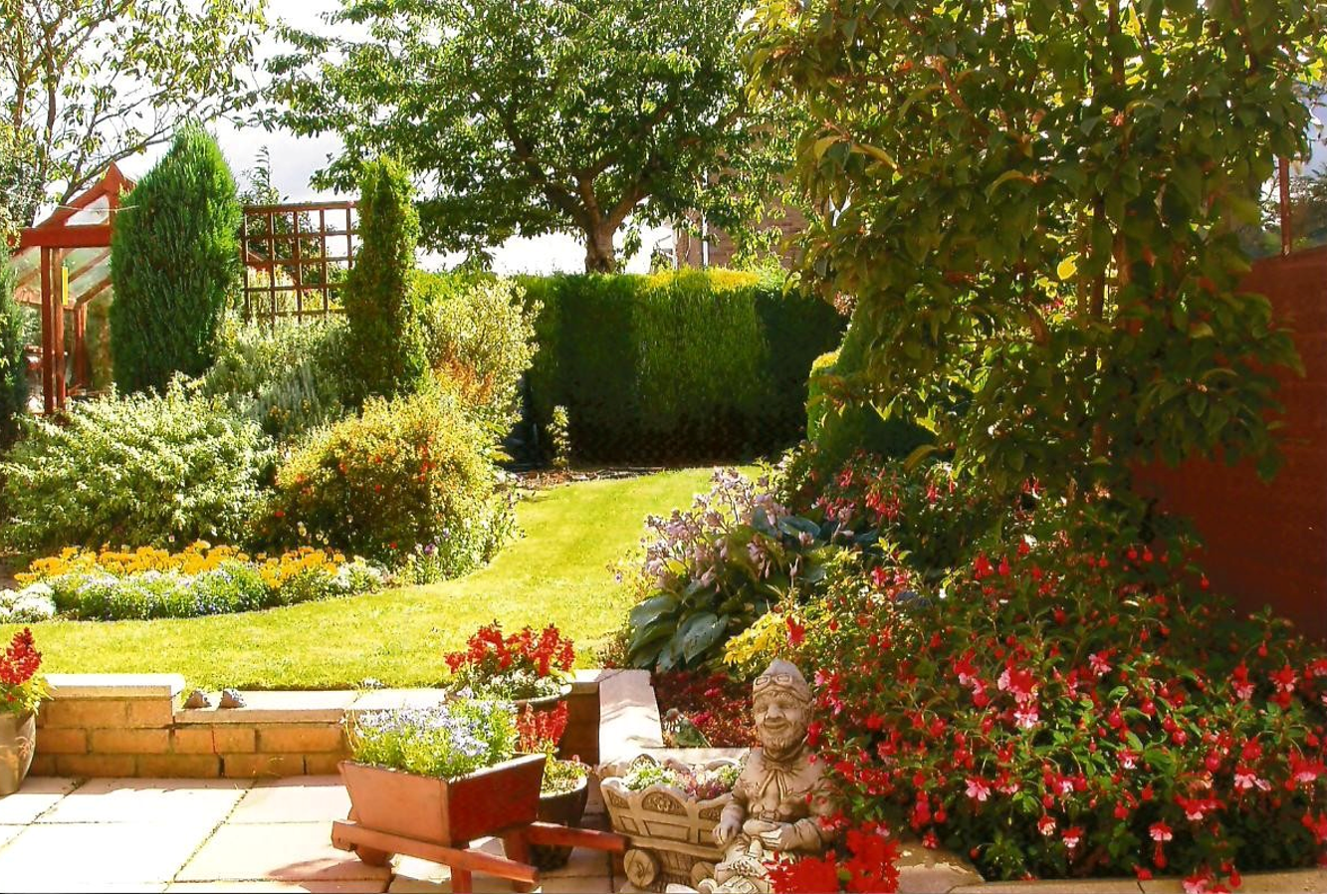
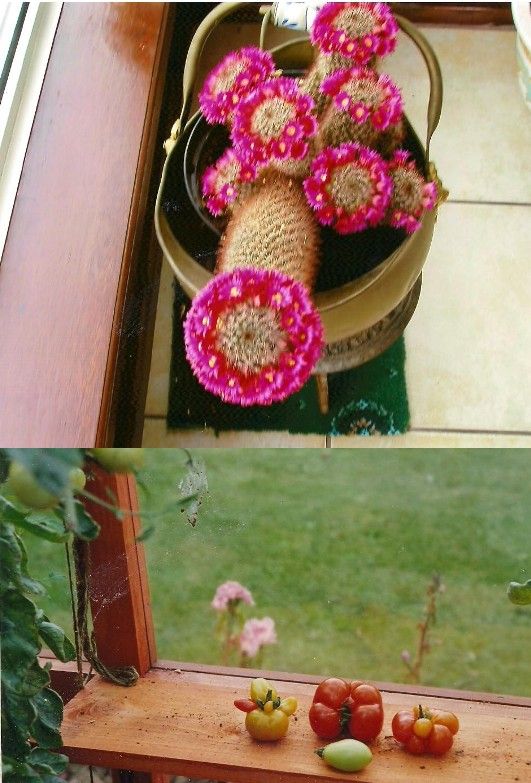
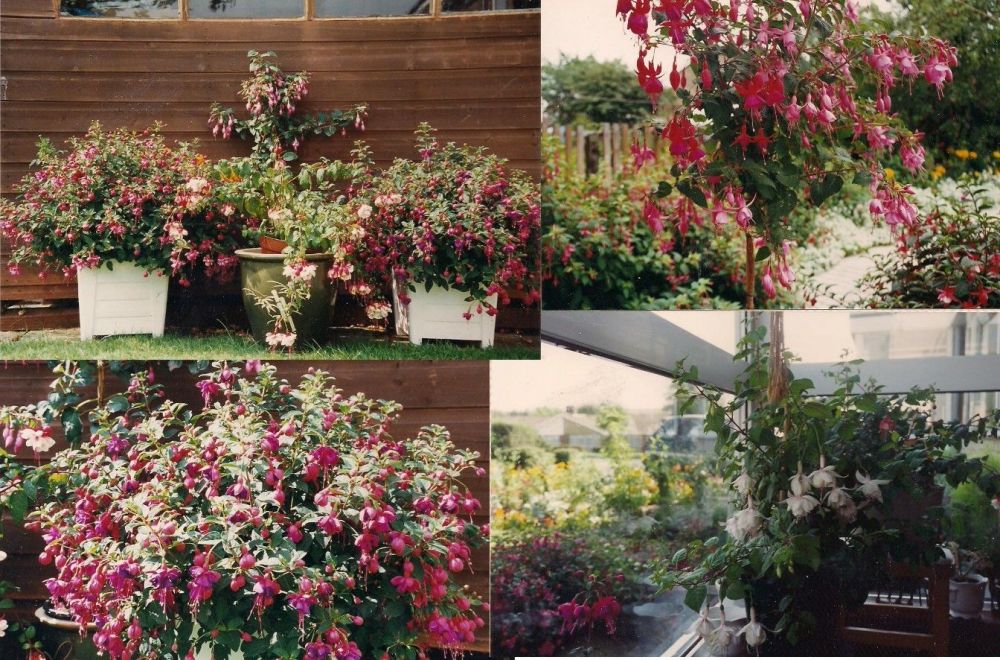
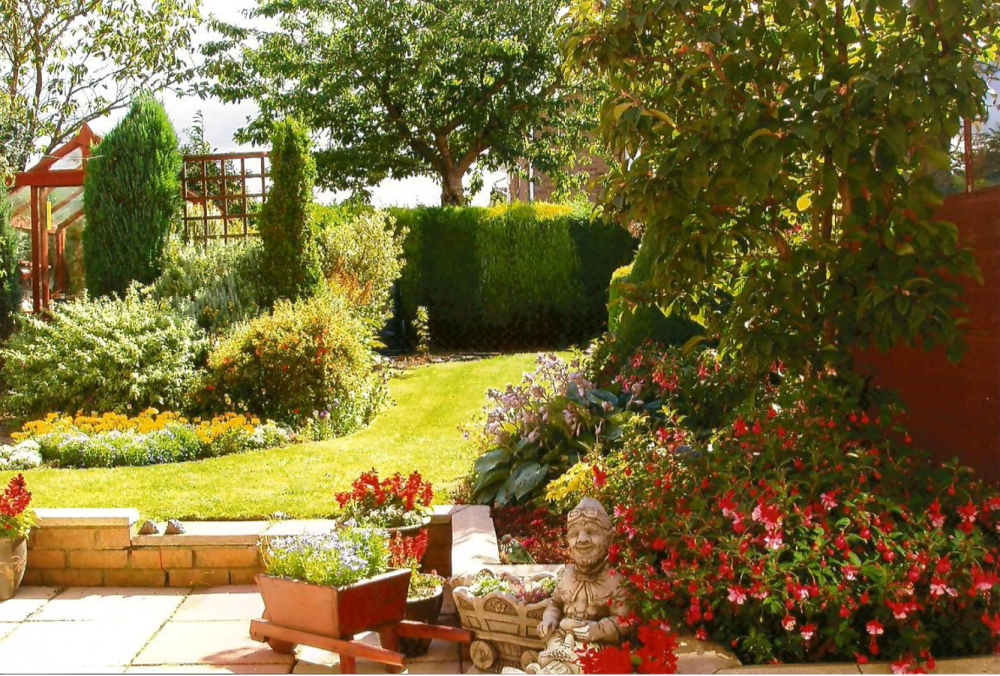
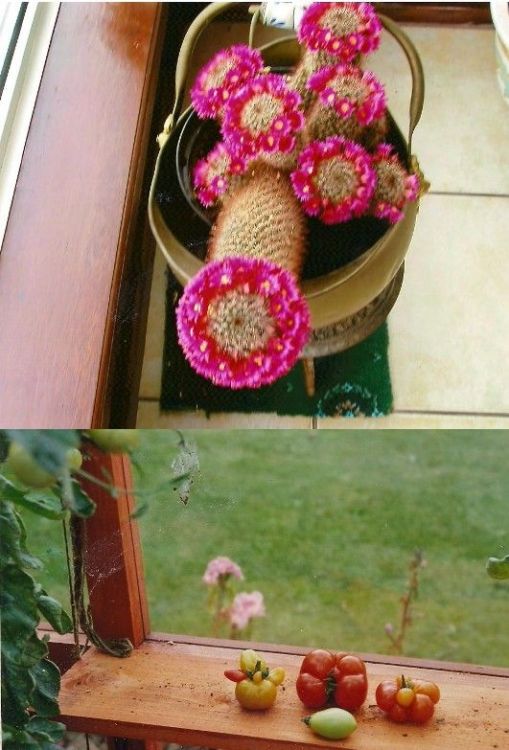
1 pointChampion - Dotted Loosestrife; Hostas & Hebes I used to have but my passion was fuchsias ,1 cactus and trying to grow rounded tomatoes :-
 1 point
 -
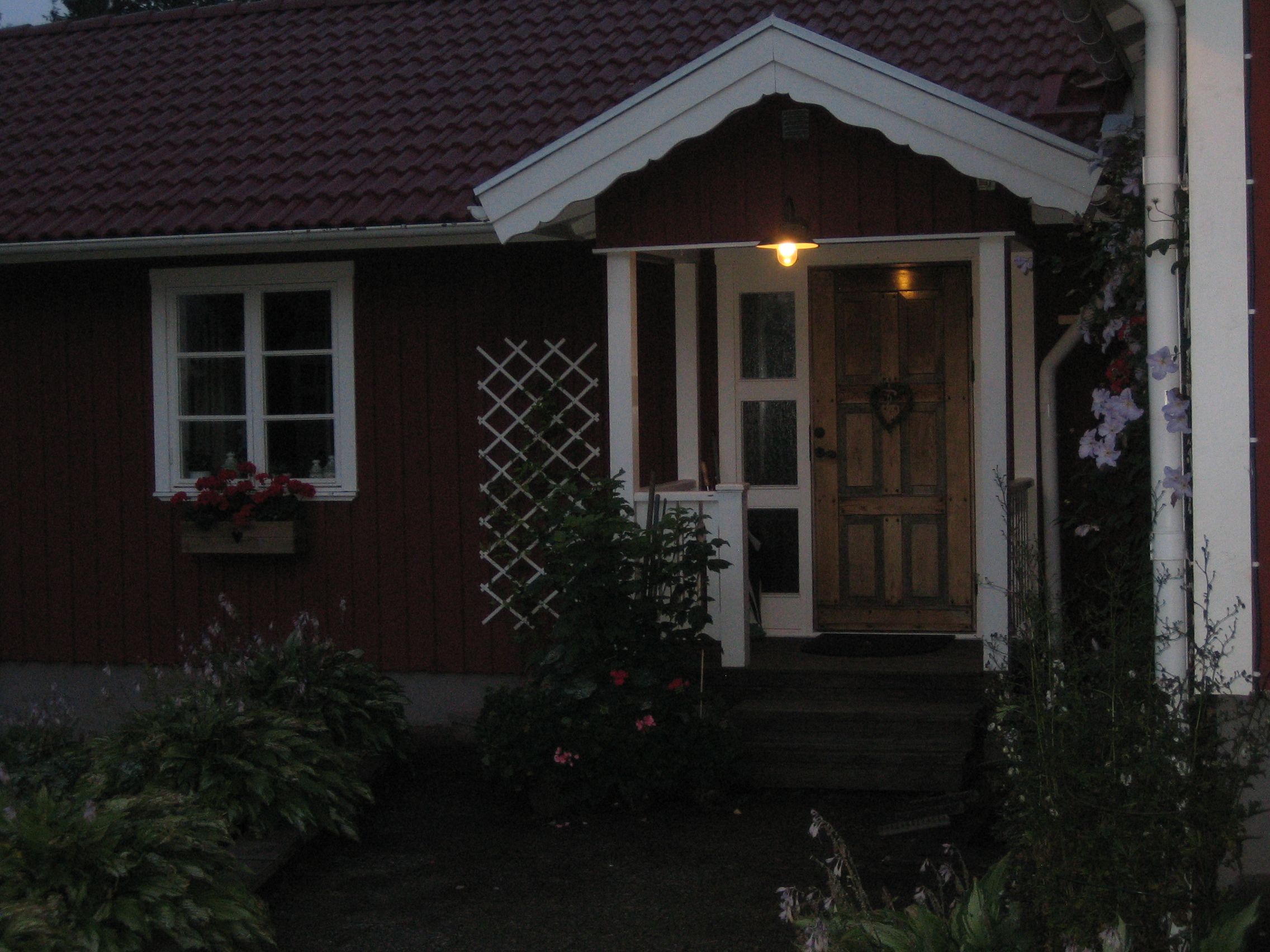
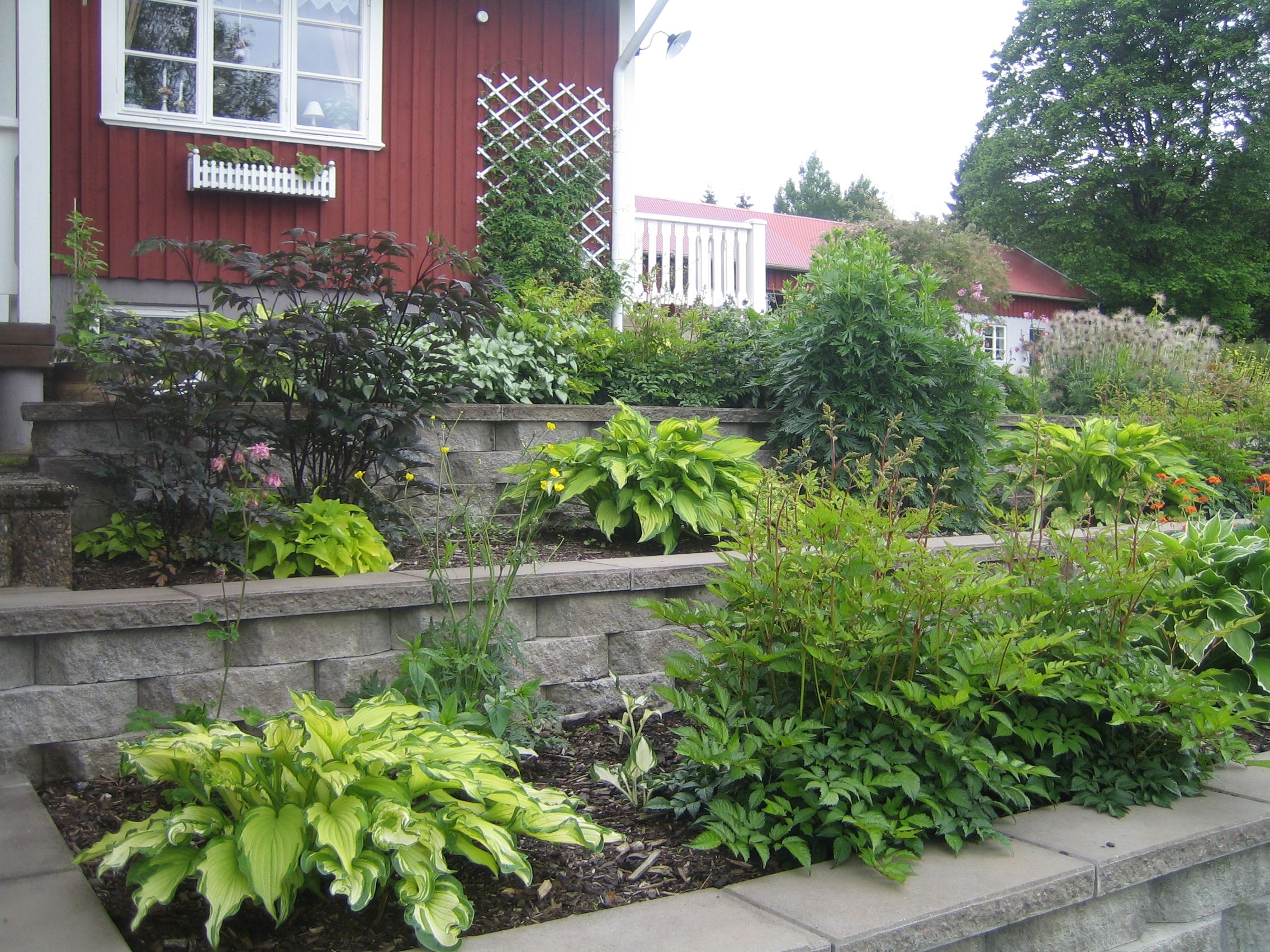
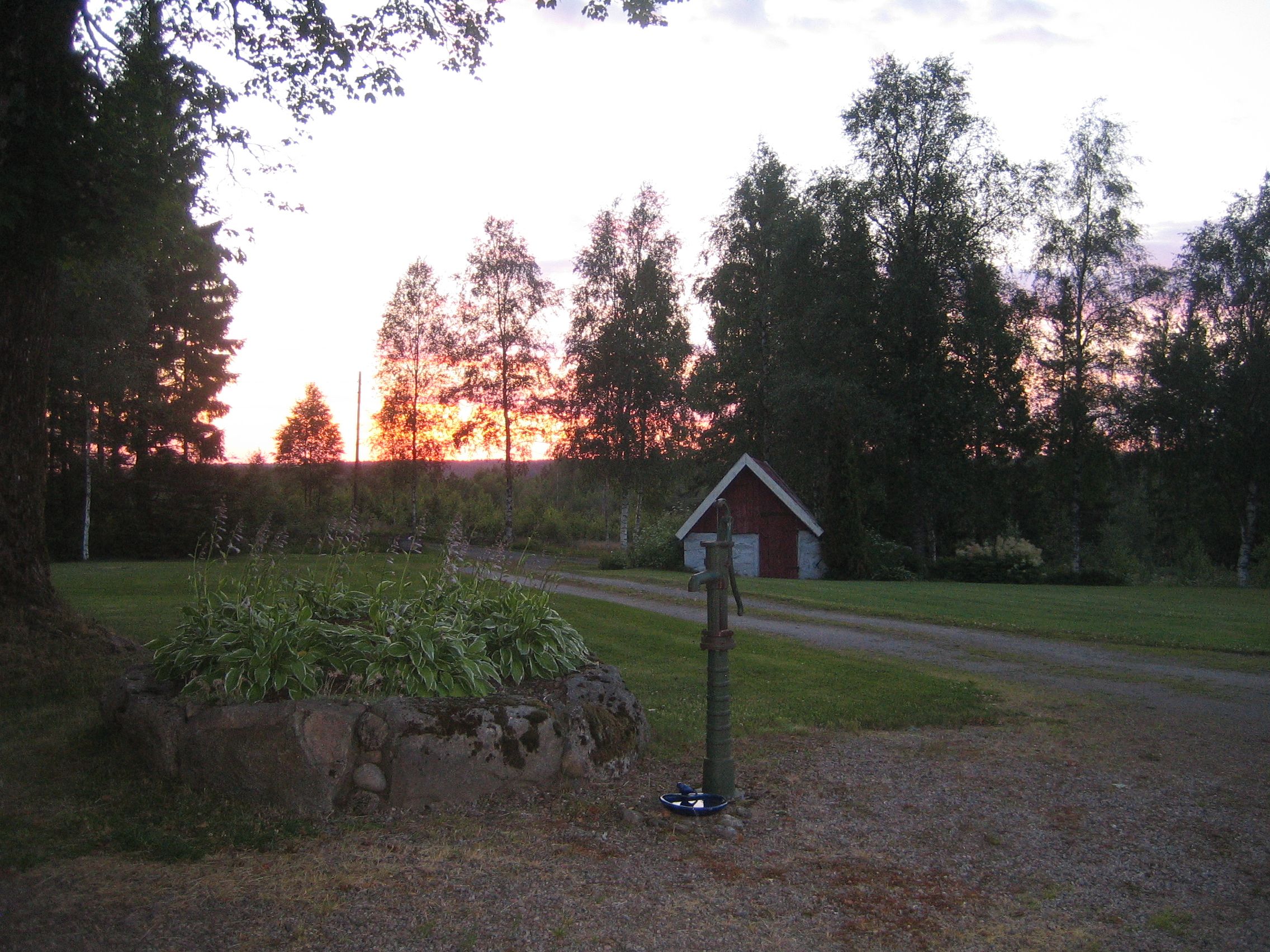
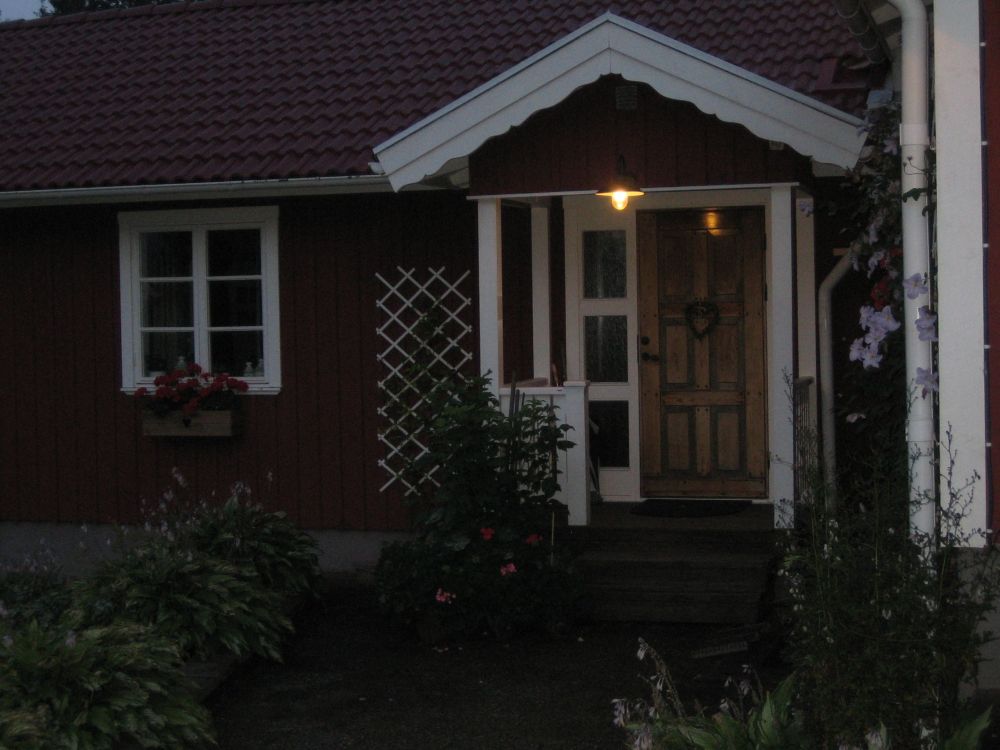
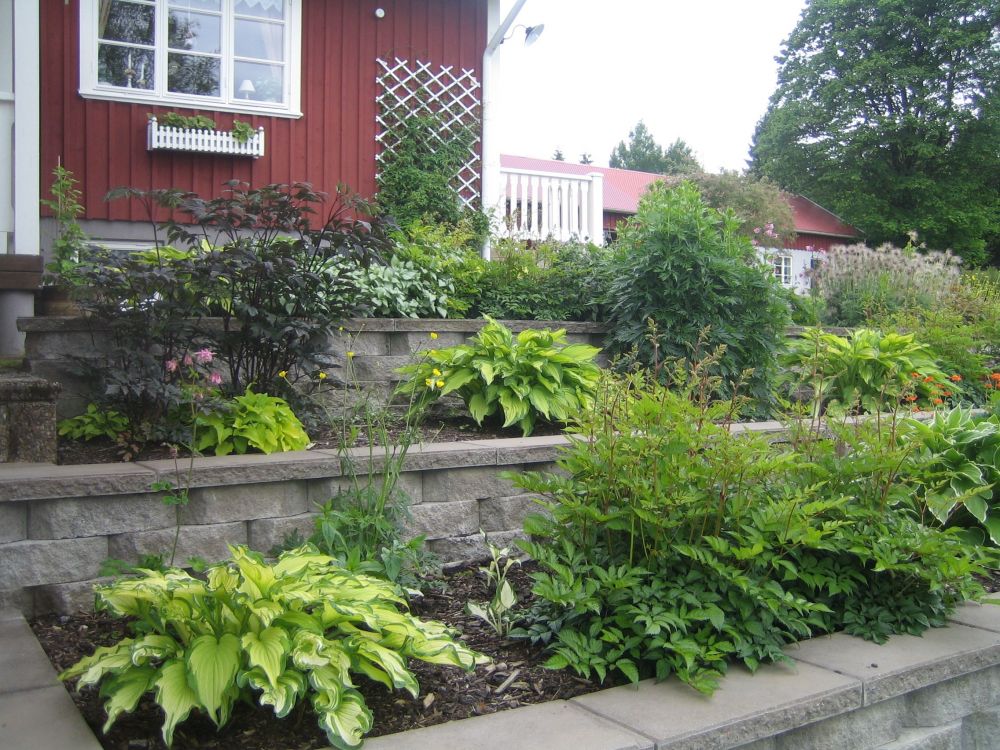
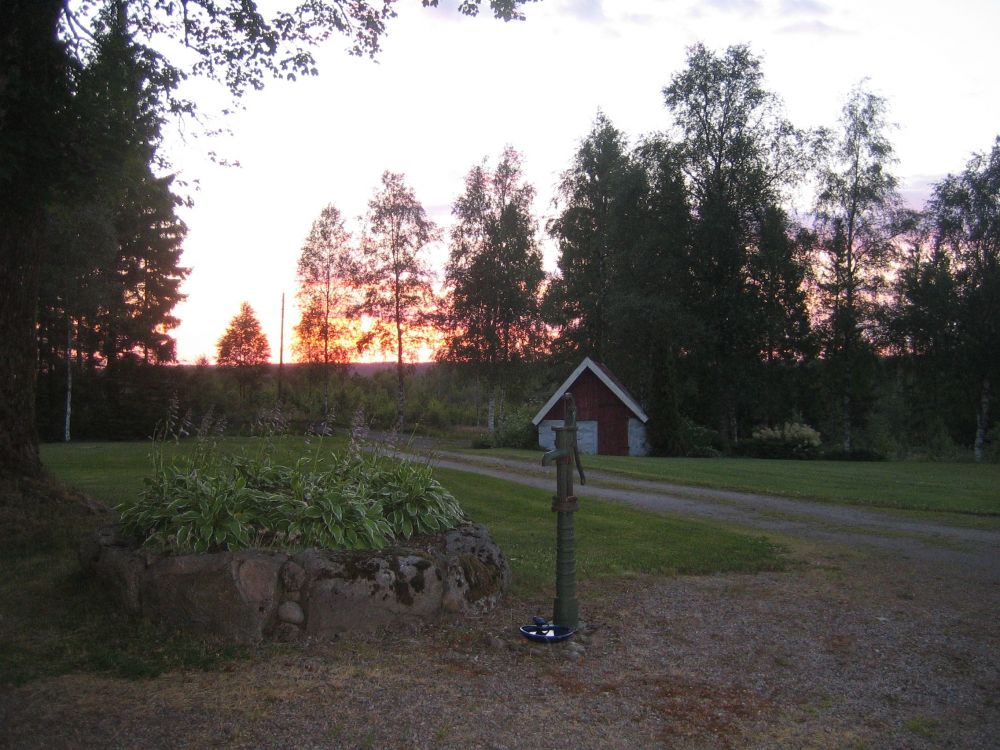
1 pointThanks Eggy, I'll be showing that to a few people! I'm in Devon in September, so I might even try and find the Westcountry Nurseries and buy seeds. Mercury, we put just about every kind of perennial in the garden here. Living in the forest on an old farm, I and many others like me, opt for the old-fashioned type of garden with plants that are decorative, but some are even useful - much as the garden may have been years ago. I have: Honeysuckle, Forget-me-nots, Marguerites, Lady's Mantle, Peonies, Delphiniums, Iris and decorative Sages. Lilac and Jasmine are a must for everybody! Then I have Clematis, Hostas (Plantain Lilies?), a whole range of Alumroot, Marigolds (make a lovely tea), Soapwort (it really does work in the washing machine), Bleeding Heart and a full range of Aquilegias. And, of course, I have Lupins - painstakingly dug upp along the roadside and planted into my 'woodland area' where everything is allowed to grow wild. Another flower that is considered invasive here is Yellow Loosestrife. I think It's also called Alexander. I love it. It also grows wild on the sites of former small holdings and spreads like wildfire, though nobody complains about this - came from central Europe originally.
 1 point