Contributor Leaderboard
-
Eddie Yarrow
Members2Points14Posts -
.jpg.cdd7f8371d17e2f2f2e2a0e21e02f727.jpg) 1Points3,654Posts
1Points3,654Posts -
1Points6,990Posts
-
Bedlingtonian
Members1Points191Posts

.thumb.jpg.7493ddab4a696108cf2b849323d3c155.jpg)


Popular Content
Showing content with the highest reputation on 23/07/20 in all areas
-
Answers to last week's quiz: 1. Never Say Never Again 2. Pebble dash (or rough cast) 3. Susan Brown 4. India 5. A bat 6. Christmas rose 7. Beaver 8. Kamikaze 9. Benjamin 10. Tau 11. Holland 12. Epsom Salts New quiz tomorrow!1 point
-
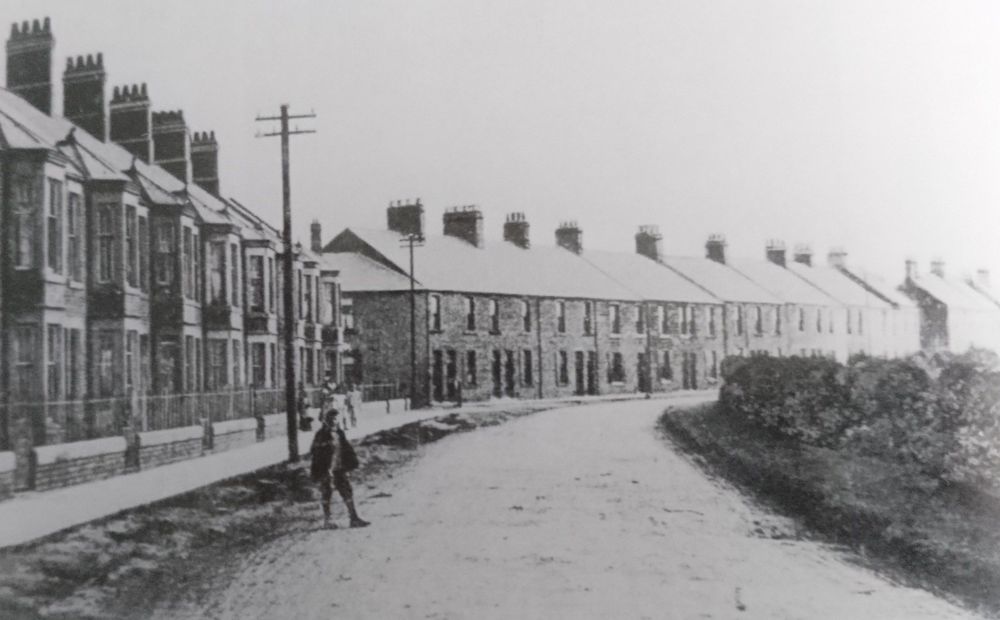
1 pointThe Chinese was on the Millbank Terrace end of Hirst Terrace (Now Brook Court). I remember when it closed that it was infested with rats!
 1 point
 -
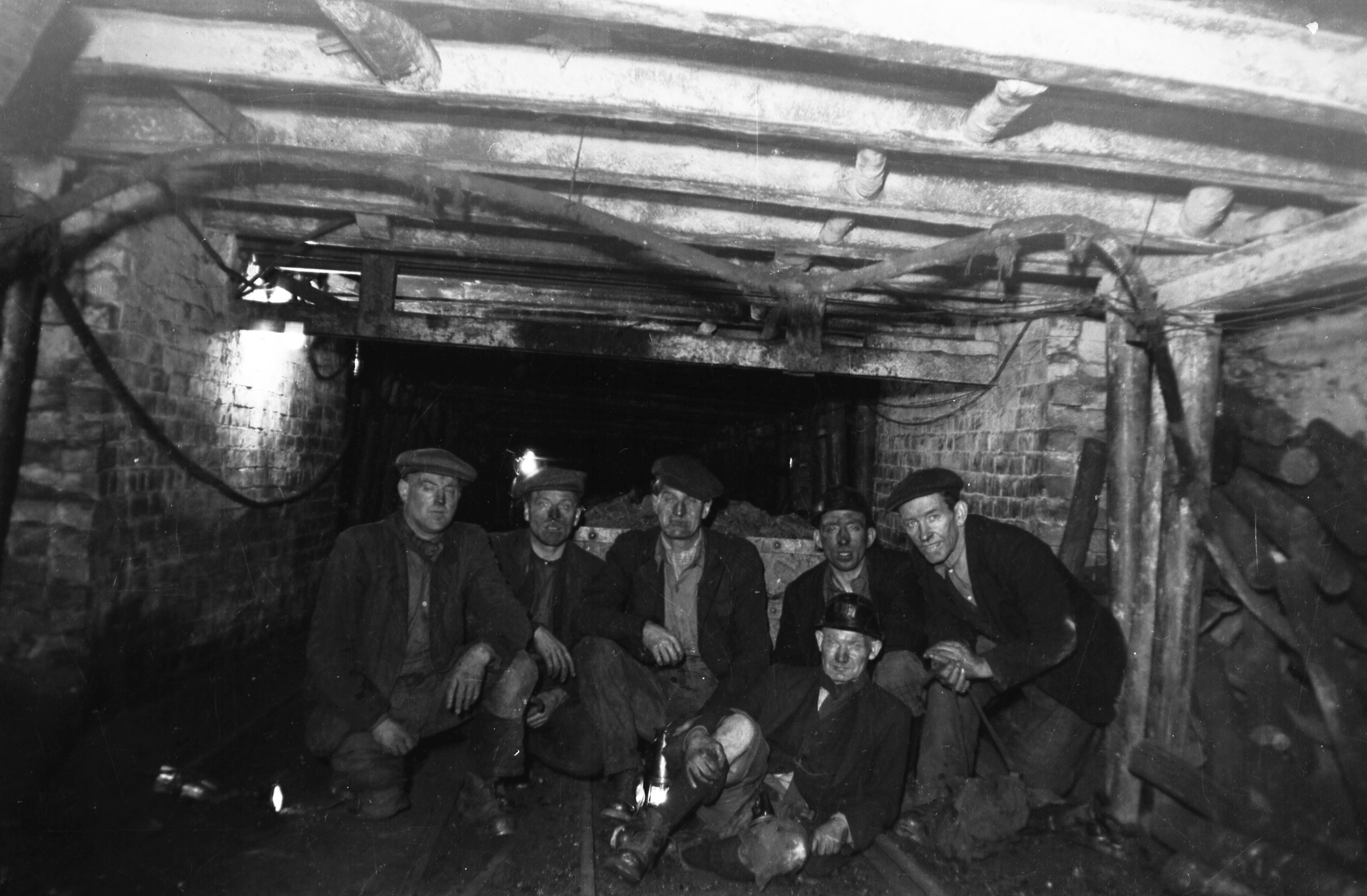
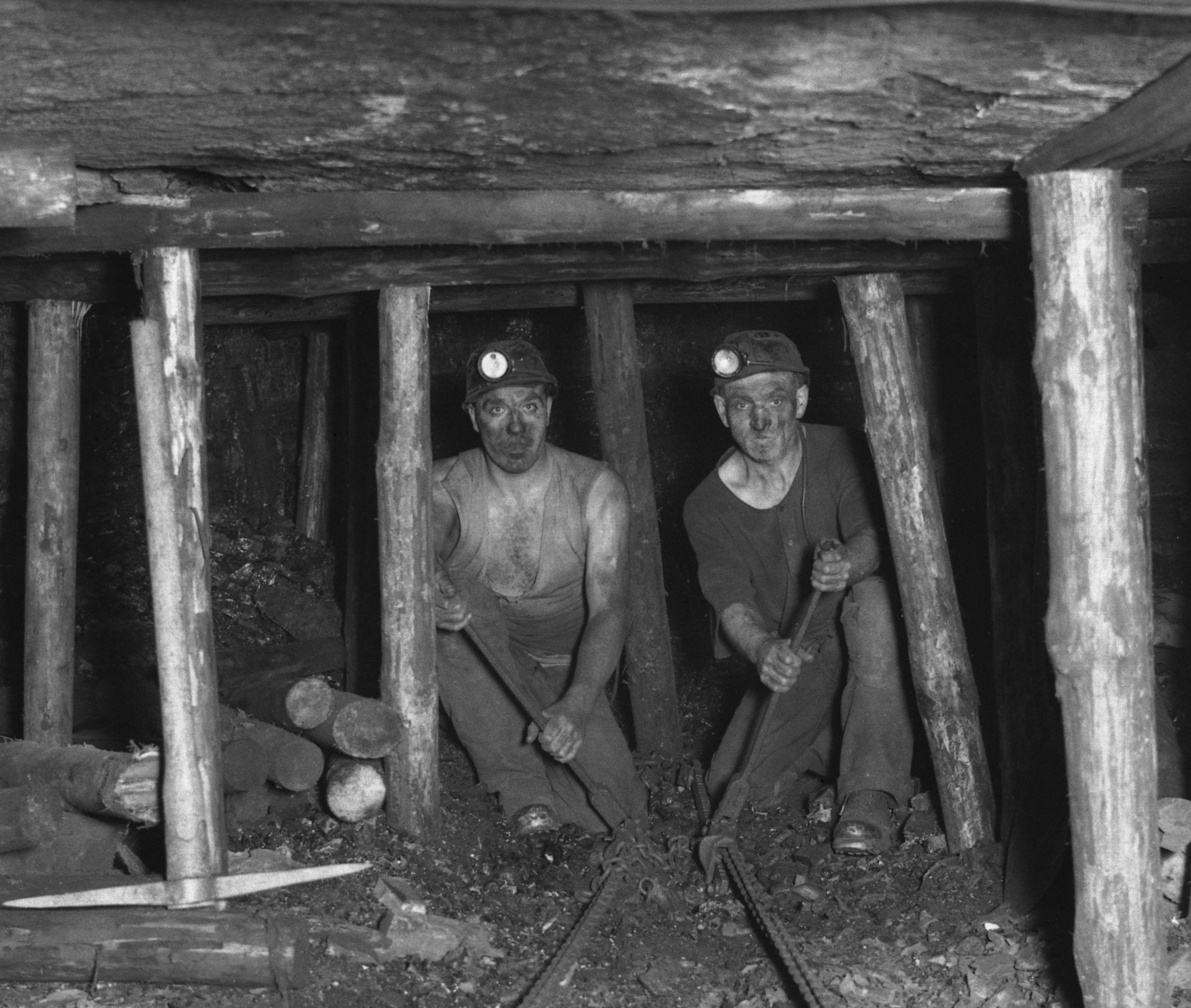
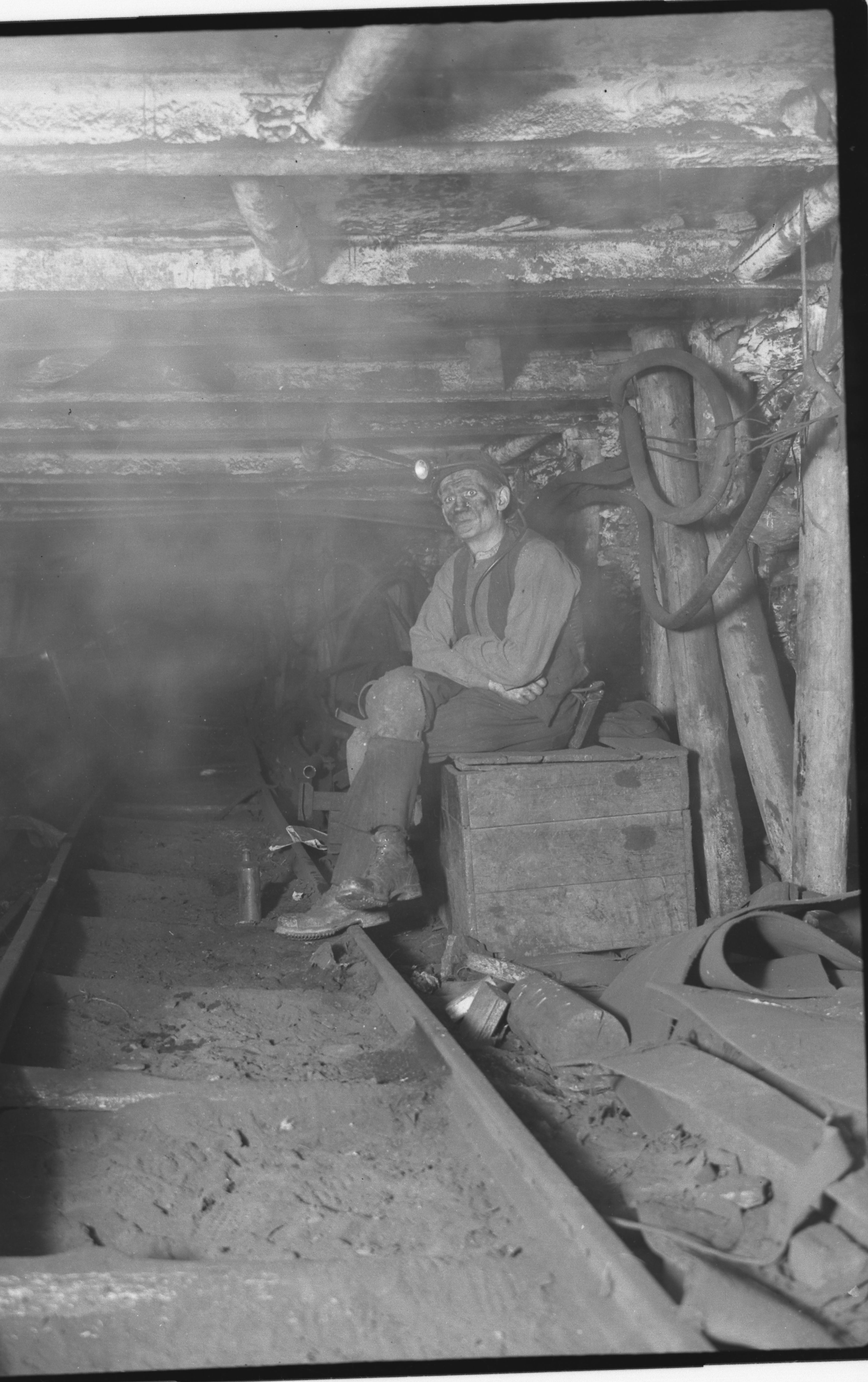
Oh I like that, all of it! That would be great. I haven't asked yet but I think Woodhorn Museum would like them, especially if we can put names to them. I just don't want them lost forever, its great history to save. High Pit Wilma and I were good mates, worked together as well at the High Pit. appreciate your help.1 point
-
I remember the first time I bit into a mince pie at xmas. I blame the person who offered me one, can't remember who it was, but I thought I was being offered a minced beef pie. Can't remember anyone calling them sweet mince pies1 point
-