Contributor Leaderboard



.jpg.cdd7f8371d17e2f2f2e2a0e21e02f727.jpg)
.thumb.jpg.7493ddab4a696108cf2b849323d3c155.jpg)
Popular Content
Showing content with the highest reputation on 17/08/20 in all areas
-
1 pointThank you Eggy and Canny Lass. I’m going to dig out the info I have and compare it, but I’m fairly sure there is a connection. I know my relative had a brother named Septimus and Eliza is a common name in the tree. Will check it out and let you know what I find. Thanks again.1 point
-
1 point
-
1 pointGood job I decided not to hold my breath. Three weeks on and no update either by email or to the site. Even worse... Greg's webchat seems to be permanently off "live" mode. I do hope he is OK. I appreciate @Malcolm Robinson's comments but an update on the official site set up to keep us informed would be perhaps the most appropriate update. #WhereIsGreg1 point
-
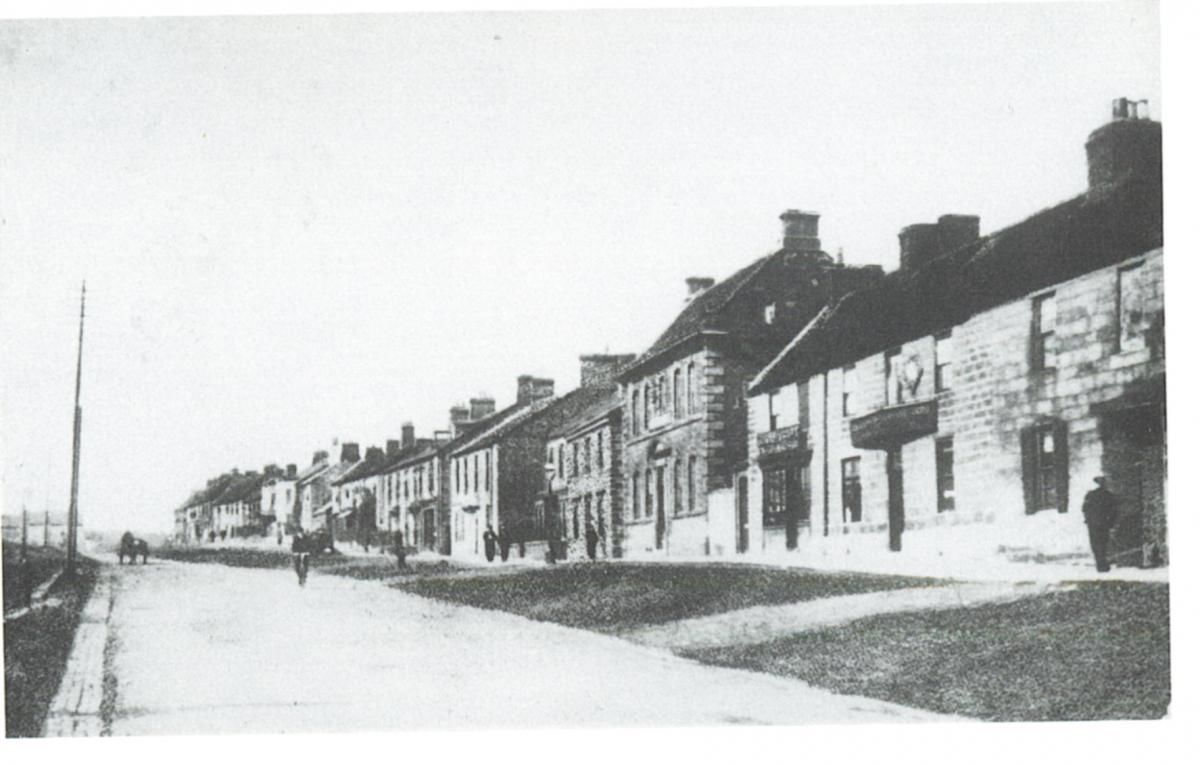
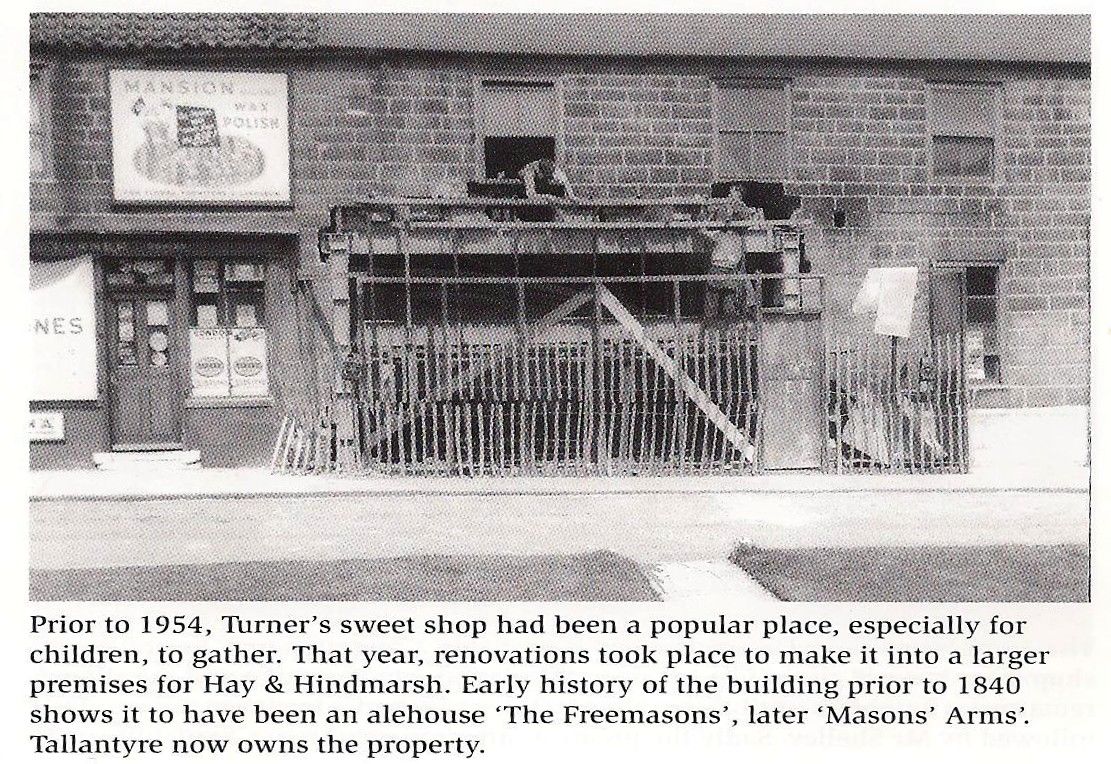
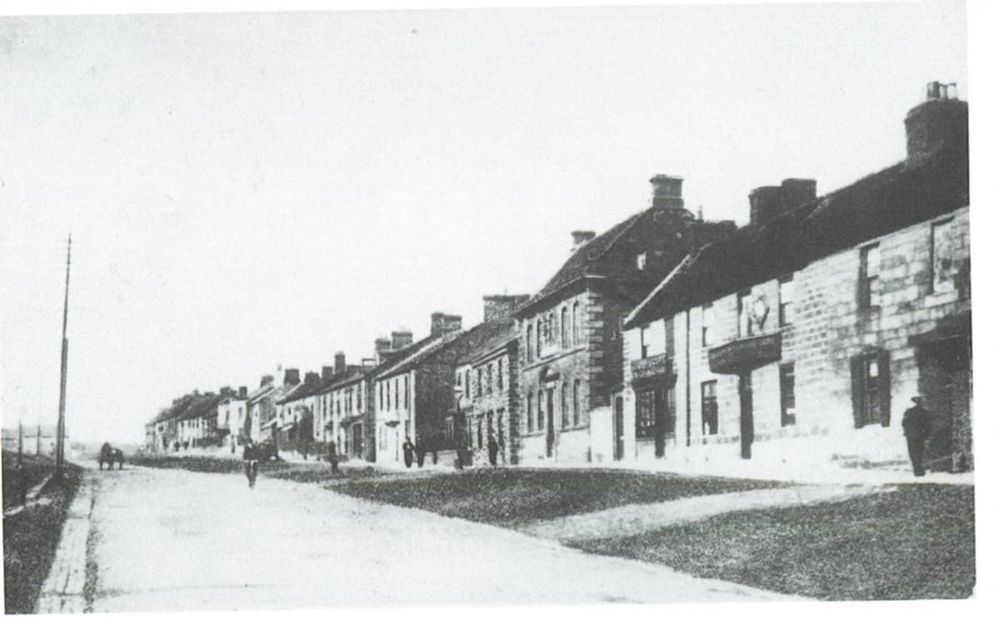
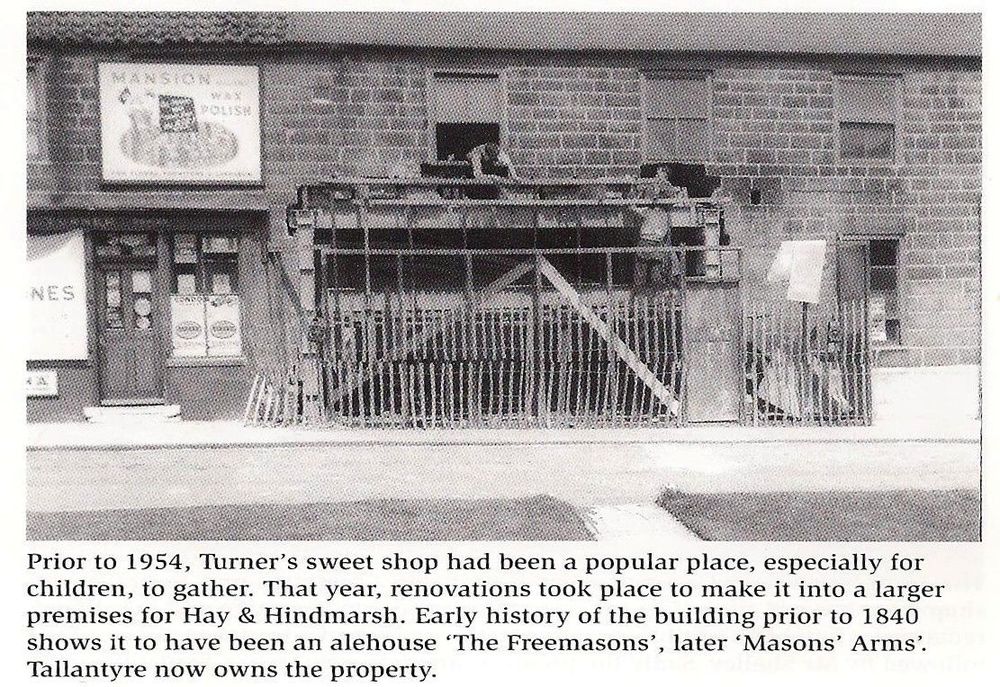
@Canny lass - page 109 of the Bedlingtonshire Remembered book :-
 1 point