


Contributor Leaderboard
-
3Points6,989Posts
-
.jpg.cdd7f8371d17e2f2f2e2a0e21e02f727.jpg) 2Points3,654Posts
2Points3,654Posts

.thumb.jpg.7493ddab4a696108cf2b849323d3c155.jpg)
Popular Content
Showing content with the highest reputation on 28/01/21 in all areas
-
"What's in a name? That which we call a rose by any other name would smell as sweet."1 point
-
1 pointBest thing to do in that case is to hand it in to the local police station. It's where I would enquire first and who knows, it may have been stolen and dumped. But good luck with return. Always nice with someone whose honest.1 point
-
bee and mother😀1 point
-
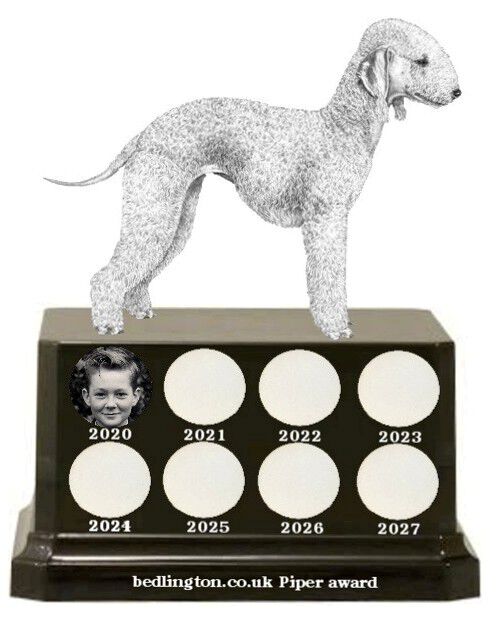
1 pointI would like to thank all who voted and welcome them all on to the stage to accept this award with me

 1 point
 -
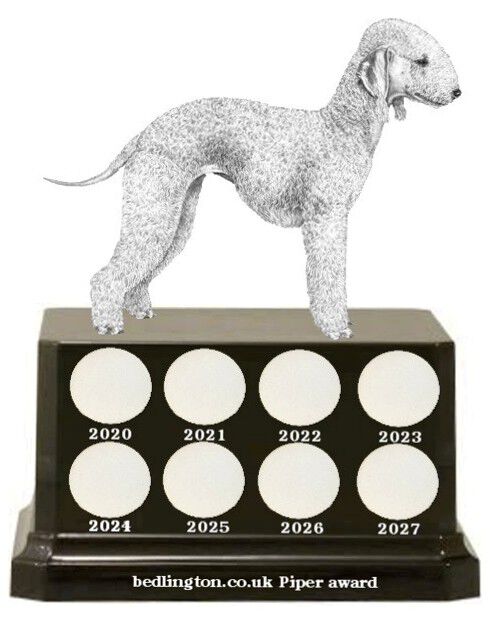
1 pointThis is the best I can come up with. The yearly winner gets their membership tag added onto the disc for the year.
 1 point