Contributor Leaderboard
-
.jpg.cdd7f8371d17e2f2f2e2a0e21e02f727.jpg) 2Points3,654Posts
2Points3,654Posts -
2Points6,990Posts
-
Rigger
Members1Points119Posts
.thumb.jpg.7493ddab4a696108cf2b849323d3c155.jpg)


Popular Content
Showing content with the highest reputation on 06/06/21 in all areas
-
1 point... or you could go to the library. Usually you can connect your device or a USB memory stick and print there. Not in the UK but visit when I gat the chance. Living in Sweden.1 point
-
1 point
-
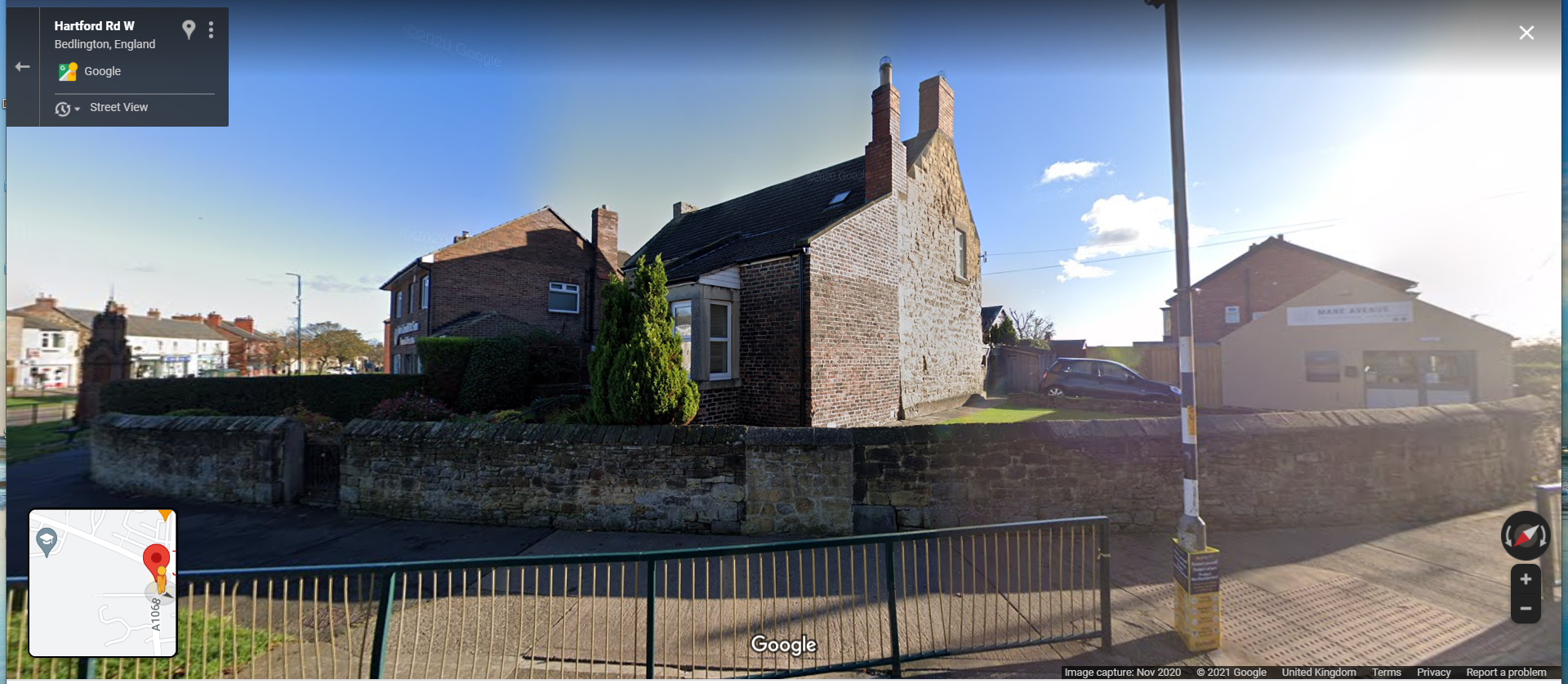
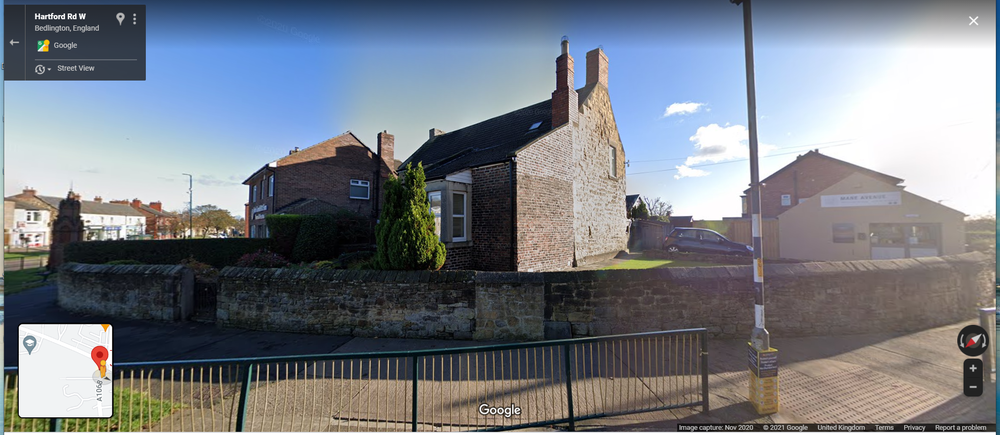
1 pointDo you mean this one in the middle - Grenfells left - Hairdressers on the right. If so I can't remember anyone posting any info on that house🙁
 1 point
 -
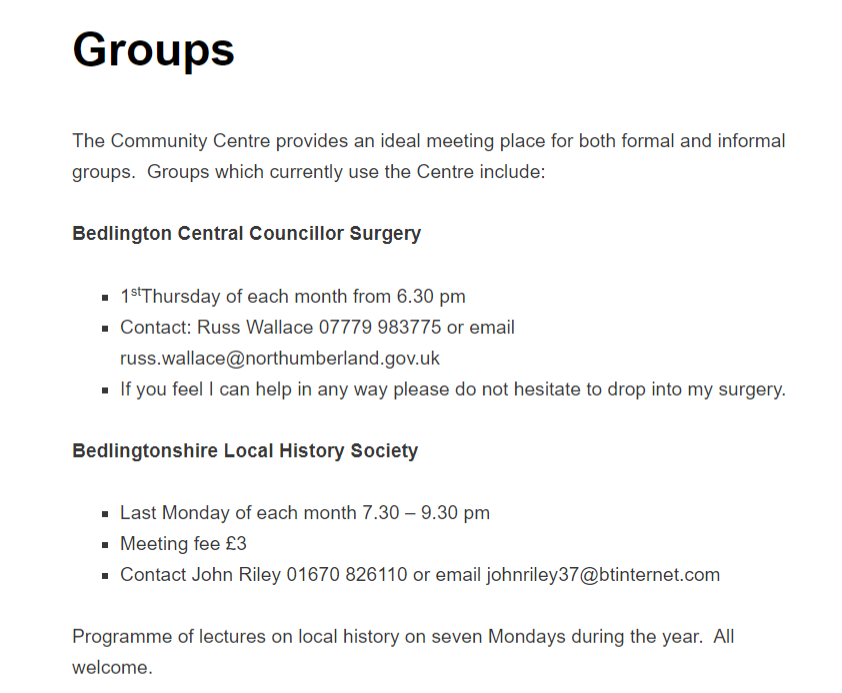
1 pointNever been involved🙂 - it's held at the West Bedlington Community Centre :-
 1 point
 -
1 pointThere is a History Society in Bedlington, that I know of. A chap called David Cowans is the Chairman. I no longer live in Bedlington but take a great interest from a distant.1 point