Contributor Leaderboard
-
2Points6,990Posts
-
.jpg.cdd7f8371d17e2f2f2e2a0e21e02f727.jpg) 2Points3,654Posts
2Points3,654Posts -

lilbill15
Members1Points409Posts -
Malcolm Robinson
Moderators1Points6,416Posts

.thumb.jpg.7493ddab4a696108cf2b849323d3c155.jpg)


Popular Content
Showing content with the highest reputation on 04/08/21 in all areas
-
1 pointIt's disappeared!!!! My fig leaf has blown away and taken all the silly badges with it! Thank you to whoever was responsible. normal service can now be resumed.1 point
-
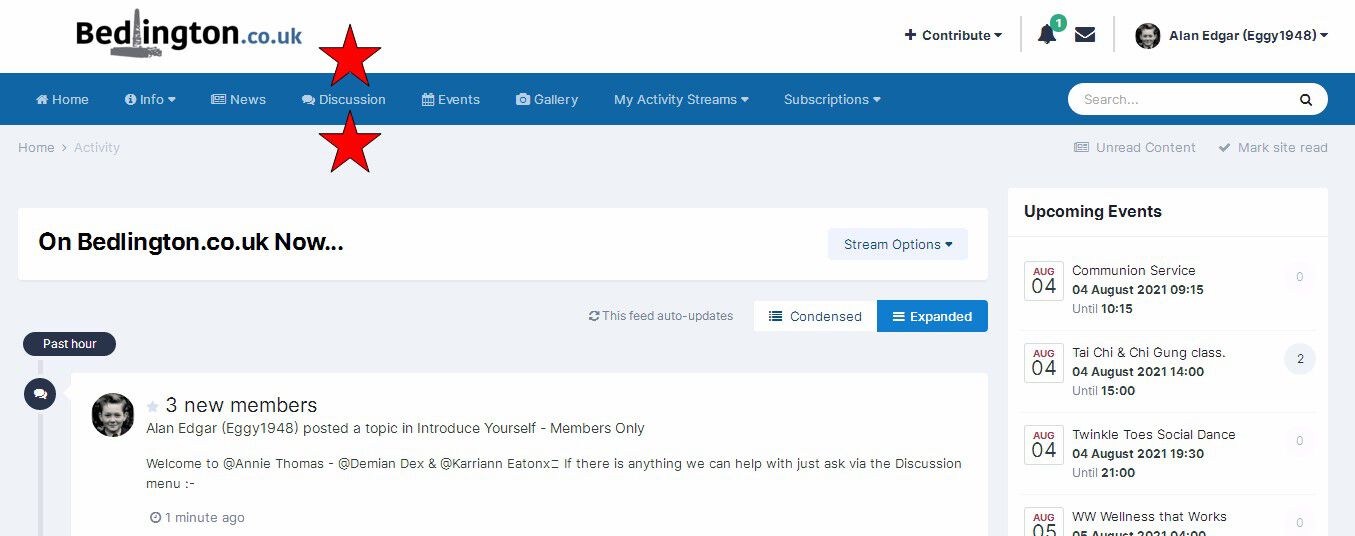
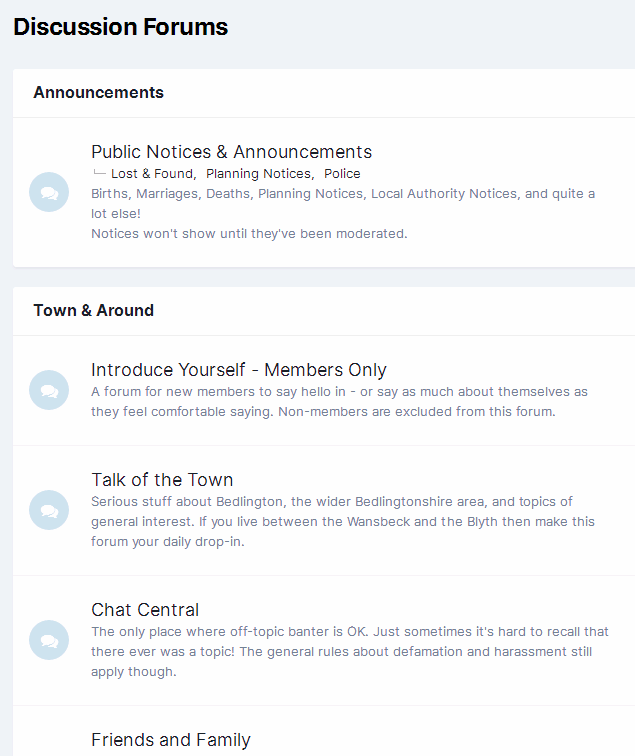
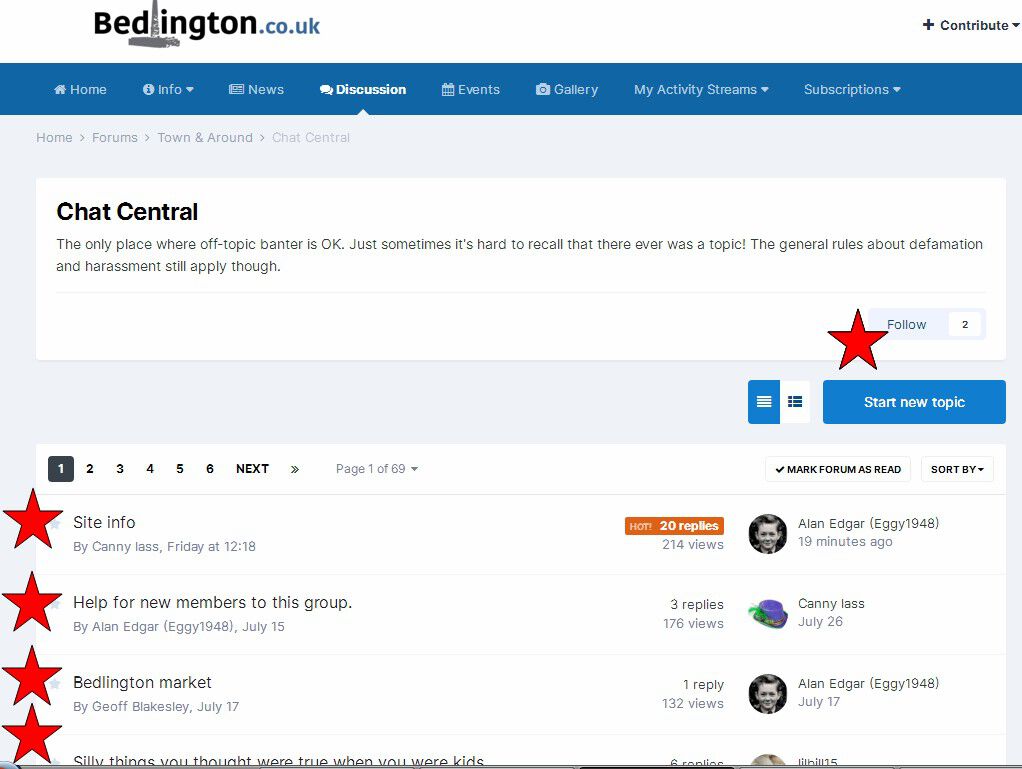
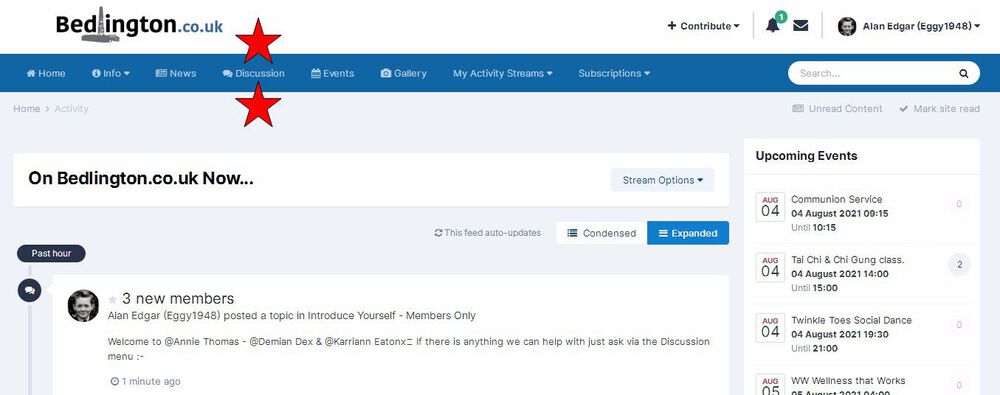
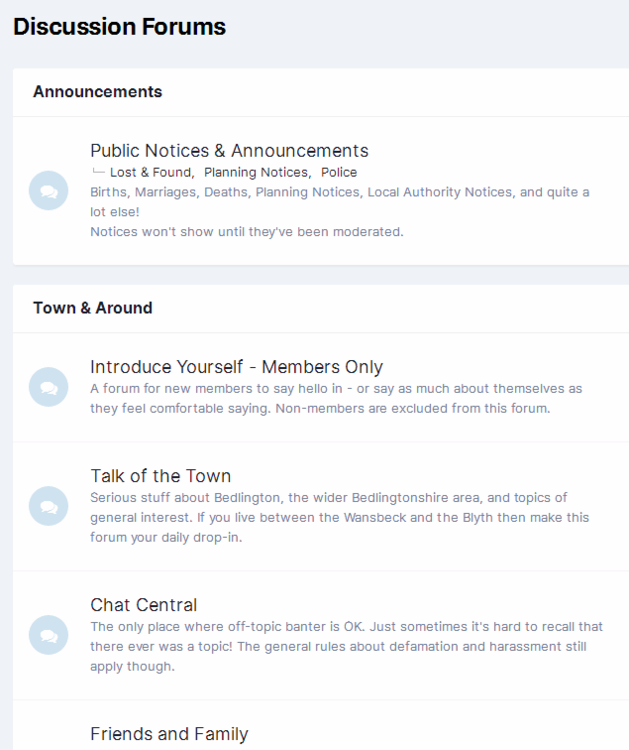
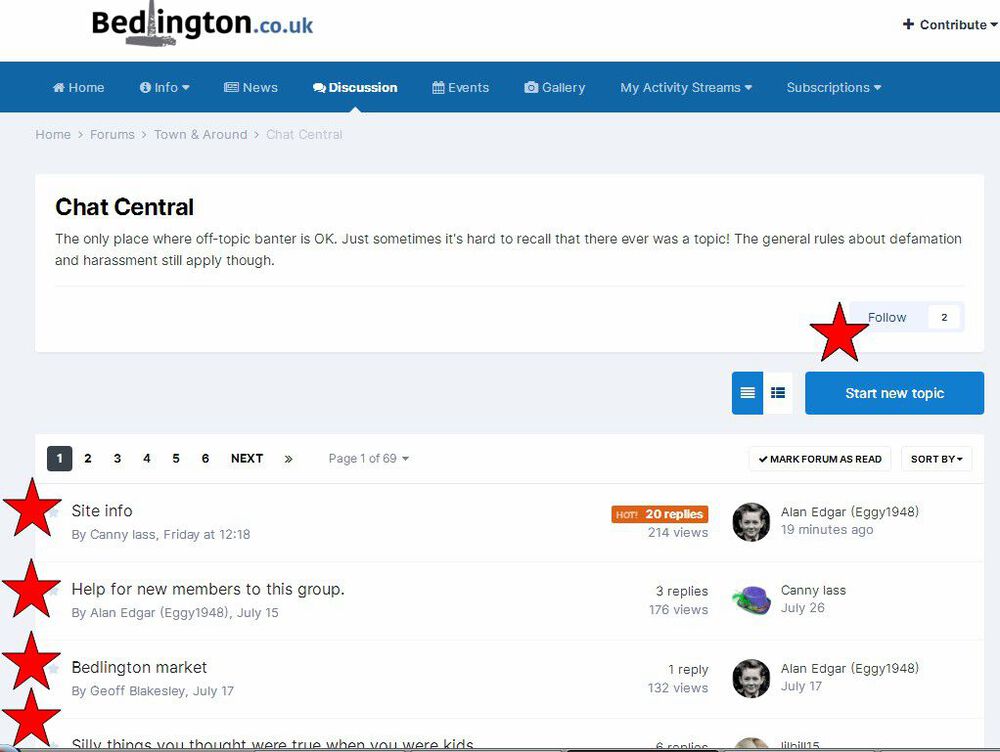
1 pointWelcome to @Annie Thomas - @Demian Dex & @Karriann Eatonx🙂 If there is anything we can help with just ask via the Discussion menu :- Selecting Discussion will take Selecting the 'Discussion' will take you to the various Forums :- You can select one of the Forums and read all the entries in it or create a new Topic in the Forum :-

 1 point
 -
1 point1 point1 point1 point1 point1 point@lilbill15 Congratulations! I see you've been promoted to "Apprentice (3/14)". Maybe we're getting points for using the side-door as well? I agree, the recent changes have taken the fun out of the site, but don't give up yet. Andy is very good at listening to- and sorting out site problems. The personal messaging service seems to have escaped the ranking system - should you have any queries and don't want to post till it gets sorted.1 point0 pointsI do have an incandescent purple hat but it's attached to a busty brunette which I've tried to redigera bort several times. Unfortunately it's not possible without removing 2/3 of the hat as well.0 points