Contributor Leaderboard
-

Jennifer Ann Atkinson
Members3Points12Posts -
.jpg.cdd7f8371d17e2f2f2e2a0e21e02f727.jpg) 2Points3,654Posts
2Points3,654Posts -
Symptoms
Members1Points1,630Posts -
James
Members1Points213Posts
.thumb.jpg.7493ddab4a696108cf2b849323d3c155.jpg)


Popular Content
Showing content with the highest reputation on 22/01/22 in all areas
-
I've just come across this interesting site created by Derek Johnstone about those local lads who died fighting in the Great War (I don't know if this has been posted on this forum before). https://docplayer.net/152715054-Bedlington-soldiers-who-died-in-the-great-war.html1 point
-
1 point
-
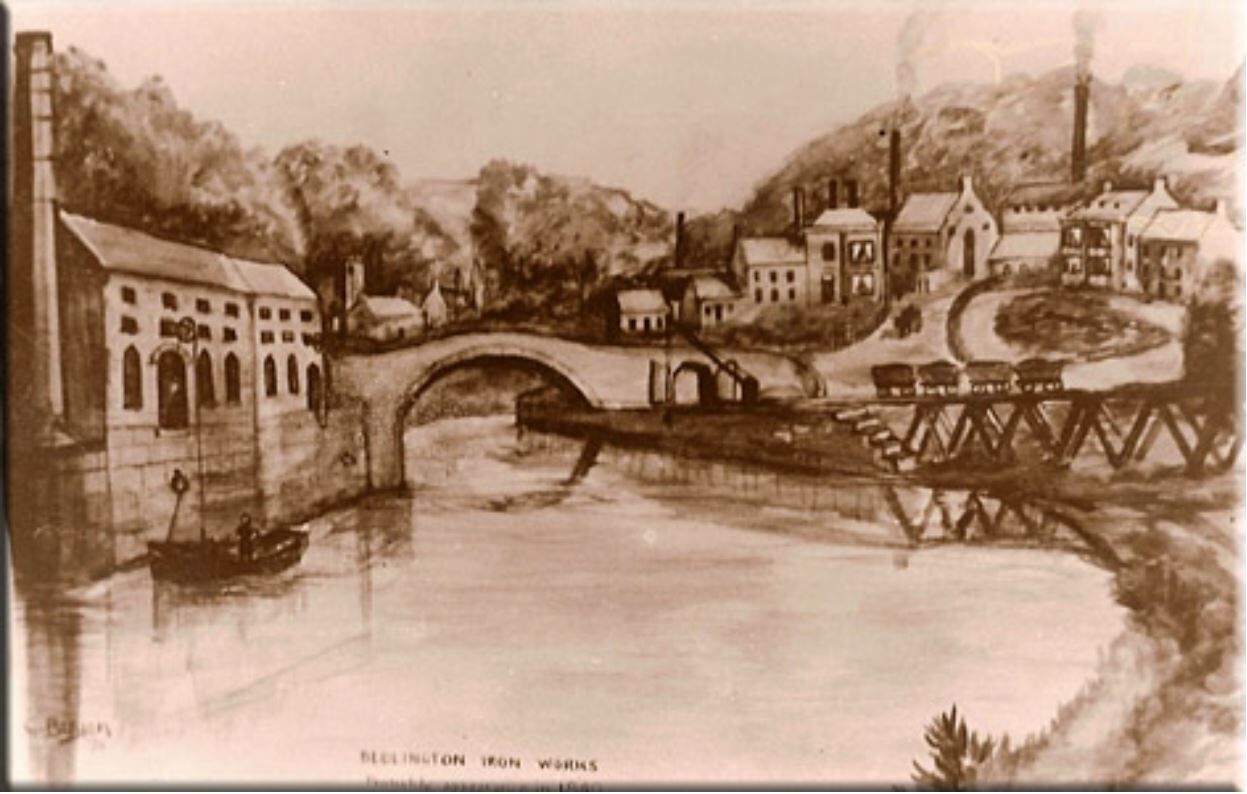
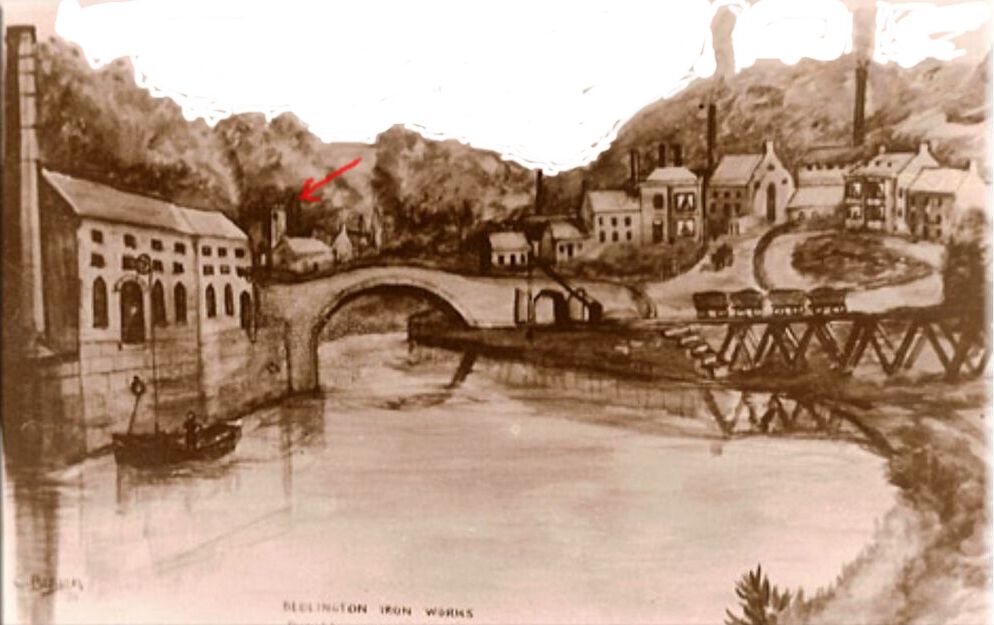
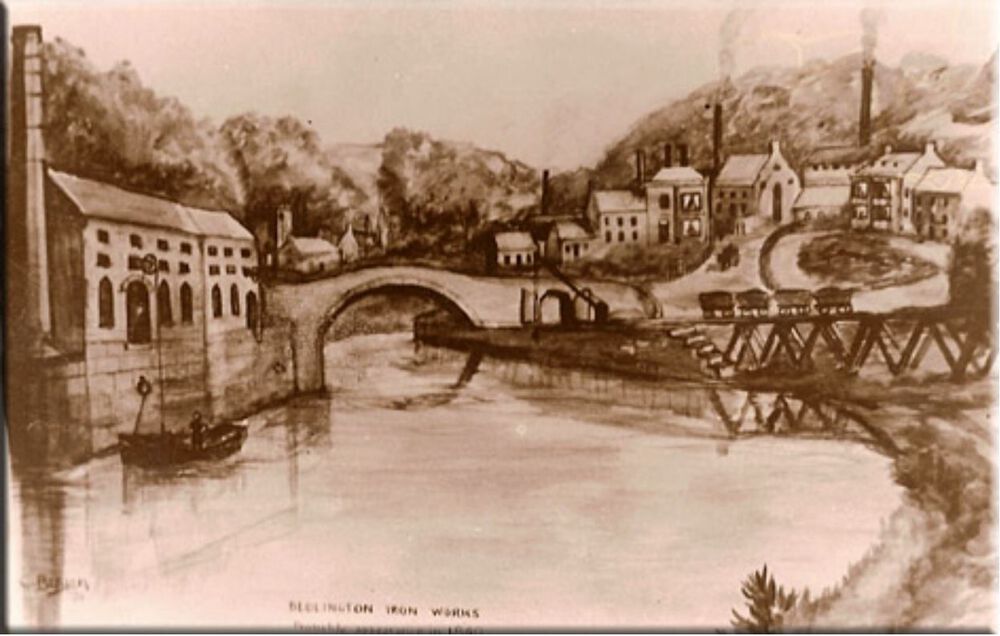
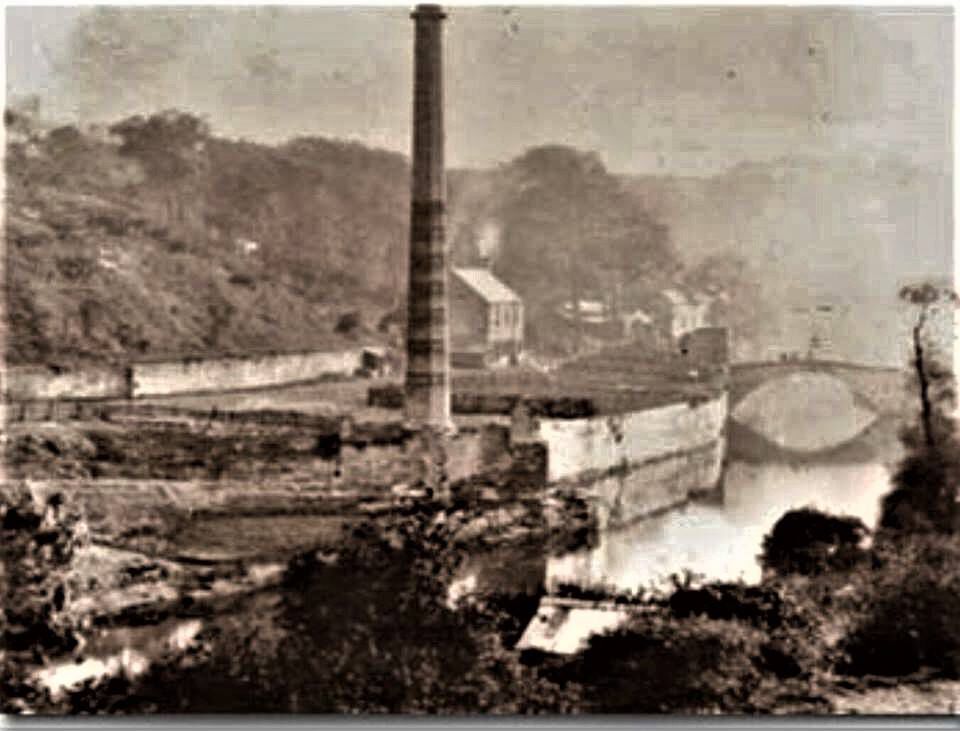
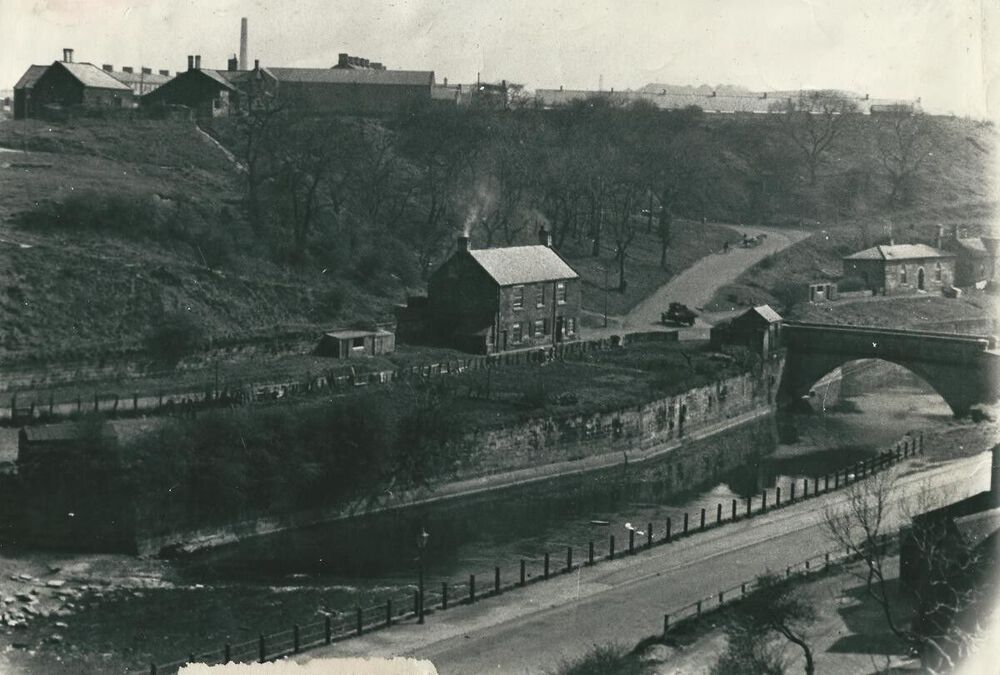
The river must have been a site to see, dredged and wiidened for the ships to load and unload. the sketch by C Bergen is great, showing the area as it once was and the coal tubs ready to be unloaded. You can also see the clock tower, it makes the clock house look more like a church. Thank goodness there are pictures to show how it looked in the past. A picture is worth worth a thousand words. Thank you so much for all your great pictures. Joe
 1 point
 -
1 point
-
1 point
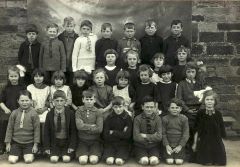 I think it's more likely to be the village school because of the stone work. The colliery school was brick built (with bricks from Choppington Brickworks if my memory serves me right). The bricks were of uniform, standard, size as can be seen in other photos of the colliery school. These are irregular in shape and size and they look more like stone.1 point
 -
1 point
-
1 point
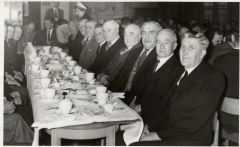 My Grandad and my great uncles are in this photo great uncle Tommy Swann second from the end Joseph Swann Snr and Billy Swann 4th and 5th1 point
 -
1 point
-
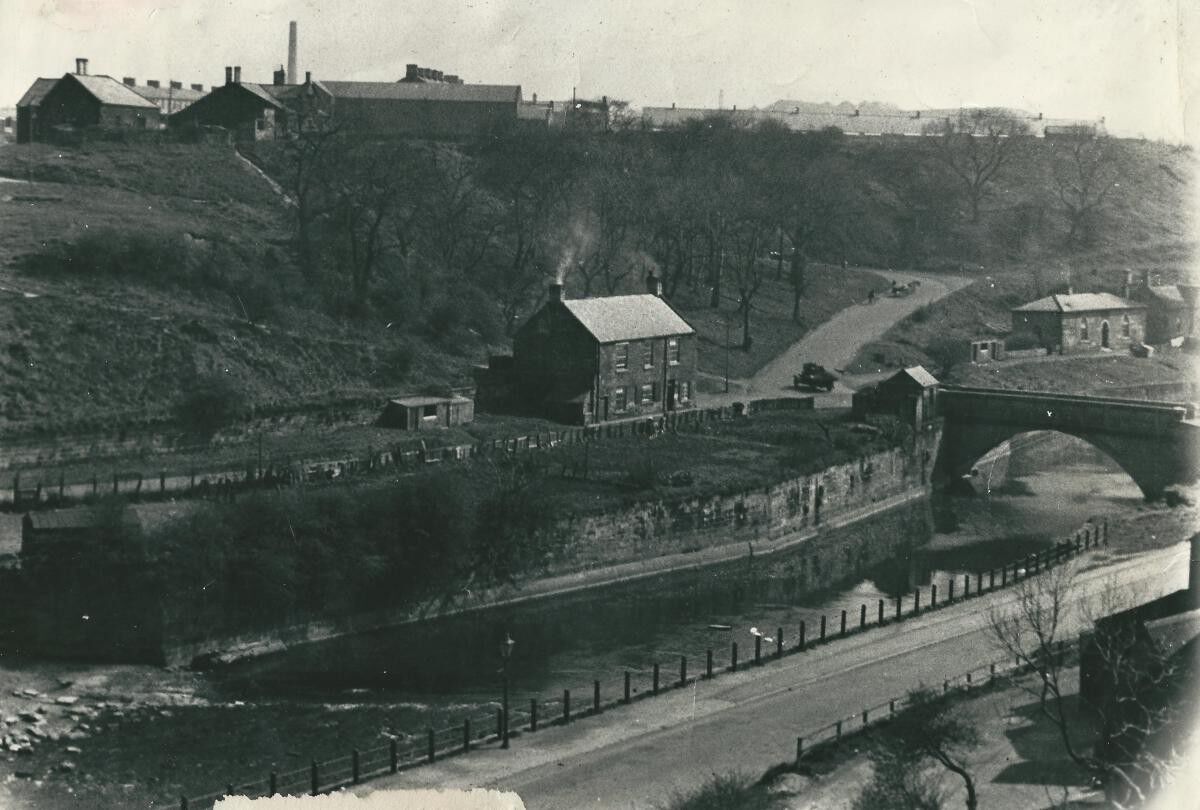
The sketch and 2 photos are all looking upstream towards the furnace bridge. The sketch by C Bergen (presumably Christopher Bergen who wrote the article about the ironworks) shows the chimney and attached buildings are built on the quay, and the 1902 photo shows they have been almost completely demolished, except the chimney. However it does look like there a small building remaining next to the bridge that could be the small building mentioned by Joe. The sketch shows a ship being unloaded or loaded so the buildings must have been warehouses for storage of goods that have been unloaded or are for loading onto ships berthed at the quay. Even today you can see the steel mooring rings anchored into the side of the quay.
 1 point