Contributor Leaderboard
-
3Points6,990Posts
-
.jpg.cdd7f8371d17e2f2f2e2a0e21e02f727.jpg) 1Points3,654Posts
1Points3,654Posts

.thumb.jpg.7493ddab4a696108cf2b849323d3c155.jpg)
Popular Content
Showing content with the highest reputation on 22/02/22 in all areas
-
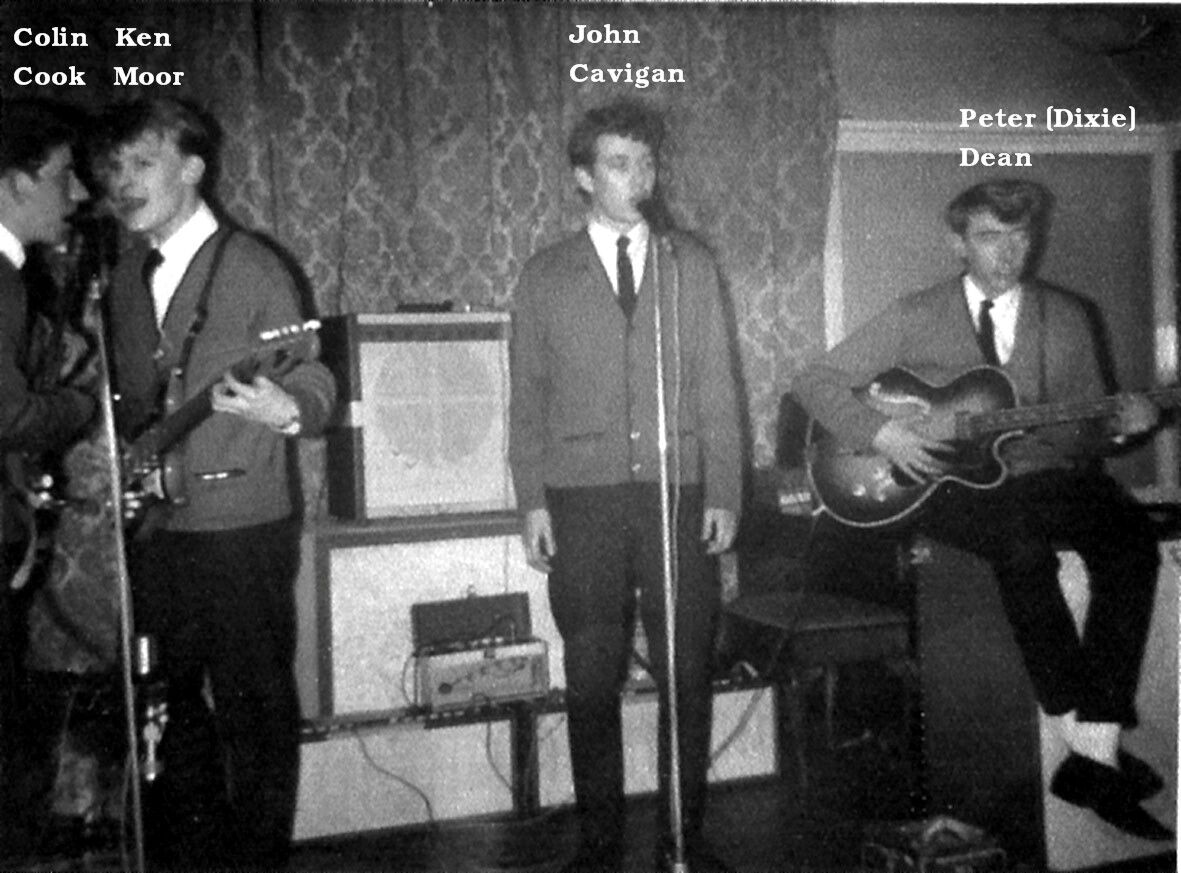
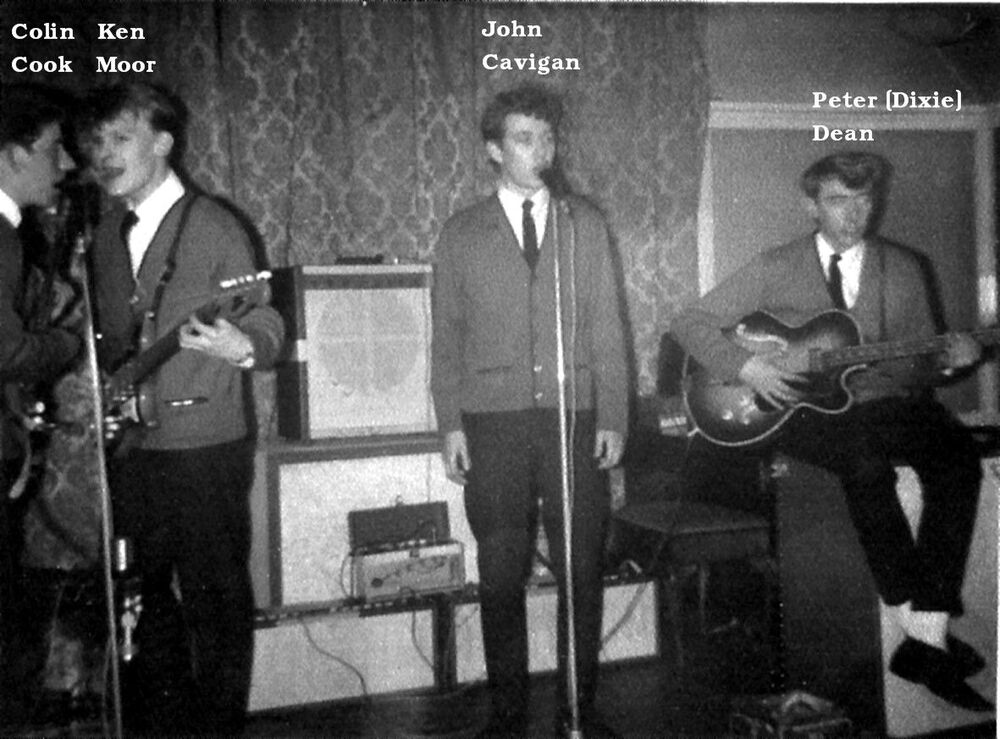
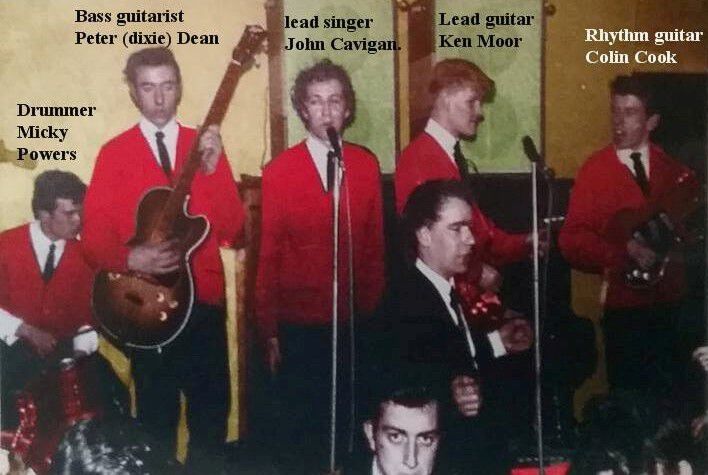
2 points@Anne Gilbert - I remember in the early 1960's I used to deliver the Sunday newspapers to a few house along Stead Lane but can't remember any of the names of those I delivered to. For the Sunday deliveries it wasn't just push the newspaper through the door you had to knock on the day and collect the money for the newspaper. Think I stopped delivering them in 1966 when alcohol, forced on me on a Saturday night at Craigsies Disco (Railway Tavern), used to prevent me waking up early The only name I can remember of a lad, a couple of years older than me, living in Stead Lane is Ken Moor. He used to play in a group called The Olympics and they practiced in the YMCA.
 2 points
 -
1 point
-
1 point