Skip to content
View in the app

A better way to browse. Learn more.

Bedlington.uk

A full-screen app on your home screen with push notifications, badges and more.

To install this app on iOS and iPadOS
  1. Tap the Share icon in Safari
  2. Scroll the menu and tap Add to Home Screen.
  3. Tap Add in the top-right corner.
To install this app on Android
  1. Tap the 3-dot menu (⋮) in the top-right corner of the browser.
  2. Tap Add to Home screen or Install app.
  3. Confirm by tapping Install.

Contributor Leaderboard

Popular Content

Showing content with the highest reputation on 01/01/23 in all areas

  1. I'm on board All the best everyone - make sure you enjoy every day you wake up
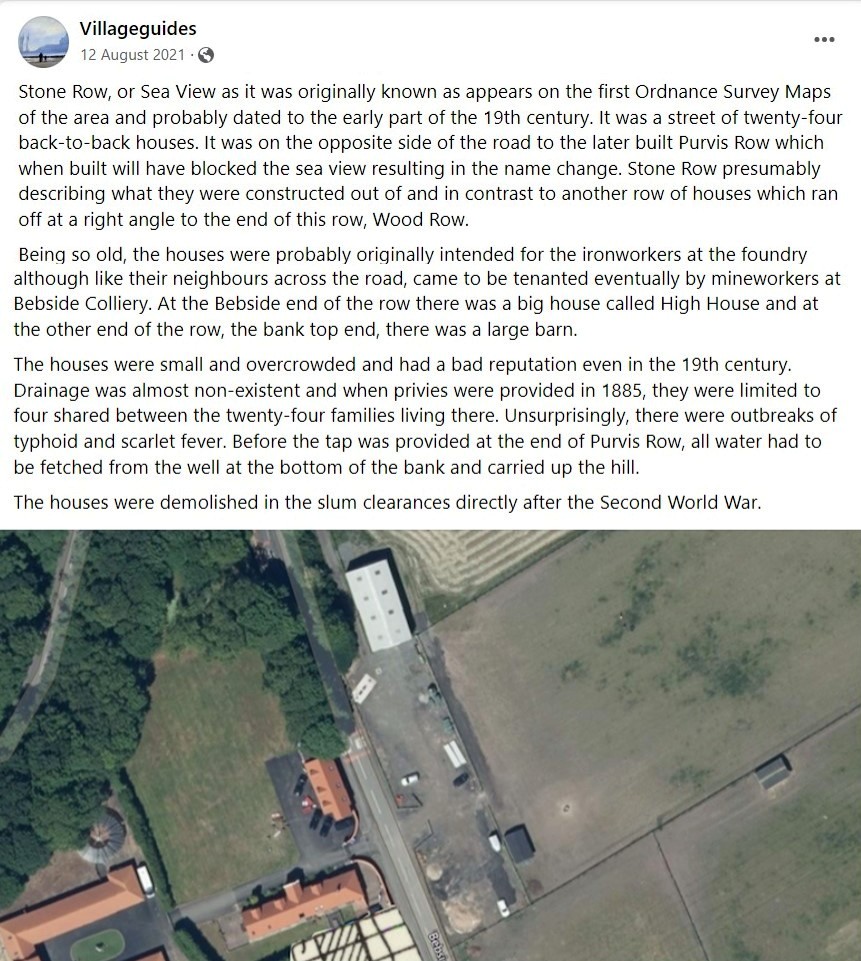
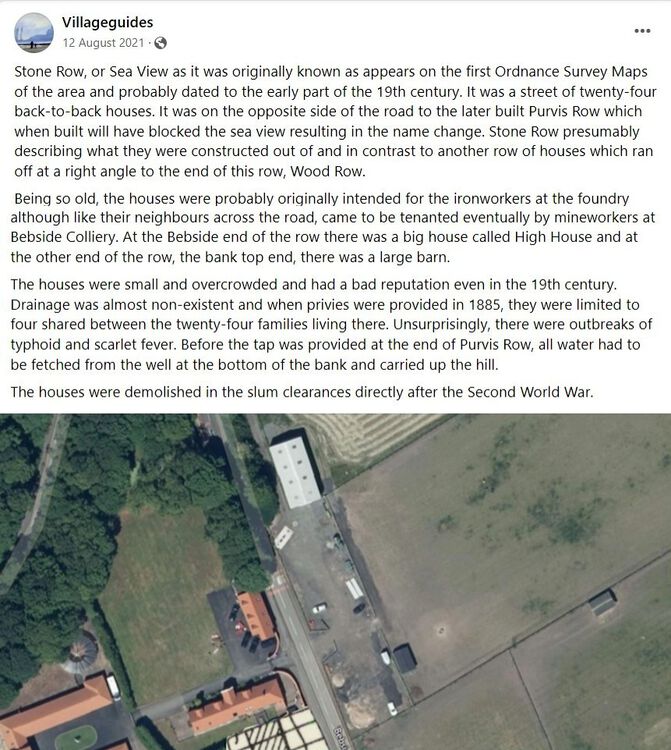
  2. Whilst looking through the Facebook Villageguides group on Bebside I spotted some info, nothing new as far as I can see, but just confirmation of what has already been said by @Canny lass
  3. Enjoy your flight everyone, have a safe and happy journey through 2023, Safe landings and a happy new year.

Account

Navigation

Search

Search

Configure browser push notifications

Chrome (Android)
  1. Tap the lock icon next to the address bar.
  2. Tap Permissions → Notifications.
  3. Adjust your preference.
Chrome (Desktop)
  1. Click the padlock icon in the address bar.
  2. Select Site settings.
  3. Find Notifications and adjust your preference.