Contributor Leaderboard






Popular Content
Showing content with the highest reputation on 03/08/23 in all areas
-
2 pointsTicket office Vic? They are trying to close all but a handful across the country.2 points
-
1 point
 I'ts just I like to credit the person(s) who have named anyone in the photos otherwise people might think I knew everyone who ever went to school in Bedlington1 point
 -
1 point
They didn't leave a name. The message originated from Guildford if that's any help.1 point
-
1 pointI thought 'Guest's were able to view the whole group but didn't think 'Guest's were able to add comments or am I missing something1 point
-
1 pointhttps://www.theguardian.com/business/2023/jul/05/plans-for-mass-closure-of-railway-ticket-offices-in-england-confirmed#:~:text=The move%2C pushed by the,busiest stations%2C within three years.1 point
-
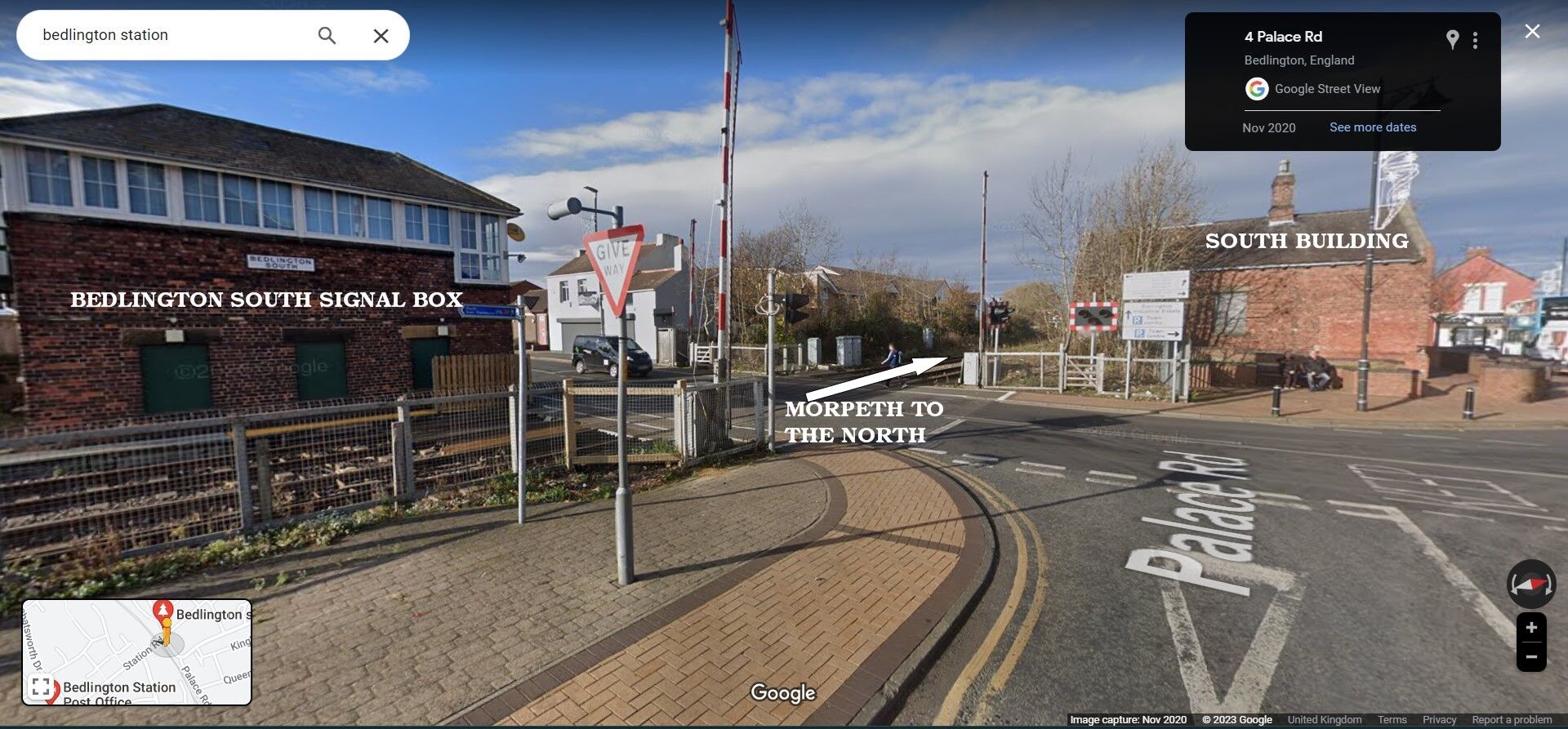
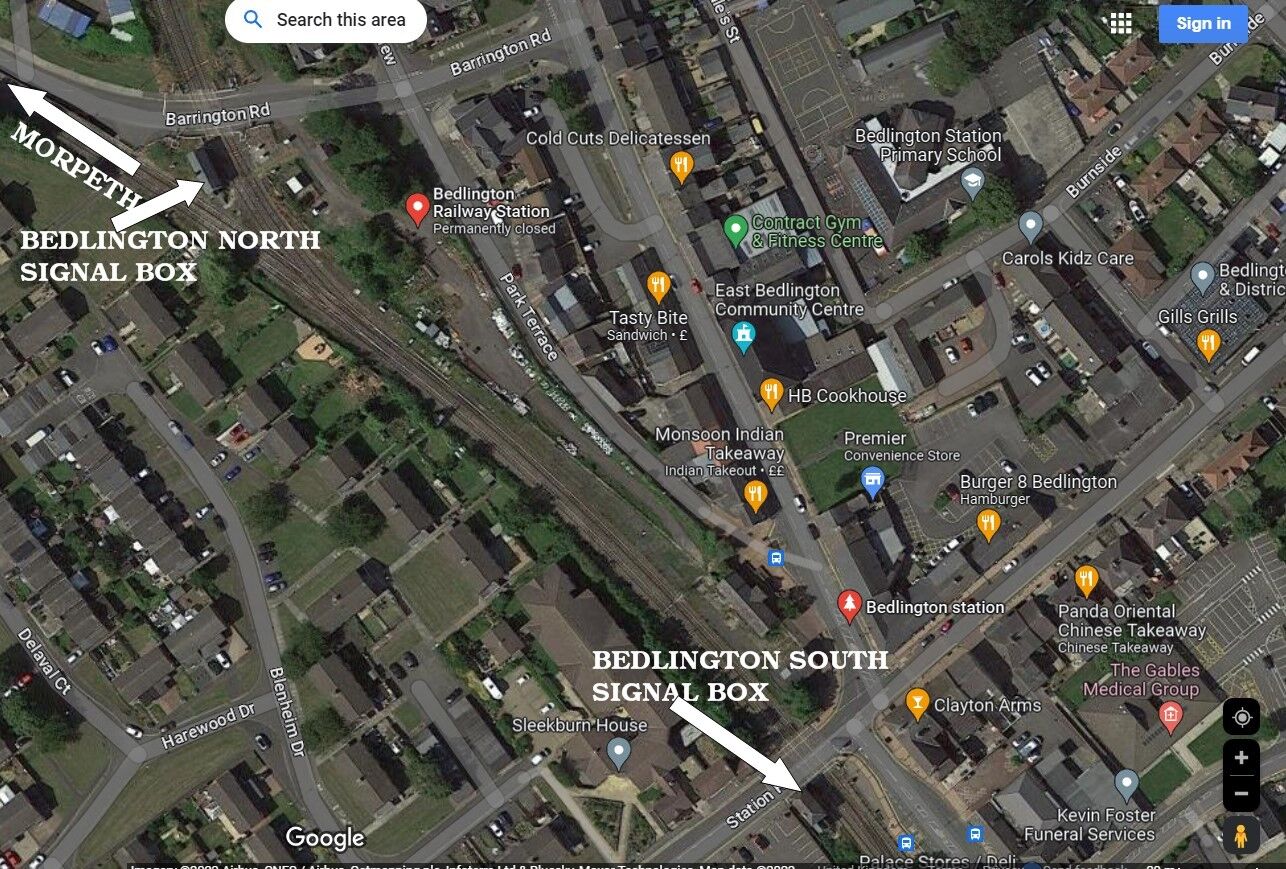
1 pointI now understand the reason for referring the buildings North and South, my confusion comes from the building that looks like it will be the "new" station/ticket office, isn't assigned a title or number on the concept drawings (located between #7-#8-#9.) I thought it was being referenced as "North" as the consultant planner Gordon Haliday refers to it as the North building to the south of the "South" building that is being discussed for demolition. As does the illustrations!1 point
-
1 pointThese Google Maps shots, with some text added, might help @Vic Patterson
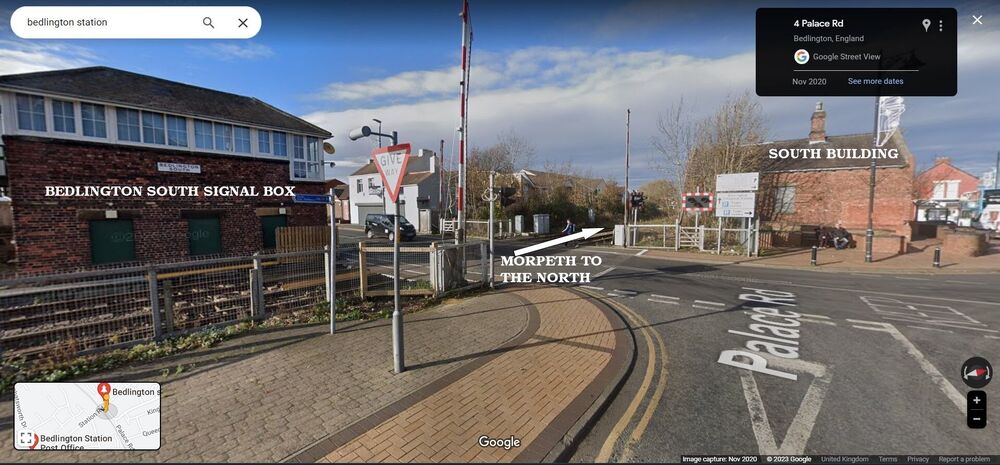
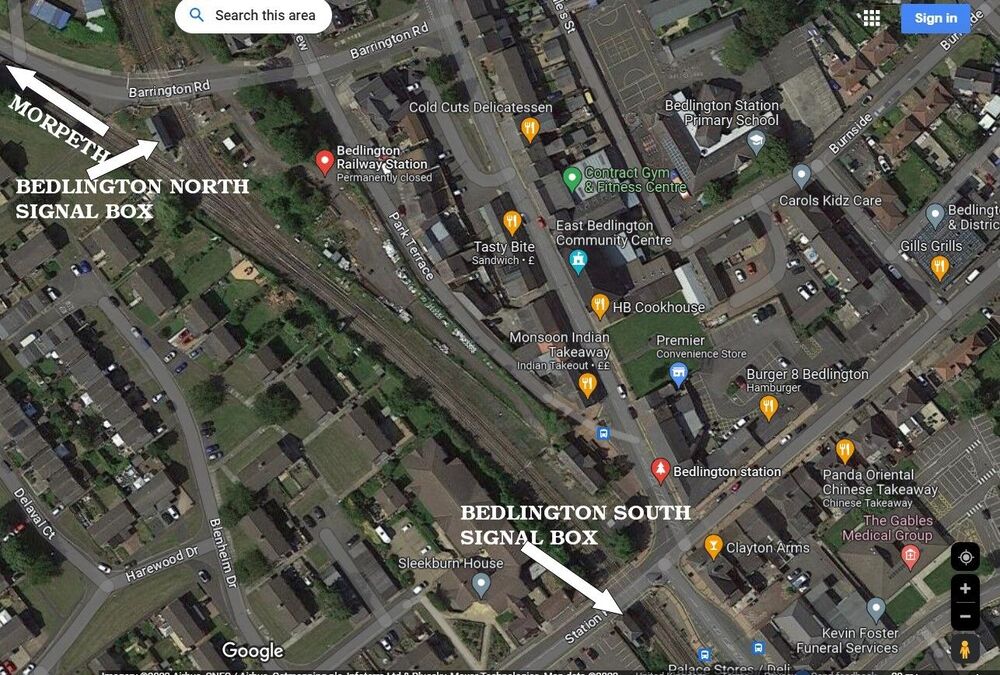 1 point