Contributor Leaderboard
-
Symptoms
Members3Points1,630Posts -
Mal
Members3Points109Posts -
Maggie/915
Members2Points2,571Posts -
 1Points1,451Posts




Popular Content
Showing content with the highest reputation on 22/12/23 in all areas
-
It’s that time of year again when thoughts of old friends emerge again and fond memories stir the soul. I hope everybody here is well. Wishing you all good time over the holidays and a safe happy New Year. Sym3 points
-
2 points
-
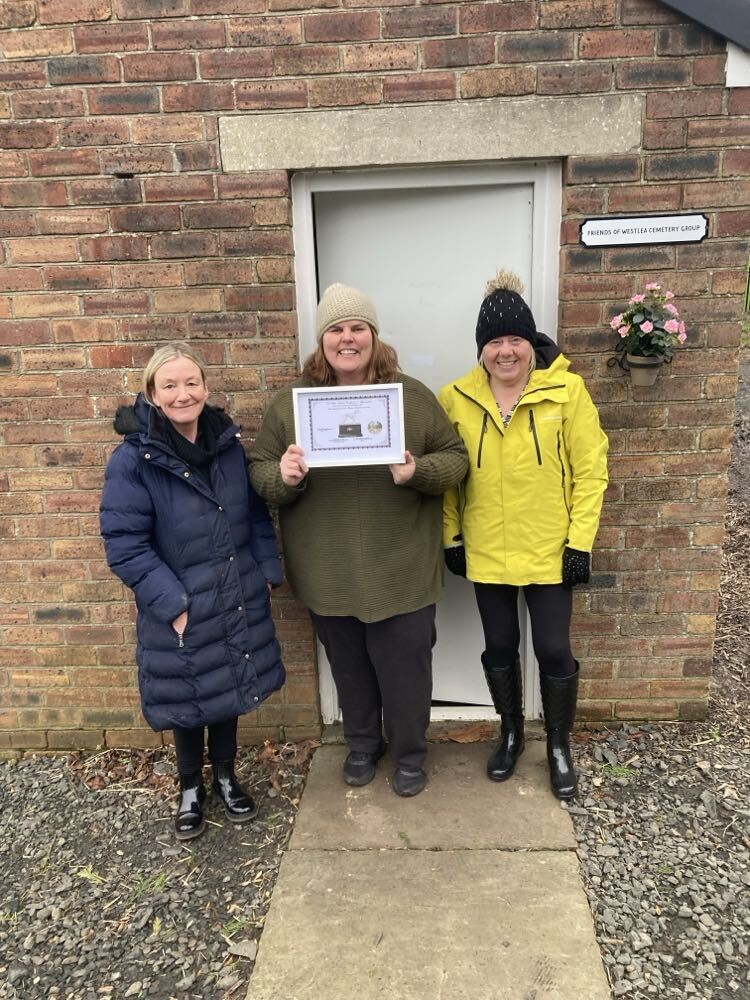
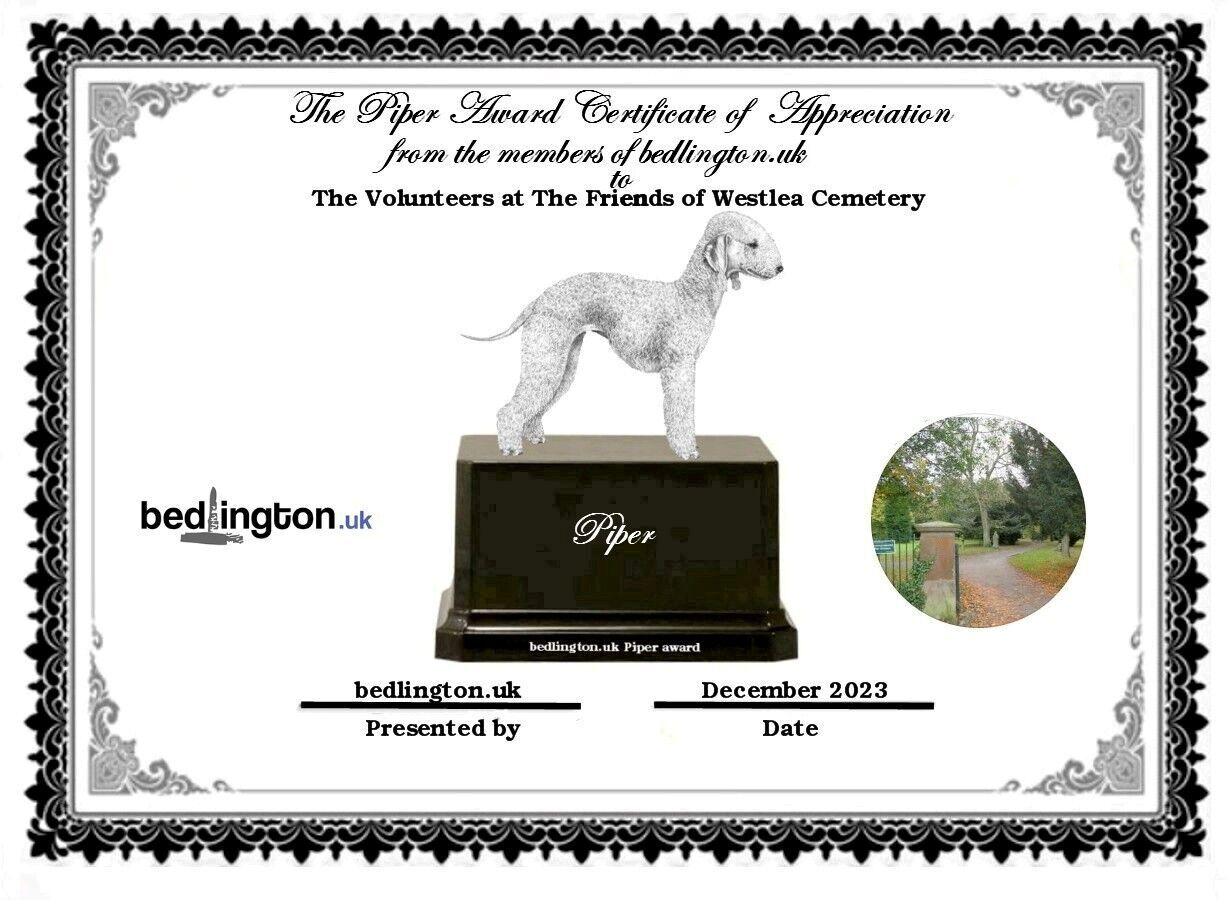
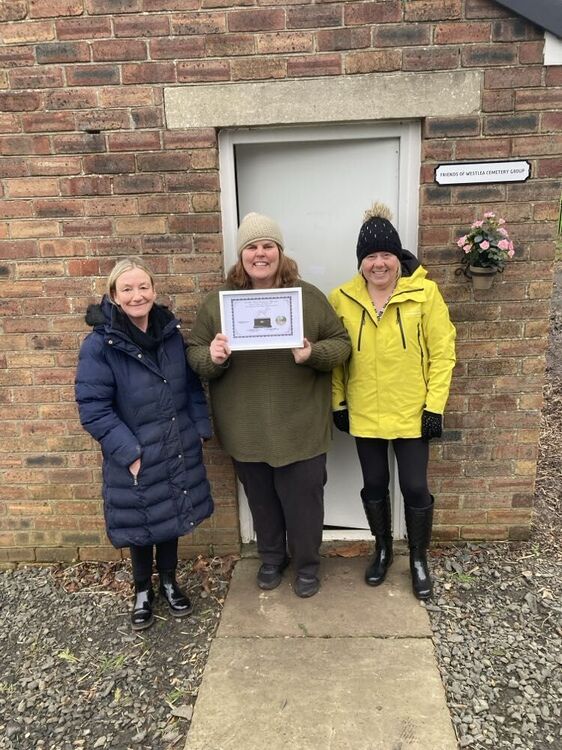
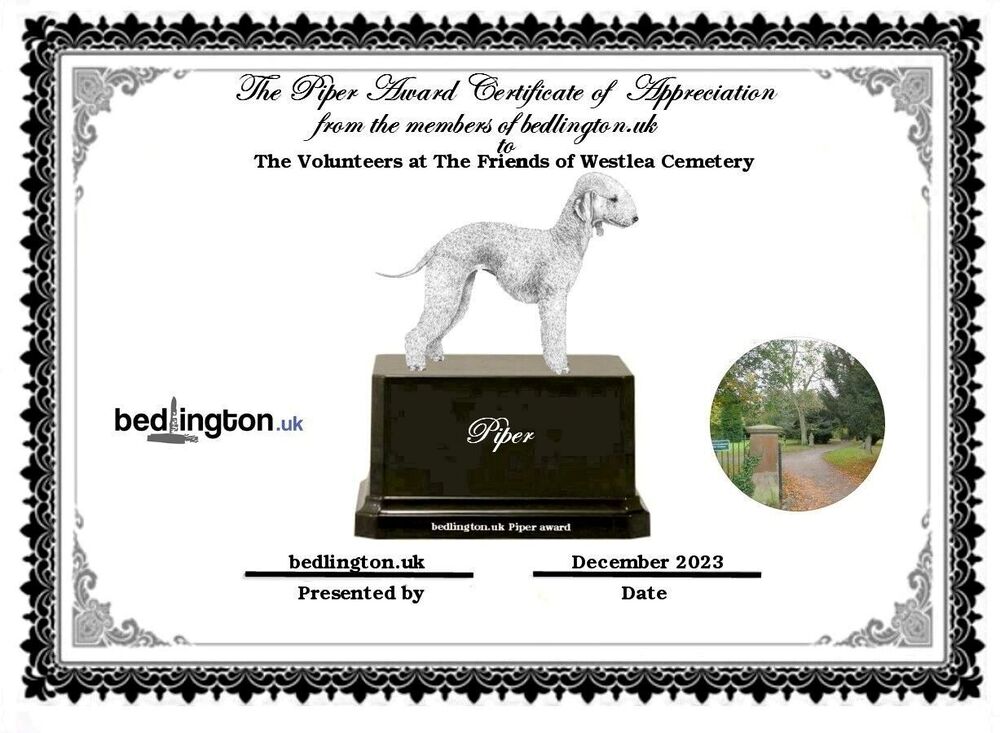
2 points1 point1 pointMy pleasure this morning to give the lasses who are the Friends of West Lea Cemetery their newest award, off our friends at Bedlington.co.uk. This is the 2023 Piper award and given a lot of members on that site are ex-pats it’s nice to know they still keep up with current going-ons in Bedlington. Given in recognition of someone or a group who have made outstanding efforts in the Town over the last year, a well-deserved award. Well done girls.........
 1 pointSame from me, Merry Christmas and Happy New Year to everyone.1 pointThank you Alan, Merry Christmas to you and yours, Merry Christmas to all members.1 point